NiftyConnect: Telegram And Email Notifications Wordpress Plugin - Rating, Reviews, Demo & Download
Plugin Description
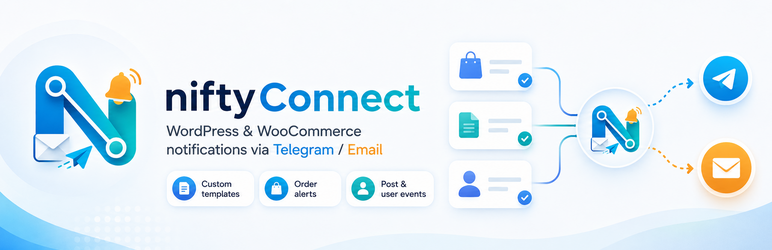
niftyConnect helps site users receive timely notifications for important WordPress and WooCommerce events.
niftyConnect includes email and Telegram notification channels, customizable templates, per-channel notification routing, trigger-specific role and custom recipients, manual test notifications, Telegram message controls, and an optional administrator-configured daily sending limit. Set the daily limit to 0 for unlimited sending.
Features
- Email notification channel.
- Telegram notification channel with bot, chat, formatting, and link preview settings.
- Per-channel notification routing for WordPress and WooCommerce events.
- Trigger-specific role recipients and custom email recipients.
- Custom templates for each event.
- Manual test notification.
- New post published notifications.
- Post updated notifications.
- New comment notifications.
- Pending comment moderation notifications.
- New user registration notifications.
- WooCommerce new order notifications.
- WooCommerce completed order notifications.
- WooCommerce order status change notifications.
- WooCommerce new customer notifications.
- WooCommerce low stock notifications.
- WooCommerce back in stock notifications.
- Optional daily notification sending limit.
Third-party services
niftyConnect can send Telegram notifications only after an administrator enters a Telegram bot token and chat ID. When Telegram is enabled, the plugin sends the notification subject, notification body, and configured chat ID to the Telegram Bot API so Telegram can deliver the message. Depending on the enabled triggers and templates, the notification message may include site, post, comment, user, and WooCommerce order details selected in your notification template.
Telegram service: https://telegram.org/
Telegram Bot API: https://core.telegram.org/bots/api
Telegram Terms of Service: https://telegram.org/tos
Telegram Privacy Policy: https://telegram.org/privacy
Screenshots

Overview screen with notification activity and configuration status.

Trigger routing screen for Telegram and email event notifications.

Notification template screen for WordPress, WooCommerce, and system messages.

Settings screen for global delivery controls and channel setup.