Outpath Solutions Smart Image Optimizer Wordpress Plugin - Rating, Reviews, Demo & Download

Plugin Description
Smart Image Optimizer automatically optimizes every image you upload to WordPress — no external API, no monthly limits, no configuration required. Everything runs server-side using PHP’s built-in GD and Imagick libraries.
What it does
- Converts JPEG, PNG and GIF images to WebP and/or AVIF on upload
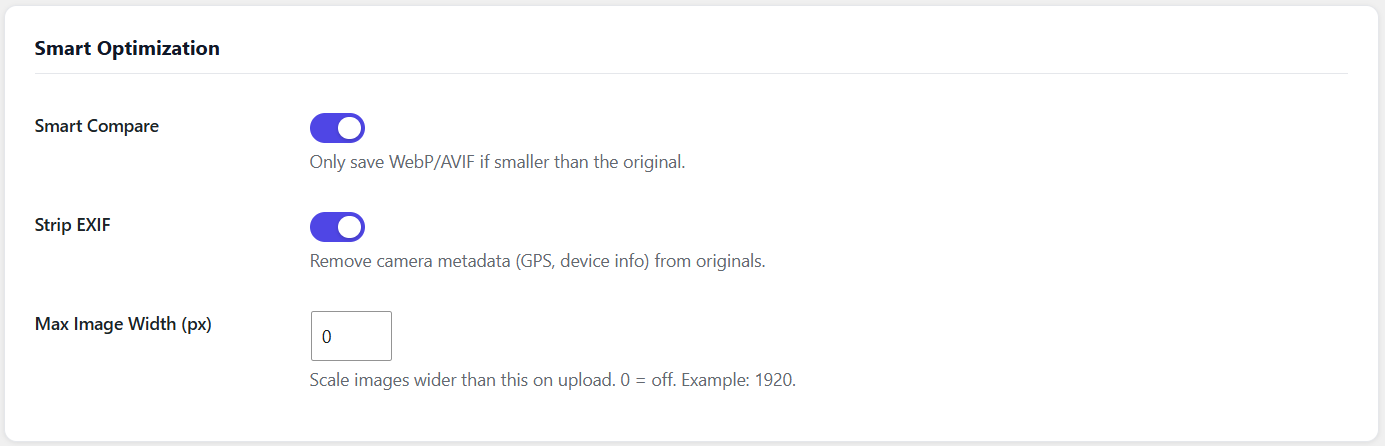
- Smart Compare: if the converted file is larger than the original, it is automatically discarded
- Strips EXIF metadata (GPS coordinates, camera info) for privacy and smaller file sizes
- Scales images that exceed a configurable maximum width
- Converts static GIFs to WebP (animated GIFs are skipped automatically)
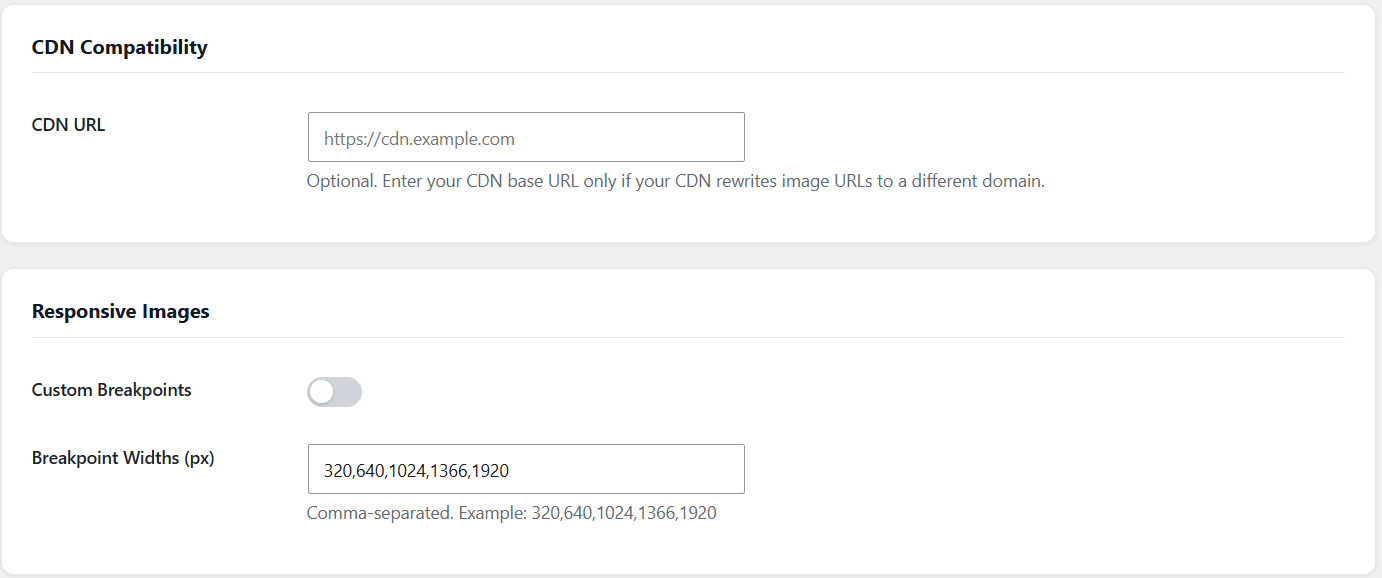
- Works with CDN setups via an optional CDN URL setting
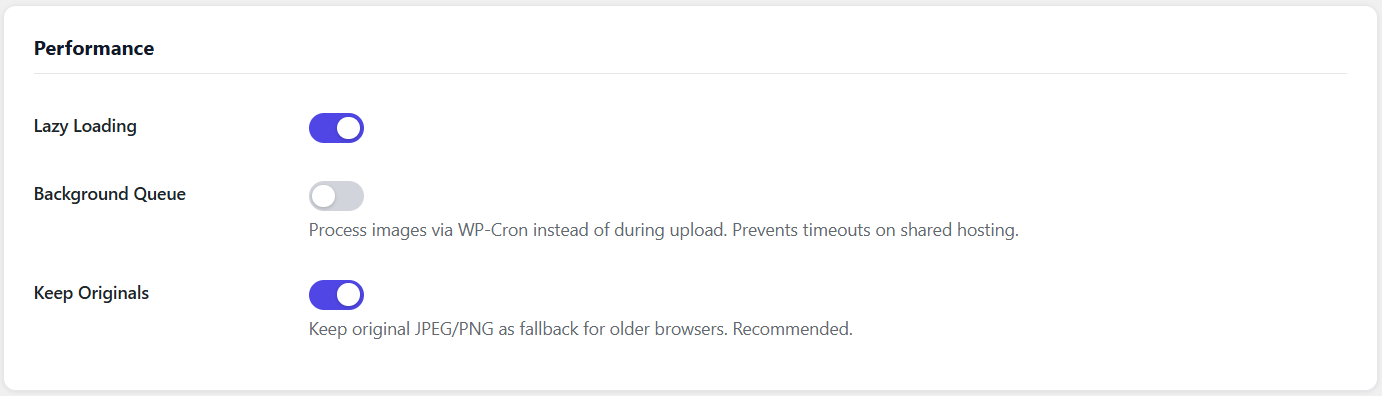
- Background queue processing — uploads stay fast even with large images
- Detailed stats dashboard showing bytes saved, files converted and load time improvements
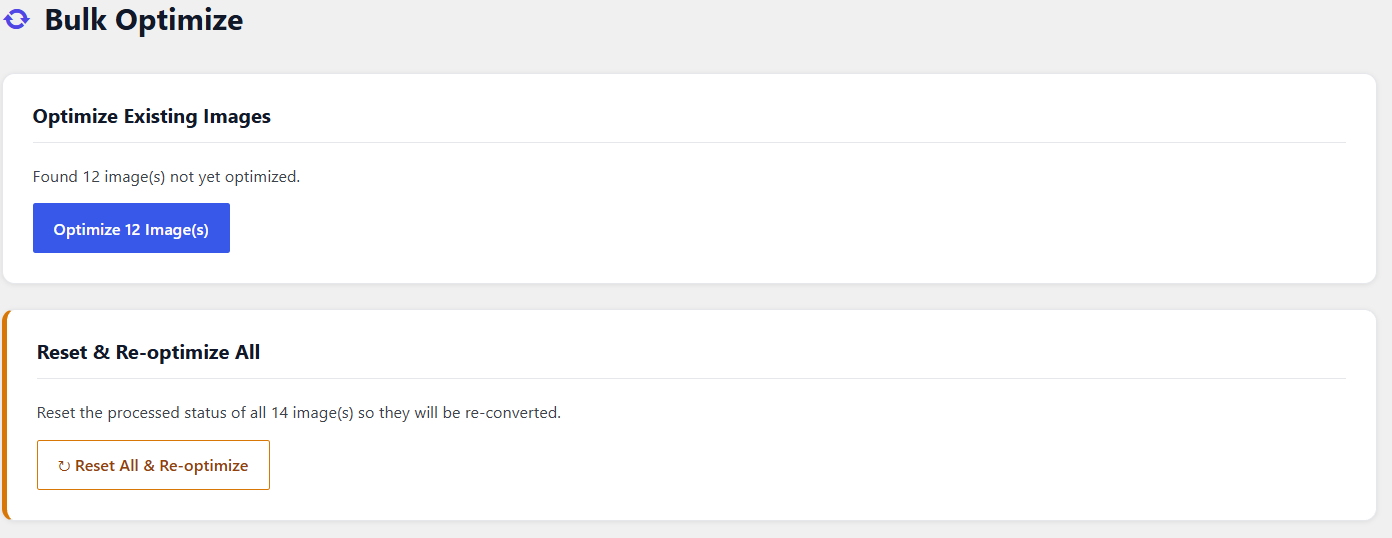
- Bulk optimize tool to convert your existing media library
No API key required
Unlike many image optimization plugins, Smart Image Optimizer runs entirely on your own server using PHP’s GD and Imagick extensions. No account, no external service, no usage limits.
Pro version — AI-powered features
The Pro version adds AI-powered image management via the Anthropic API (your own key):
- Image Recognition — detects people, places and objects in every photo
- Alt Text Generator — generates accurate alt text with one click
- SEO Filenames — suggests keyword-rich filenames based on image content
- Caption Generator — generates captions and product descriptions from images
Learn more about Smart Image Optimizer Pro
Screenshots
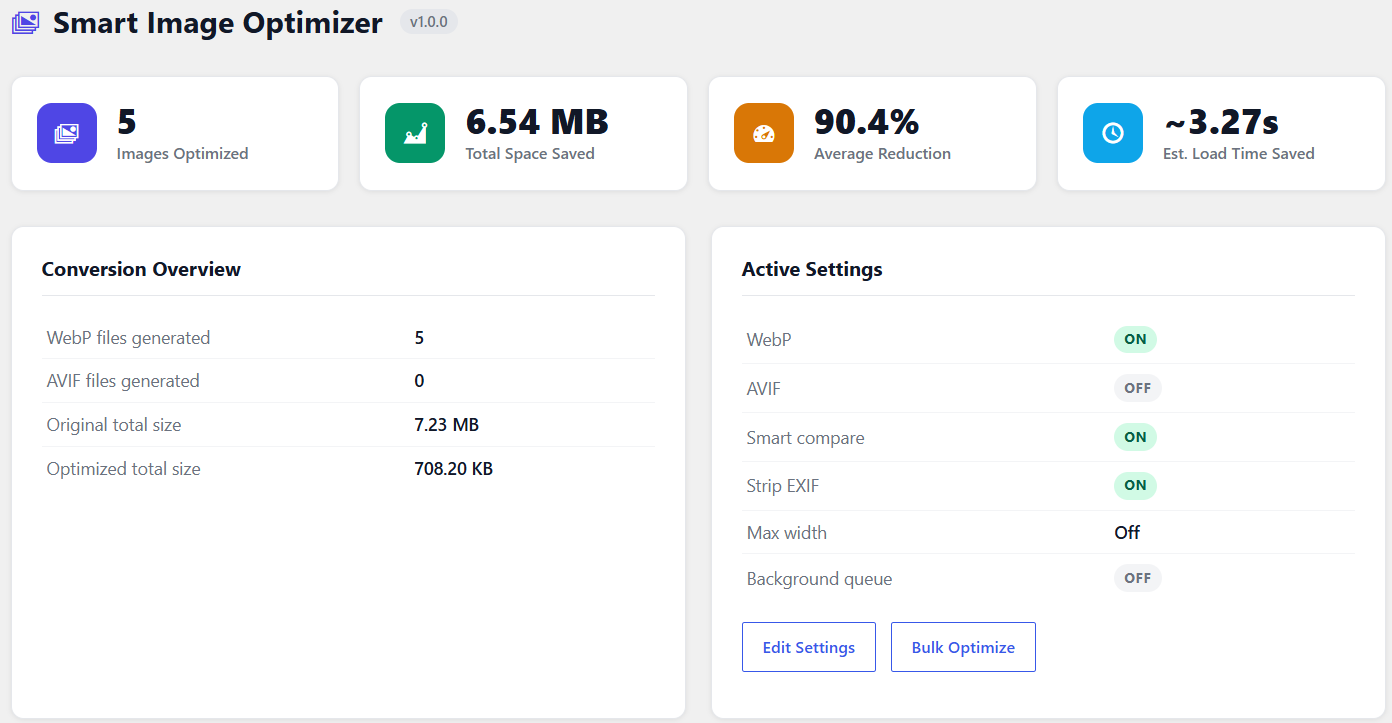
Stats dashboard showing bytes saved and files converted
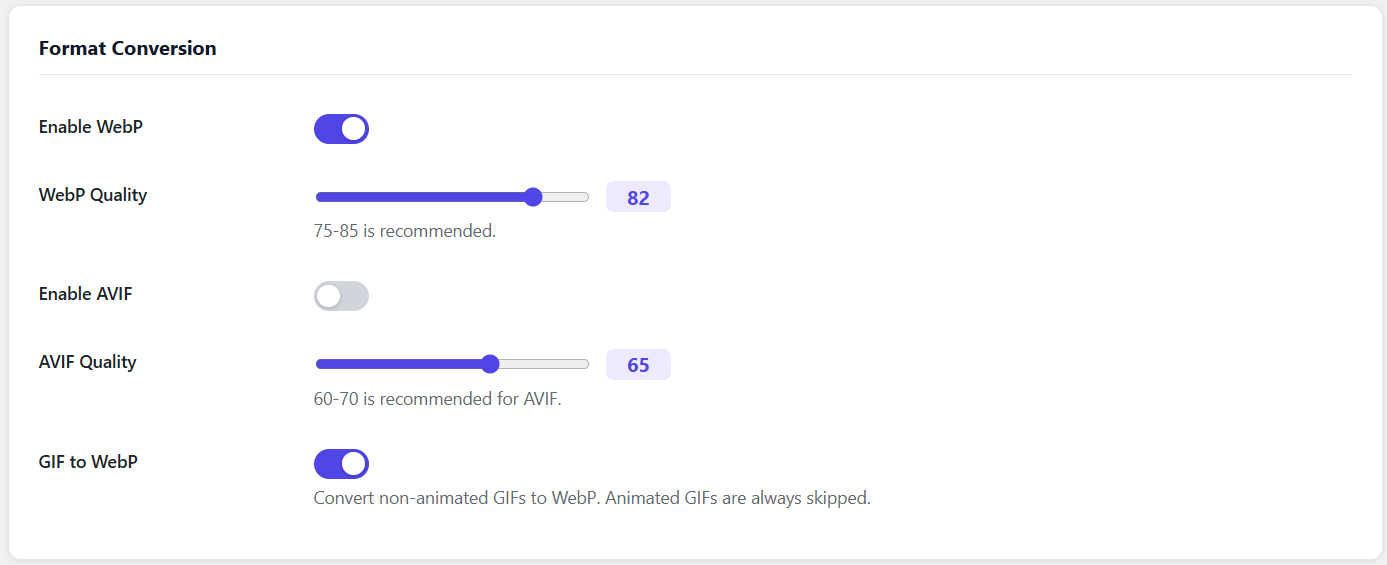
Settings page with format, quality and optimization options
Bulk optimize tool for converting the existing media library
AI features panel (Pro) with alt text generator and SEO filenames