
Persjay Graveyard Wordpress Plugin - Rating, Reviews, Demo & Download
Plugin Description
Persjay Graveyard scans your site and shows:
- Plugins that were closed on WordPress.org or have not been updated for 2 years or more.
- Inactive plugins and unused themes, with the space they take up.
- An “autopsy” of each plugin: the database tables, saved options, cached values, scheduled tasks and upload folders it keeps.
- Database tables left behind by plugins you already removed, with a confidence label for each.
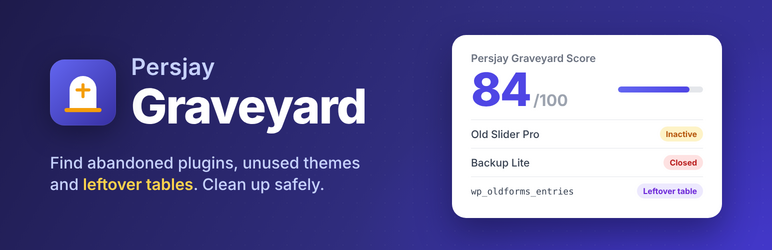
- A Persjay Graveyard Score from 0 to 100 and a dashboard widget.
You can delete orphaned tables from the screen. Deletion needs a typed confirmation, only removes tables that are orphaned at that moment, and never touches core tables or tables of another WordPress install in the same database.
Free includes automatic table snapshots before deletion and restore access, with 30-day retention. If a snapshot cannot be saved, no tables are deleted. These snapshots cover selected tables, not a full site backup.
Pro adds full cleanup of the options, cached values and scheduled tasks an inactive plugin left behind, one-click removal of unused themes, and scheduled scans with an email digest.
Business adds closed-plugin alerts, replacement suggestions, auto-bury rules that wait for your approval, an activity log with CSV export, and WP-CLI commands.
Agency adds a multisite network view with bulk actions, white-label branding and printable client reports.
Good to know
“Abandoned” is a signal, not a verdict: some small plugins are simply finished. Table matching is based on names, so check each table before deleting and keep a backup.
Where are snapshots stored?
Automatic storage prefers private ZIP files when the server supports them and uses the database otherwise. Saved storage choices take precedence. In Persjay Graveyard > Settings, all plans can choose private ZIP storage and enter an existing writable server directory outside all web roots. Persjay Graveyard > Snapshots shows the active storage and expiry dates. Existing snapshots remain in their original storage. Snapshots expire after 30 days by default and are removed during scheduled cleanup. If the private ZIP location is unavailable, ask your host to define PJGY_SNAPSHOT_PRIVATE_ROOT in wp-config.php as an existing writable directory outside all web roots. On hosts with web aliases or multiple document roots, use a location your host confirms is private. If legacy snapshots are on a separate filesystem, your host may need to move the snapshot folder manually. Cleanup stays blocked until storage is ready.
Can I download a ZIP without setting up a private folder?
Yes. Keep Database selected and use Download ZIP on a snapshot in Persjay Graveyard > Snapshots. ZIP downloads require the PHP ZIP extension. To save future ZIPs on the server, use Check ZIP storage in Persjay Graveyard > Settings.
External services
This plugin asks the WordPress.org plugin API (https://api.wordpress.org/plugins/info/1.2/) whether each installed plugin is still available and when it was last updated. Only the plugin folder name is sent, never your site address. This happens when you run a scan, and results are cached for 7 days. See the WordPress.org privacy policy: https://wordpress.org/about/privacy/
Screenshots

The overview: your Persjay Graveyard Score and what needs attention.

Every installed plugin with its WordPress.org status, size and leftovers.

Database tables left behind by removed plugins, each with a confidence label and a typed confirmation before deletion.

Unused themes and the space they take up.

The dashboard widget.


