PhilDesigns Client Review Wordpress Plugin - Rating, Reviews, Demo & Download

Plugin Description
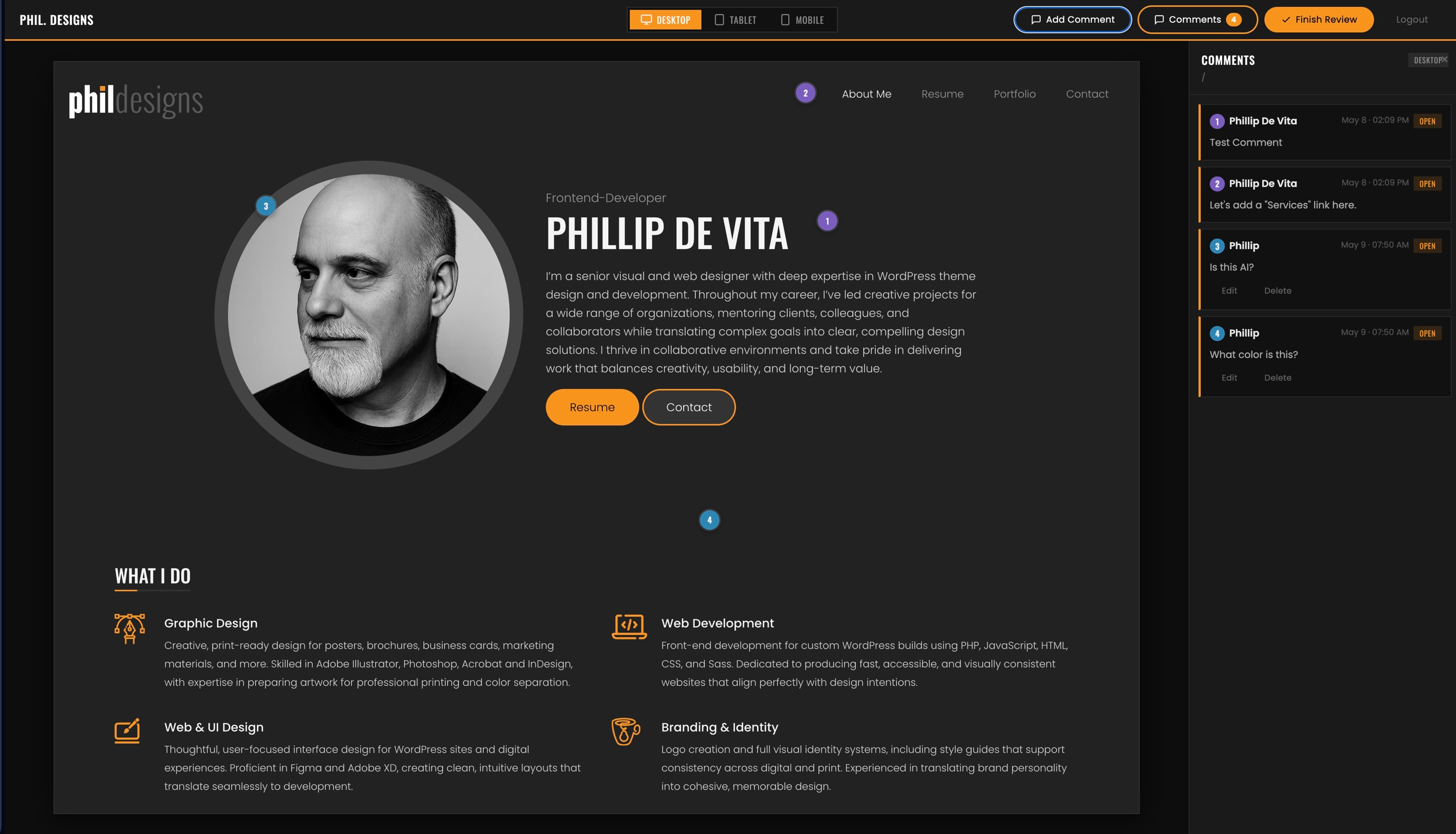
Send clients a private, single-use invite link to preview your WordPress site before launch. Clients register and land in a full-screen preview shell where they can switch between Desktop, Tablet, and Mobile viewports and drop numbered pin annotations anywhere on the page — similar to commenting in a PDF.
All comments are stored per page and per device size. When the client finishes, they submit their review, which emails a formatted HTML summary to the site admin. The admin can then view all feedback in a dedicated dashboard, mark items as Done or Needs Clarification, and leave response notes.
Features
- Single-use, expiring invite links — clients register once and are assigned the Client Reviewer role automatically
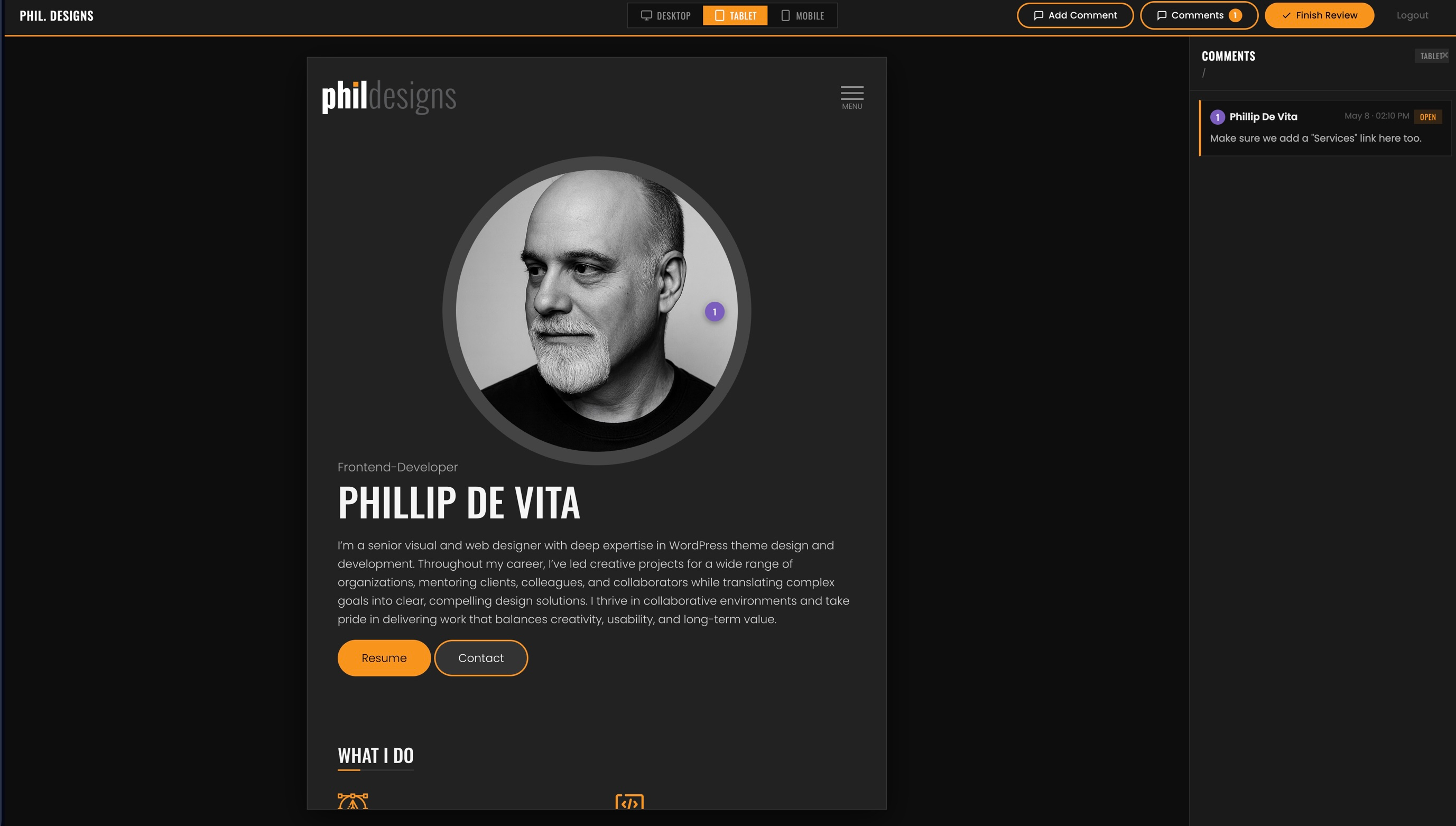
- Full-screen preview shell with Desktop (1440px), Tablet (768px), and Mobile (390px) viewport switching
- Click-to-pin annotations — clients click anywhere on the page to drop a numbered pin and write a comment
- Comments stored per page URL and per device size
- Multiple reviewers supported — each user can only edit or delete their own comments
- Admin response notes visible to the client on their next login
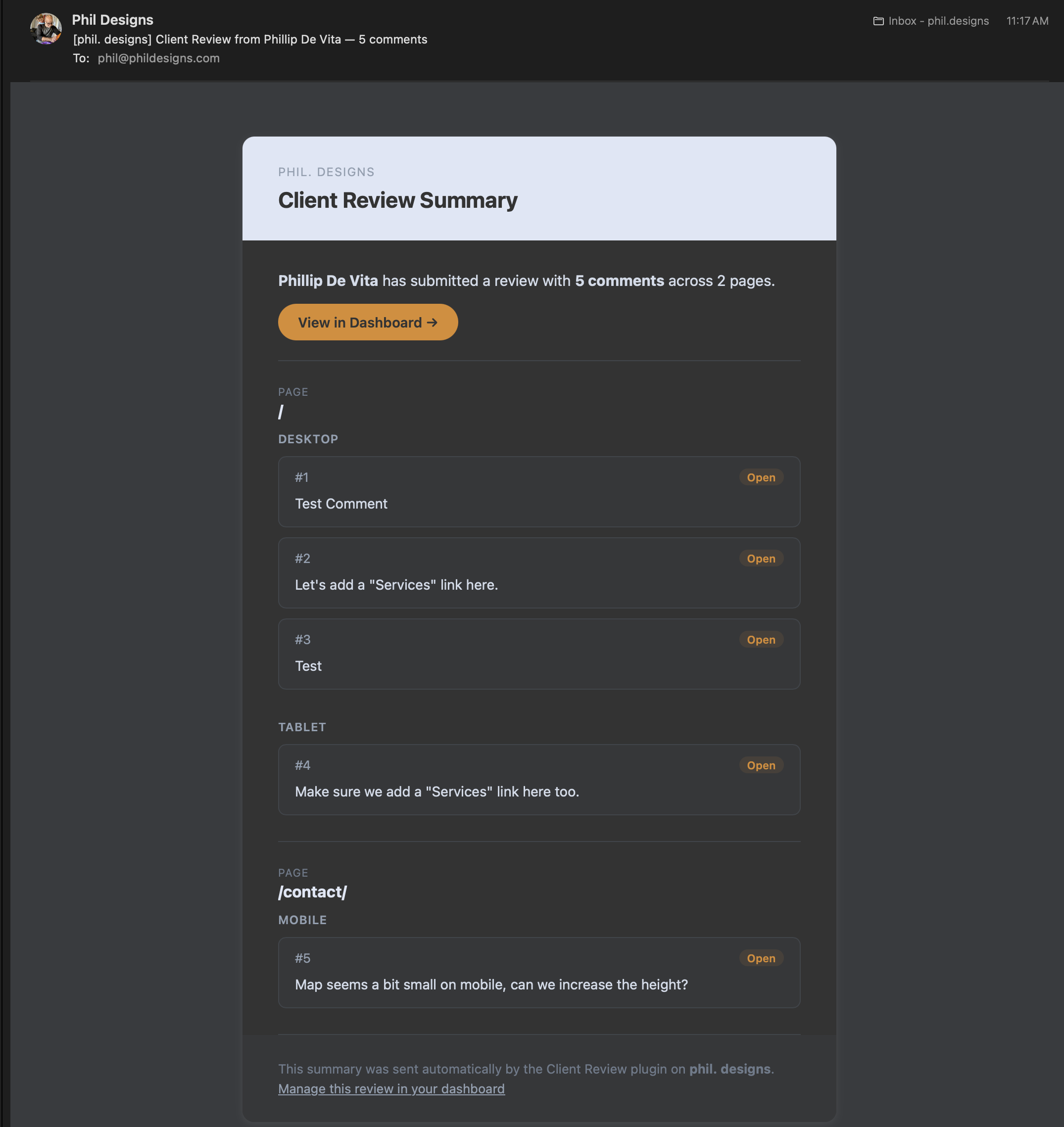
- “Finish Review” button sends a formatted HTML email summary to the site admin
- Admin dashboard with per-reviewer comment lists, status controls (Open / Done / Needs Clarification), and admin note fields
- Client Reviewer role is blocked from wp-admin and has the admin bar hidden
- Customisable typography, accent colour, and button styles via the Settings page
- No external dependencies — no third-party services or APIs required
Screenshots
Preview shell with pin annotations and the comment sidebar open
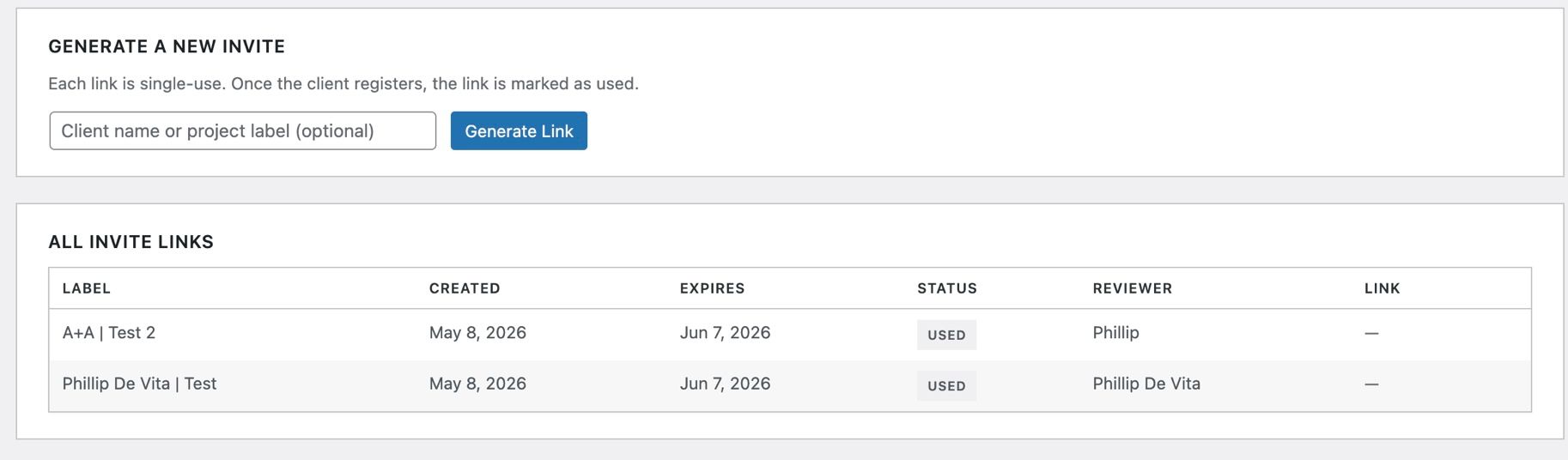
Generating a new invite link in the admin dashboard
Invite links table showing status (Active / Used / Expired)
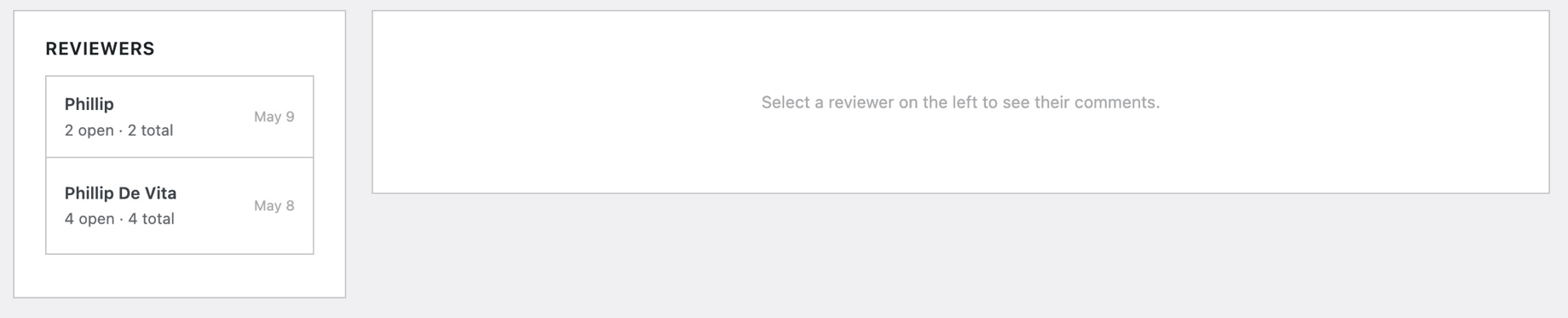
Reviews dashboard — reviewer list on the left, annotations on the right
Annotation card with status dropdown and admin note field
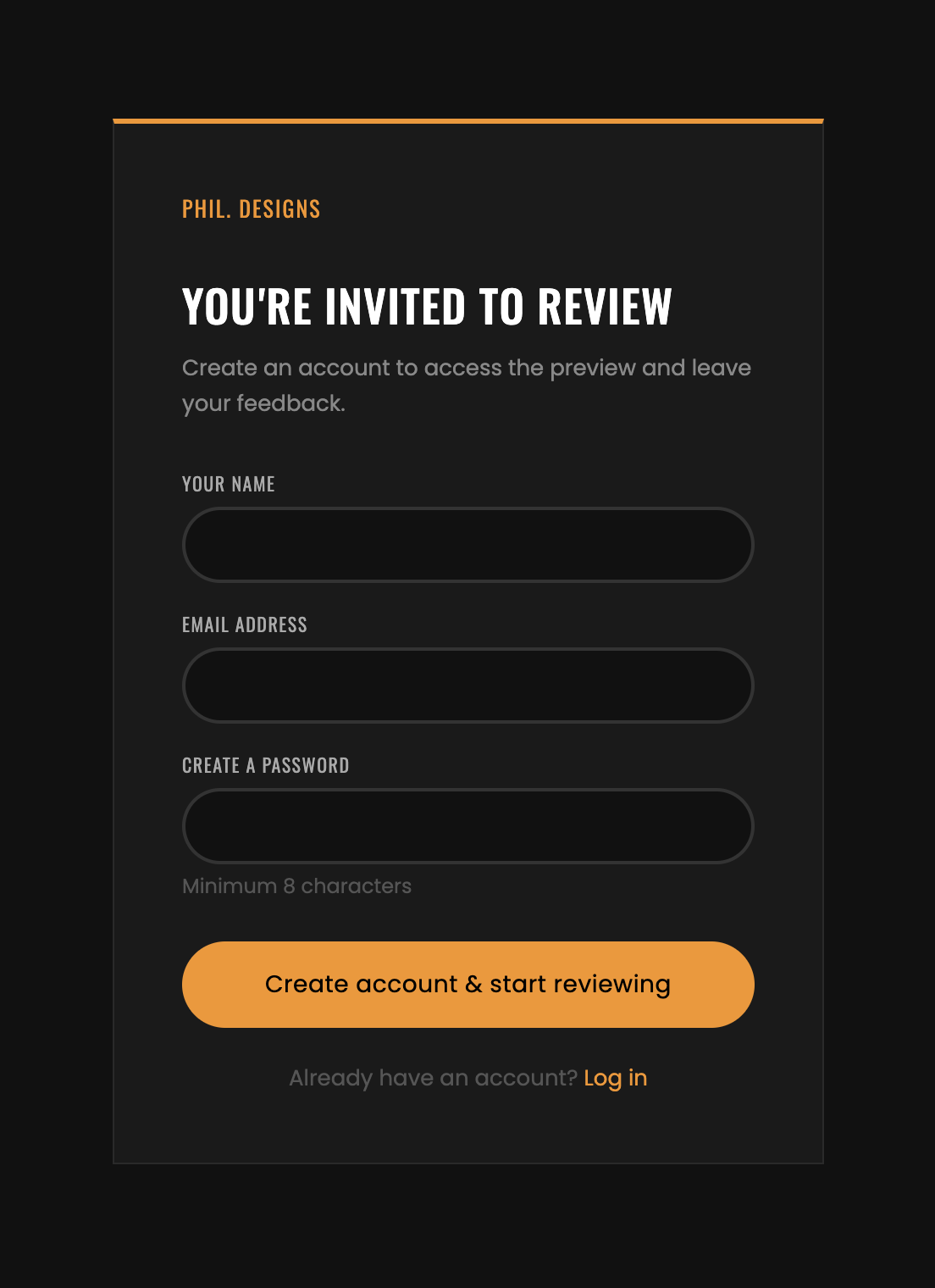
Registration form clients see when opening their invite link
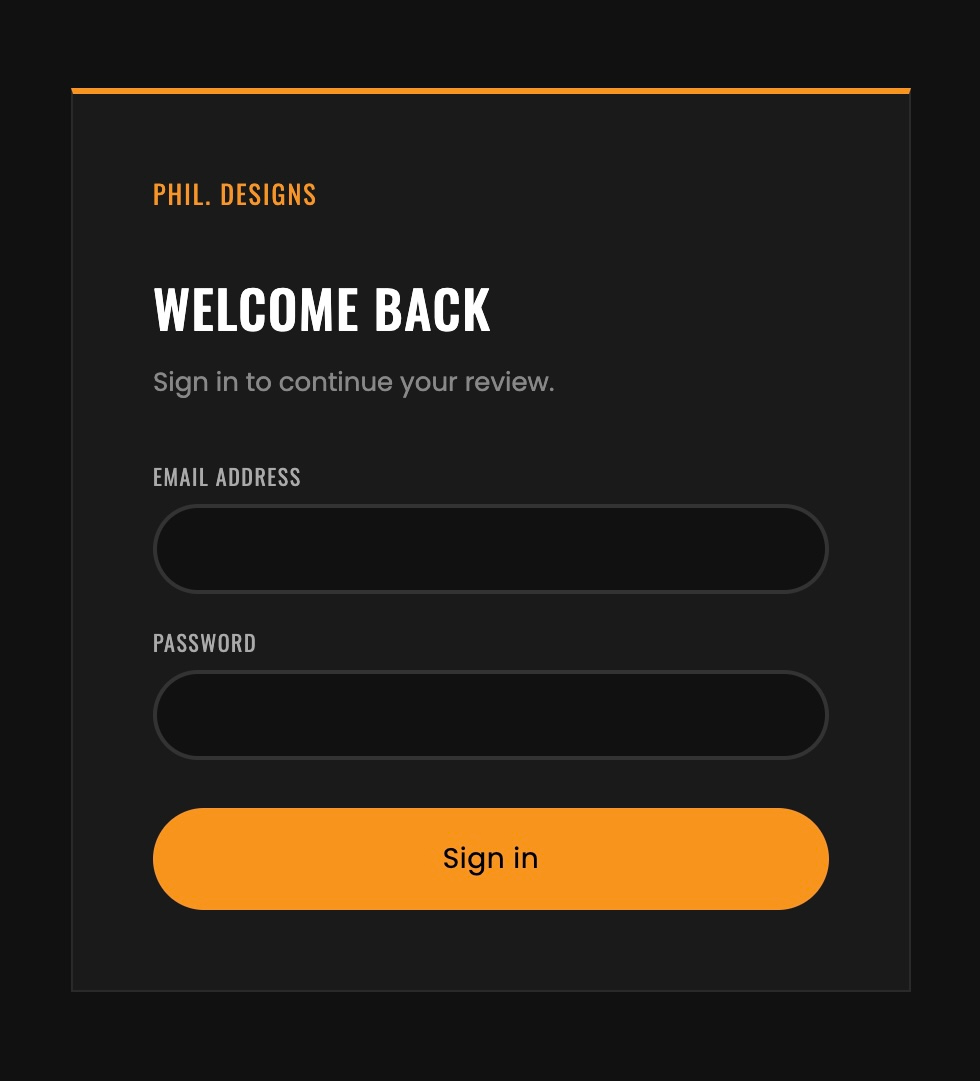
Login page for returning clients
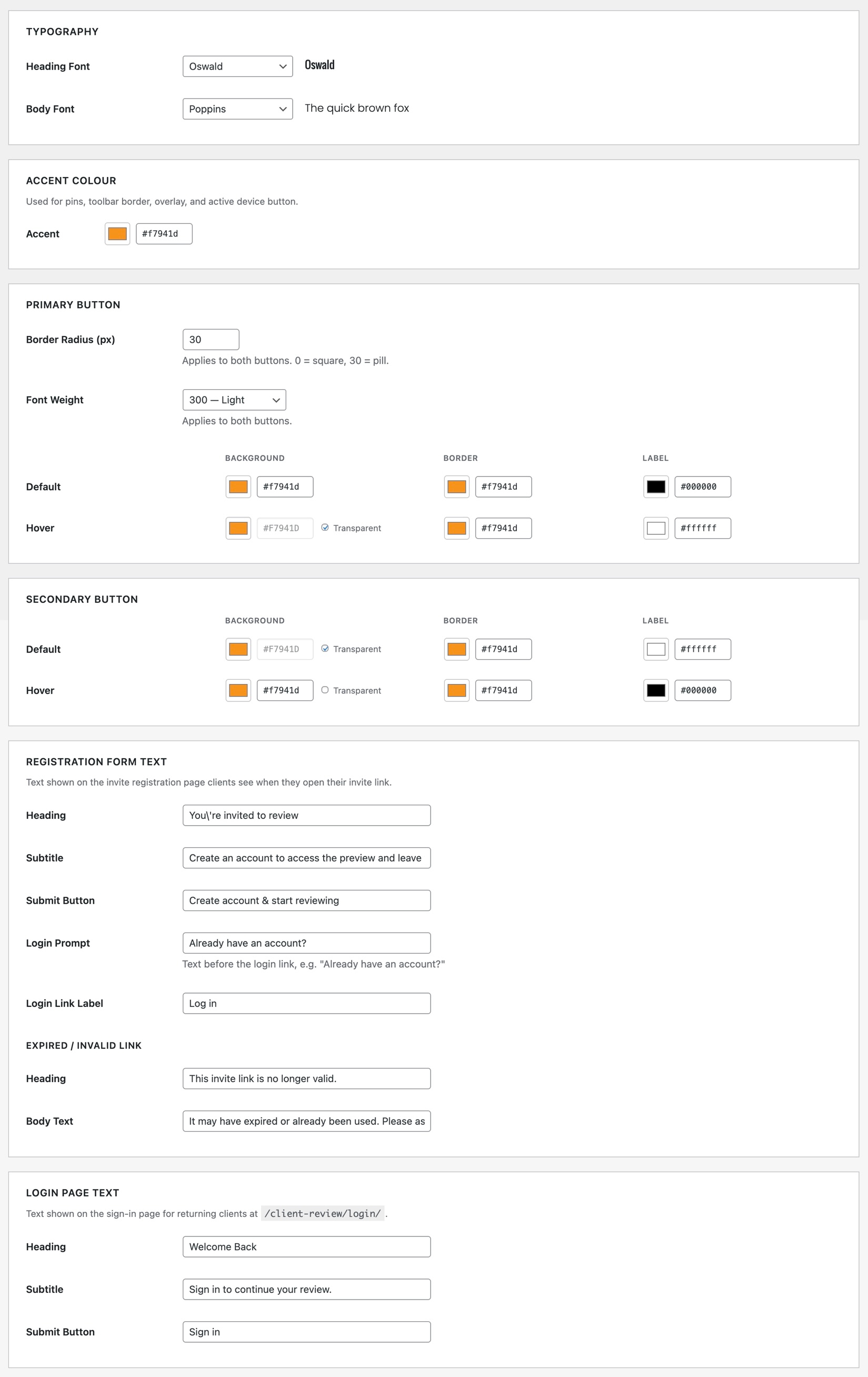
Settings page — typography, accent colour, and button customisation