
PixelPair – Marketing Tracking Wordpress Plugin - Rating, Reviews, Demo & Download

Plugin Description
PixelPair brings your WordPress tracking into one workspace. Connect Meta, Google Analytics, Google Tag Manager and TikTok, choose what to track, and inspect server delivery results from your dashboard.
A skippable setup wizard helps you choose connections, paste IDs, check configuration and exclude your own visits. Paste a Meta or Google code snippet and PixelPair extracts the supported ID for you.
Tracking starts disabled. You choose which connections and events to enable.
PixelPair is independently developed by Arif Hasnat. It integrates with Meta, Google Analytics, Google Tag Manager, TikTok, WooCommerce and Easy Digital Downloads. It is not affiliated with or endorsed by those services or their owners.
Connections
- Meta Pixel and Conversions API.
- Google Analytics 4 and Google Tag Manager.
- TikTok Pixel and Events API.
- Shared event IDs for supported browser/server events.
- Encrypted credentials, retries and redacted logs.
Events and stores
- Automatic event controls for pages, search, forms, accounts and engagement.
- Custom rules for button clicks, page visits, scroll depth and other supported triggers.
- Per-platform event mappings and payload previews.
- WooCommerce product, cart, checkout and paid purchase tracking, including supported Blocks flows and HPOS.
- Easy Digital Downloads tracking for supported download, cart, checkout and purchase flows.
- Configurable product identifiers and purchase values.
WooCommerce and Easy Digital Downloads are optional. Their own WordPress and PHP requirements also apply. See the store guide for supported combinations and delivery limits.
Privacy and administration
- Consent integrations and a setting to wait for explicit marketing consent.
- Role, IP address, CIDR and bot exclusions.
- Fast cache mode and optional strict visitor eligibility checks.
- Configuration import and export that never includes secrets.
- Per-site settings on WordPress multisite.
- Optional authenticated access for external AI tools through the WordPress MCP Adapter.
PixelPair has no telemetry, advertisements or upsells. Enabled tracking connections communicate with the external services described below. It does not guarantee platform acceptance, attribution accuracy or compliance with privacy laws.
Getting started | Documentation | Screenshots
Consent and personal data
When no consent tool is detected, marketing consent is granted by default. Enable “Wait for marketing consent” and configure a supported consent integration if you need visitors to opt in. When a consent tool is detected, unresolved or denied consent blocks the relevant tracking.
Depending on enabled settings, event data can include page URLs and titles, referrers, search strings, product identifiers, cart or order totals, IP addresses, user agents, browser identifiers and attribution. Optional advanced matching uses hashed contact fields. Hashing does not make contact data anonymous.
Consented collection uses first-party browser, click and visitor identifiers. PixelPair’s Meta and visitor cookies expire after 90 days, and its TikTok click identifier after 30 days. Vendor scripts manage their own cookies. Session storage can hold attribution and event counters. See the bundled documentation for queue/log retention and deletion controls.
External services
Meta
When enabled and marketing consent allows, the browser loads the official Meta Pixel script from connect.facebook.net. Server events are sent to graph.facebook.com using your Pixel ID and access token. Meta can receive event names, page and product details, values, IP addresses, user agents, browser/click identifiers and optional hashed matching fields. Requests occur for permitted tracked actions, authorized connection tests and queued retries.
Meta terms | Meta privacy policy
Google Analytics and Google Tag Manager
When enabled and the required consent is granted, Google scripts load from googletagmanager.com or your configured HTTPS tagging domain. Google Analytics receives page/event data and consent signals. Tag Manager executes your published container, which can contact additional services according to the tags you configure. Review those tags separately. PixelPair uses basic consent mode and does not load Google scripts before the required grant.
Google Analytics terms | Google Tag Manager terms | Google privacy policy
TikTok
When enabled and marketing consent allows, the browser loads the TikTok Pixel script from analytics.tiktok.com. Server events are sent to business-api.tiktok.com using your credentials. TikTok can receive page, product and event details, values, IP addresses, user agents, browser/click identifiers and optional hashed contact fields. Requests occur for permitted tracked actions, authorized connection tests and queued retries.
TikTok advertiser terms overview | TikTok privacy policy
Optional AI access
PixelPair does not contact an AI provider itself. External clients connect to your site using WordPress Application Passwords over HTTPS and require the manage_pixelpair capability. Optional AI access requires WordPress 6.9 or later and the official WordPress MCP Adapter.
Credits
PixelPair is built by Arif Hasnat.
Screenshots
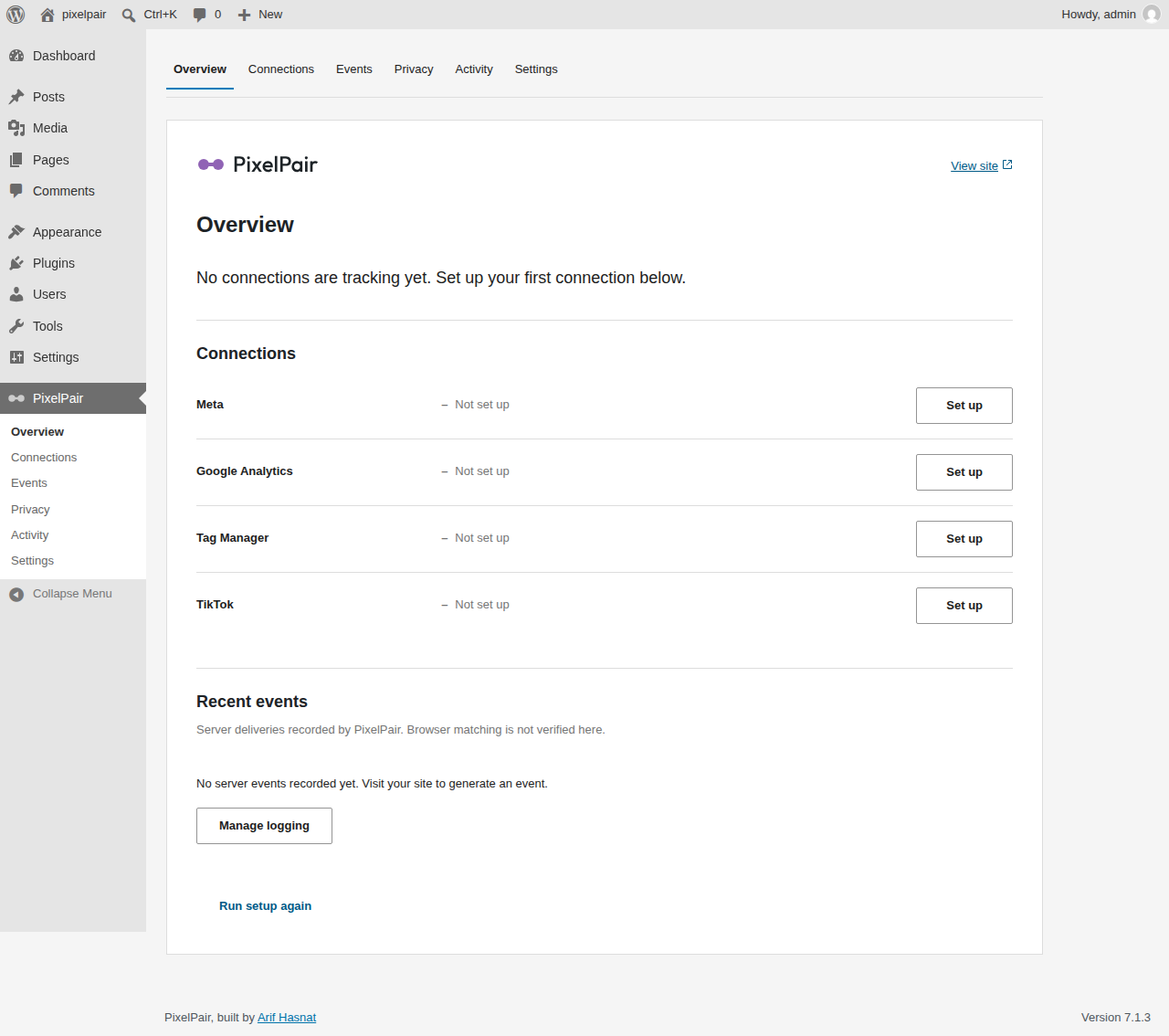
Overview with connection statuses and next actions.
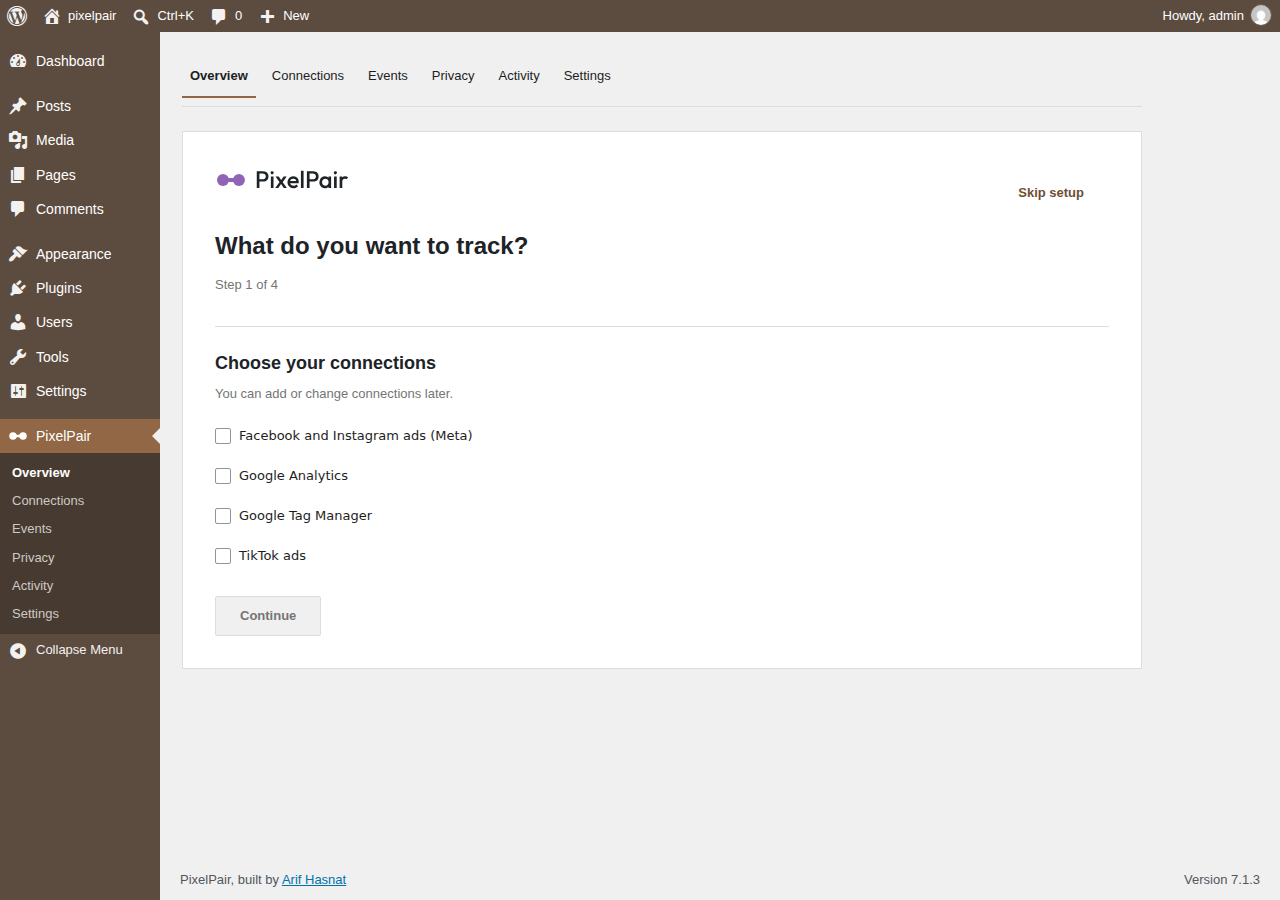
Setup wizard for choosing tracking connections.
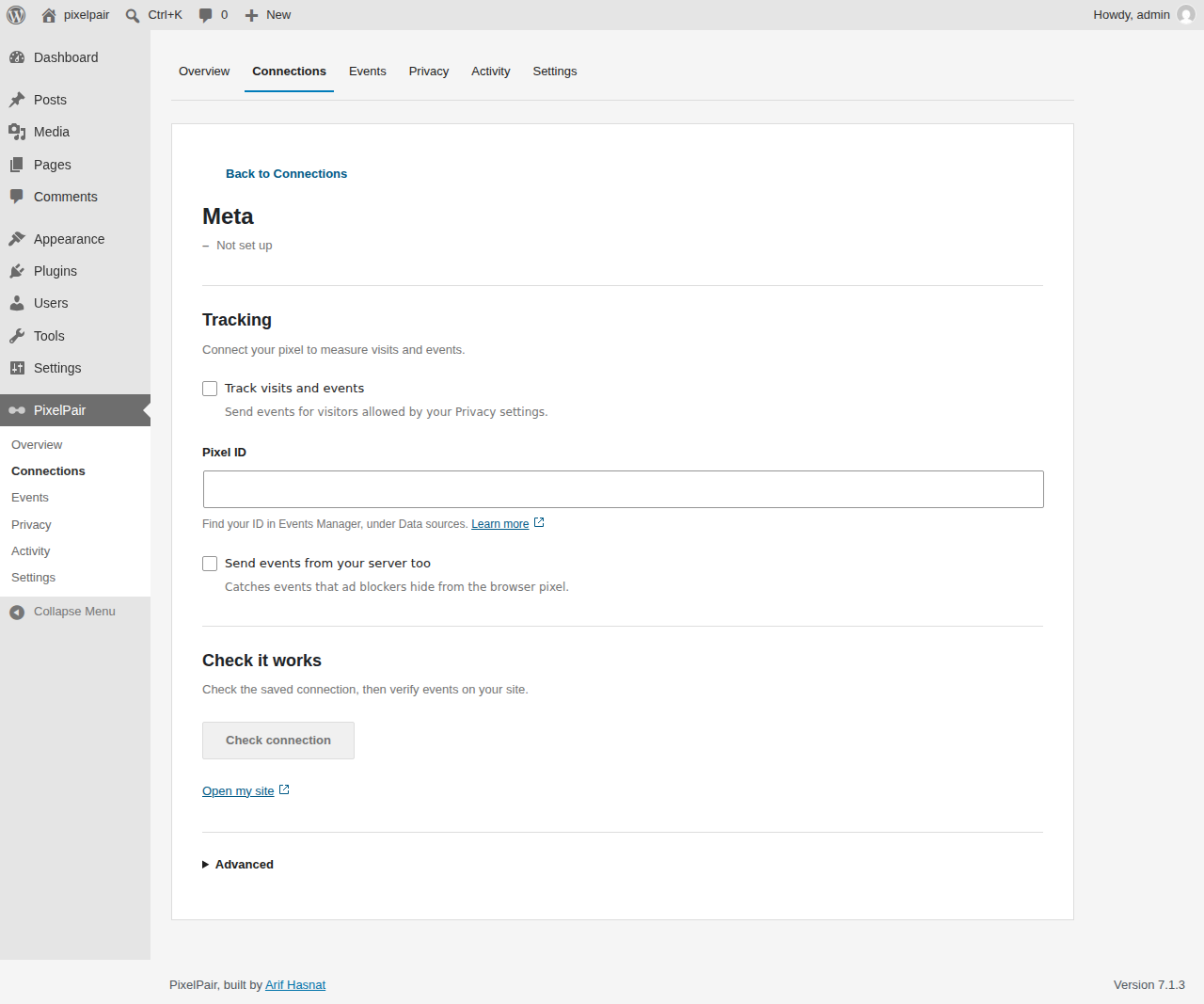
Meta connection settings with optional server events.
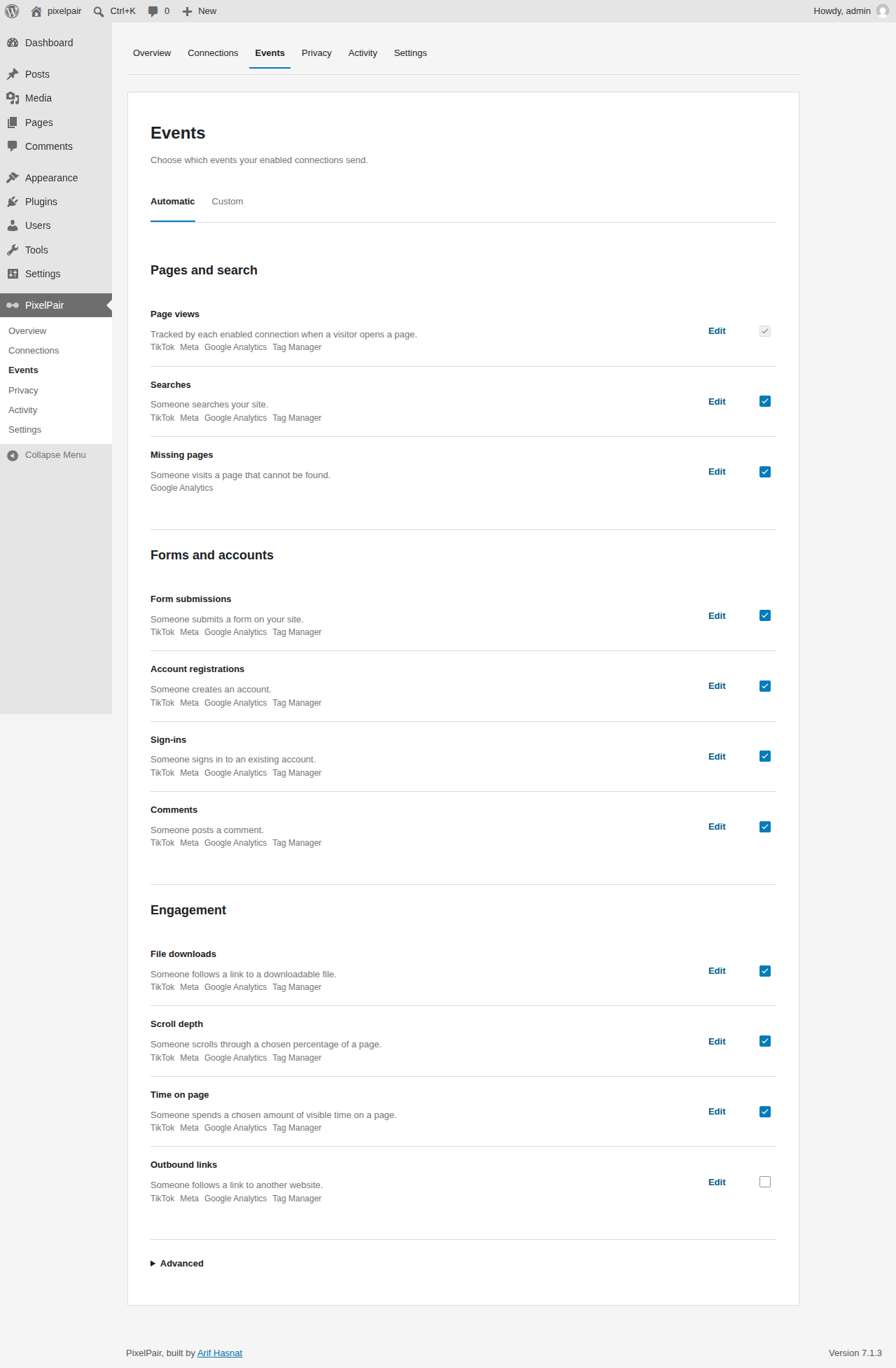
Automatic event controls grouped by purpose.
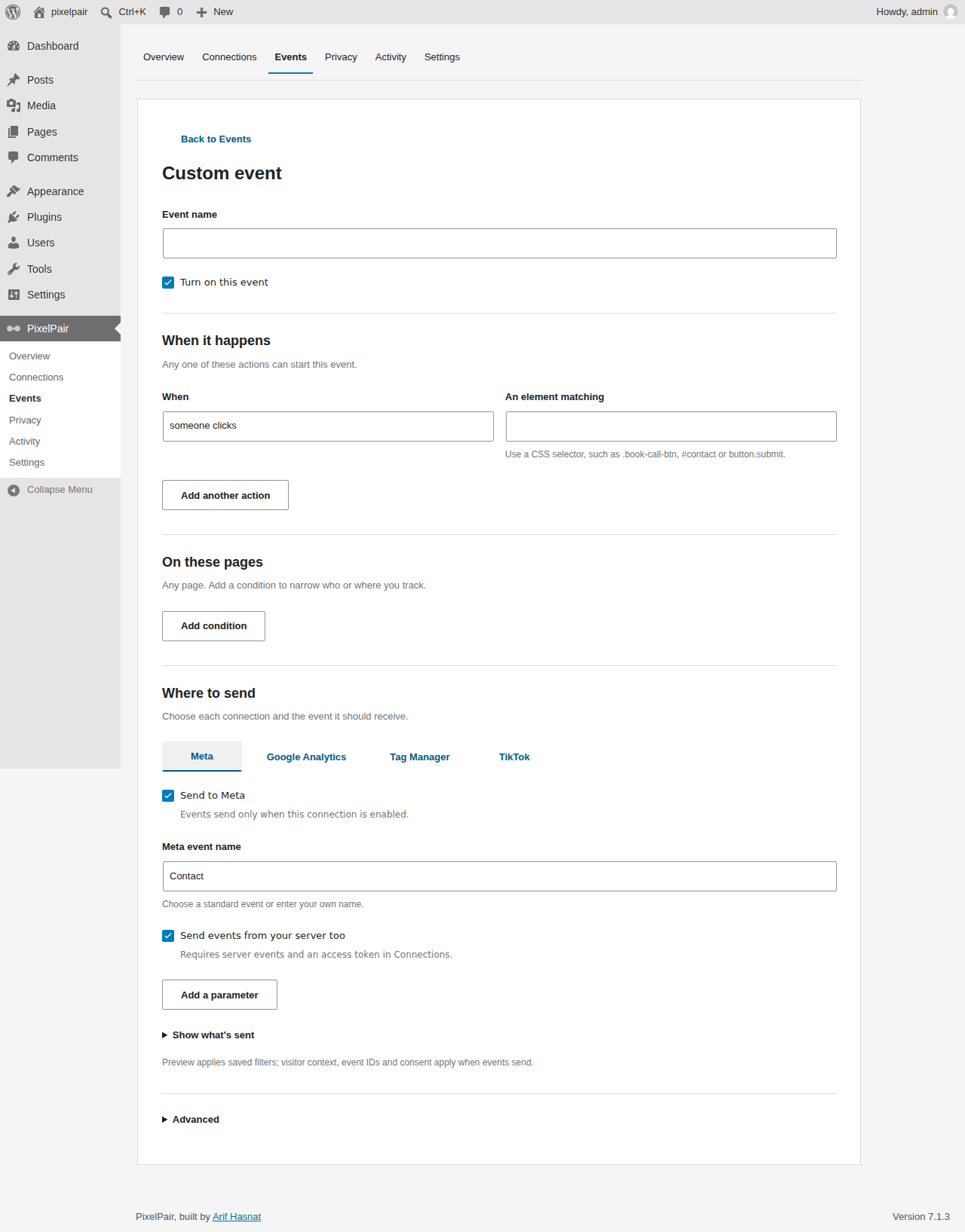
Custom event builder with trigger rules and platform mappings.
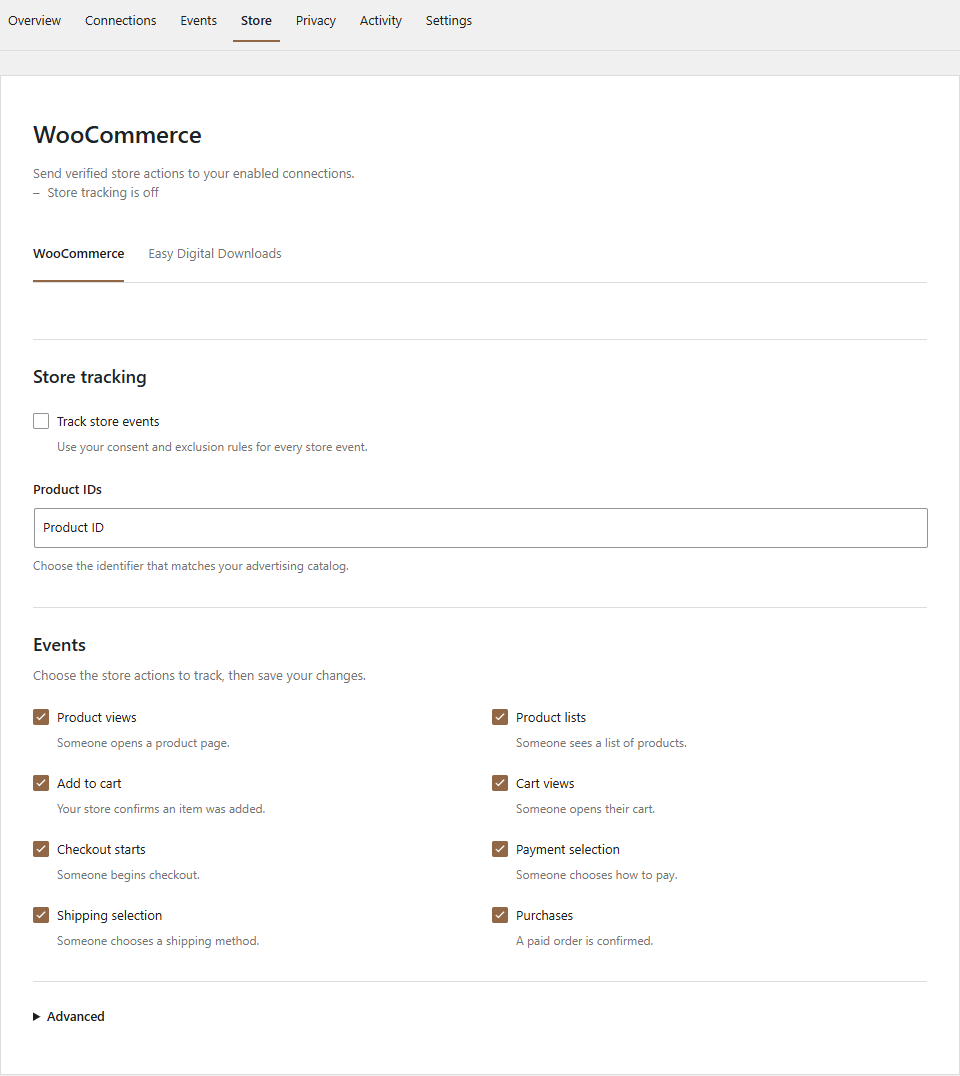
WooCommerce event and value settings.
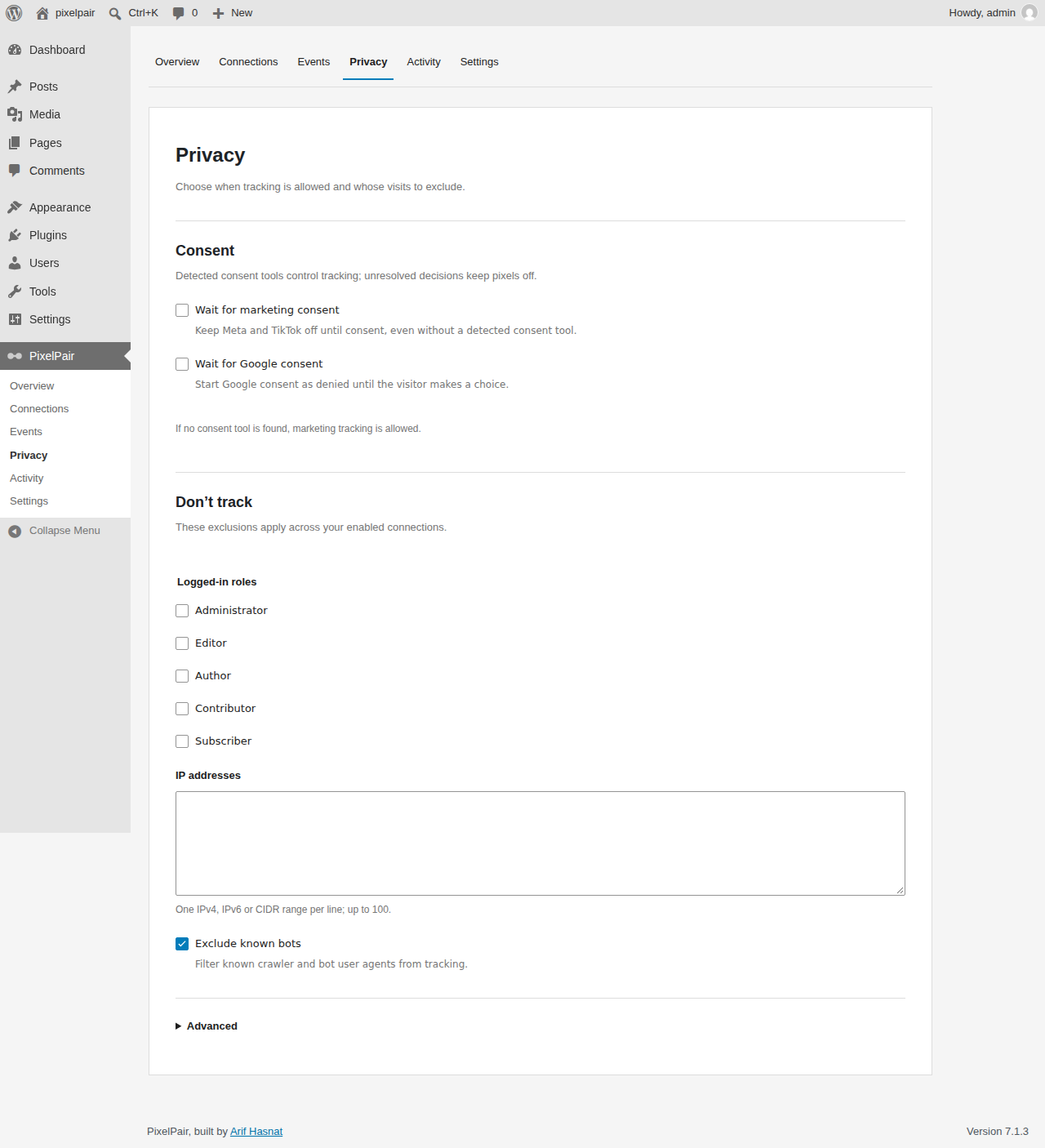
Privacy settings for consent and tracking exclusions.
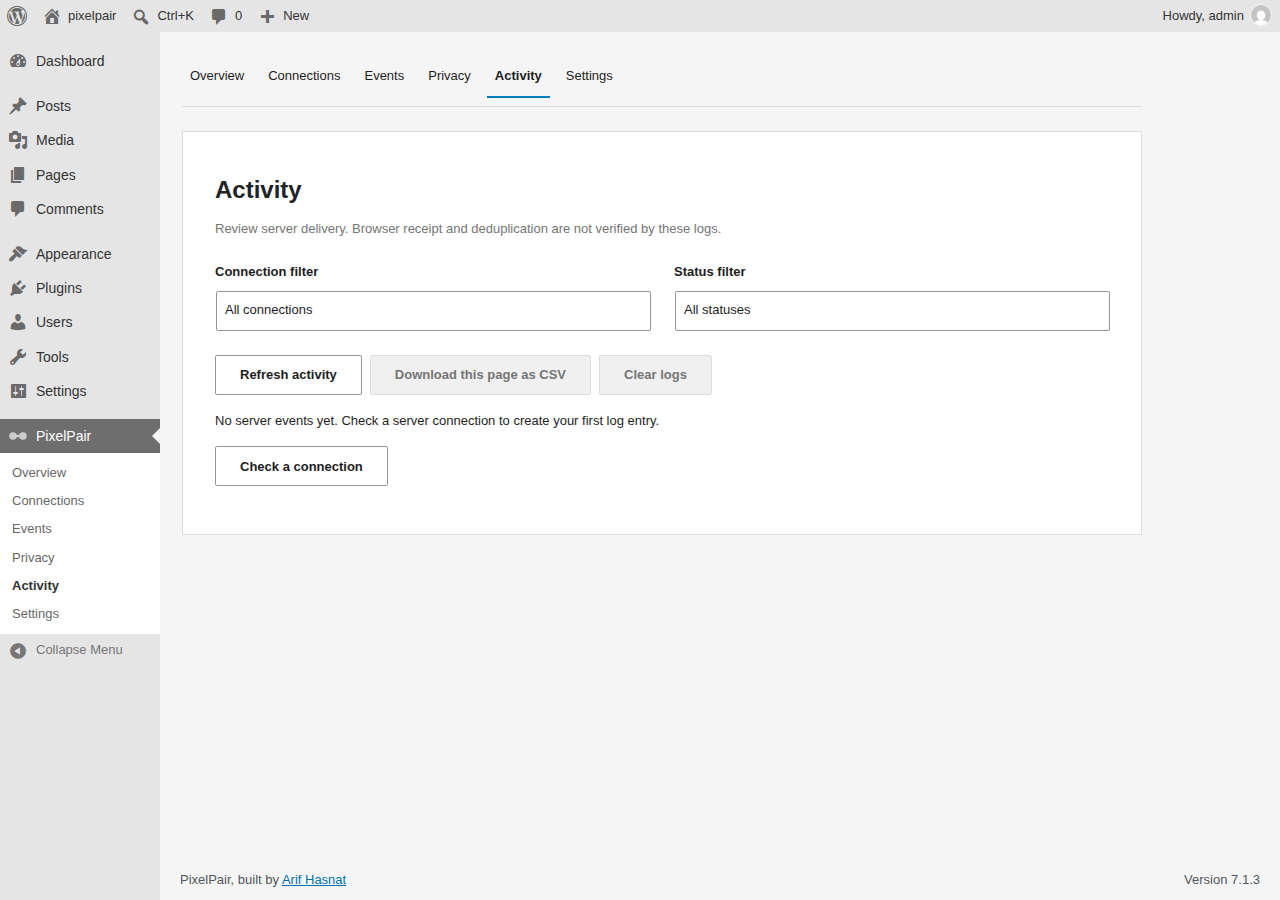
Activity with redacted server diagnostics.


