
PressPilot Email Template Customizer Wordpress Plugin - Rating, Reviews, Demo & Download
Plugin Description
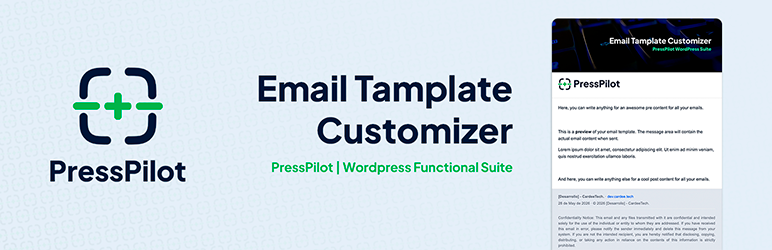
PressPilot Email Template Customizer adds a presentation layer to outgoing WordPress emails. It does not replace wp_mail() and does not interfere with SMTP plugins.
Developed and maintained by CardeeTech (Cardee Technologies, SL).
Key features:
- Wrap outgoing
wp_mail()messages with a consistent HTML template. - Default Designer mode with visual tokens (logo, header image, colors, typography, width, radius).
- Custom HTML mode with placeholder replacement.
- Live preview in admin for faster iteration.
- Built-in test email tool (single or multiple recipients).
- WebP safety flow for email compatibility with PNG conversion cache.
- Diagnostics panel for runtime checks and recent log visibility.
Template modes:
- Default Designer: uses internal template + design tokens from settings.
- Custom HTML: uses your HTML as-is and replaces supported placeholders.
Supported placeholders:
{{message}}, `{{subject}}`, `{{site_name}}`, `{{site_url}}`, `{{site_host}}`, `{{logo}}`, `{{header_image}}`, `{{date}}`, `{{year}}`, `{{preheader}}`
Legacy compatibility during migration window:
{{ctetc_header_image}}is still accepted for upgraded installations.
Screenshots

Panel tab — status dashboard with ACTIVE/INACTIVE badge, system info, and quick setup checklist.

Settings tab — master enable switch, template mode selection (Default Designer or Custom HTML), and sender configuration.

Style tab — color token controls with live preview showing the branded email template in real time.

Reference tab — full placeholder reference table for Custom HTML mode.

Quick Guide tab — step-by-step setup guide for first-time configuration.

Custom HTML editor — HTML template editor with supported placeholders displayed as one-click chips.

Test email form and diagnostics panel — send real test emails and review system status checks.

Content blocks and footer configuration — pre/post content areas and footer visibility controls with live preview.


