
Prifobu Forms Wordpress Plugin - Rating, Reviews, Demo & Download

Plugin Description
Prifobu Forms is the privacy-first WordPress form plugin.
- No personal date storage
- No tracking
- No third-party services
It is a lightweight contact form plugin designed for privacy-focused websites and GDPR-friendly setups.
Unlike many other form plugins, this plugin does not store any form submissions in the database. All messages are sent directly via email and then discarded.
This makes the plugin especially suitable for websites that want to minimize data storage and simplify GDPR compliance.
The plugin integrates with the WordPress Block Editor (Gutenberg) and allows you to create and embed forms easily.
Features:
- Privacy-first design – no database storage of submissions
- WordPress Gutenberg block for easy form embedding
- Multiple field types
- Email delivery only – no message storage
- Spam protection mechanisms
- Clean and modular architecture
- Lightweight and fast
- No JS in Frontend
Supported Field Types
- Text
- Number
- Tel
- URL
- Date
- Time
- Password
- Textarea
- Select
- Radio
- Checkbox
Spam Protection
The plugin includes several spam protection mechanisms:
- Honeypot field
- Time trap
- Math captcha
- Field obfuscation
These protections work together to reduce automated spam without external services.
Privacy
Privacy is a core design goal.
The plugin:
- does not store submissions
- does not track users
- does not send data to third-party services
All submitted data is sent only to the configured email recipient.
If you like it
support me 🙂
- https://ko-fi.com/allessandro
Development
Source code:
https://codeberg.org/allessandro/prifobu-forms
Build instructions:
npm install
npm run build
Plugin Packacking:
manually build plugin ZIP file
Screenshots
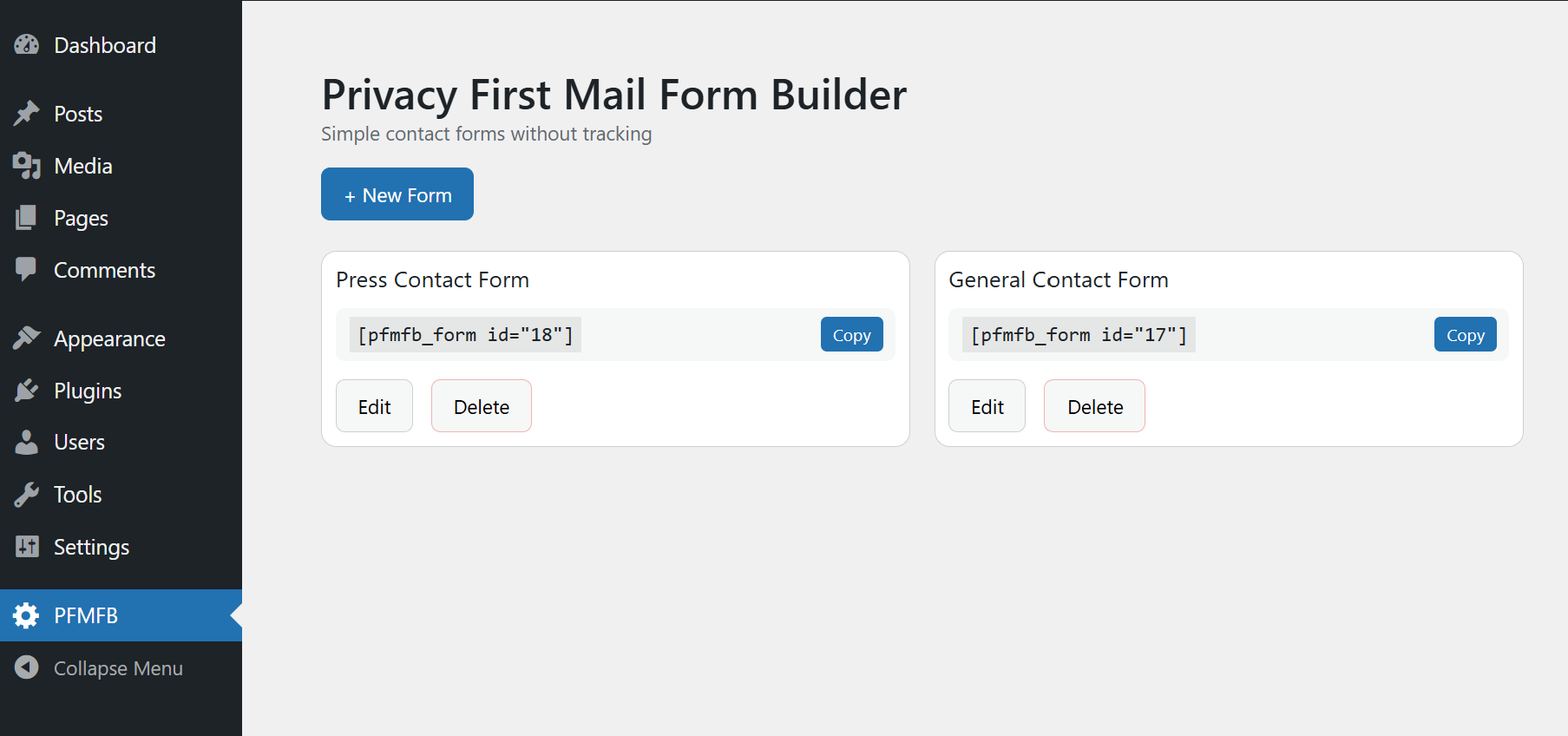
Forms overview interface in the admin panel
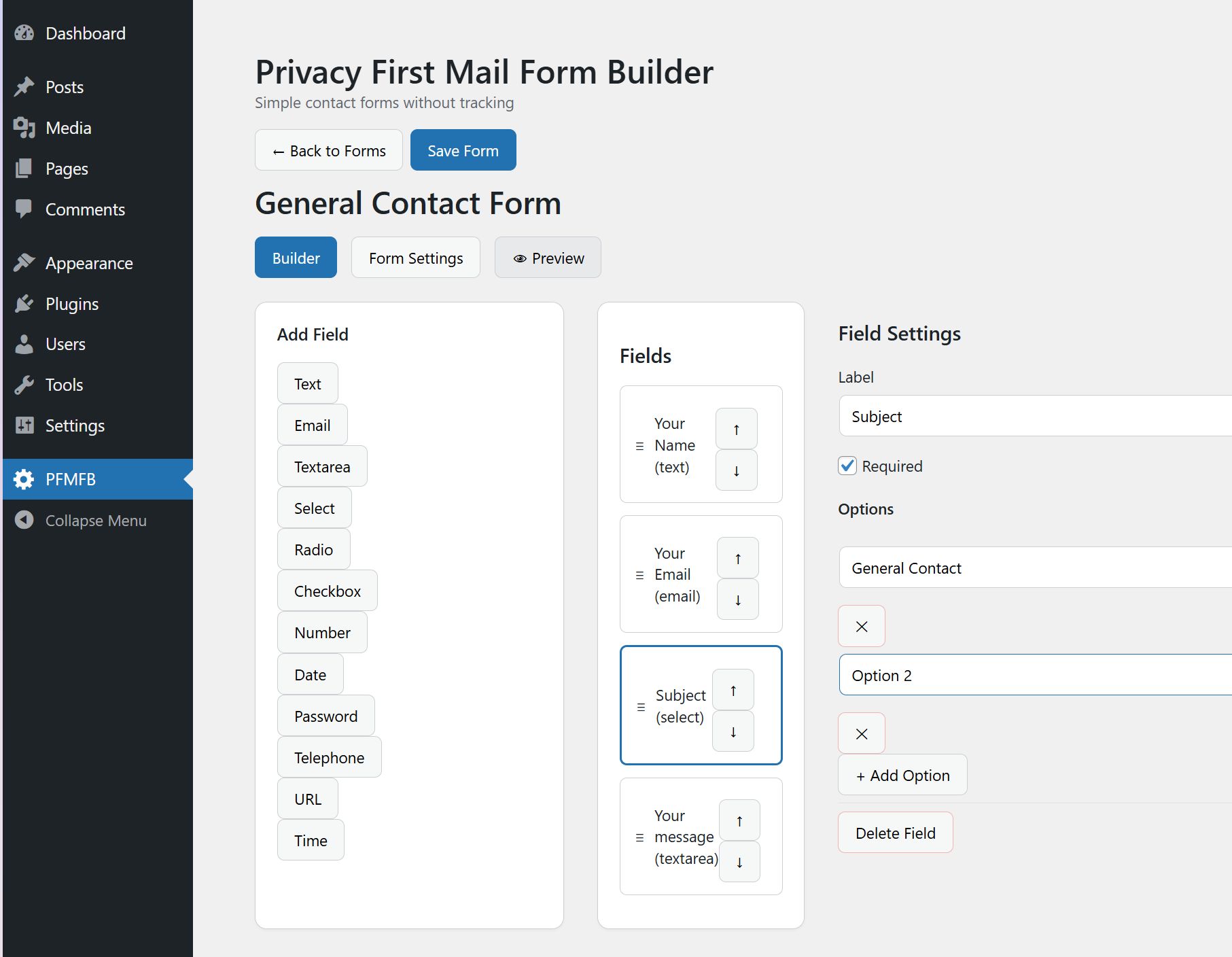
Form builder interface in the admin panel
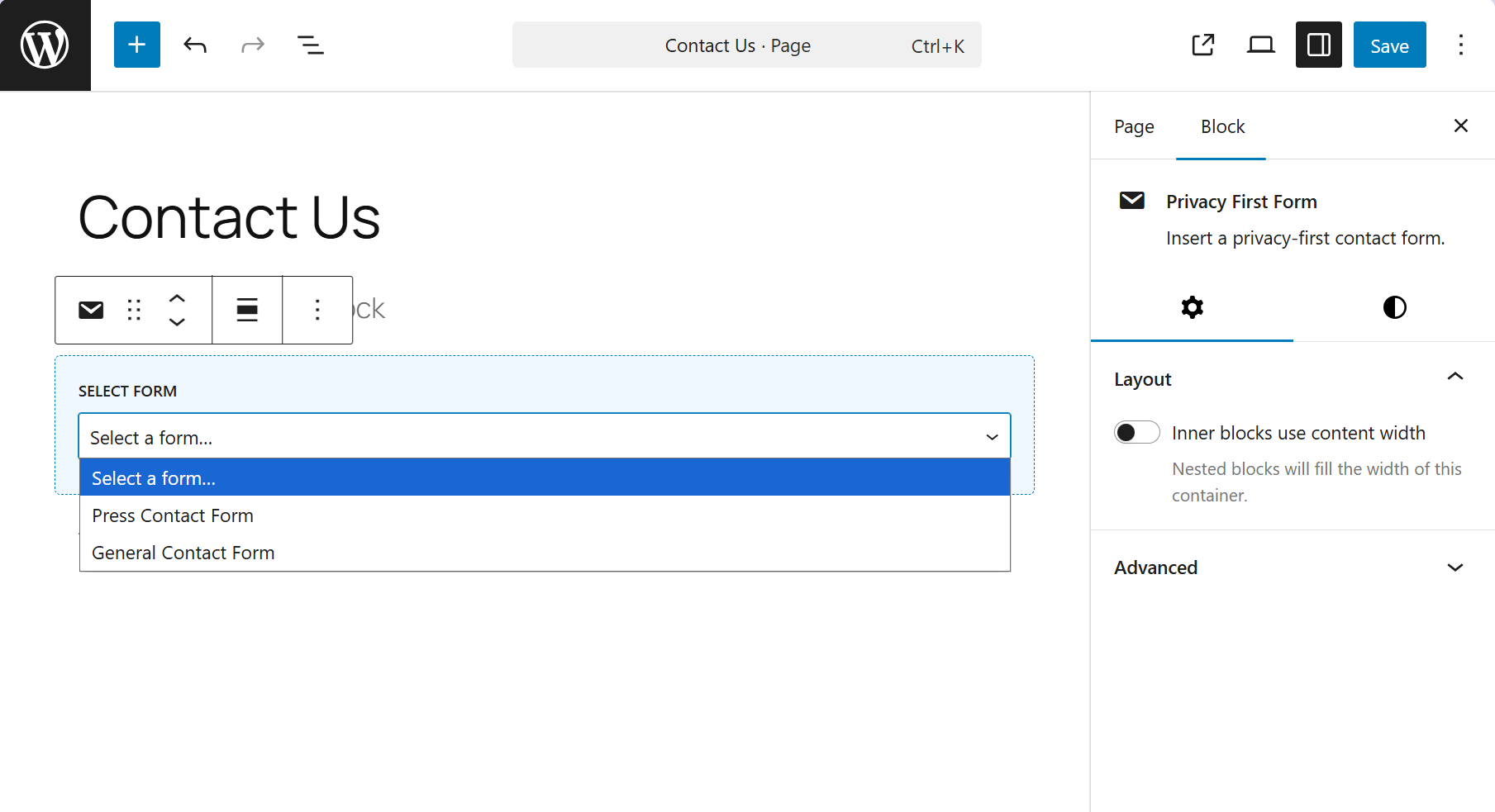
Adding the form block in the Gutenberg editor
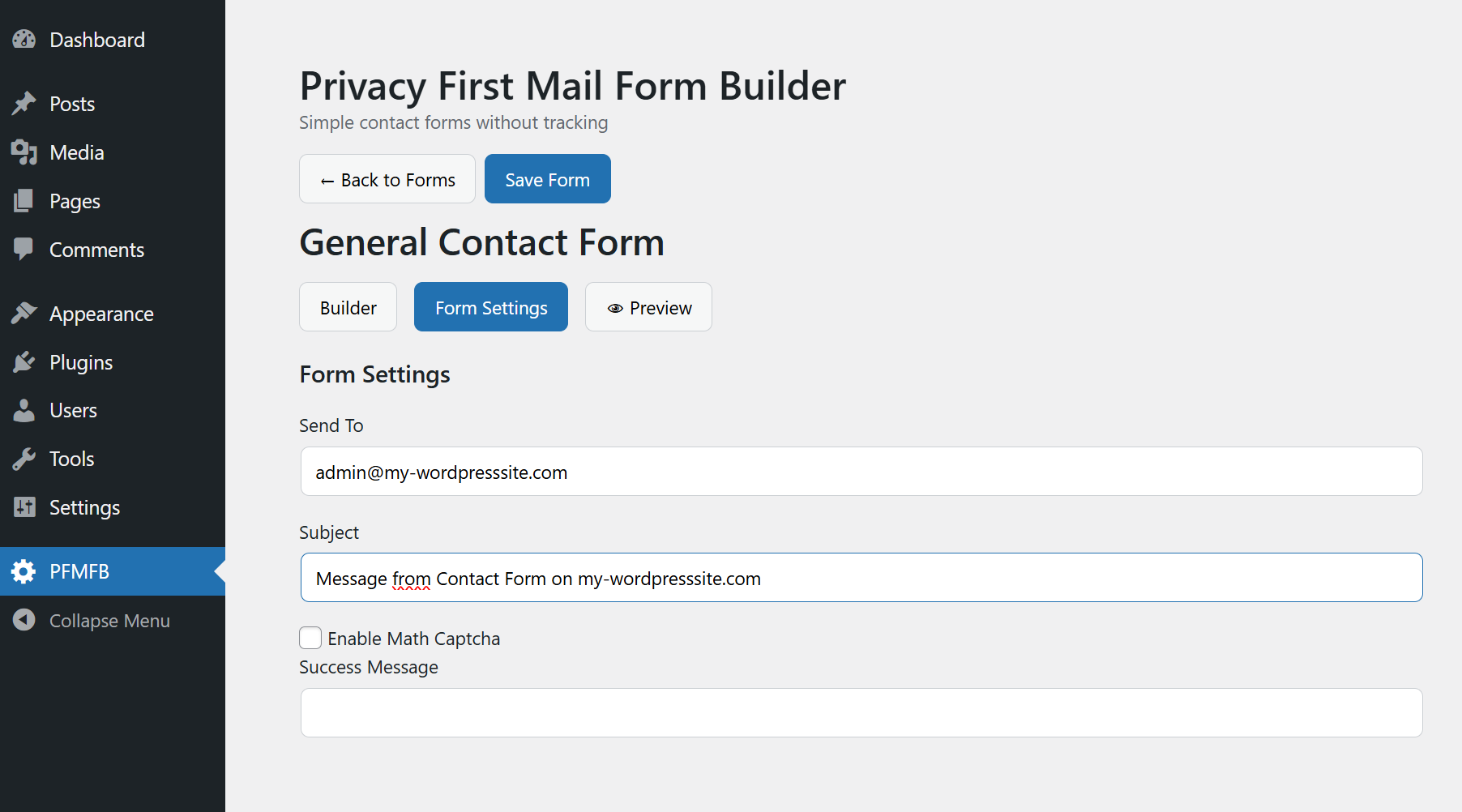
Mail setting per form

Example form in the frontend


