
PrismSync Integration With QuickBooks For Gravity Forms Wordpress Plugin - Rating, Reviews, Demo & Download
Plugin Description
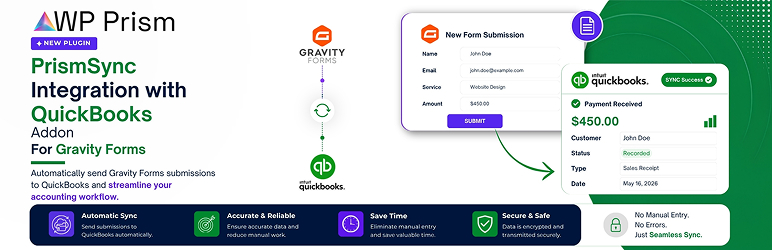
PrismSync Integration with QuickBooks for Gravity Forms connects your Gravity Forms to QuickBooks Online using the official Gravity Forms Feed Add-On Framework.
When a visitor submits a form, this plugin can automatically create a Customer, Invoice, Sales Receipt, or Payment in your QuickBooks Online account — no manual data entry required.
Features
- OAuth 2.0 Authentication — Secure Intuit OAuth 2.0 connection with automatic token refresh.
- Sandbox & Production — Switch between QuickBooks Sandbox and Live environments.
- Auto Customer Lookup & Creation — Automatically finds an existing QuickBooks Customer by email or name. If not found, creates one before creating the transaction.
- Invoice & Sales Receipt — Map form fields to QuickBooks invoices and sales receipts with full line item support.
- Payment Recording — Record customer payments from form submissions.
- Per-Form Feeds — Create one or more QuickBooks feeds per Gravity Form.
- Conditional Logic — Run feeds only when specified form field conditions are met.
- Entry Notes — Automatically adds success/error notes to Gravity Form entries with QuickBooks transaction IDs.
- Secure — All API credentials stored in WordPress options. Uses WordPress HTTP API for all requests.
Requirements
- PHP 7.4 or higher
- WordPress 5.8 or higher
- Gravity Forms 2.5 or higher
- QuickBooks Online account (any plan)
External Services
This plugin connects to QuickBooks Online APIs (provided by Intuit Inc.) to synchronize form submission data (such as customer details, invoice information, payments, and sales receipts) to your QuickBooks Online accounting account.
Connection details:
* Service Provider: Intuit Inc. (QuickBooks Online)
* What data is sent: Customer name, email, phone number, billing address, line items (product name, quantity, price), and transaction totals.
* When data is sent: Immediately upon successful form submission if a QuickBooks feed is configured and active for that form.
* Links:
* Intuit Terms of Service
* Intuit Privacy Statement
Upgrade Notices
1.0.0
Initial beta release. Requires Gravity Forms 2.5+ and PHP 7.4+.
Screenshots

Plugin settings page with OAuth connection.

Gravity Forms builder showing product fields.

Form settings dropdown to access QuickBooks integration.

QuickBooks Feeds list for a specific form.

Feed configuration mapping form fields to QuickBooks.

Generated invoice in QuickBooks Online Sandbox.


