
PushNotificationService.com Wordpress Plugin - Rating, Reviews, Demo & Download
Plugin Description
Connects your WordPress site to PushNotificationService.com, a privacy-friendly web push service with unlimited subscribers on every plan.
- One-field setup — paste your Site ID and the subscription snippet is injected on every page.
- No file uploads — the required service worker (
/pnsc-sw) is served by the plugin itself. This is the step that breaks most manual web-push installs; here it just works. - Push on publish — optionally send a notification (title, excerpt, permalink, featured image) the moment a post goes live, including scheduled posts. Each post pushes at most once.
- Tag targeting — optionally target only subscribers with specific tags.
- Privacy-friendly — no tracking cookies, no per-user click history, subscribers can unsubscribe from any notification with one click.
You need a pushnotificationservice.com account (30-day free trial). Push delivery uses the open Web Push standard — subscribers opt in through their browser’s native permission prompt.
External services
This plugin is the official integration for PushNotificationService.com, a web push notification service operated by us. It cannot function without connecting to that service. It connects in three ways:
- Push SDK script — on every public page (when snippet injection is enabled and a Site ID is set), the plugin loads the subscription SDK from
https://cdn.pushnotificationservice.com/sdk/v1.js. Loading the script sends the visitor’s IP address and user agent to our CDN, as with any script request. The SDK does not collect, store, or transmit any visitor data unless the visitor explicitly opts in to push notifications through their browser’s native permission prompt. After opt-in, the visitor’s browser push subscription (endpoint URL and encryption keys, plus your Site ID) is sent tohttps://api.pushnotificationservice.comso notifications can be delivered to them. - Service worker — the plugin serves a service worker at
/pnsc-swon your own domain that imports its logic fromhttps://cdn.pushnotificationservice.com/sdk/v1/sw.js. It runs only for visitors who have opted in. - Push on publish (optional, off by default) — when you publish a post and this feature is enabled, the plugin sends the post’s title, excerpt, permalink, featured image URL, and your configured target tags, together with your Site ID and API key, to
https://api.pushnotificationservice.comto create the notification.
No data is sent to any service other than PushNotificationService.com. The service’s terms and policies:
- Terms of service: https://pushnotificationservice.com/terms
- Privacy policy: https://pushnotificationservice.com/privacy
Screenshots
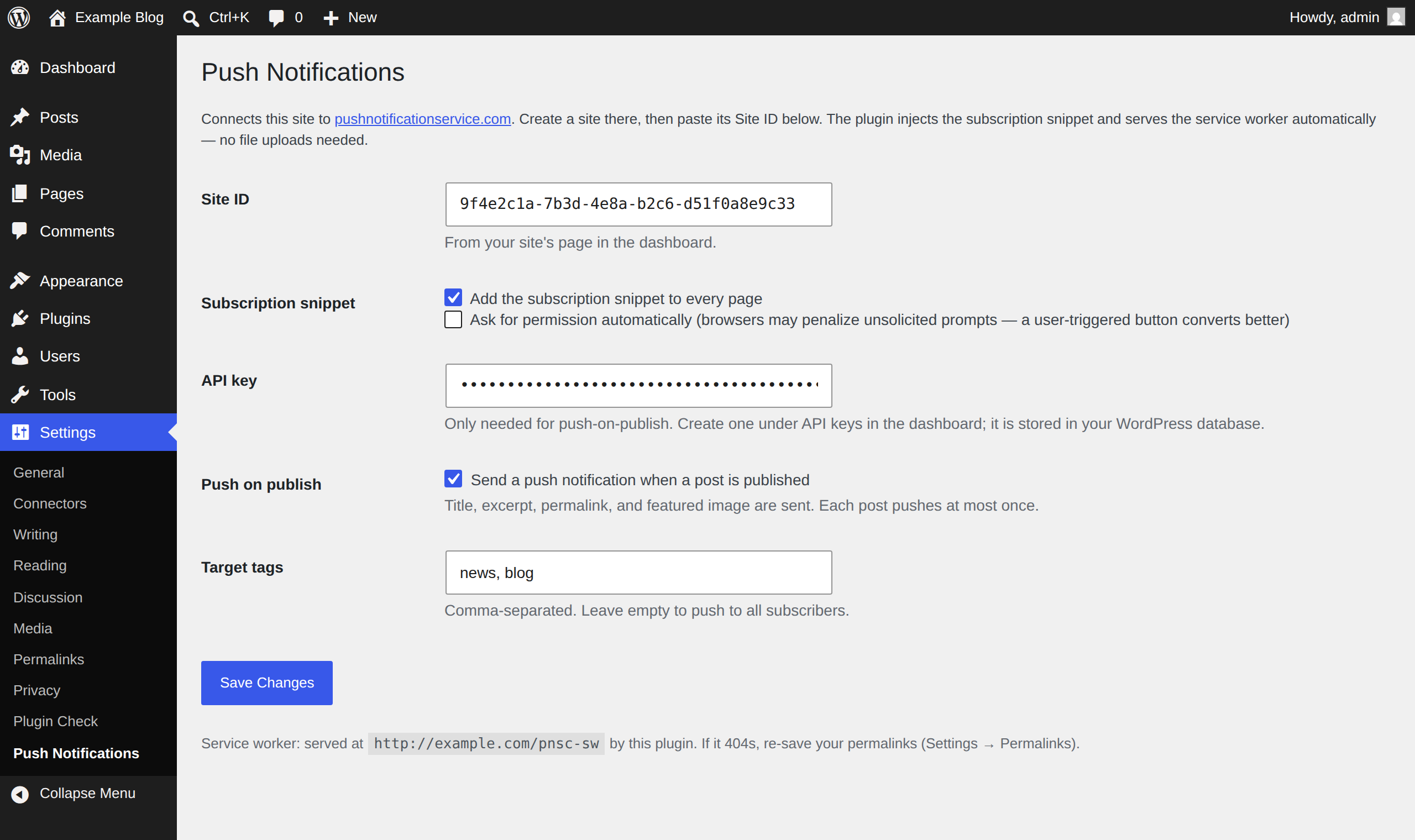
The whole setup, on one screen: paste your Site ID on the Push Notifications settings screen, then choose snippet injection, push-on-publish, and tag targeting.

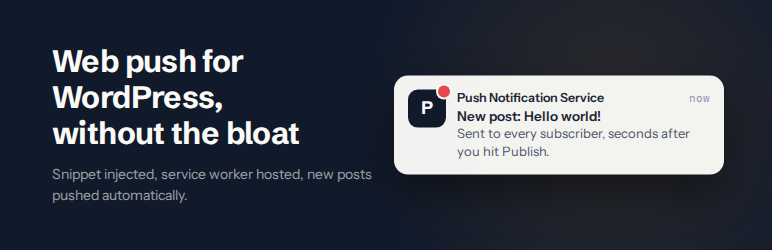
What subscribers receive when a post goes live — title, excerpt, and featured image, linking to the post.


