
ReCAPTCHA V3 For Jetpack Wordpress Plugin - Rating, Reviews, Demo & Download

Plugin Description
reCAPTCHA for Jetpack enhances your WordPress site’s security by integrating Google reCAPTCHA v3—an invisible, score-based spam filter—with Jetpack contact forms and comments (including forums). Tailored for block-based themes (e.g., Full Site Editing), it leverages behavioral scoring to block bots seamlessly. Key features:
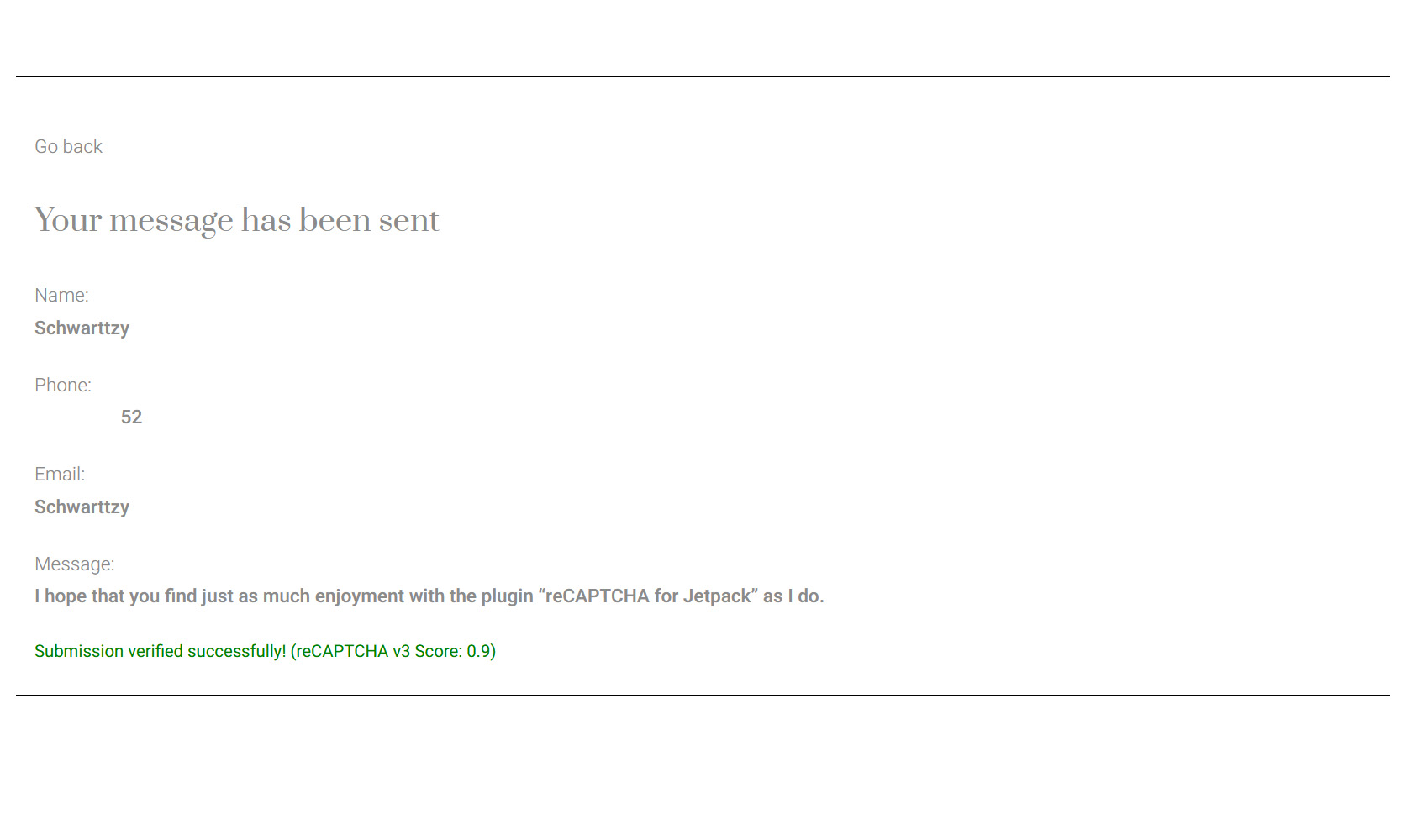
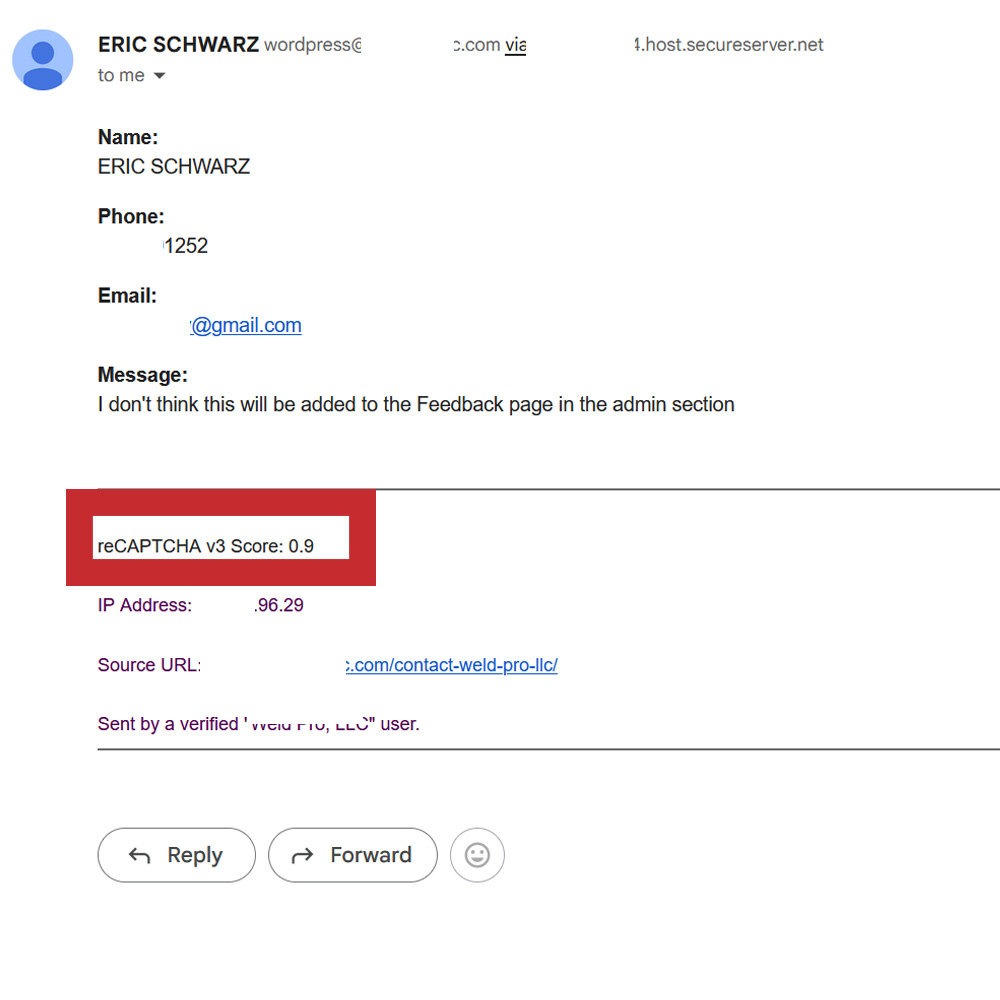
- Invisible Protection: Runs on contact forms and comment forms, analyzing user behavior (e.g., mouse movements, session duration) to assign a score (0.0–1.0).
- Customizable Threshold: Adjust the score threshold (default 0.5) to fine-tune spam blocking vs. user access for both forms and comments.
- Automatic Spam Handling: Comments with scores below the threshold are automatically moved to the spam folder.
- Submission Stats: Tracks total submissions and logs the last 20 submissions (forms and comments) with scores.
- Jetpack Integration: Requires Jetpack for contact form and comment protection—works with block-based forms and Jetpack forums.
Ideal for modern WordPress sites, this plugin delivers robust spam prevention for forms and comments with insightful analytics, all without disrupting your visitors’ experience.
External Services
This plugin uses Google reCAPTCHA v3, a service provided by Google to verify user interactions and prevent spam on contact forms and comments.
- Purpose: Google reCAPTCHA v3 analyzes user behavior to assign a score (0.0–1.0) indicating the likelihood of a user being a bot. This score is used to block spam submissions on Jetpack contact forms and flag comments as spam.
- Data Sent: When a user interacts with a form or comment field, the plugin sends a reCAPTCHA token to Google’s API (
https://www.google.com/recaptcha/api/siteverify). The request includes:- The reCAPTCHA secret key (configured in the plugin settings).
- The reCAPTCHA response token generated by the client-side script.
- The user’s IP address (optional, included for enhanced verification).
- When Data is Sent: Data is sent to Google’s API every time a user submits a Jetpack contact form or a comment, and during settings validation in the admin panel to verify reCAPTCHA keys.
- Service Provider: Google LLC.
- Terms of Service: https://www.google.com/recaptcha/about/
- Privacy Policy: https://policies.google.com/privacy
Users must agree to Google’s terms of service when setting up reCAPTCHA keys. No user consent is required for reCAPTCHA v3 operation, as it runs invisibly and does not display challenges.
License
This plugin is licensed under the GPLv2 or later. See https://www.gnu.org/licenses/gpl-2.0.html for details.
Screenshots
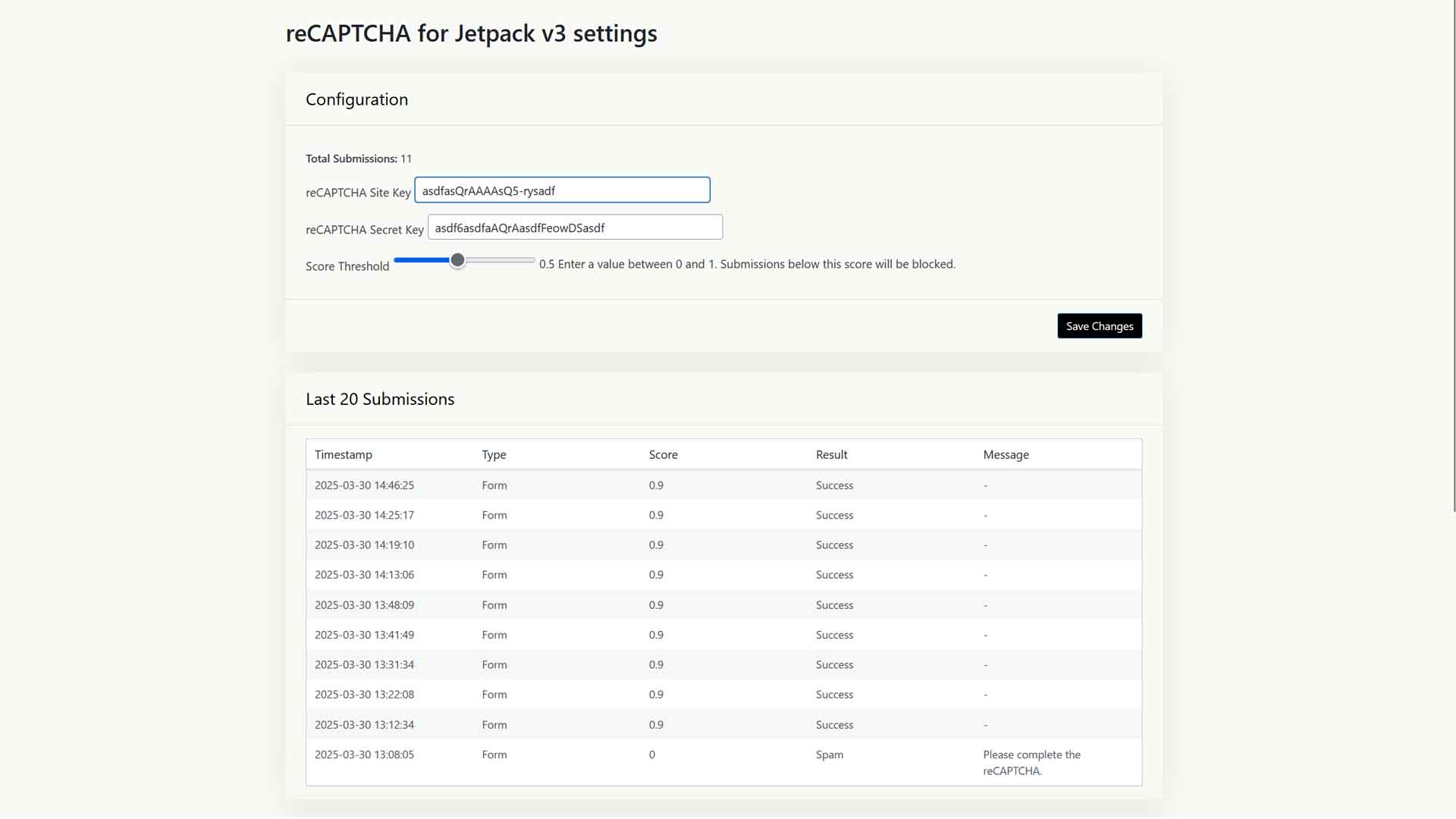
Settings Page: Configure Site Key, Secret Key, and v3 Score Threshold under Settings > reCAPTCHA for Jetpack.
Submission Stats: View total submissions and the last 20 submissions (forms and comments).
Instruction Guide: Step-by-step help for getting reCAPTCHA v3 keys from Google.


