ReplyBash AI Chat Wordpress Plugin - Rating, Reviews, Demo & Download
Plugin Description
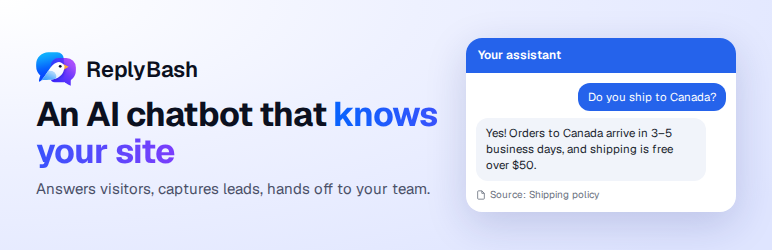
ReplyBash reads your website and files and answers visitors’ questions in a chat on every page, with links to its sources. When it can’t help, it takes the visitor’s details or passes the chat to your team.
This plugin adds your ReplyBash agent to your WordPress site without touching code:
- Connect in one click. Sign in to ReplyBash, pick your agent and approve. Or paste your agent key.
- Choose where the chat shows. Every page, every page except some, or only some. Hide it from your own team.
- Light on your pages. The chat script loads after your page, and the chat itself only when a visitor is about to use it.
What your agent does, set up in your ReplyBash dashboard:
- Answers from your content. It learns your pages, PDF, Word, text and CSV files, and cites the page it used.
- Captures leads. It asks for contact details at the right moment and emails your team, or sends them to your own webhook.
- Collects requests. Forms you build for quotes, callbacks and support requests, right inside the chat.
- Hands chats to your team. Take over any chat from the inbox, reply and hand it back to the AI.
- Shows what customers ask. Top questions, the ones it couldn’t answer, and ratings on every reply.
- Speaks your visitors’ language. It replies in the language they write in.
The chat’s look, greeting and starter questions are set in your ReplyBash dashboard. There is a free plan; paid plans add more messages, pages and agents.
External services
This plugin connects to ReplyBash (https://replybash.com), the service that runs the AI agent. It is needed for the chat to work.
- On every page the chat shows on, visitors’ browsers load the chat script from ReplyBash (https://replybash.com/embed.js). The script sends the page address and, when the visitor uses the chat, their messages, any files they attach and any details they enter to ReplyBash.
- When you click Connect, your browser goes to ReplyBash with this site’s address, and comes back with your agent’s public key.
Terms of Service: https://replybash.com/terms
Privacy Policy: https://replybash.com/privacy
Screenshots

The chat on your site answers from your own pages and suggests what to ask next.

When a visitor wants a quote or a callback, the agent asks for their details right in the chat.

Settings › ReplyBash: connect your agent in one click, or paste its key.

Choose which pages show the chat, and hide it from your own team.