
RestockRadar – Stock & Waitlist Alerts Wordpress Plugin - Rating, Reviews, Demo & Download

Plugin Description
RestockRadar for WooCommerce is a lightweight plugin that enhances your store’s inventory management by providing automatic email notifications for stock changes.
Key Features
- Admin Out-of-Stock Alerts: Automatically notifies store administrators when products go out of stock
- Low Stock Warnings: Get notified when products fall below your specified threshold with sales velocity analysis
- Customer Back-in-Stock Notifications: Allows customers to subscribe for notifications when out-of-stock products become available again
- Customizable Messages: Fully customize all notification text, email subjects, and form messages
- Rich Product Information: Detailed product data in notifications including sales history, categories, pricing, and stock analysis
- Smart Duplicate Prevention: Prevents sending duplicate notifications with intelligent tracking
- Clean Email Templates: Professional HTML email templates with product images and actionable insights
- Secure Subscription Forms: AJAX-powered forms with nonce verification and rate limiting
- Variable Product Support: Works with both simple and variable products
How It Works
- When a product’s stock falls below your threshold, admins receive a low stock warning with sales velocity analysis
- When a product goes completely out of stock, admins receive a detailed notification with full product information
- Customers see a customizable subscription form on out-of-stock product pages with pricing information
- When products are restocked, all subscribed customers receive notification emails automatically
- The plugin intelligently tracks notification status to prevent duplicate emails while allowing re-notifications for significant changes
Screenshots

Customer “Notify me when back in stock” opt-in form displayed on an out-of-stock product page
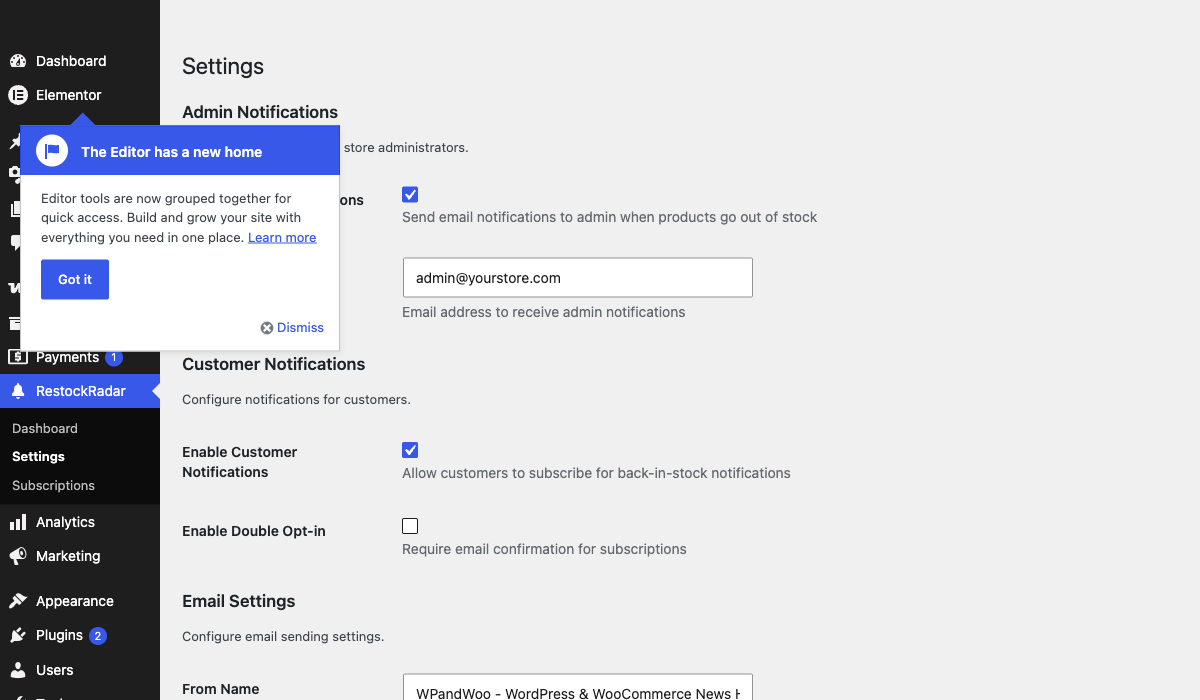
Plugin settings page — configure admin notifications, customer subscriptions, email sender, and text customization
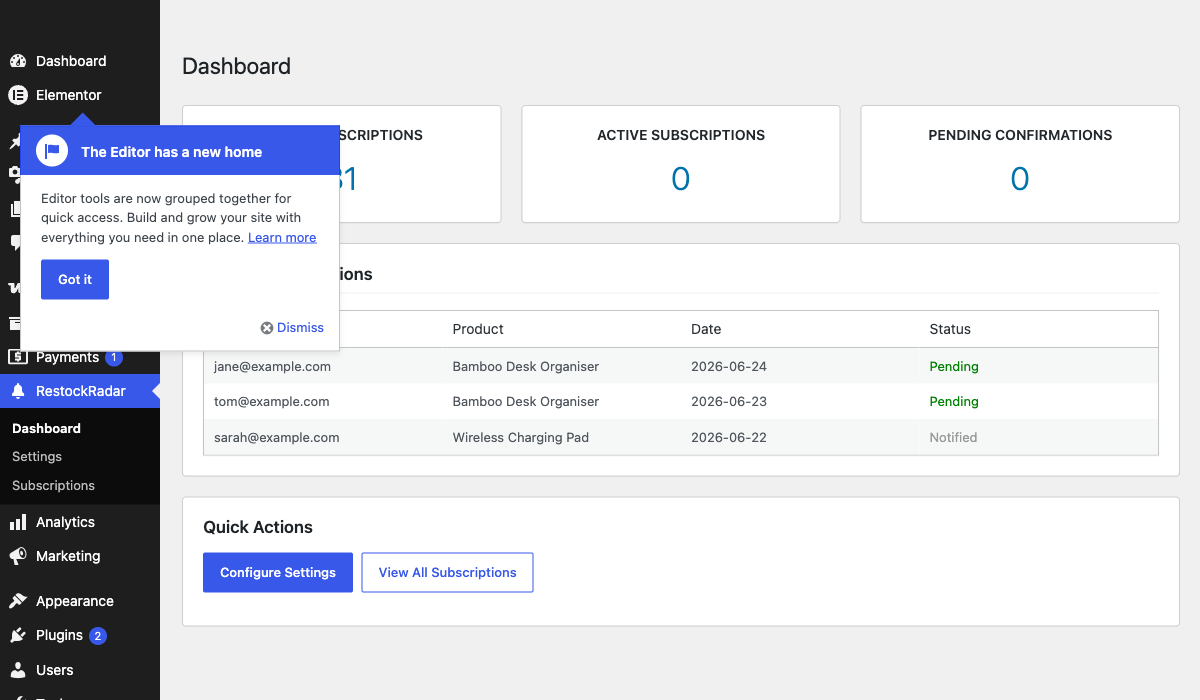
Admin dashboard showing total and active subscriber counts with recent subscription activity


