Return & Withdrawal Manager Lite For WooCommerce Wordpress Plugin - Rating, Reviews, Demo & Download

Plugin Description
Return & Withdrawal Manager Lite for WooCommerce gives store owners a structured way to receive manual return and withdrawal requests from customers.
The plugin adds a public form where customers can enter their order number, contact details, the products they want to withdraw or return, and an optional message. The request is saved in WordPress, the store receives an email notification, and the customer receives a confirmation copy for their records.
It is built for WooCommerce stores that want a lightweight request intake flow without adding a full returns management system.
What the Lite version does
- Adds a public withdrawal/return request form with a shortcode
- Collects order number, name, email, products/items and optional message
- Sends an email notification to the store
- Sends a confirmation email to the customer
- Saves requests in a basic WordPress admin overview
- Lets store managers set request status: New, Processing, Completed or Rejected
- Allows configuration of notification email, default withdrawal period and form intro text
- Automatically creates a form page on activation
- Includes English as the default language and Danish translation files
Pro version
The Pro version is designed for stores that want deeper WooCommerce automation.
Pro adds secure order links, prefilled order data, item-level selection, duplicate protection, WooCommerce order notes, B2B/VAT awareness, multilingual templates, license-based updates and more advanced store handling.
Learn more at:
https://sdcplugins.com/return-withdrawal-manager/
Shortcode
Use this shortcode on any page where customers should be able to submit a request:
[rwm_lite_withdrawal_form]
Screenshots
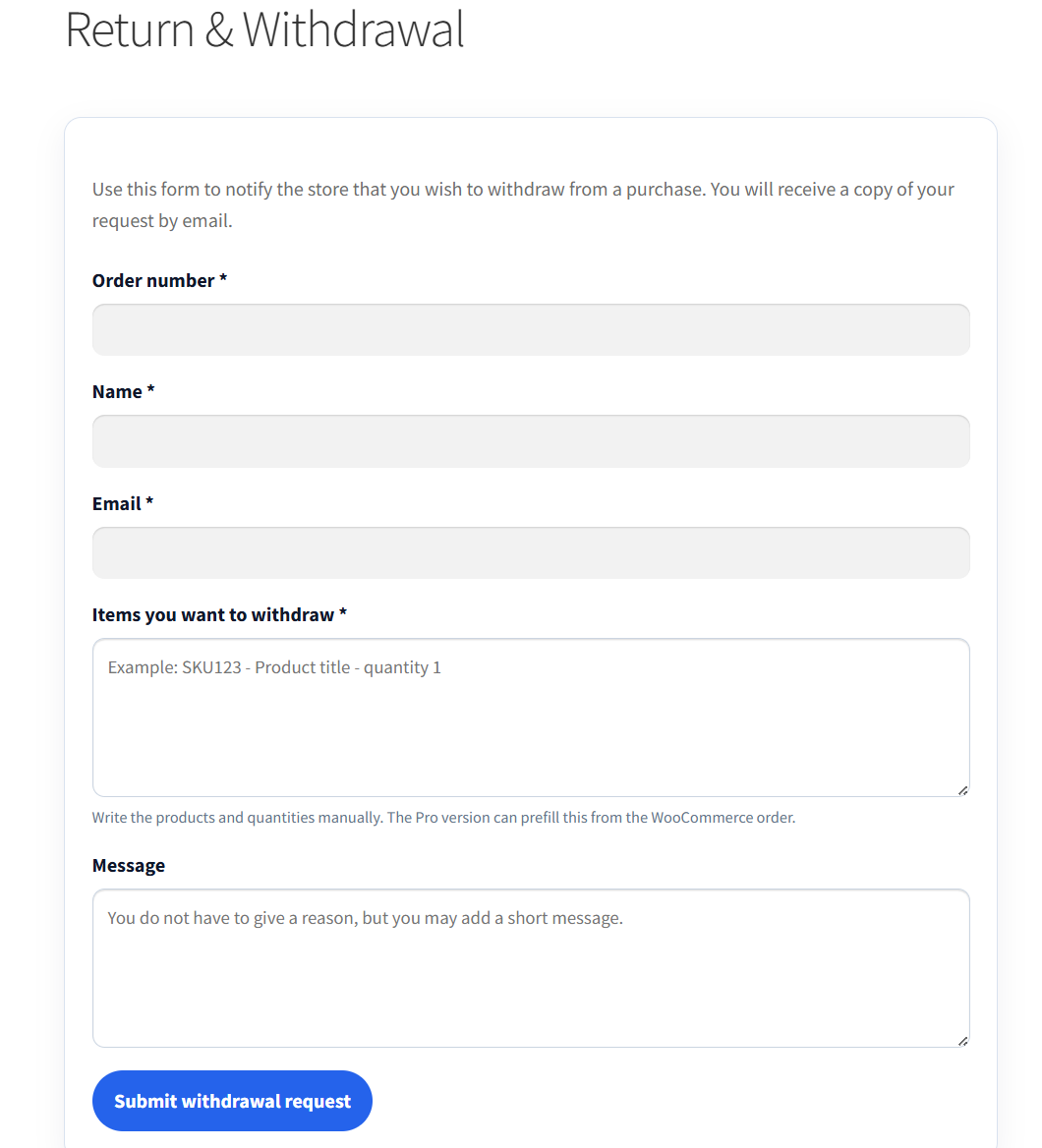
Public withdrawal request form.
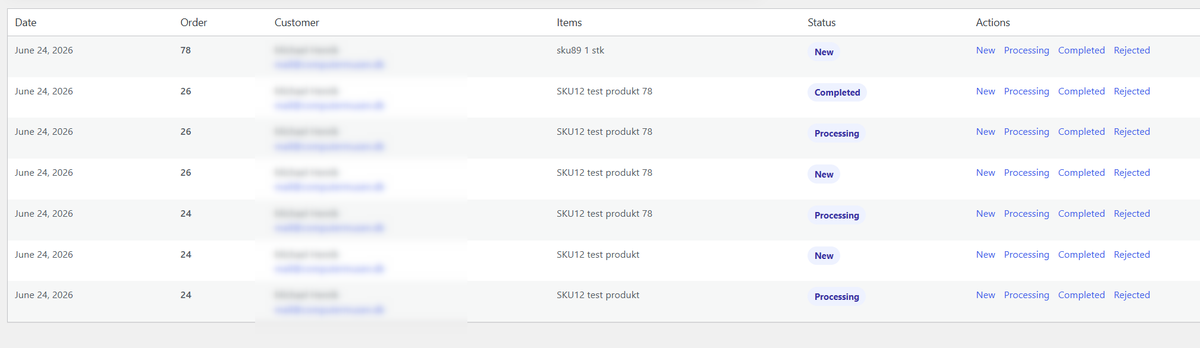
Admin overview of submitted withdrawal requests.
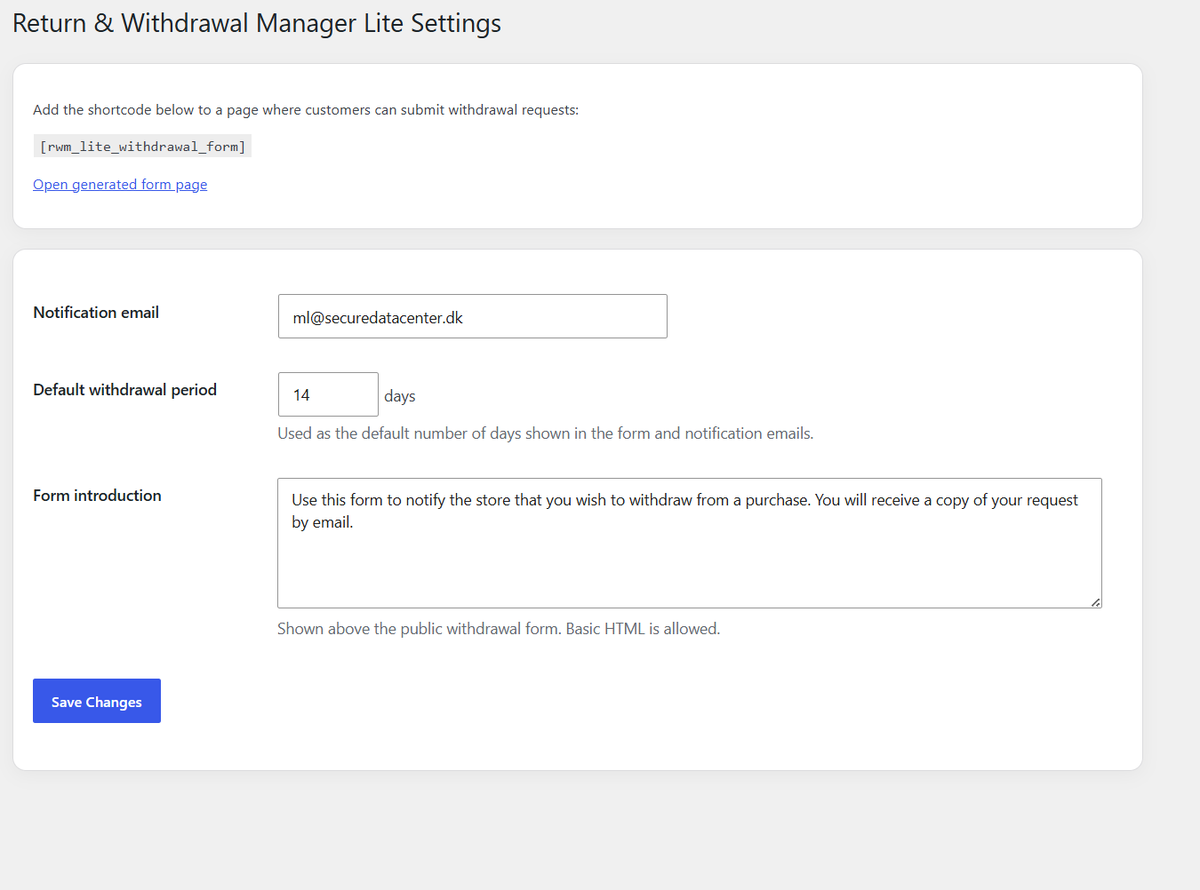
Settings page for notification email, default withdrawal period and form text.
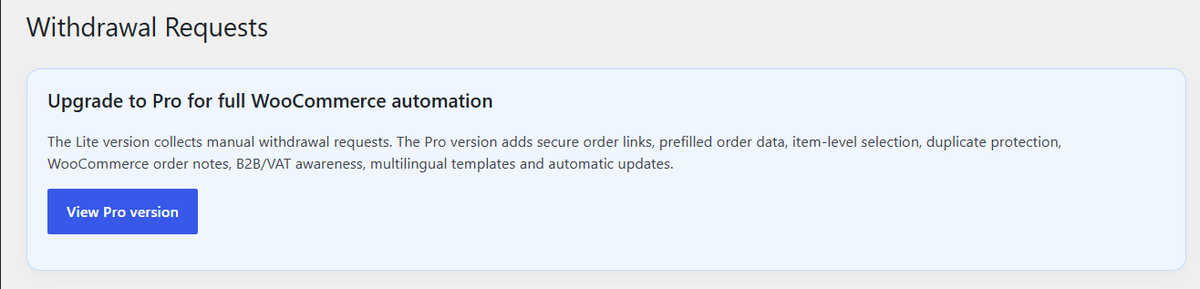
Upgrade information showing the Pro automation option.