
RubikChat – AI Agent, AI Chatbot & Customer Support Automation Wordpress Plugin - Rating, Reviews, Demo & Download

Plugin Description
RubikChat connects an intelligent, autonomous AI Agent directly to your WordPress website to handle customer service, qualify leads, and answer visitor questions 24/7 using your site’s own knowledge base.
Unlike standard, scripted chatbots, RubikChat acts as an automated digital agent. You can build and deploy an AI Agent directly from your WordPress admin dashboard without leaving your site, or seamlessly connect an existing agent created on the RubikChat Platform.
Features
- 1-Click Dashboard Setup: Automatically register and deploy a new AI Agent directly from WordPress, no external copy-pasting required.
- Connect Existing Agent: Already using RubikChat? Connect your pre-configured agent instantly via your Agent ID.
- Auto-Sync Knowledge Base: Easily choose which WordPress posts and pages your AI Agent learns from.
- Brand Customization: Match your site styling with customizable color palettes, light/dark themes, and welcome messages.
- Targeted Visibility: Control specifically which pages display the chat widget.
- In-Dashboard Live Preview: Test your agent’s responses within your WordPress admin area before going live.
Third-Party Service Notice
This plugin relies on RubikChat (a cloud-based AI and CRM platform) to process AI interactions, manage chat histories, and host your agent’s knowledge base.
- Service Provider: RubikChat (rubikchat.com)
- Data Transmitted: When visitors interact with the chat widget, conversation queries, session IDs, and selected public site pages (used for your agent’s knowledge base) are transmitted securely to RubikChat’s API servers to generate responses.
- Terms of Service: https://rubikchat.com/legal/terms-of-service/
- Privacy Policy: https://rubikchat.com/legal/privacy-policy/
Screenshots
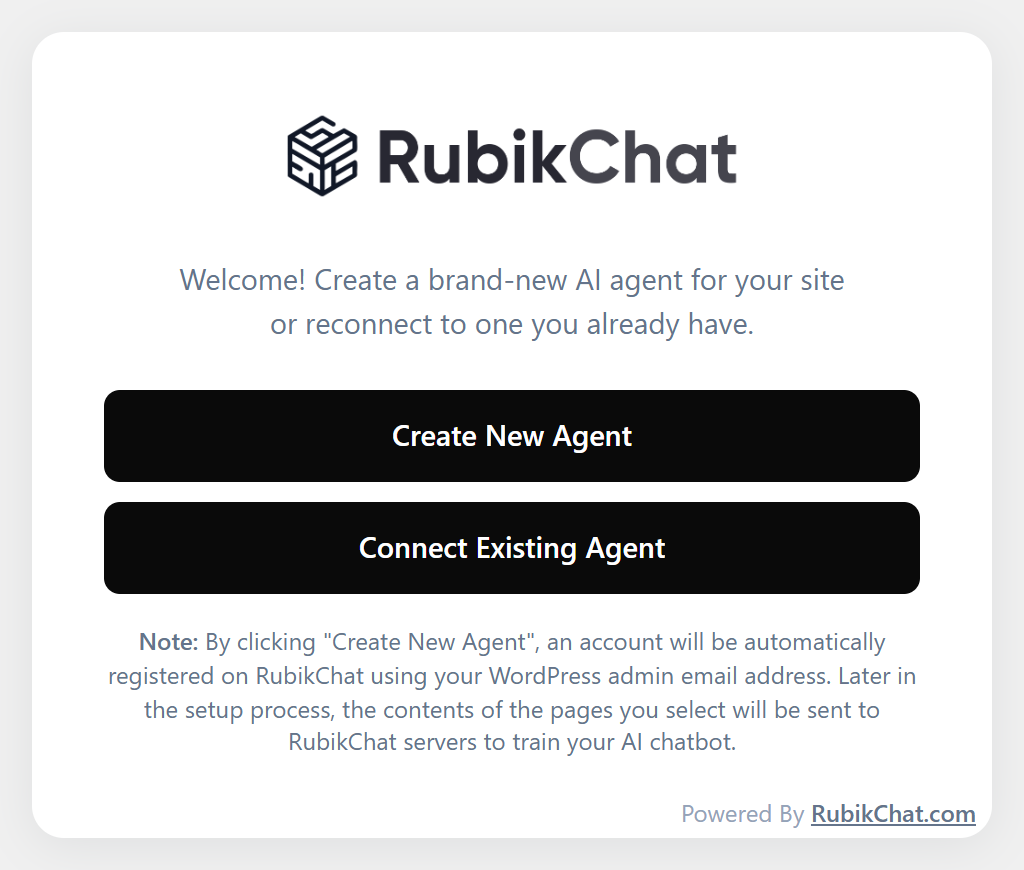
Onboarding: Deploy a new AI Agent or connect via Agent ID directly from WordPress.
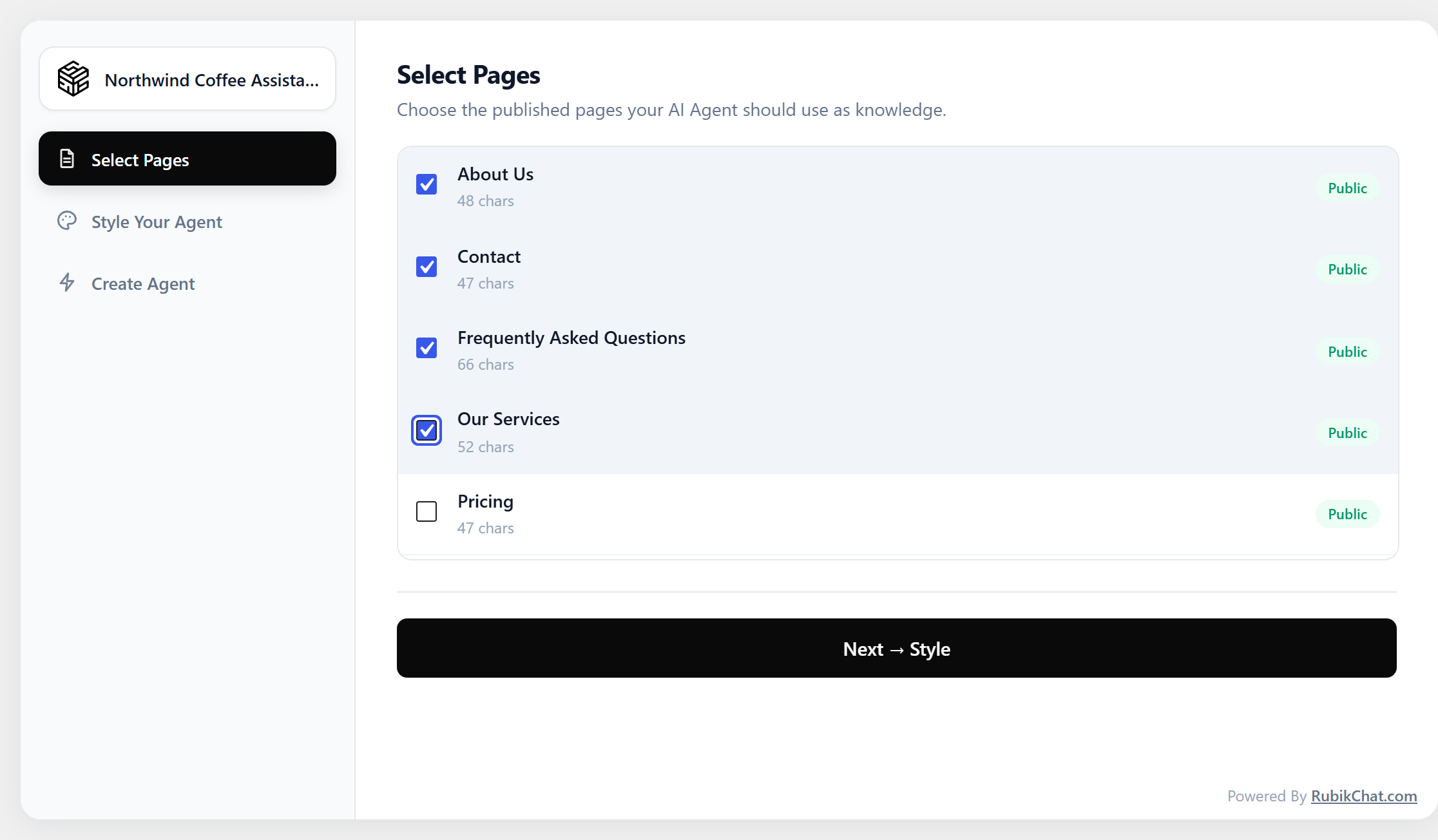
Knowledge Base Sync: Select WordPress pages and posts your AI Agent uses for context.

Design & Styling: Customize widget colors, light/dark themes, and welcome prompts.
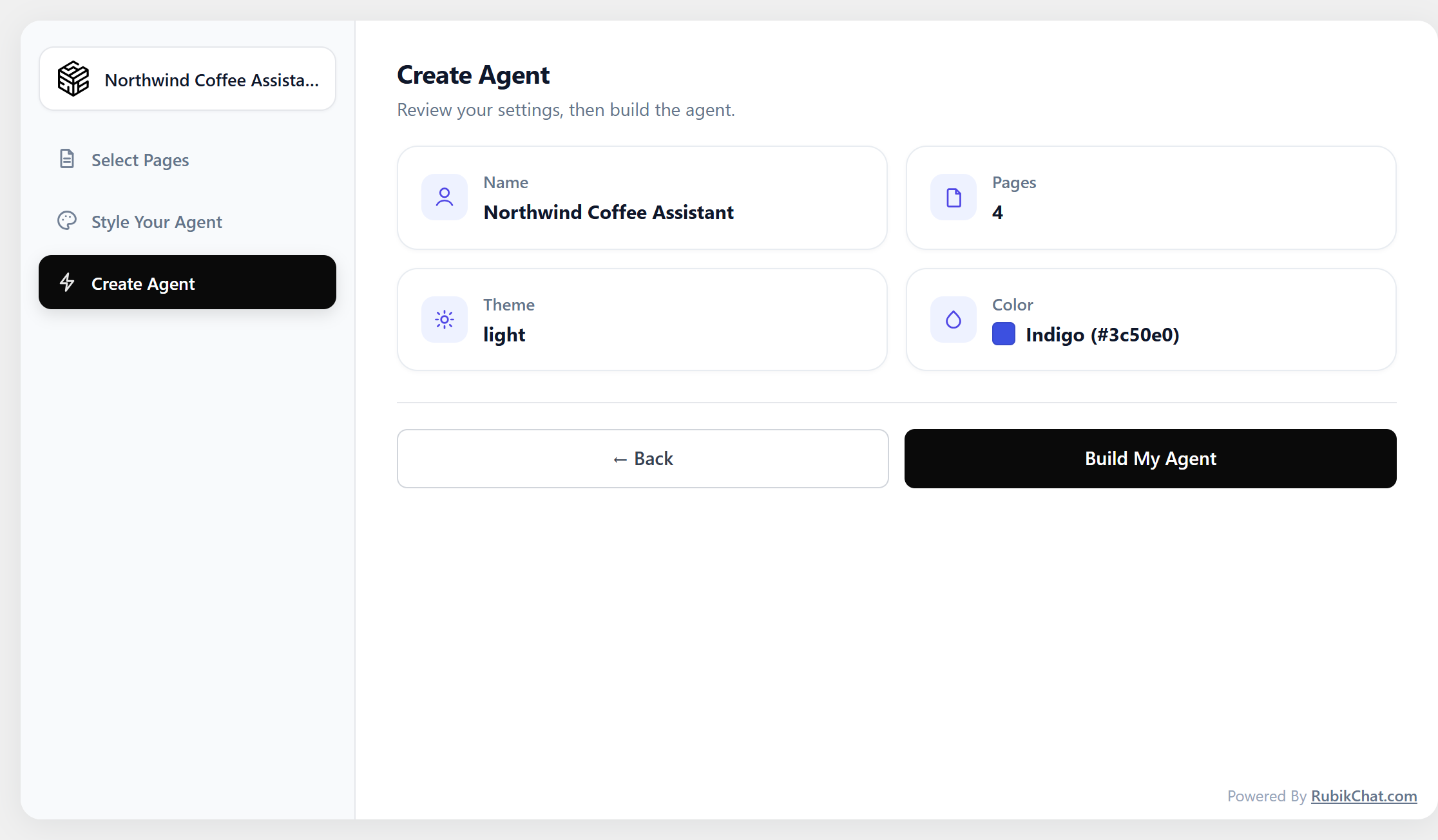
Create Agent: Instantly generate your agent with a single click on “Build My Agent”.
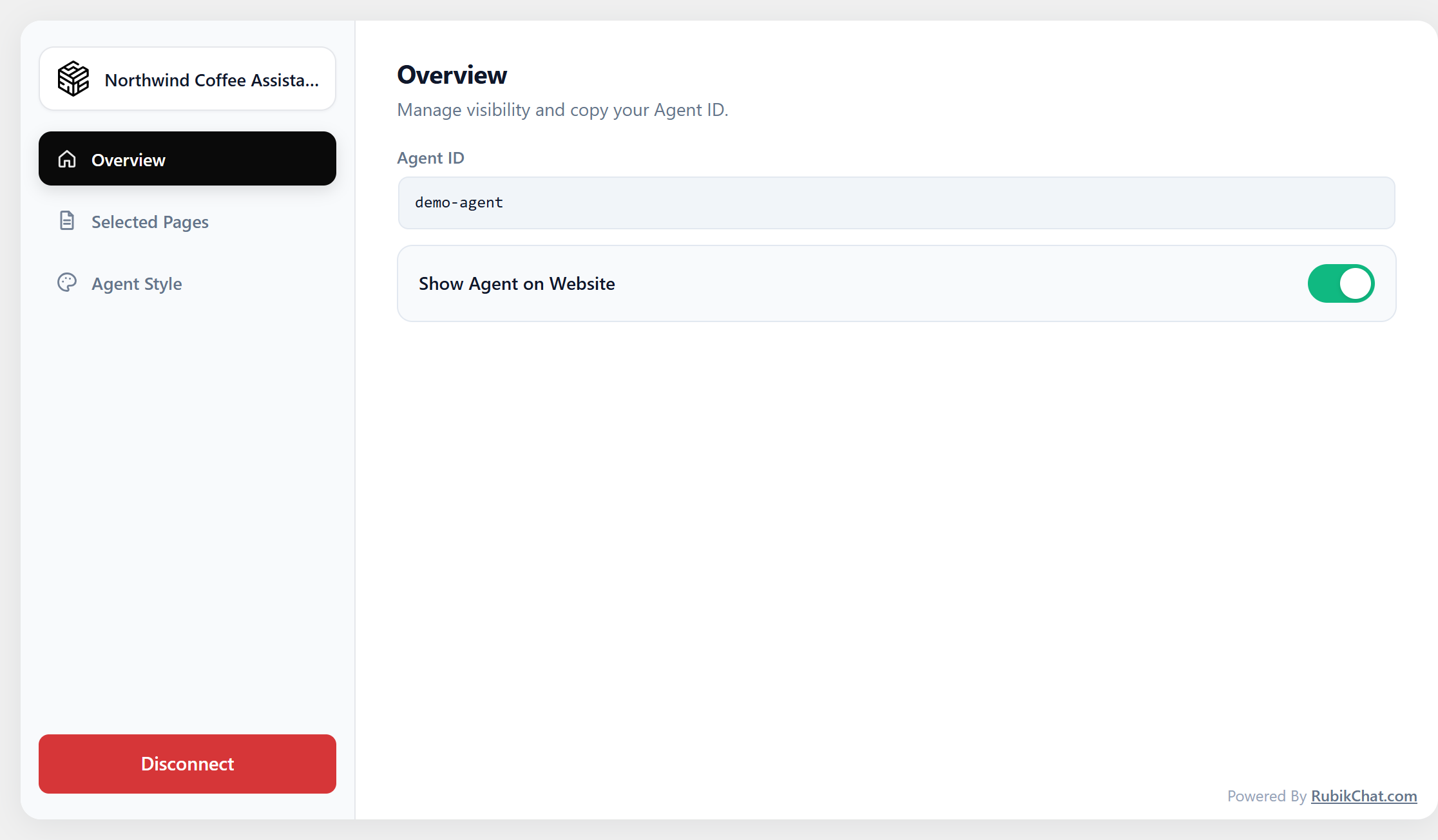
Control Visibility: Show or hide the AI Agent using the “Show Agent on Website” toggle.
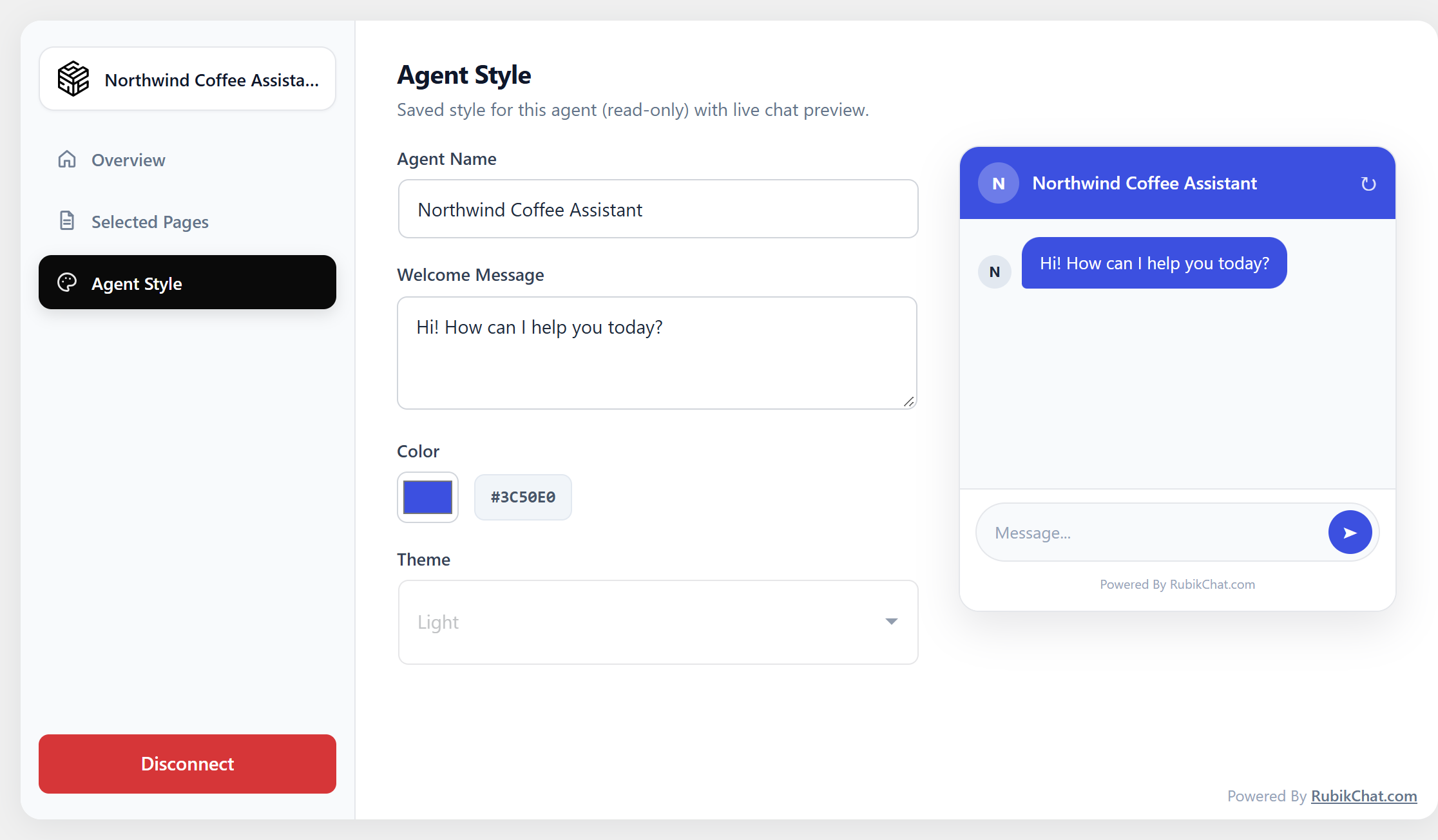
Live Preview: Test conversation flows in the admin panel before publishing live.

Connect via Agent ID: Easily link an existing agent by simply entering its unique Agent ID.


