SanBar EXPress IMG Tuner For WooCommerce Wordpress Plugin - Rating, Reviews, Demo & Download

Plugin Description
SanBar EXPress IMG Tuner for WooCommerce is a fast, no-frills tool for keeping your WooCommerce product images consistent — right size, right format, right name — without opening an external image editor or touching every product one by one.
Features
- Bulk resize — filter products by current image size (main image), then resize and replace the main image and/or gallery images for many products at once, either updating the site directly or downloading a ZIP
- Individual image actions — click any product image to resize, adjust, or replace it on its own, without affecting the rest of the product’s gallery
- Format conversion — JPEG, PNG or WebP, with adjustable quality
- Resize modes — Contain, Cover, or Stretch, with an optional “keep aspect ratio” lock so width/height stay proportional automatically
- Color adjustments — brightness, contrast and saturation, applied client-side via the browser’s canvas, no server-side image processing needed
- Text watermark — optional text overlay (e.g. brand name, “Sale”) with configurable position, size and color
- Live preview — see the resize, adjustments and watermark applied before committing
- File renaming — rename the underlying file (not just the pixels) using an automatic pattern (product name + ID, product name + SKU) or a custom name, applied globally wherever that image is used
- Replace from Media Library — swap a product image for one that already exists in your library, instantly, without re-uploading
- Add / detach gallery images — add existing media to a product’s gallery, or remove an image from a product without deleting the underlying file
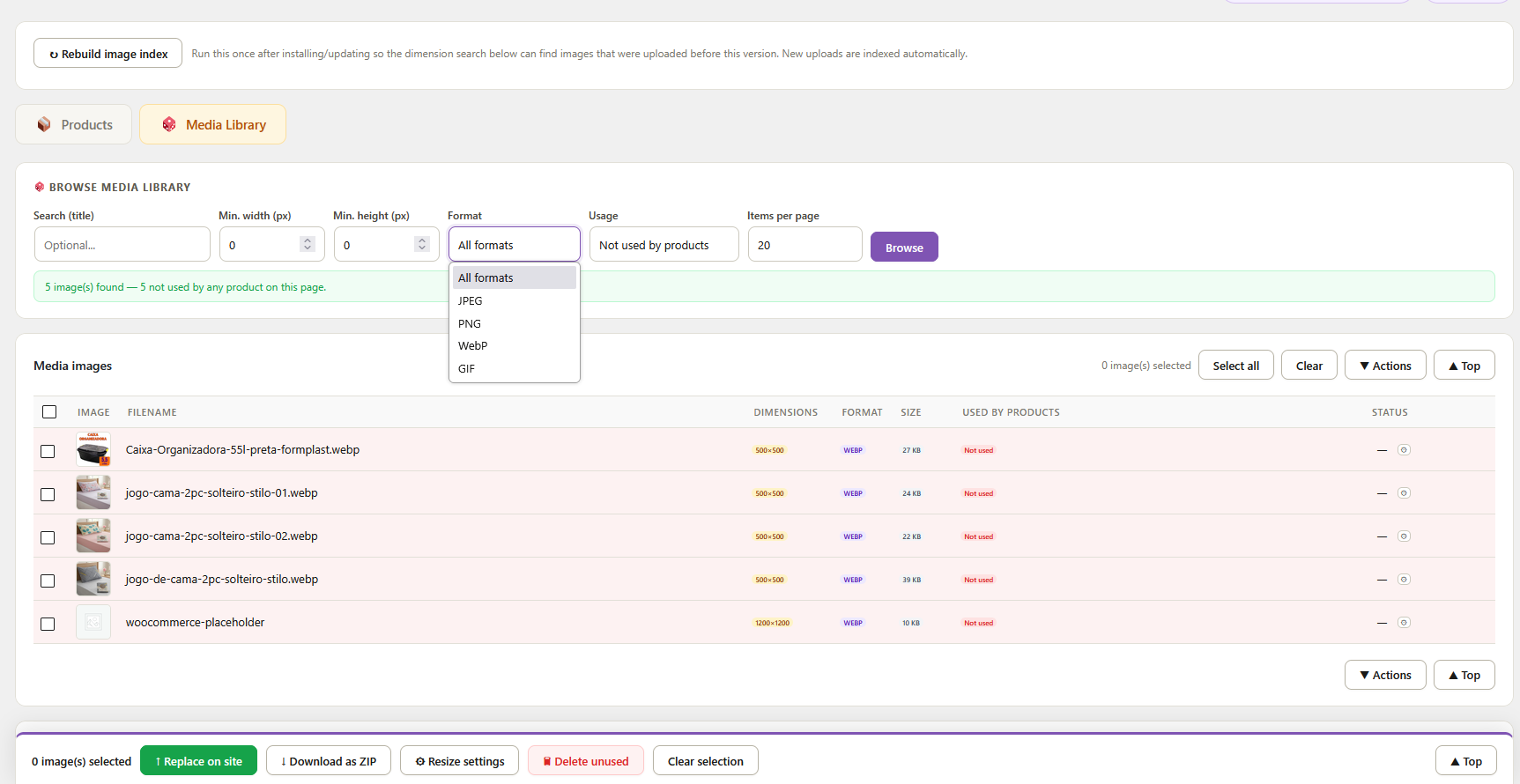
- Media Library browser — search your whole media library by title, dimension, format, and whether each image is used by any product, with a direct link to every product using it (including images shared across multiple products)
- Small thumbnails view — denser layout to review more images per screen
- WooCommerce HPOS compatible
Why use this plugin?
Product photos rarely arrive in a consistent size or format, and WooCommerce’s own media tools don’t offer bulk resize, format conversion, or renaming. SanBar EXPress IMG Tuner fills that gap: filter your catalog by image size, fix what needs fixing — one image or hundreds — and keep going, without leaving wp-admin.
More from SanBar
Other plugins and tools by the author are listed at software.sanbazar.com.br.
Permissions
All actions (browsing, resizing, renaming, replacing, and media library management) require the edit_products capability, which WooCommerce grants by default only to Shop Managers and Administrators — so both roles can use the plugin without extra configuration, and no other role can.
Screenshots
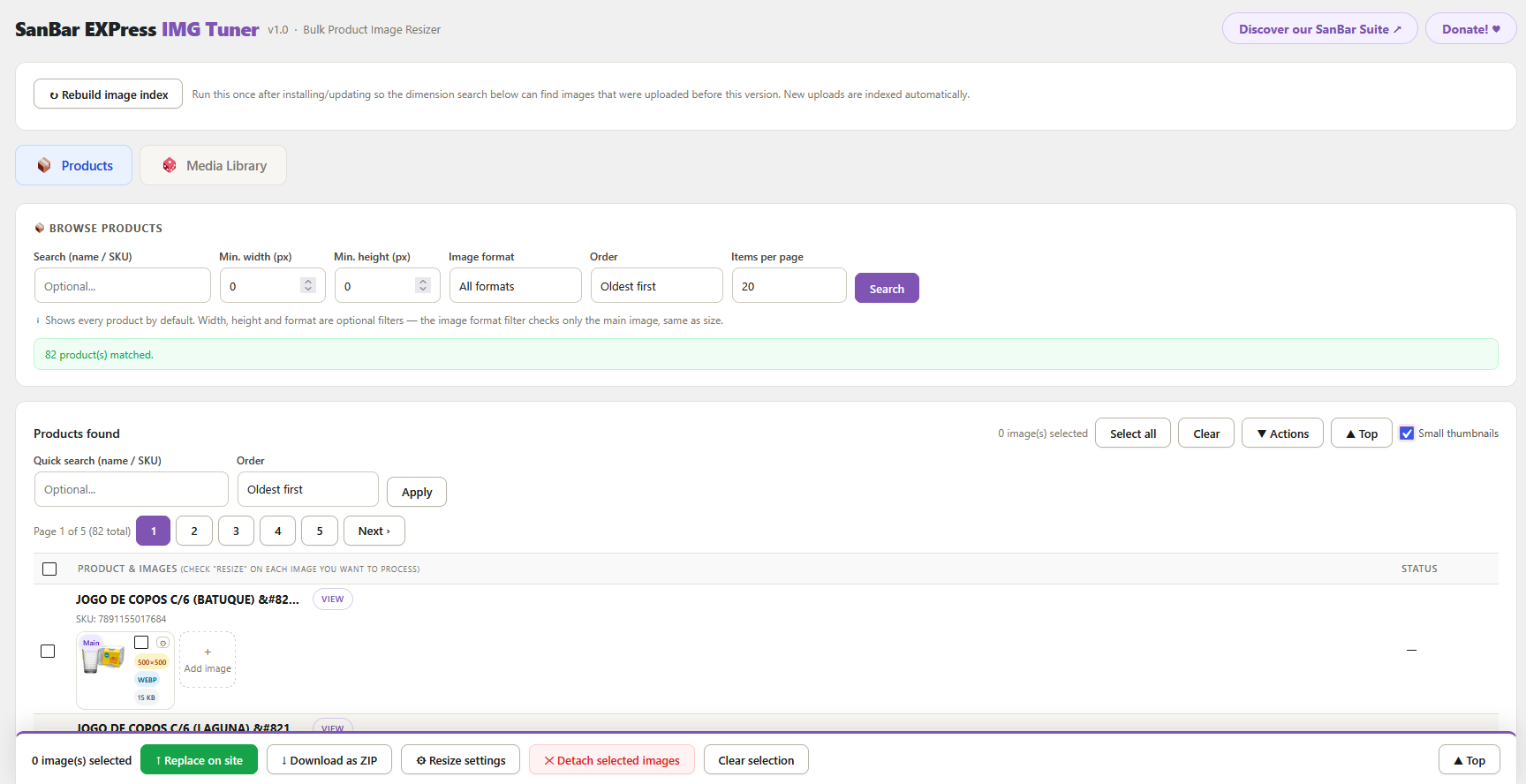
Product image search, filtered by minimum size, with per-image dimension/format/size shown as badges.
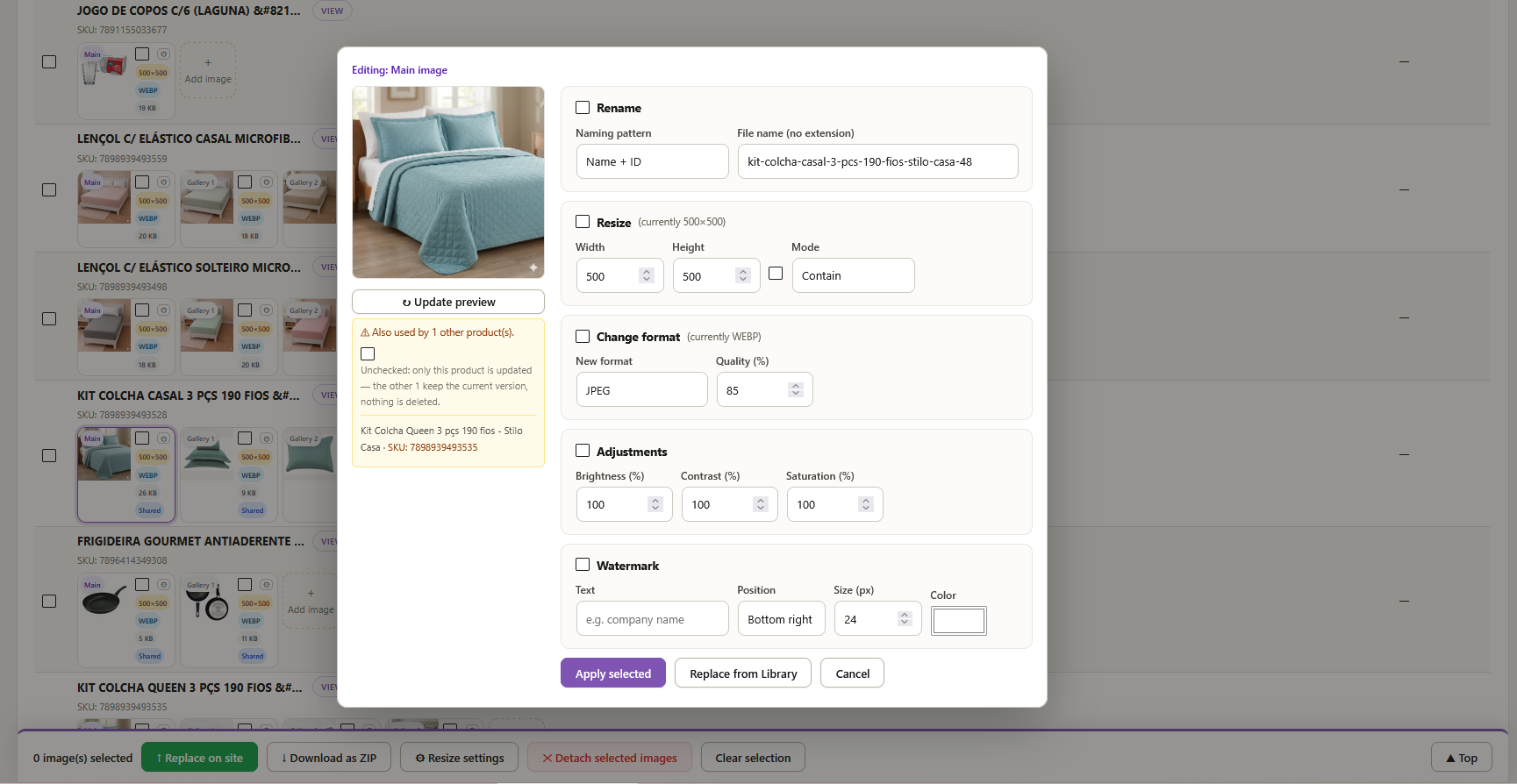
Individual image editor — resize, adjustments, watermark, live preview and rename, all in one panel.
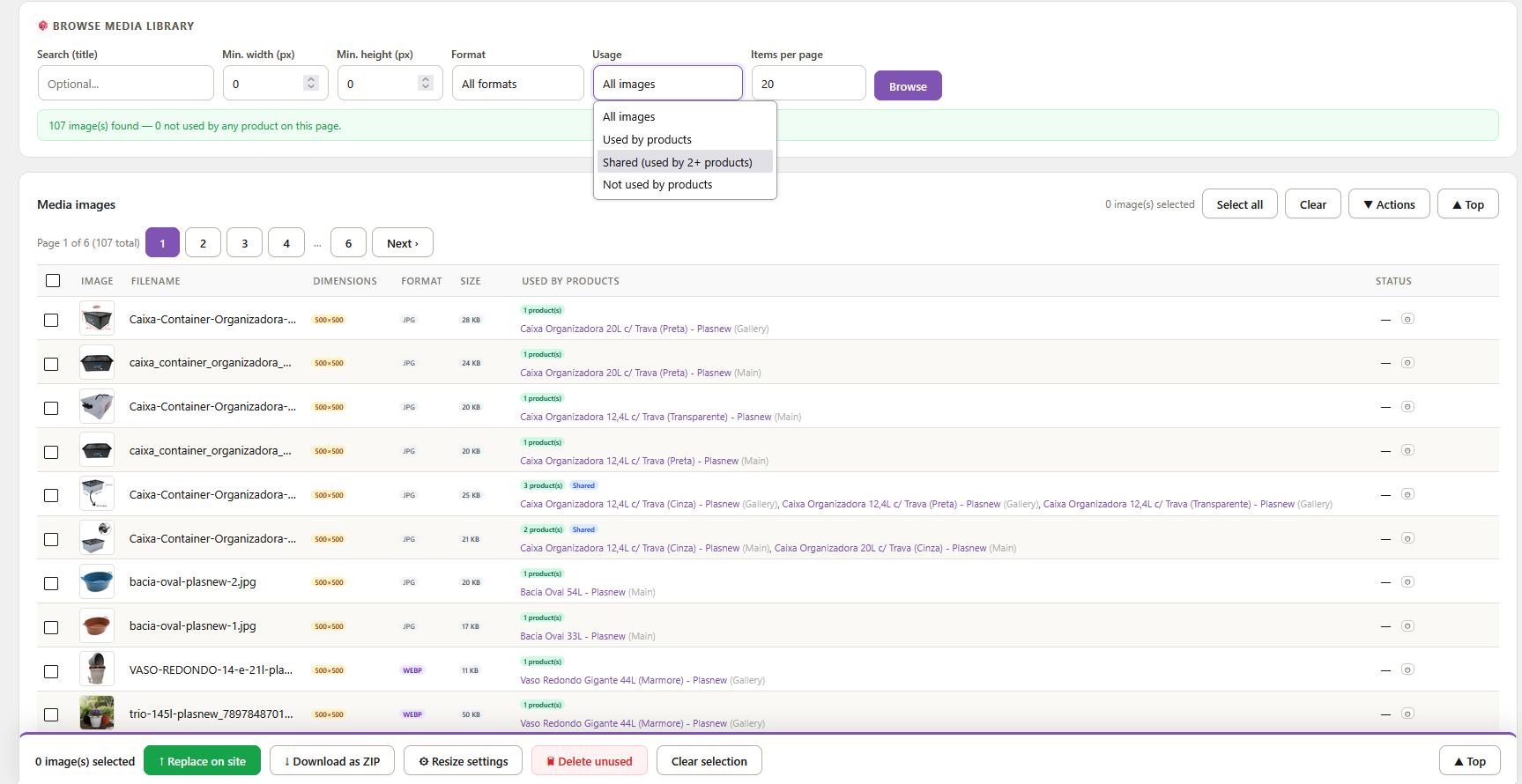
Media Library browser, showing which products use each image, including images shared across multiple products.