ScanForge Database Security Wordpress Plugin - Rating, Reviews, Demo & Download
Plugin Description
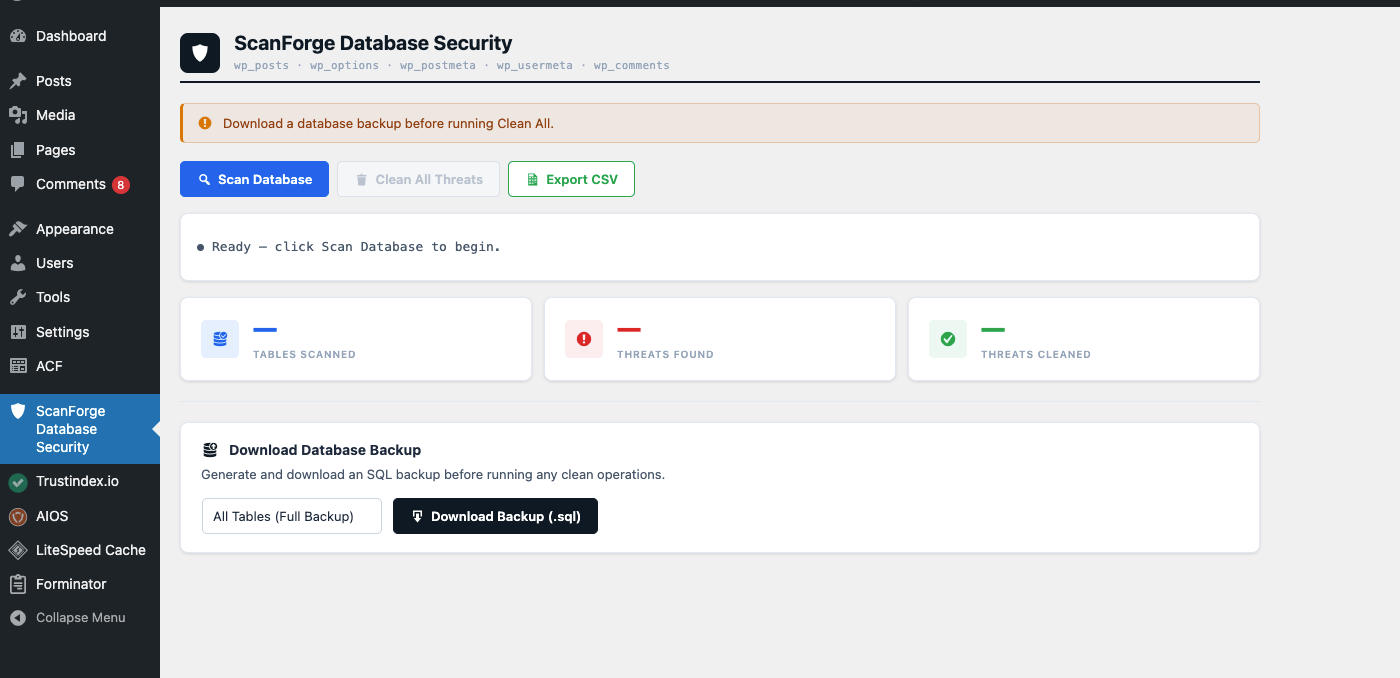
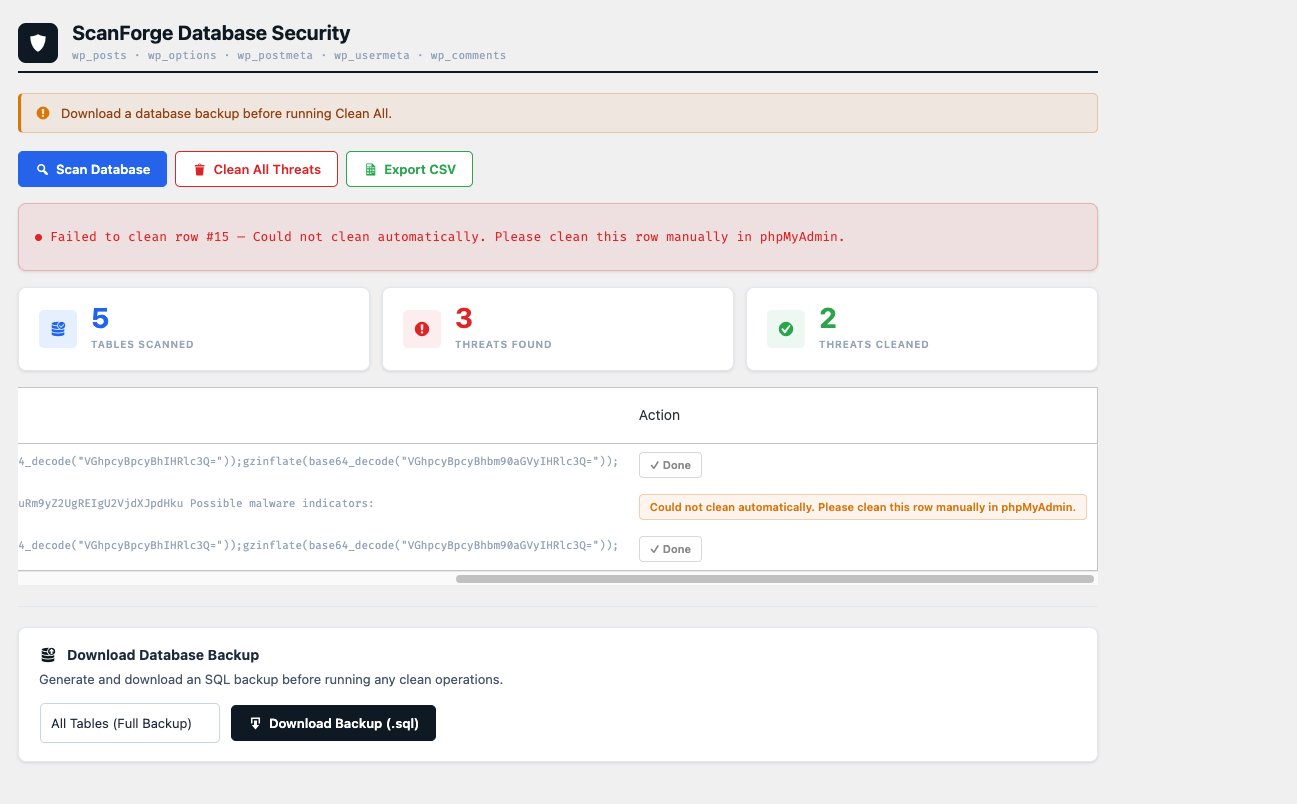
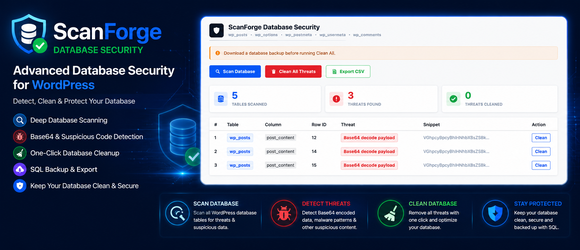
ScanForge Database Security helps WordPress administrators find and remove malicious code injected into the database. It scans common WordPress database tables for known malware patterns including traffic hijacking scripts, base64 encoded payloads, web shells, and other malicious injections.
Features
- Scans wp_posts, wp_options, wp_postmeta, wp_usermeta, and wp_comments tables
- Detects 15+ known malware patterns
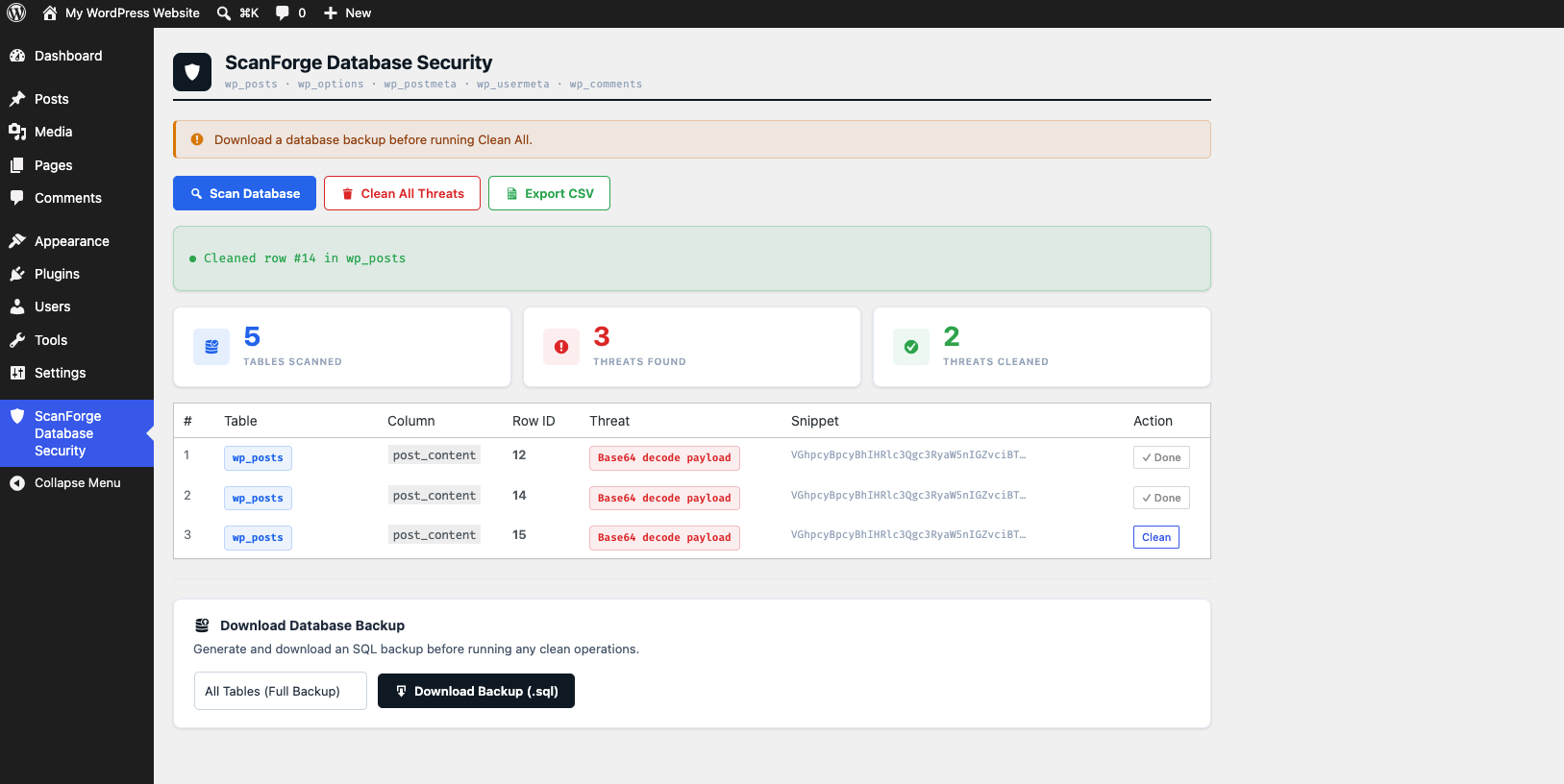
- Clean individual rows or all threats at once
- Export scan results as CSV report
- Simple and easy to use admin interface
- No external service required — runs entirely on your server
- Follows WordPress coding standards
Detected Threats
- Traffic hijacking scripts (e.g. searchranktraffic.live)
- Nulled plugin backdoors (e.g. wordpressnull.org)
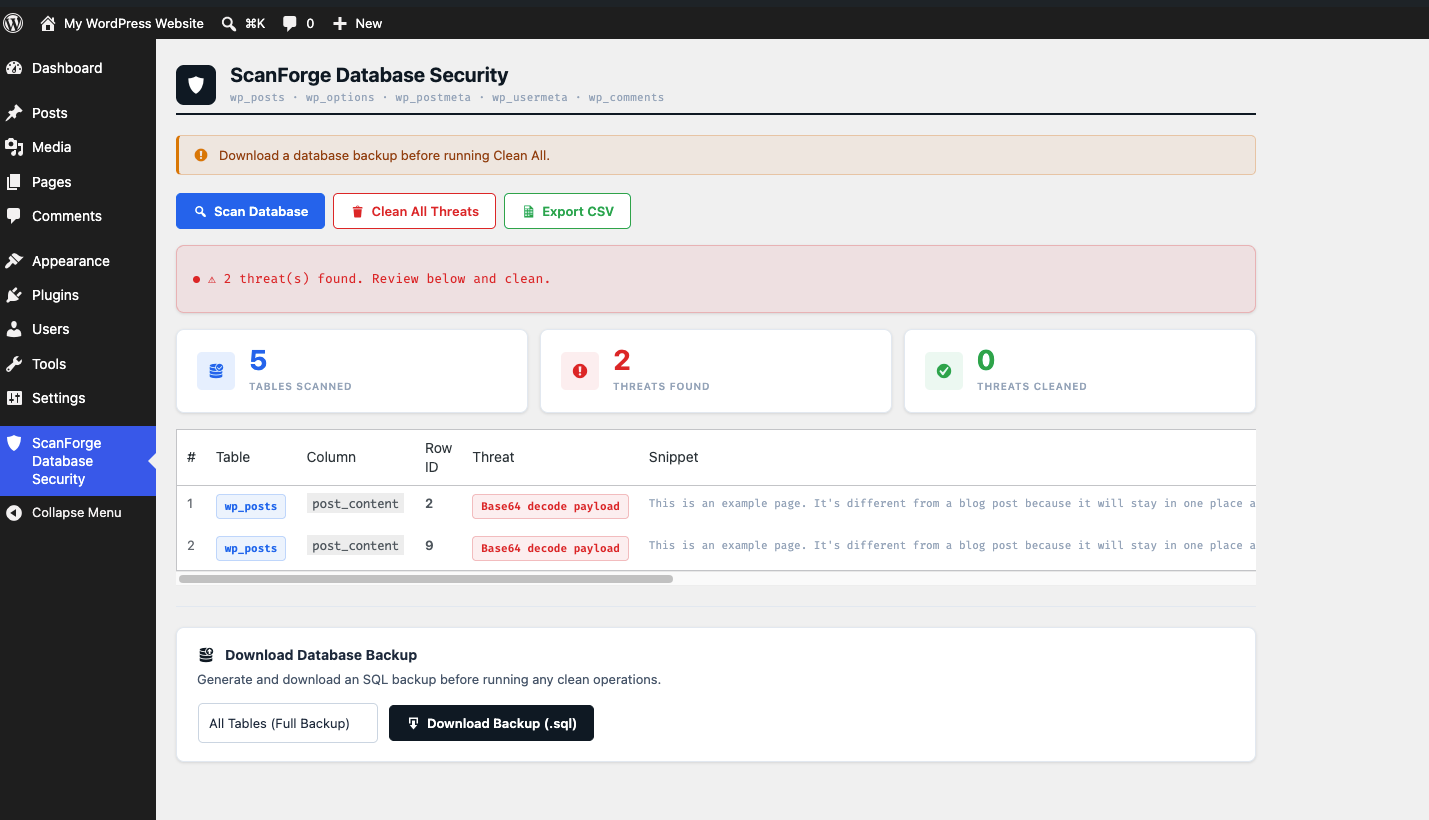
- Base64 encoded payloads
- Obfuscated eval() injections
- Dynamic script injections
- Tracking cookie injections
- Character code obfuscation
- Shell execution attempts (shell_exec, passthru)
- Web shells (FilesMan, c99shell, r57shell)
Important Notice
This plugin helps clean database infections but it does NOT prevent reinfection if the source of the malware (such as nulled/pirated plugins or themes) is still installed. Always remove nulled software and use legitimate licensed plugins to permanently fix infections.
Usage
- Go to ScanForge Database Security in your WordPress admin menu
- Click Scan Database
- Review the threats found
- Click Clean All or clean rows individually
- Export a CSV report if needed
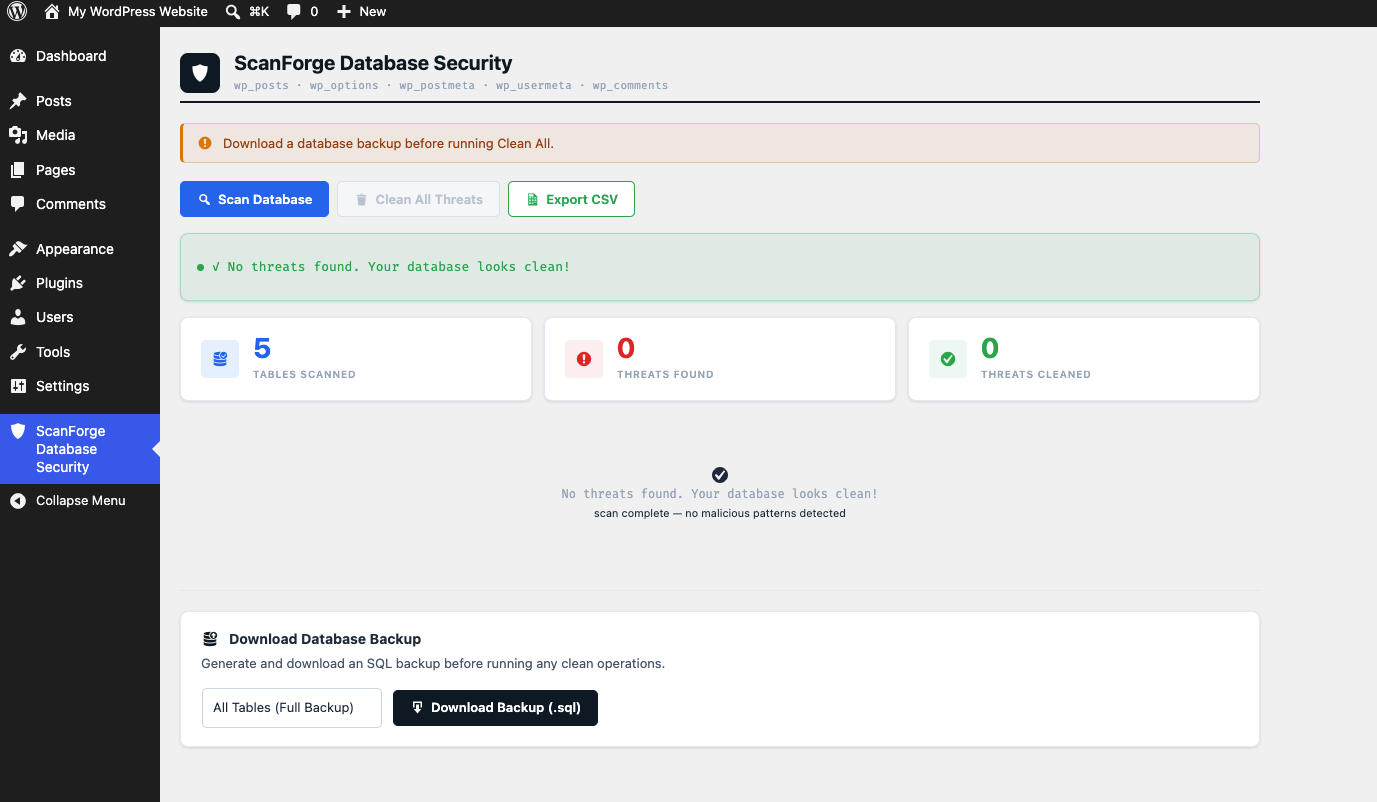
- Run the scan again to verify everything is clean