SCP Dynamics ESI Bridge Wordpress Plugin - Rating, Reviews, Demo & Download
Plugin Description
SCP Dynamics ESI Bridge helps performance-focused WordPress sites keep dynamic JetFormBuilder forms working inside cached pages.
It is built for workflows that use JetFormBuilder forms with LiteSpeed Cache ESI, Bricks Builder pages, and booking or appointment fields that need fresh availability, valid nonces, live calculated totals, and native AJAX submissions.
Main features:
- LiteSpeed ESI shortcode for JetFormBuilder forms.
- Bricks Builder element with form selection and style controls.
- Server-rendered accessible names for JetFormBuilder checkbox and radio fields.
- Always-fresh ESI mode for booking forms while the parent page stays cacheable.
- JetBooking datepicker and calculated-price compatibility for ESI-rendered forms.
- Optional no-cache handling for booking availability AJAX/REST requests.
- Optional frontend behavior controls for user info, messages, mobile terms layout, and diagnostics.
- Admin page with discovered JetFormBuilder forms and copy-ready shortcodes.
Source Code
All custom PHP, JavaScript, and CSS distributed with this plugin is included in human-readable form. The plugin does not use a build process and does not bundle third-party libraries. The files in assets/js/ are the directly maintained source files loaded by WordPress.
This plugin is not affiliated with, endorsed by, or sponsored by Crocoblock, Bricks Builder, or LiteSpeed Technologies. Product names are used only to describe compatibility.
Requirements
Required:
- WordPress 6.0 or newer.
- PHP 7.4 or newer.
- JetFormBuilder.
Optional but recommended:
- LiteSpeed Cache with ESI support enabled for dynamic ESI fragments.
Supported integrations:
- Bricks Builder for the custom element and visual styling controls.
- JetBooking for booking availability, check-in/check-out fields, and advanced price calculated fields.
- JetAppointments for appointment-oriented JetFormBuilder workflows.
The plugin avoids fatal errors when optional integrations are missing. If LiteSpeed Cache is not active, forms use direct rendering instead of ESI.
Screenshots
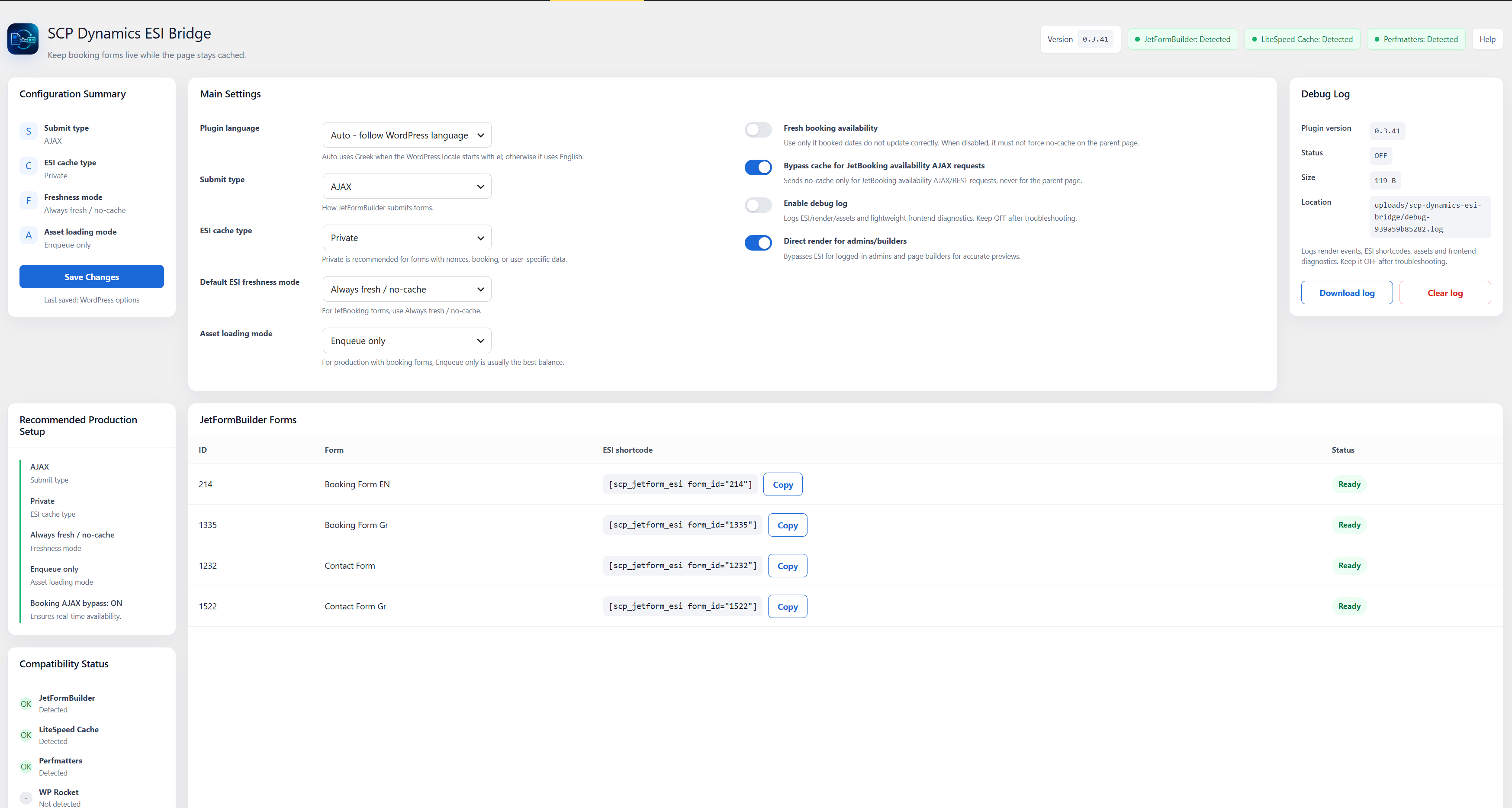
Plugin settings, integration status, recommended production configuration, and discovered JetFormBuilder forms.
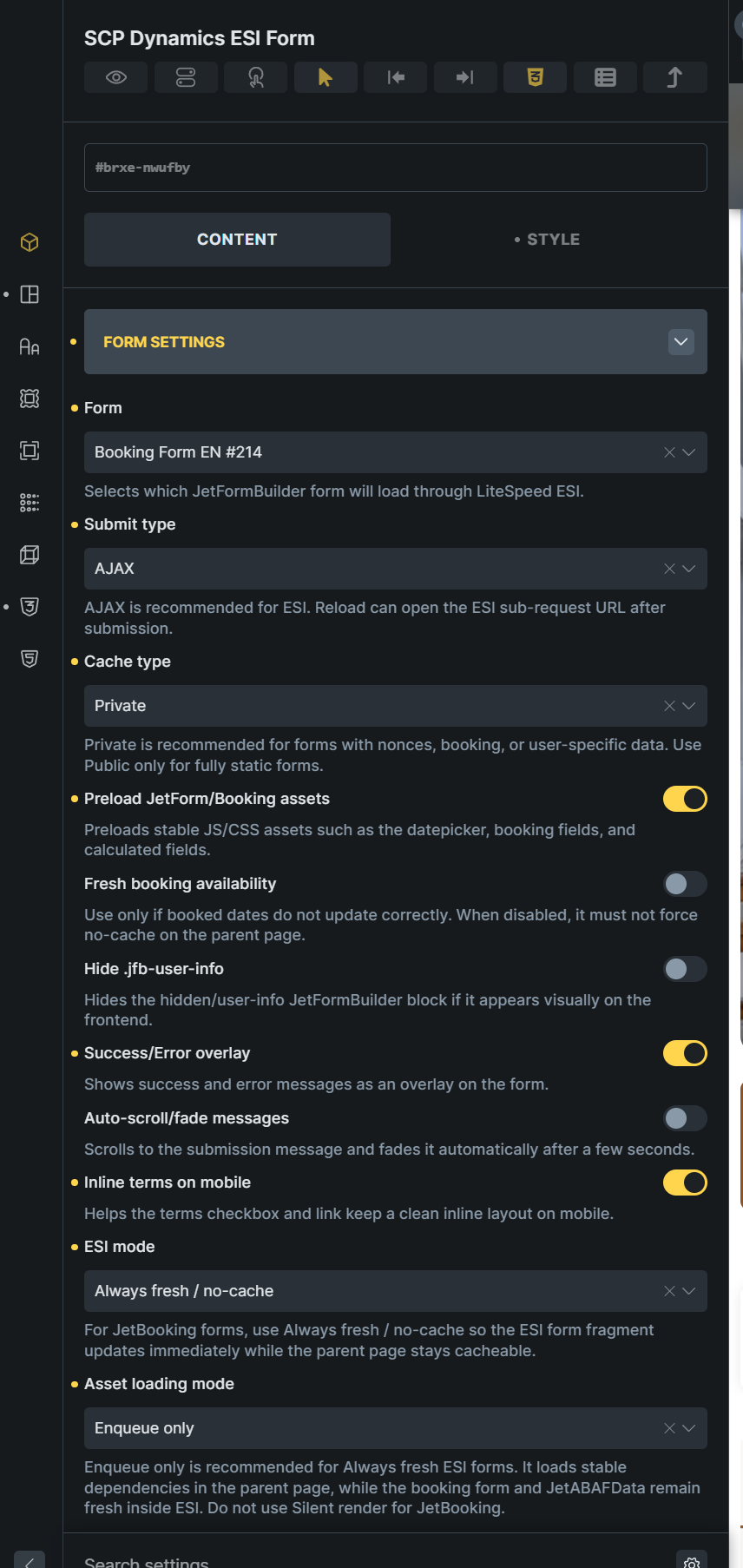
Bricks Builder element controls for form selection, ESI cache, asset loading, and frontend behavior.
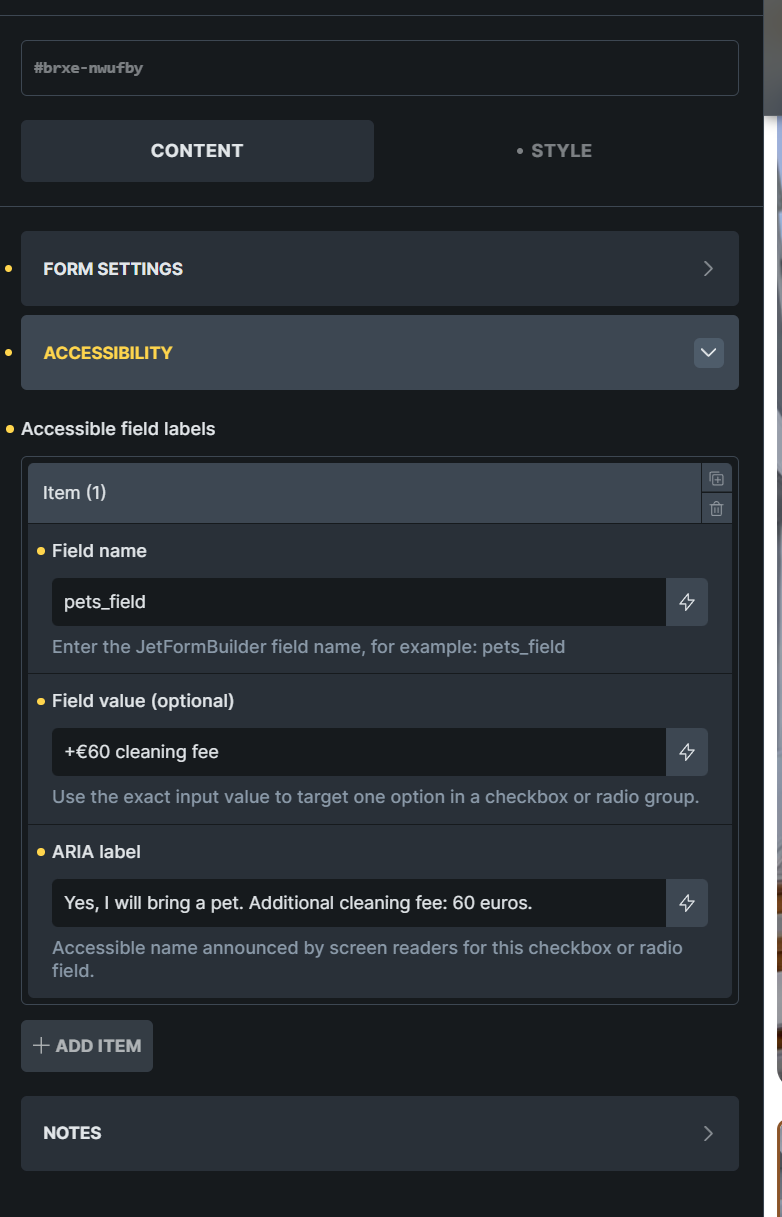
Accessible field labels for checkbox and radio options configured directly in the Bricks element.
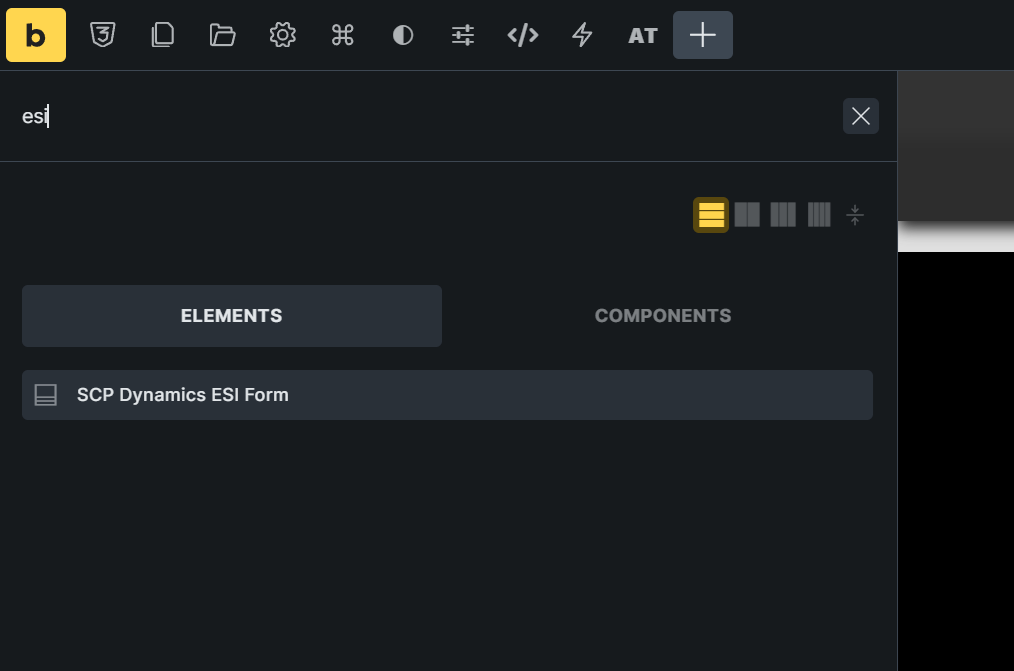
SCP Dynamics ESI Form available in the Bricks Builder element picker.
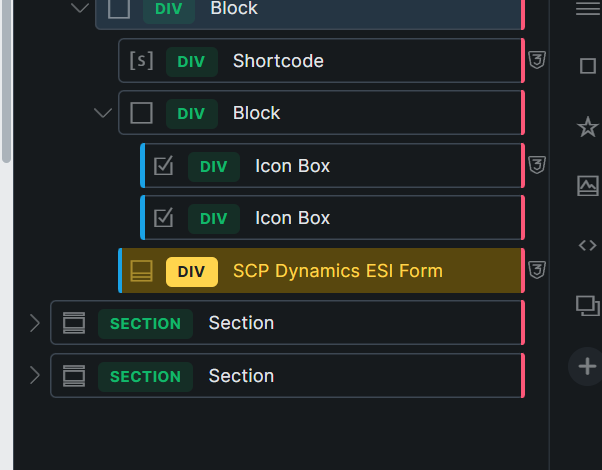
SCP Dynamics ESI Form placed inside the Bricks Builder structure panel.