
SecDev Variation Listings For WooCommerce Wordpress Plugin - Rating, Reviews, Demo & Download

Plugin Description
SecDev Variation Listings for WooCommerce transforms WooCommerce variable products into individual variation listings on shop and archive pages. Instead of displaying only the parent variable product, each variation is displayed as its own product with its own title, image, permalink and attributes. Customers can browse individual variations directly without first opening the parent product. The plugin works entirely on the front end and does not duplicate products or modify your database.
Features
Display each variation as an individual product
Keep WooCommerce variable products intact
Optional hiding of parent variable products
Custom variation title structure
Custom attribute separator
Hide out-of-stock variations
Move out-of-stock variations to the end of product listings
Exclude Shop page
Exclude Product Category archives
Exclude Product Tag archives
Exclude Search results
Exclude selected product categories
Exclude selected product tags
Exclude specific products
Include only selected products
Settings
Enable
Enable or disable the plugin.
Hide Parent
Hides the original variable product from archive pages while displaying only its variations.
Excluded Pages
Disable the plugin on selected WooCommerce pages.
Available pages:
Shop
Product Categories
Product Tags
Search Results
Excluded Categories
Do not expand variable products belonging to selected product categories.
Excluded Tags
Do not expand variable products belonging to selected product tags.
Excluded Products
Prevent selected variable products from displaying their variations.
Included Products
Only expand the selected products. When this list is empty, all eligible variable products are expanded.
Out of Stock Products
Choose one of the following actions:
Hide out-of-stock variations
Move out-of-stock variations to the end of the product list
Custom Title Structure
Create your own variation title format. Available placeholders:
{title}
{attributes}
Example:
{title} – {attributes}
Output:
Running Shoes – Black, Size 42
Custom Attribute Separator
Choose how variation attributes are separated. Examples:
,
|
/
•
Screenshots
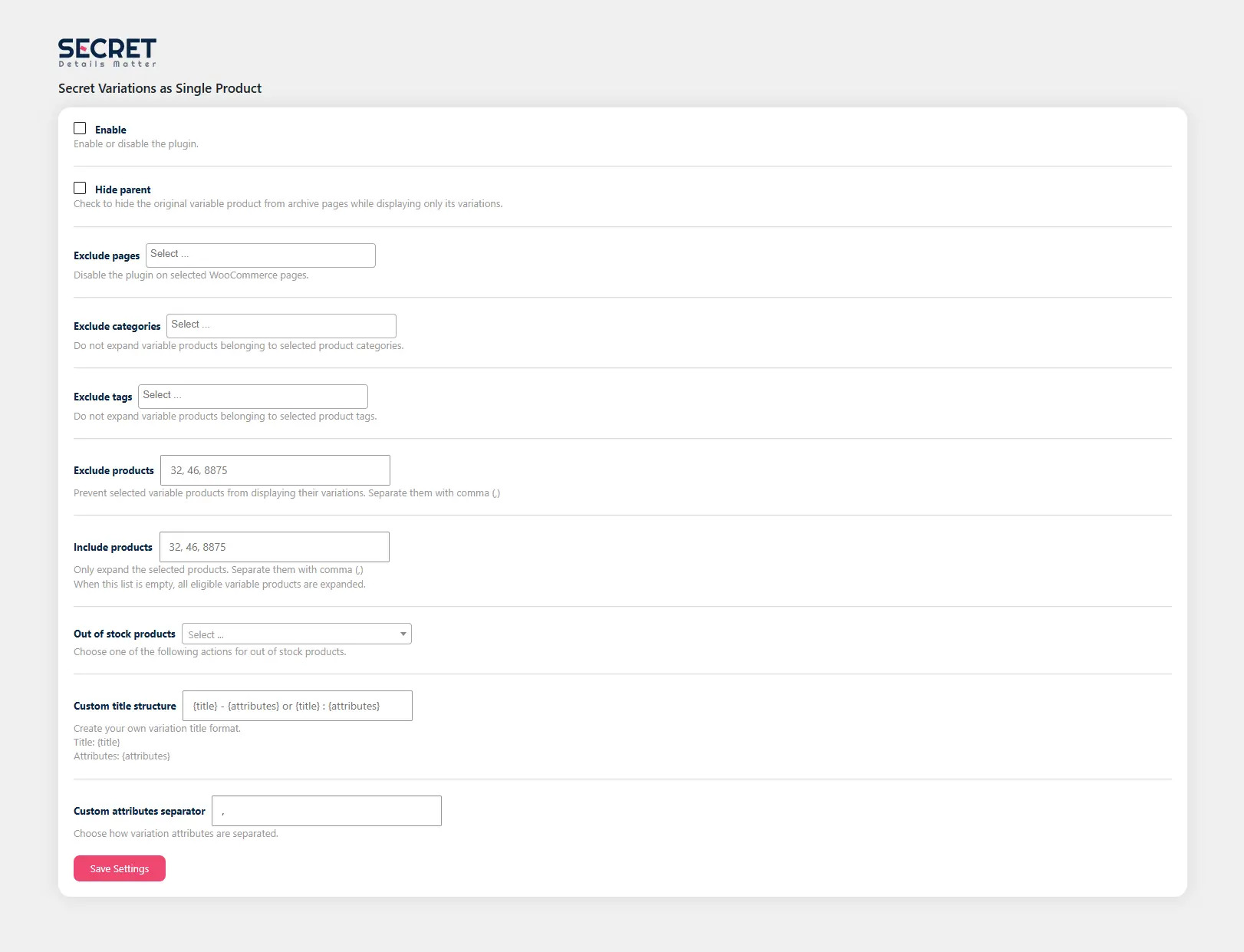
Plugin settings page
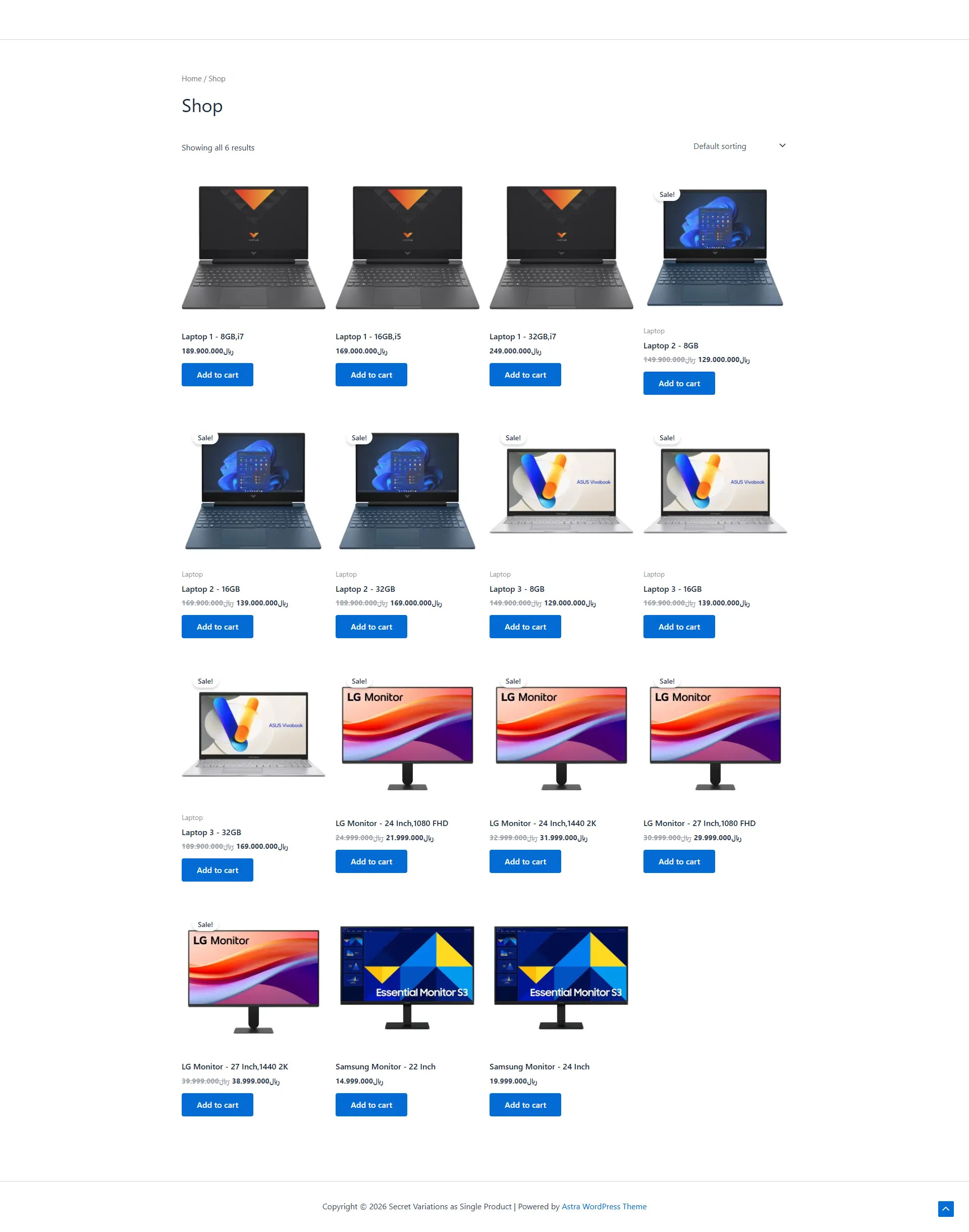
Shop page displaying variations
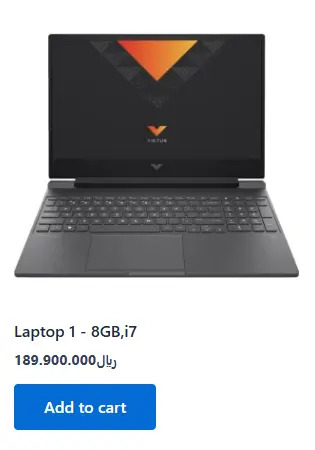
Custom title structure
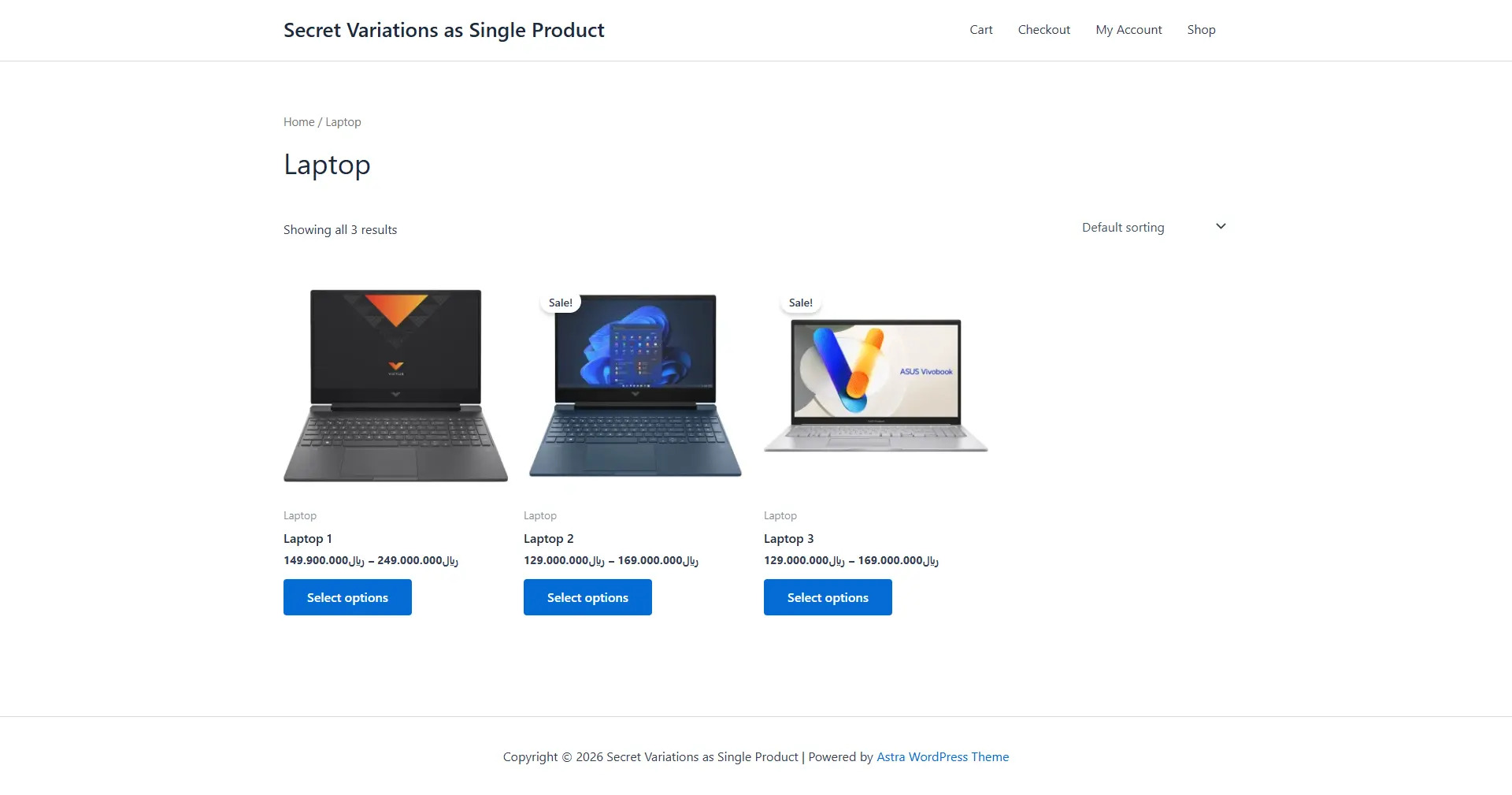
Excluded categories and tags


