Shipping Goal Bar For WooCommerce Wordpress Plugin - Rating, Reviews, Demo & Download
Plugin Description
Shipping Goal Bar for WooCommerce displays a progress message in the cart and checkout. Before the configured goal is reached, it shows the remaining amount. After the goal is reached, it displays a success message.
You can configure:
- A general free-shipping goal based on the cart subtotal excluding tax.
- A separate goal for each WooCommerce currency, with an option to disable the bar for a currency.
- The message shown before and after the goal is reached.
- The
{remaining}placeholder for the formatted amount left to spend. - An optional shipping icon, text color, and progress-bar color.
- The position in the classic WooCommerce cart.
The bar supports classic and block-based carts and checkouts. Classic cart changes refresh the bar through WooCommerce cart fragments and a lightweight vanilla JavaScript update. In the block cart, the current value is rendered when the page loads; after a quantity change, reload the page to refresh it.
The plugin only displays the configured goal. It does not create or configure a WooCommerce free-shipping method, so the store’s shipping zones and methods must use a matching amount.
The public plugin does not contact WooModuly.cz, does not use an external service, and contains no licensing, custom updater, or telemetry. WordPress.org provides updates for this version.
Screenshots
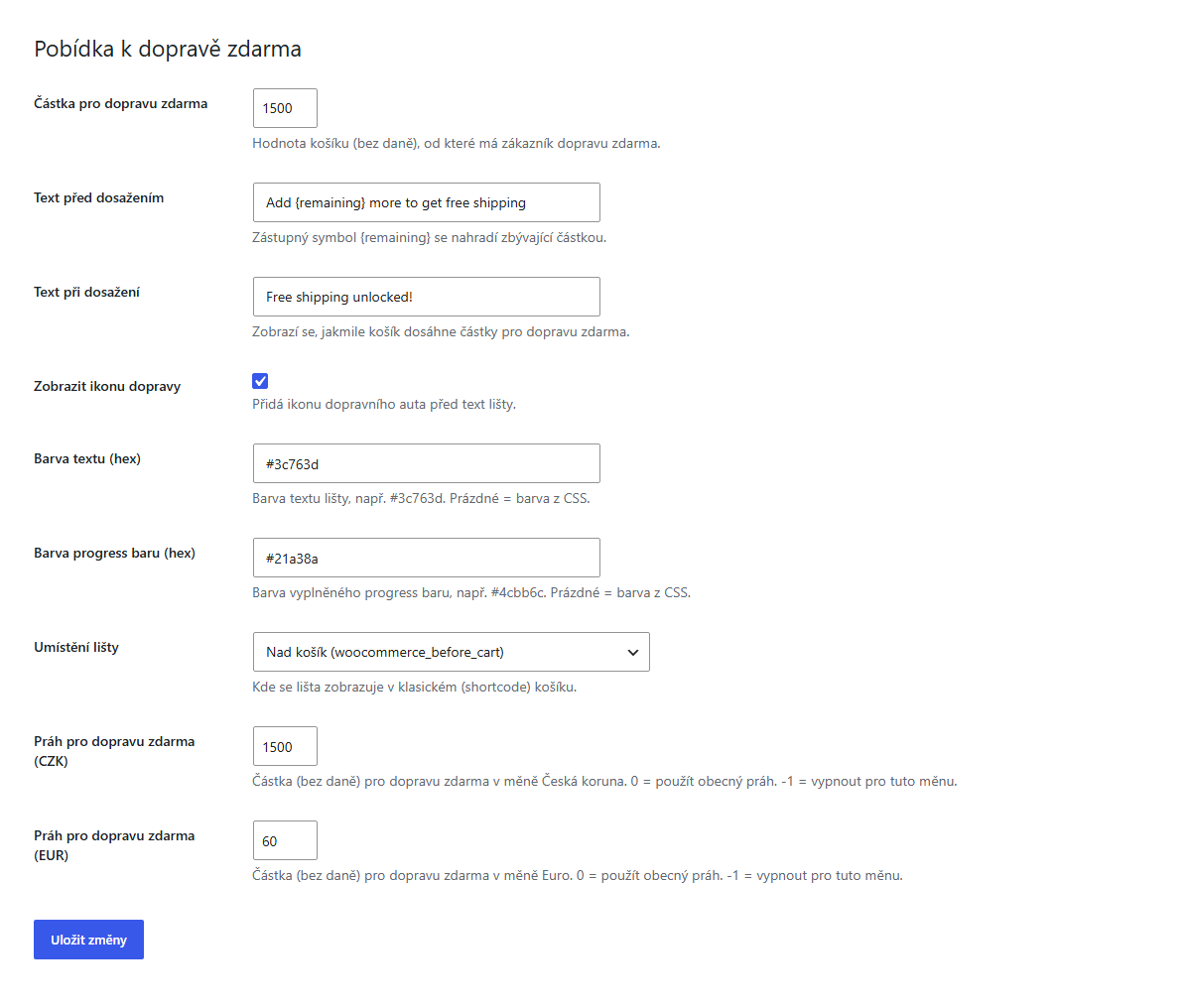
Settings for the general and per-currency goals, messages, colors, icon, and classic-cart position.
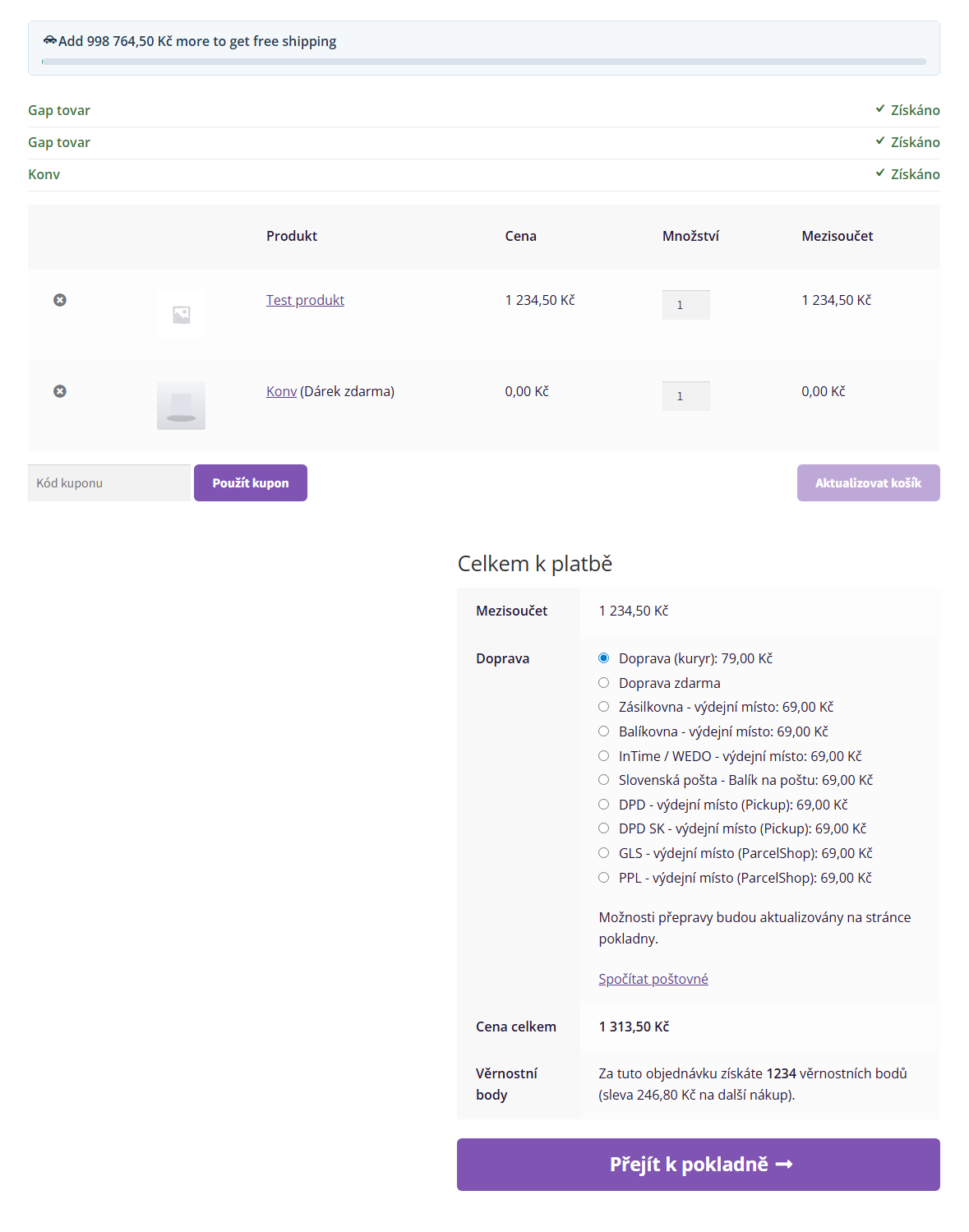
Classic cart showing the remaining amount and progress toward free shipping.
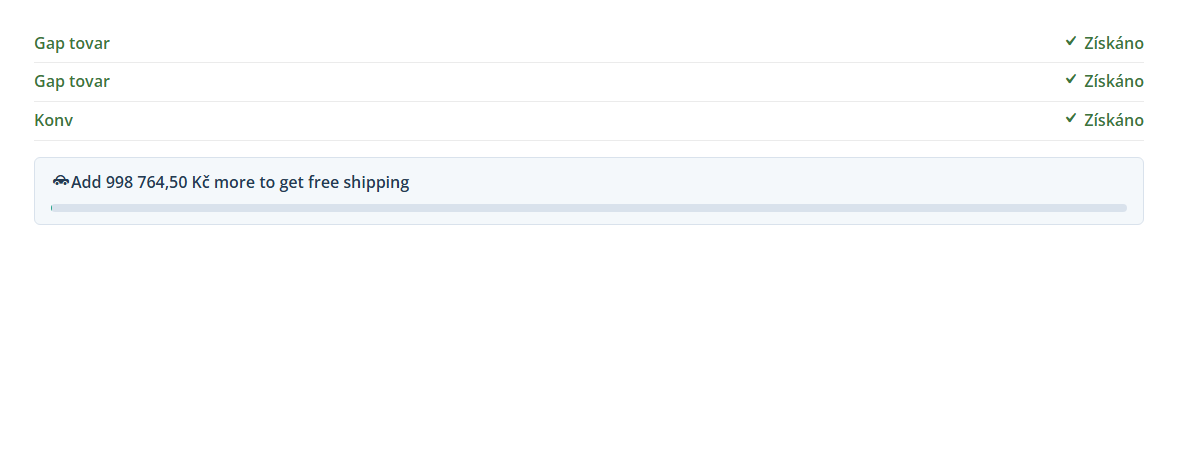
Block cart showing the free-shipping goal above the cart contents.

The success state after the configured goal has been reached.