
Simple Sitemap – Responsive HTML Sitemap Plugin for Wordpress - Rating, Reviews, Demo & Download



Plugin Description
Simple Sitemap adds a visible, visitor-friendly HTML sitemap to your WordPress
site. Add a block, choose what to show, and preview the result directly in the
editor before you publish.
It is designed for HTML sitemaps that help people browse your content. It does
not replace the XML sitemap used by search engines.
Build your sitemap in the editor
The free edition includes:
- Three editor blocks: Simple Sitemap, Simple Sitemap Group, and Child Pages.
- Live preview while you configure the sitemap.
- Standard lists and responsive tabbed layouts.
- Posts and pages with ascending or descending ordering.
- Sorting by title, author, date, ID, menu order, comment count, or random order.
- Optional excerpts, post-type labels, and linked or plain-text items.
- Include only selected posts or pages, or exclude individual IDs.
- Display a published child-page hierarchy for a selected parent page.
- Optional linked pagination for content lists and individual grouped sections.
- Page-depth and parent-page-link controls.
- Multiple sitemaps on the same page.
- Global item and nested-level spacing presets, with optional per-block and
per-shortcode overrides. - An optional linked parent at the root of the Child Pages block.
- The
[simple-sitemap]and[simple-sitemap-group]shortcodes for classic
content and page-builder workflows.
Sitemap styles load only on pages that contain a sitemap. Each sitemap also
receives its own ID, so multiple instances can be configured and styled
independently.
Go further with Simple Sitemap Pro
Explore Simple Sitemap Pro
when you need more control for a larger or more structured site.
Pro adds:
- Custom post types and custom taxonomies.
- Taxonomy-term filters and automatic exclusion of child pages.
- Advanced responsive tab controls and horizontal layouts.
- Dedicated Taxonomy Terms, Navigation Menu, Archive Links, and WooCommerce
Product Sitemap blocks. - Enhanced Child Pages controls for subtree exclusions, excerpts, images, and
nofollow links, including hierarchical custom post types. - Optional separators and compact featured-image thumbnails for child-page
sitemaps, including the[simple-sitemap-child]shortcode. - Per-section Content Sitemap ordering, limits, and include/exclude rules.
- Optional noindex filtering for Yoast SEO, Rank Math, and SEOPress, plus
current-language filtering for WPML and Polylang. - Additional shortcodes for child pages, taxonomy terms, and navigation menus.
- Interface controls for sitemap colours and presentation.
- Filters for custom development requirements.
Both editions keep the same WordPress-first workflow, so you can start with the
free plugin and upgrade when the site requires the additional controls.
Screenshots
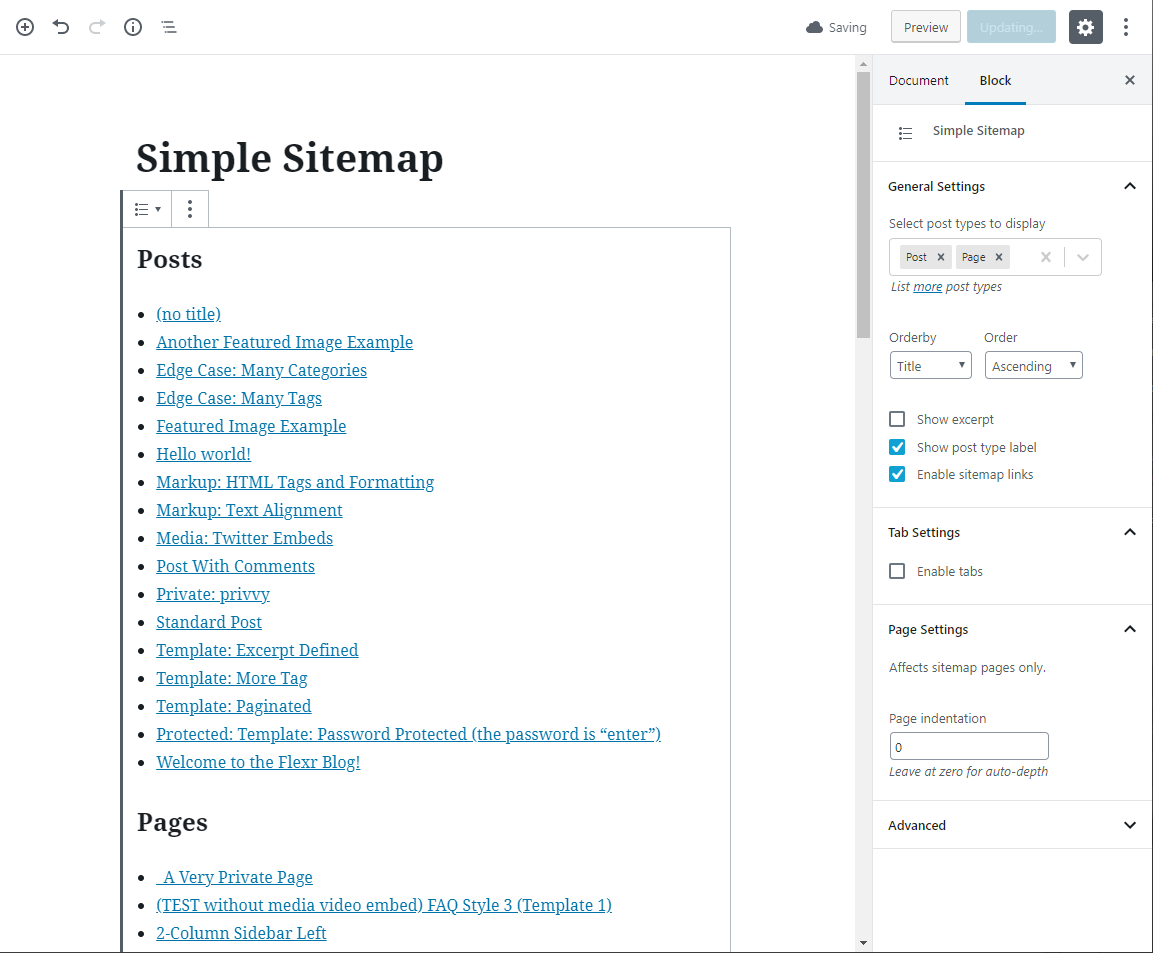
Configure a standard sitemap and preview it directly in the editor.
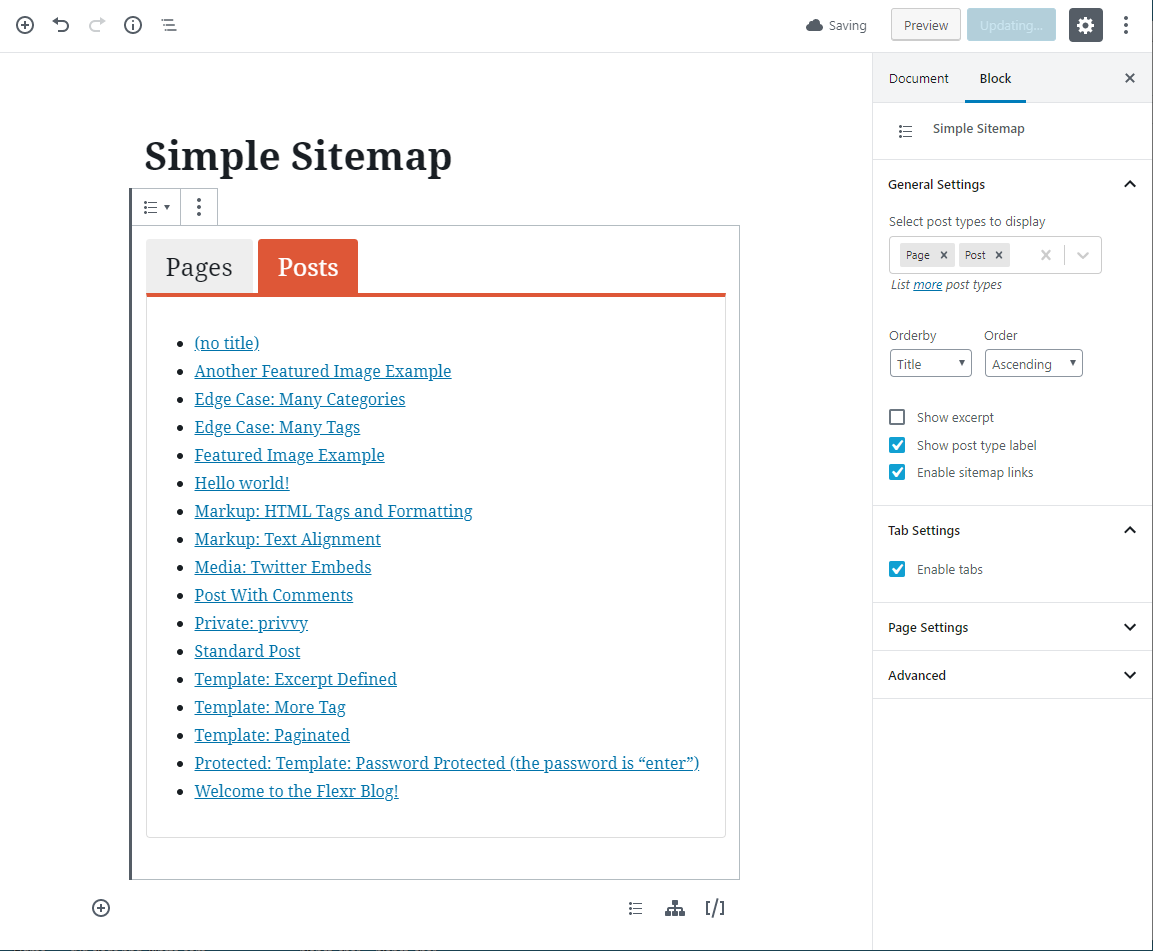
Switch to a tabbed sitemap from the same block settings.
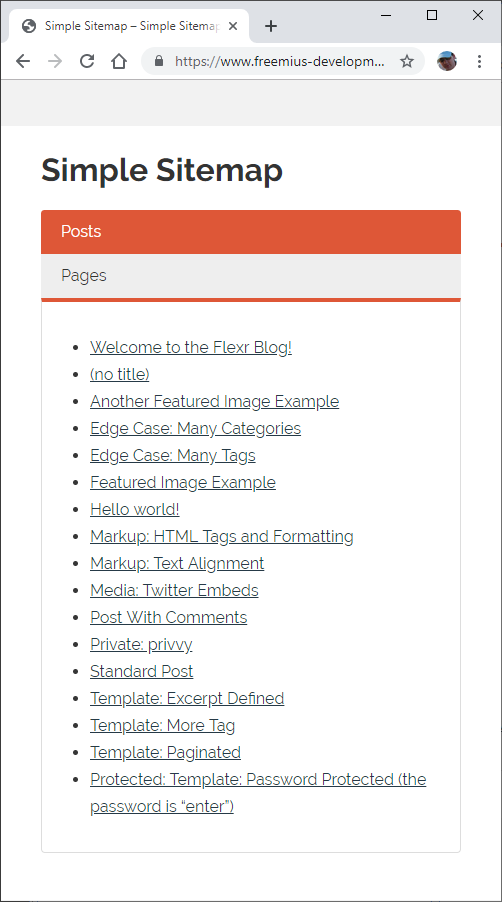
Responsive sitemap tabs adapt to narrow screens.
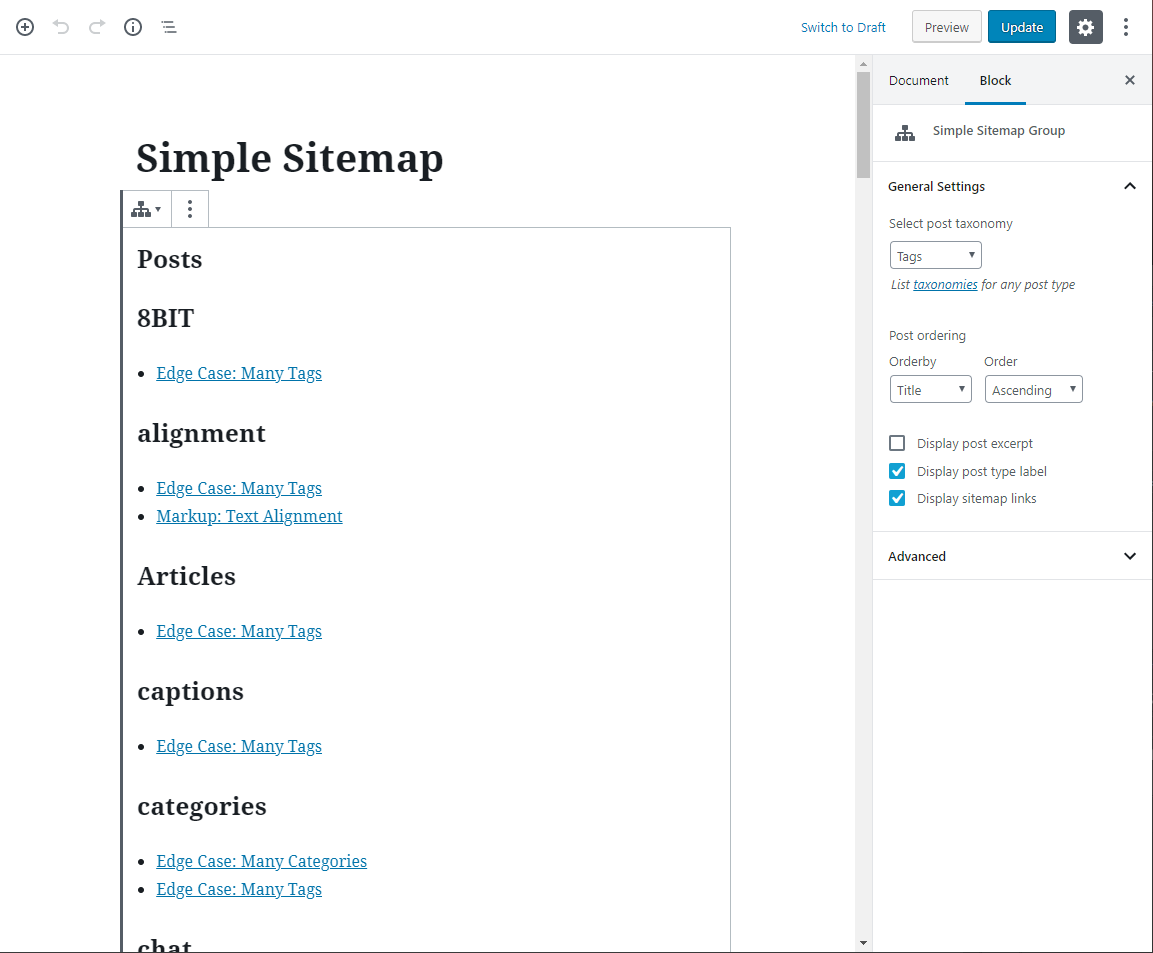
Group posts by a category, tag, or another available taxonomy.
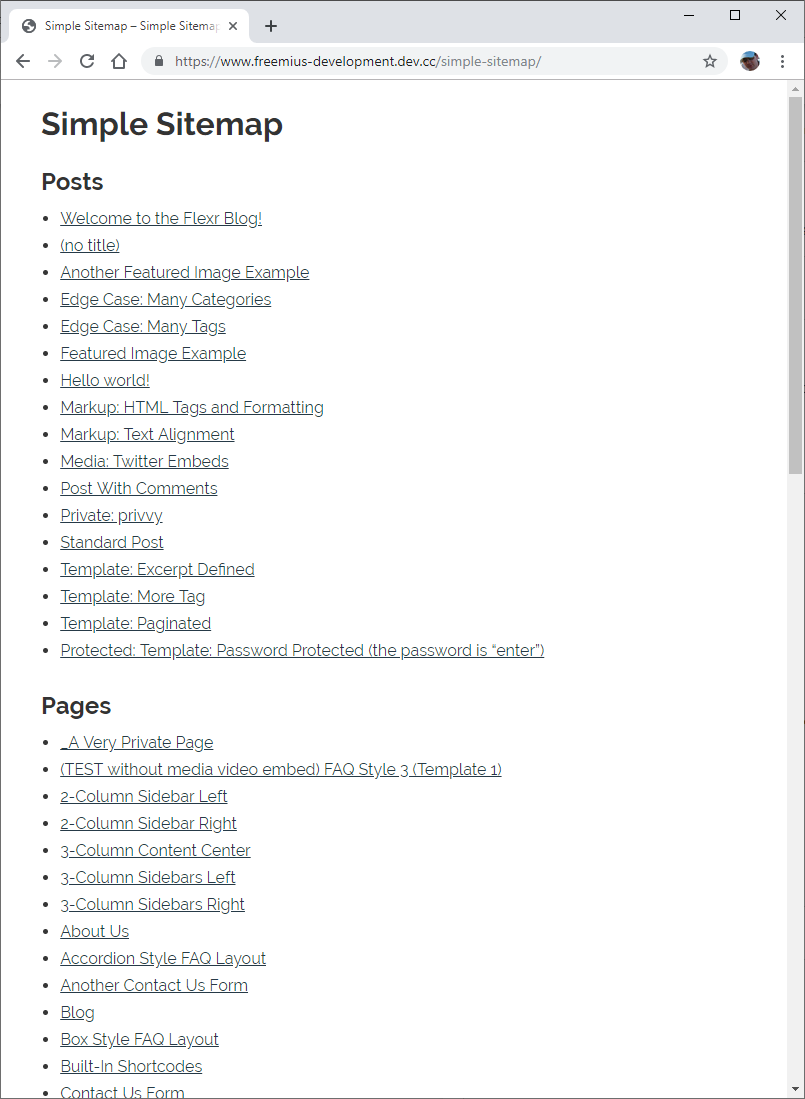
Publish a clear HTML list of posts and pages for visitors.
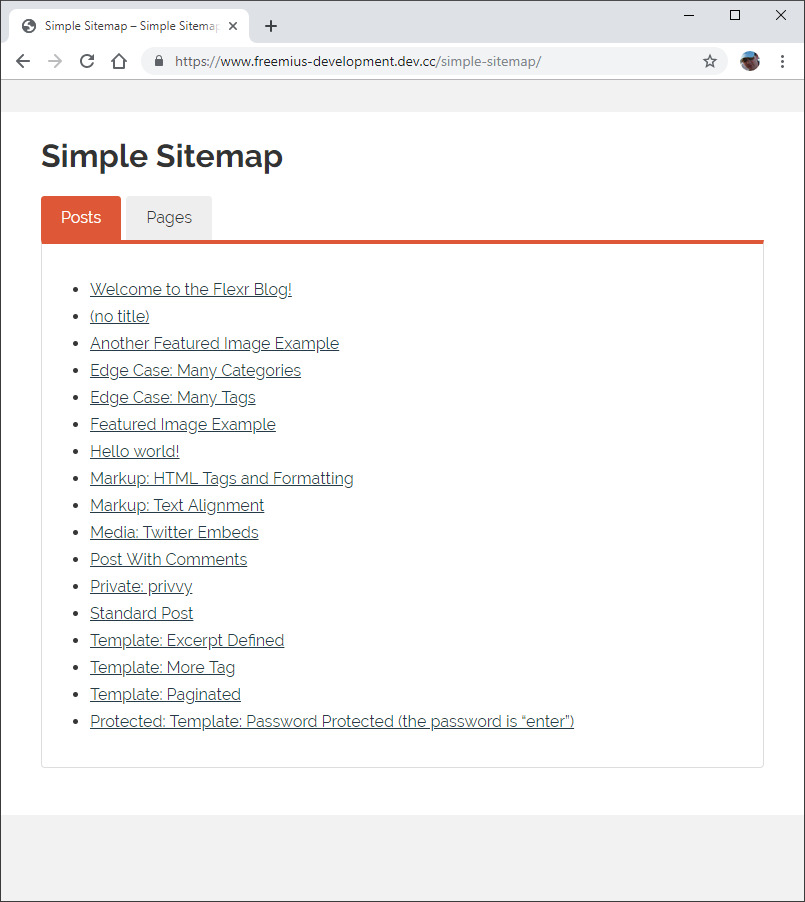
Display the tabbed layout on the front end.
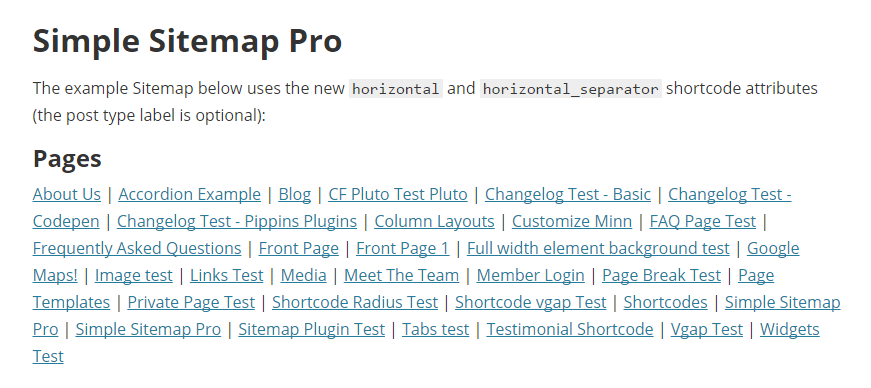
Simple Sitemap Pro adds compact horizontal sitemap layouts.


