
Simpli Asset Version Killer Wordpress Plugin - Rating, Reviews, Demo & Download
Plugin Description
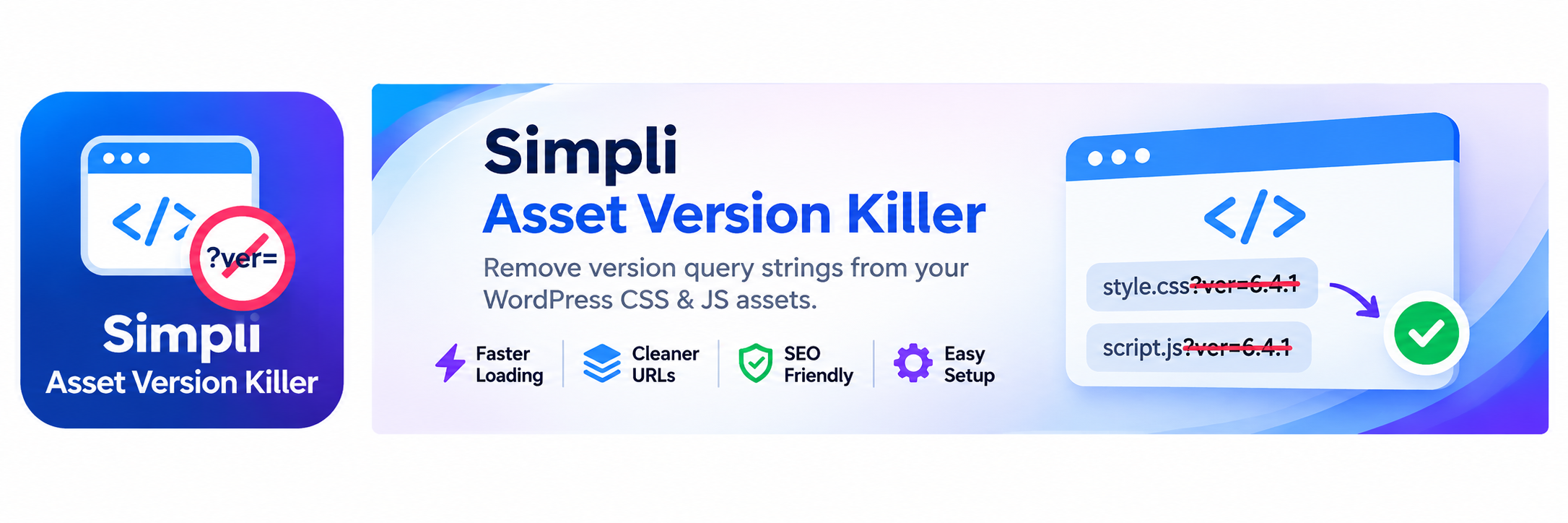
Simpli Asset Version Killer gives WordPress site owners control over the ver query parameter that WordPress commonly adds to enqueued CSS and JavaScript URLs. With a single setting, you can remove that parameter from public-facing asset URLs while keeping all other URL parameters intact.
WordPress uses version query strings to help browsers recognize updated files. Some site configurations prefer URLs without the ver parameter, for example when using a specific legacy proxy or caching setup. This plugin offers that choice without changing physical files or requiring edits to a theme.
What the plugin changes
An enqueued asset URL may look like this:
https://example.com/wp-content/themes/example/style.css?ver=1.2.3
When the plugin is enabled, the filtered URL becomes:
https://example.com/wp-content/themes/example/style.css
If an asset has other query parameters, such as ?theme=dark&ver=1.2.3, the plugin removes ver and leaves theme=dark in place. It does not remove query parameters with other names.
Key features
- Automatic URL cleanup: Removes the
verquery argument from enqueued script and stylesheet URLs on the public site. - Script module coverage: Applies the same URL cleanup when WordPress filters enqueued script module URLs.
- Resource hints and preloads: Processes supported resource hint and preload URLs in addition to standard script and style URLs.
- Simple on/off setting: Enable or disable cleanup at Settings > Asset Version Killer in the WordPress dashboard.
- Enabled on activation: Cleanup is enabled by default when the plugin is first activated.
- Handle exclusions: Developers can exclude specific script or style handles from URL cleanup through a WordPress filter.
- Custom URL filtering: Developers can inspect or modify the final cleaned asset URL with a filter.
- No frontend assets of its own: The plugin does not enqueue its own frontend JavaScript or CSS, and it does not create custom database tables.
How it works
Simpli Asset Version Killer uses WordPress’s built-in filters to modify URLs as WordPress prepares asset tags and resource references. It uses remove_query_arg() to remove only the ver argument. Regular WordPress dashboard pages are not altered. WordPress AJAX requests can still run URL filters, depending on their context.
No theme modification or rewrite-rule configuration is required. The plugin’s Settings page provides a checkbox to turn this behavior on or off.
Developer hooks
For custom integrations, these hooks are available:
simpli_asset_version_killer_excluded_handles: Filter the list of handles excluded from cleanup. Receives the excluded-handles array, current handle, and URL.simpli_asset_version_killer_cleaned_src: Filter an asset URL afterverhas been removed. Receives the cleaned URL, original URL, and handle.simpli_asset_version_killer_prevent: Override the enabled state for a request. Returntrueto force cleanup,falseto prevent it, ornullto use the saved setting.
These hooks are intended for developers comfortable adding custom code. Ordinary users do not need them.
Caching and compatibility considerations
Removing the version parameter is optional and does not guarantee faster loading or better performance test scores. Modern browsers and many CDNs already cache URLs containing query strings correctly. WordPress adds the version parameter for cache busting, so removing it can cause a browser or CDN to keep an older CSS or JavaScript file after an update.
Consider leaving the plugin disabled if your current caching setup works well. When enabled, test important pages after theme and plugin updates, and purge relevant caches if visitors receive outdated assets. Some third-party assets may depend on a version argument; developers can exclude their handles if necessary.
Screenshots
No screenshots provided


