
SLNWP Role Extension For Paid Memberships Pro Wordpress Plugin - Rating, Reviews, Demo & Download
Plugin Description
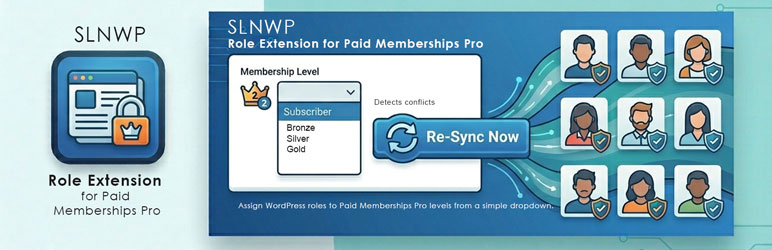
SLNWP Role Extension for Paid Memberships Pro syncs WordPress roles to Paid Memberships Pro (PMPro) levels, with a bulk re-sync for existing members.
Requires Paid Memberships Pro, available from paidmembershipspro.com (it is not in the WordPress.org plugin directory).
It replaces the official PMPro Roles add-on and fixes these issues with it:
- Roles were not being updated when a user changed membership level
- Roles were not being removed on cancellation or expiry
- The administrator role was being removed when a membership was cancelled
Key Features
- WordPress Role dropdown on each membership level’s settings page
- Shared role slugs — multiple levels can map to one role (e.g. Gold Monthly, Gold Quarterly, and Gold Annual all
gold) - Protected roles — administrator, editor, author, contributor, customer, and subscriber are never removed under any circumstances
- Admin-safe — users with admin roles get membership roles correctly assigned AND removed without losing their admin role
- Conflict detection — warns if the official PMPro Roles add-on is still active
- One-click bulk sync — a single “Run Sync Now” button under Memberships Role Sync fixes all existing users immediately
How It Works
Each PMPro membership level has a “WordPress Role” dropdown in its settings. Choose the role you want assigned to members of that level. Multiple levels can share the same role — ideal for sites that offer the same membership tier at different payment frequencies (monthly, quarterly, annually).
Roles are automatically synced when:
- A user signs up for a membership
- A user upgrades or downgrades their level
- A membership is cancelled
- A membership expires
Protected Roles
The following roles are never removed under any circumstances:
administratoreditorauthorcontributorcustomer(WooCommerce)subscriber
Note: protecting a role only stops this plugin from removing it — a non-member is still assigned the site’s default role (usually subscriber) as normal. Protection just means that role, once held, can never be stripped again afterwards.
For the same reason, a protected role can’t be chosen as a membership level’s role: members would keep it after their membership ended. If a level already uses one, the plugin shows a warning naming that level.
You can add additional protected roles via filter:
add_filter('pmpro_protected_roles', function($roles) {
    $roles[] = 'shop_manager';
    return $roles;
});
Requirements
- WordPress 6.5+
- PHP 7.4+
- Paid Memberships Pro, from paidmembershipspro.com (not in the WordPress.org plugin directory)
- The Multiple Memberships Per User add-on is supported (a member’s levels are each evaluated independently)
- The official PMPro Roles add-on must be deactivated to avoid conflicts
Screenshots
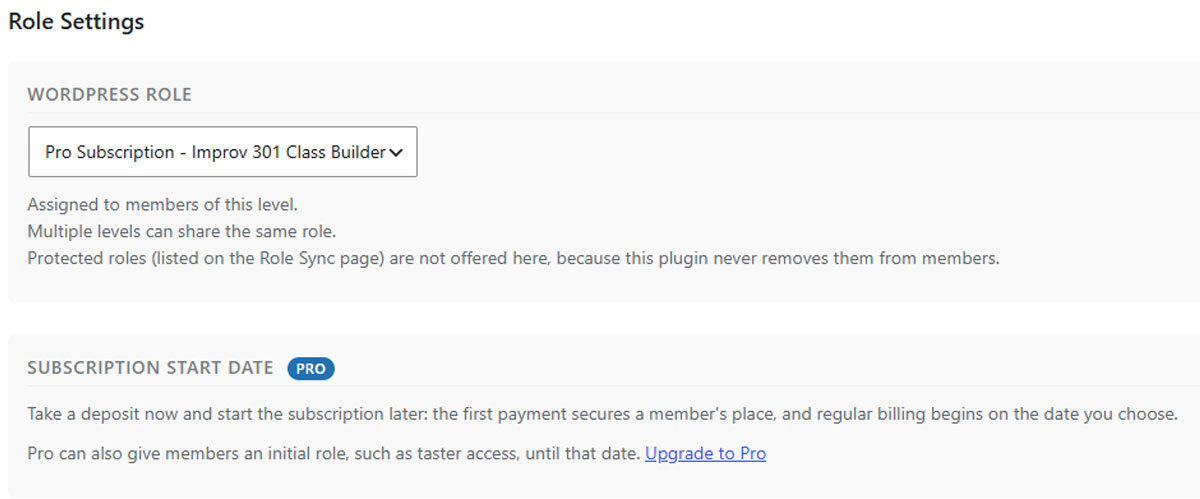
Choose the WordPress Role for a membership level, in the level’s own settings.
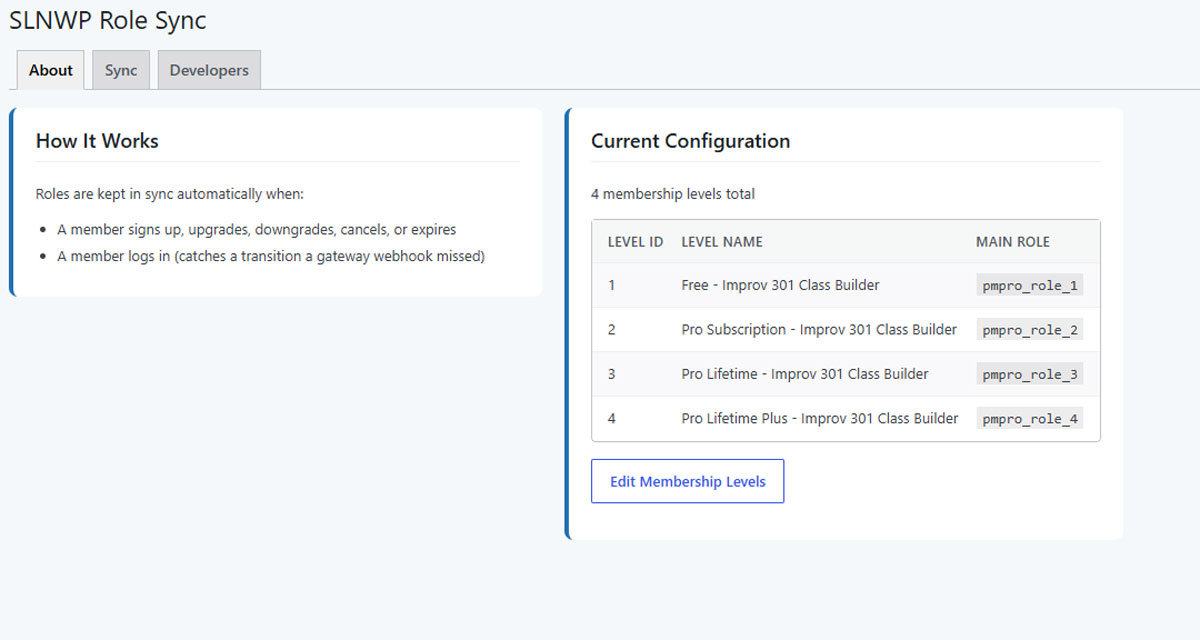
The About tab: how roles are kept in sync, and every level’s configured role at a glance.

The Sync tab: bring all existing members into line in one click, with the protected roles that are never removed.

The Developers tab: the pmpro_protected_roles filter for adding your own protected roles.


