
SoloPay For WooCommerce Wordpress Plugin - Rating, Reviews, Demo & Download

Plugin Description
SoloPay is a Web3 payment gateway that lets WooCommerce merchants accept stablecoin payments directly to their own wallet, with no card networks or middlemen involved.
This plugin is a client for the SoloPay payment service. A free SoloPay merchant account is required; the payment itself is processed by SoloPay, not by your WordPress site. See the “External services” section below for exactly what is sent where.
Key benefits
- Gasless – the network gas fee is sponsored by the SoloPay backend, so customers never pay gas.
- Instant settlement – payments settle immediately, with no fund lock-up or holding period.
- Non-custodial – funds go directly to your merchant wallet. SoloPay never holds your money.
Who it’s for
SoloPay is built for WooCommerce merchants who sell to Web3-native customers and want to accept stablecoin payments without the complexity of running blockchain infrastructure themselves.
How it works (3 simple steps)
- The customer chooses SoloPay at checkout and places the order.
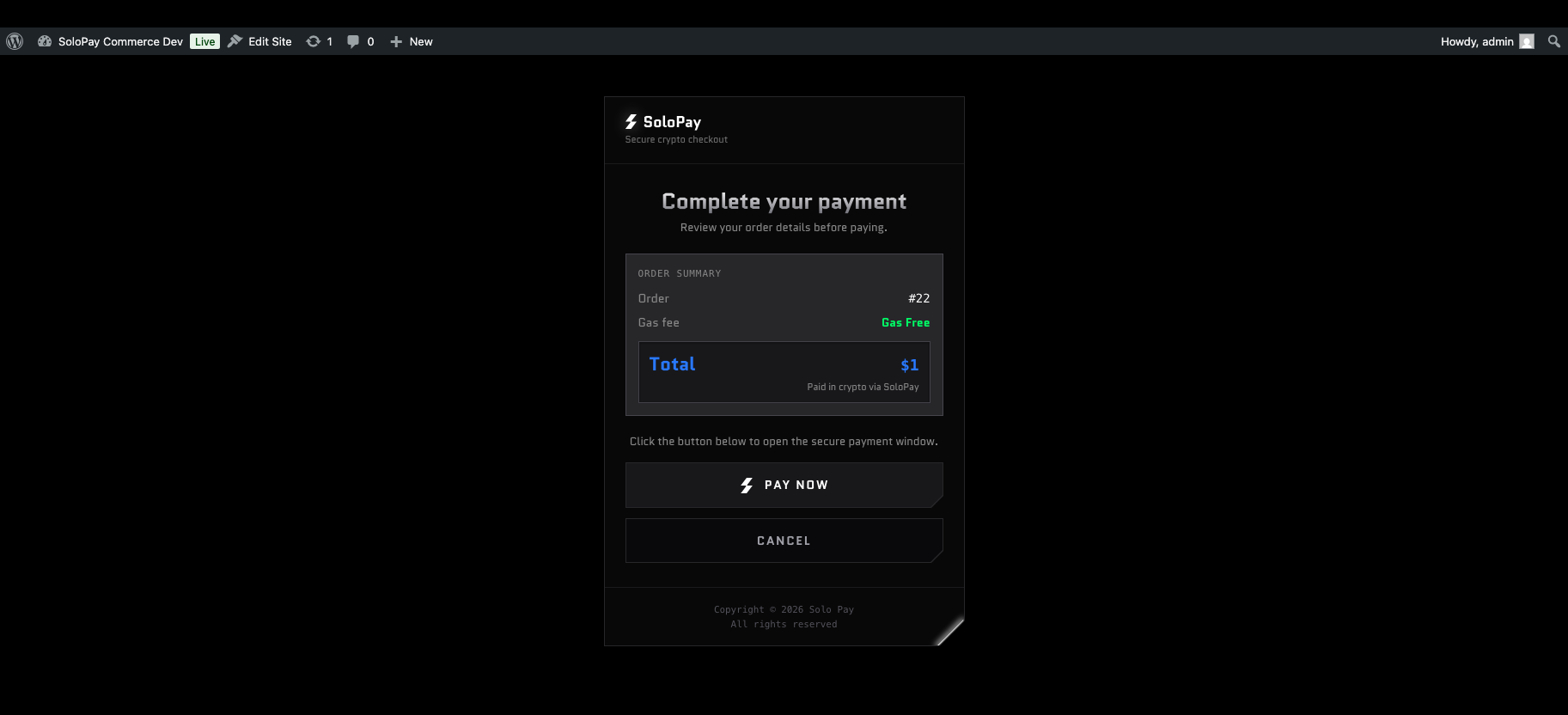
- They are taken to a secure payment page that loads the SoloPay widget (popup on desktop, redirect on mobile) and pay with USDC.
- SoloPay confirms the payment on-chain and notifies your store via a signed webhook, which marks the order complete and emails the customer.
Learn more at solonetwork.io.
External services
This plugin connects to the SoloPay payment gateway, operated by Solo Network. The connection is required: without it no payment can be created or confirmed, and the plugin has no useful function. By configuring the plugin with your SoloPay merchant credentials you consent to this data exchange.
1. SoloPay payment widget – https://widget.solonetwork.io
- When: each time a customer reaches the SoloPay payment page after placing an order, and clicks “Pay now”. The request is made by the customer’s browser, not by your server.
- What is sent: your SoloPay public key, a per-attempt order reference (for example
wc-42-20260804101500-1-a1b2c3d4), the order total, the store currency, the ERC-20 token contract address you configured, and the success and cancel URLs of your store. - What is not sent: no customer name, email address, phone number, billing address, shipping address, or cart contents.
2. SoloPay merchant API – https://gateway.solonetwork.io
- When: after a payment, once when the customer returns to your store’s order-received page, and once when SoloPay sends its webhook. The request is made server-to-server by your site.
- What is sent: your SoloPay merchant API key and the order reference described above.
- What is received: the payment status, the paid amount, the token symbol, the on-chain transaction hash, and the confirmation timestamp. The transaction hash and timestamp are stored as order meta so you have a payment record.
3. Incoming webhooks
SoloPay sends signed HTTP POST requests to /wp-json/solopay/v1/webhook on your site. Every request is verified with an HMAC-SHA256 signature and rejected if the signature or timestamp does not check out. No outbound data is involved.
Service documentation and legal terms:
- Terms of Service: https://solonetwork.io/terms
- Privacy Policy: https://solonetwork.io/privacy
- Documentation: https://guide.solonetwork.io
Source code and build process
All JavaScript in this plugin is shipped in human-readable form. Nothing is minified or obfuscated.
assets/js/solopay-widget.js is the SoloPay widget SDK loader. It is a Rollup bundle, and its complete TypeScript source together with the build configuration is included with this plugin under `src/widget-js/` (MIT licensed). Nothing in `src/` is loaded or executed by WordPress; it is there so the shipped bundle can be verified and rebuilt.
To rebuild the bundle (requires Node.js 16 or later):
cd src/widget-jsnpm installnpm run build- Copy
dist/widget.jsoverassets/js/solopay-widget.js
Build tooling is Rollup 4 with @rollup/plugin-typescript and @rollup/plugin-node-resolve; see src/widget-js/rollup.config.js. Further notes are in src/README.md.
assets/js/blocks.js and `assets/js/payment-page.js` are hand-written plain JavaScript and need no build step.<h3>Third-party assets</h3>
This plugin bundles the Quantico font (Regular, Italic, Bold, Bold Italic) by The Quantico Project Authors, licensed under the SIL Open Font License 1.1. The full license text is included at assets/fonts/OFL.txt. The font files are served from your own site; no external font CDN is contacted.
Screenshots
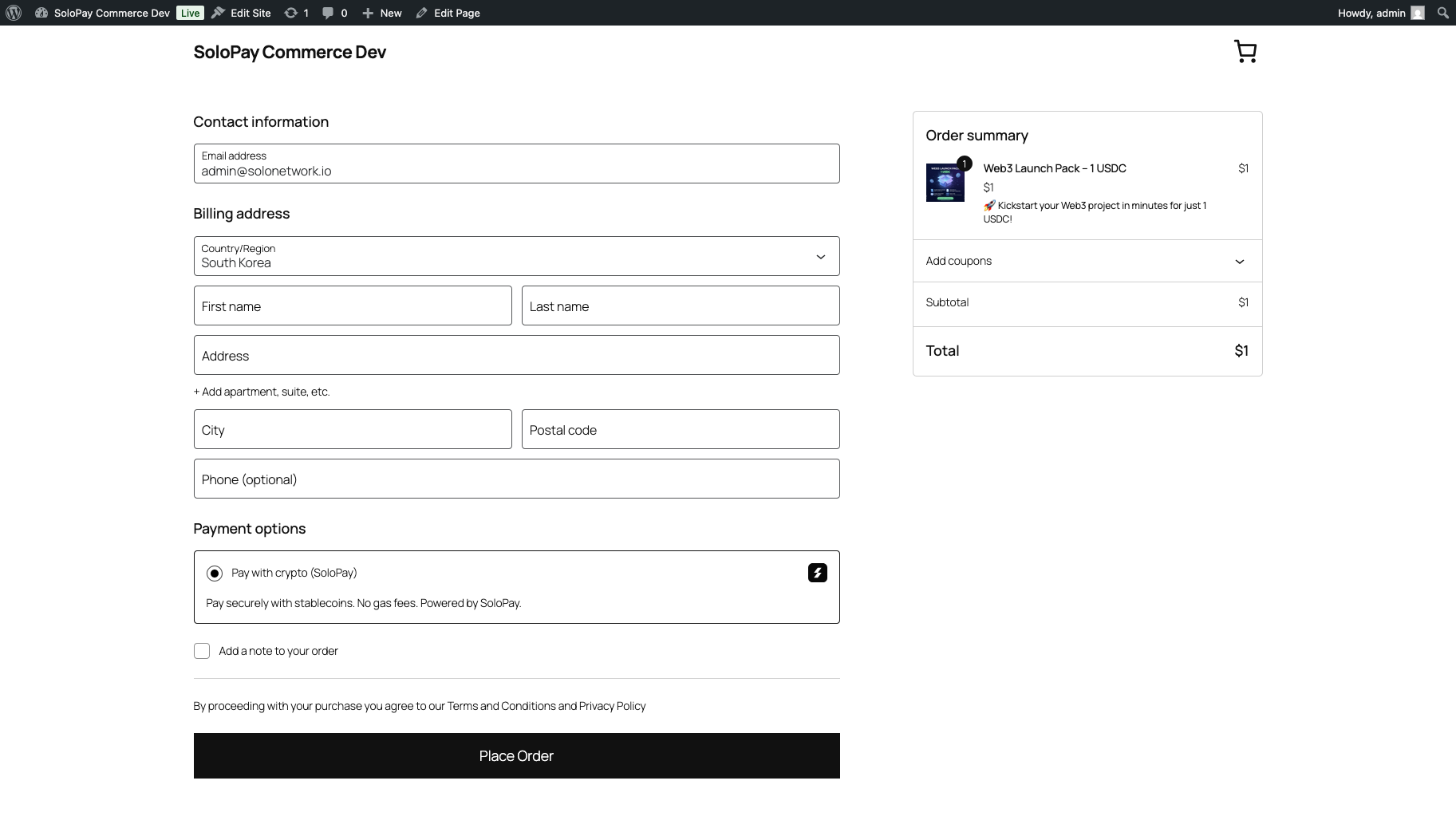
SoloPay at WooCommerce checkout.
Admin settings screen.
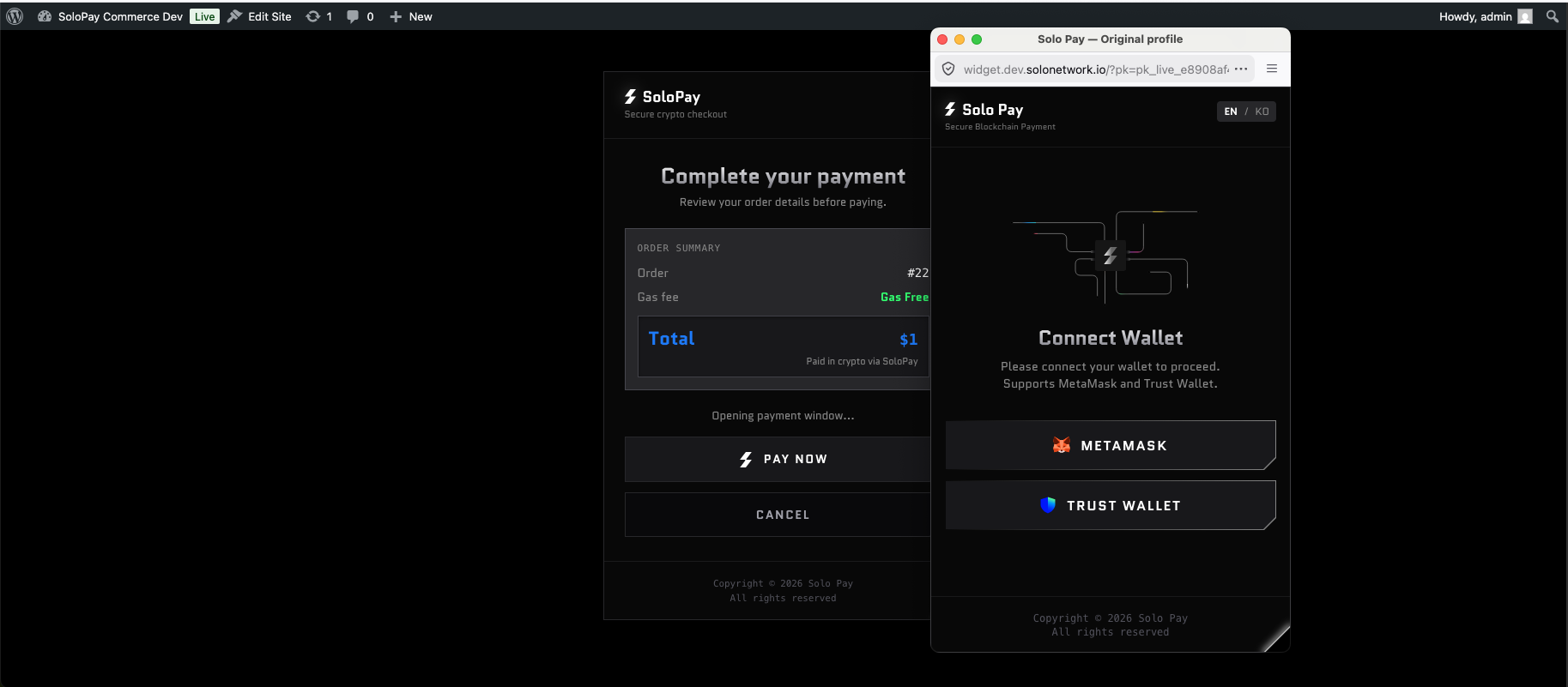
Payment widget popup.


