
SosWoo Product Info Display For WooCommerce Wordpress Plugin - Rating, Reviews, Demo & Download
Plugin Description
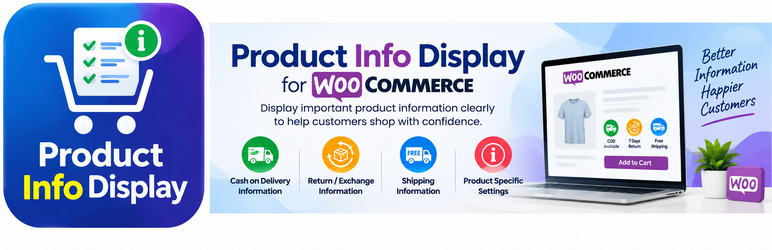
SosWoo Product Info Display for WooCommerce helps WooCommerce store owners clearly display important product information such as COD availability, return/exchange availability, return period, and shipping status directly on the product page.
The plugin provides simple product-level controls and customizable images for communicating these options to customers.
Features
- Display COD Available or No COD information.
- Display Return/Exchange Available or No Return/Exchange information.
- Display the return period in days when returns are available.
- Display Free Shipping or Shipping Charges status on product pages.
- Customize the images used for each information status.
- Configure information separately for individual products.
- Display product information clearly on WooCommerce single product pages.
- Show COD, Return, and Shipping status in the WooCommerce product list.
- Compatible with WooCommerce High-Performance Order Storage (HPOS).
- Lightweight and focused on product information display.
Usage
After activation:
- Go to Settings > SosWoo Product Info Display for WooCommerce to configure the images.
- Open any WooCommerce product for editing.
- Configure the available product information.
- If Return/Exchange is enabled, specify the return period in days.
- Save the product.
- The selected information is displayed on the single product page.
Screenshots

COD Image Settings – Configure images for COD availability.

Return/Exchange Image Settings – Configure images for Return/Exchange availability.

Shipping Image Settings – Configure images for shipping status.

Product Settings – Configure COD, Return/Exchange, Return Period, and Shipping status for individual products.

Frontend Product Information – Display COD, Return/Exchange, Return Period, and Shipping status to customers.


