SSF SMTP Mailer – Email Setup, Sender Settings & Test Emails Wordpress Plugin - Rating, Reviews, Demo & Download

Plugin Description
SSF SMTP Mailer helps administrators configure the SMTP transport already included in WordPress. Start with a clear setup checklist, save your sender and connection details, then send a test through the normal WordPress mail pipeline.
The Free plugin is fully functional without an SSF account, activation key or paid upgrade. It uses an SMTP service or relay that you arrange separately. That service may have its own charges and sending limits.
A clear setup with a small local record
- A four-step overview links directly to SMTP settings, sender settings and the test screen.
- Local checks explain missing settings, PHP encryption support and recognised conflicts with other SMTP plugins. They do not contact your provider or check DNS.
- STARTTLS, implicit SSL/TLS and trusted unauthenticated SMTP relays are supported. Username/password authentication requires encryption; TLS certificate verification remains enabled.
- Separate sender controls can apply your authorised address and name to WordPress emails while preserving Reply-To headers added by contact forms.
- Send one administrator-requested test to an address you control. The latest result is tied to a configuration fingerprint, so changed settings are identified as needing a fresh test.
- Passwords supplied through the form use authenticated encryption. Advanced users can set credentials in wp-config.php instead.
- Built-in help explains connection errors, authentication, sender approval and delivery checks. The screens work without JavaScript.
The plugin retains only the latest test time, outcome and configuration fingerprint. It does not keep a message-body archive, recipient history or SMTP transcript. A reported sending success is not proof of inbox delivery: check the recipient inbox and spam folder.
Works with messages sent using WordPress wp_mail(). It does not configure other applications or every hosting-server email service. Use one SMTP configuration plugin at a time. Conflict detection covers recognised plugins; custom code or other mail plugins can still affect delivery.
External SMTP service and data
The destination is the SMTP hostname you configure; no provider is bundled or selected automatically. When SMTP is enabled and WordPress sends mail, the chosen server receives the sending/recipient information, message content, attachments where present, relevant mail metadata and authentication credentials when authentication is enabled. Its terms, privacy practices, retention, costs and sending policies apply. Obtain your SMTP settings and the applicable terms from that provider before enabling sending.
There is no plugin telemetry, remote account registration, SSF-hosted sending service or automatic diagnostic upload. The overview checks only local configuration. A test email is sent only when an authorised administrator explicitly requests it.
Screenshots
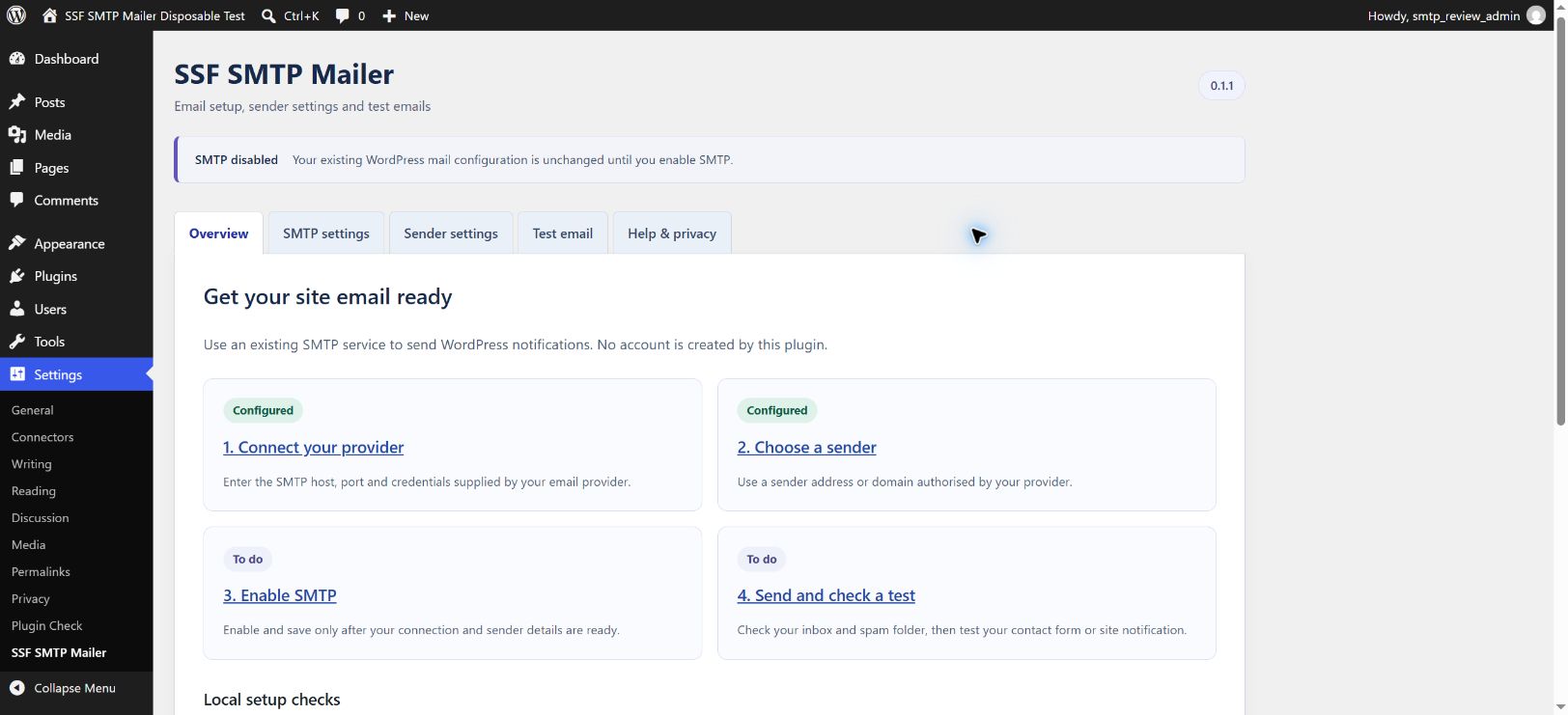
Guided overview with setup steps and local configuration checks.
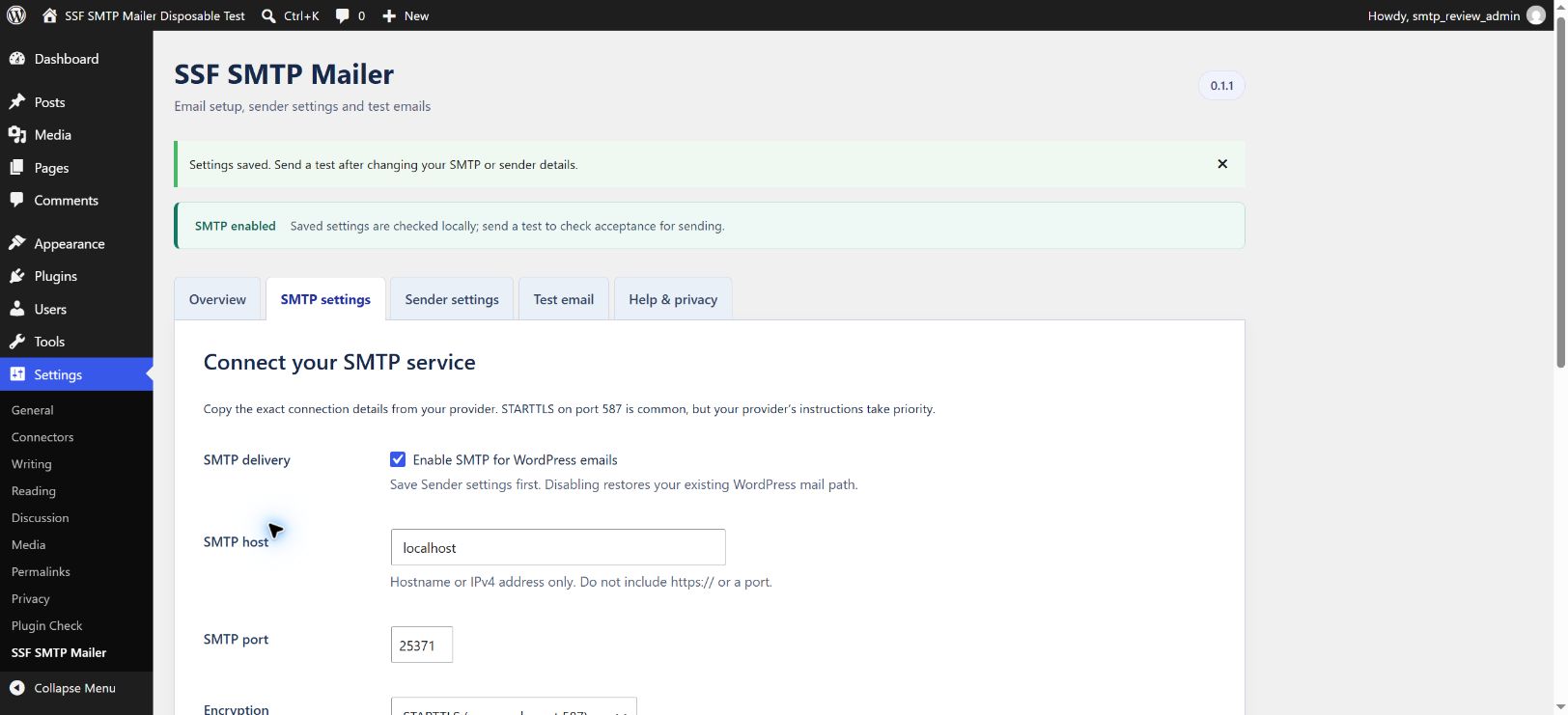
SMTP connection settings with encrypted password storage and explicit activation.
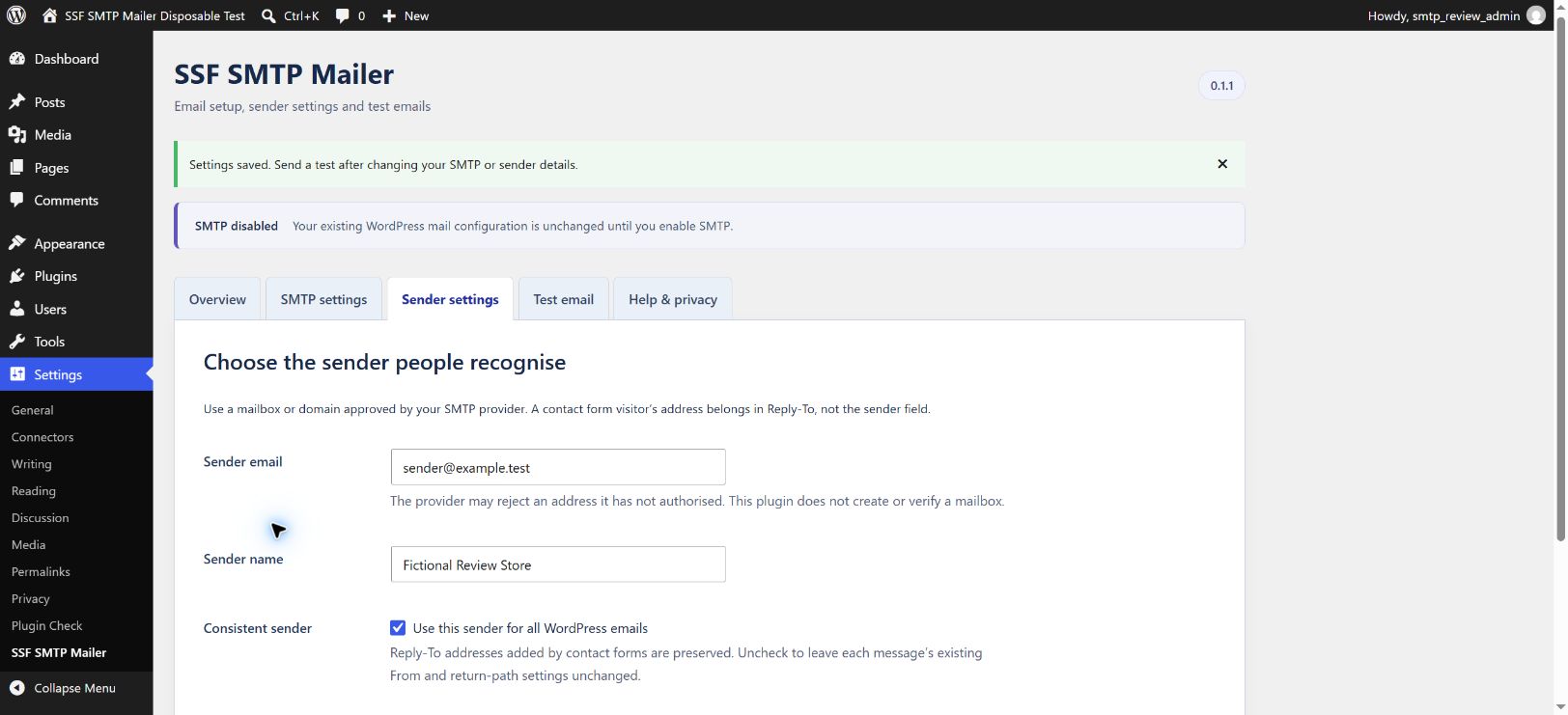
Separate sender controls with Reply-To guidance.
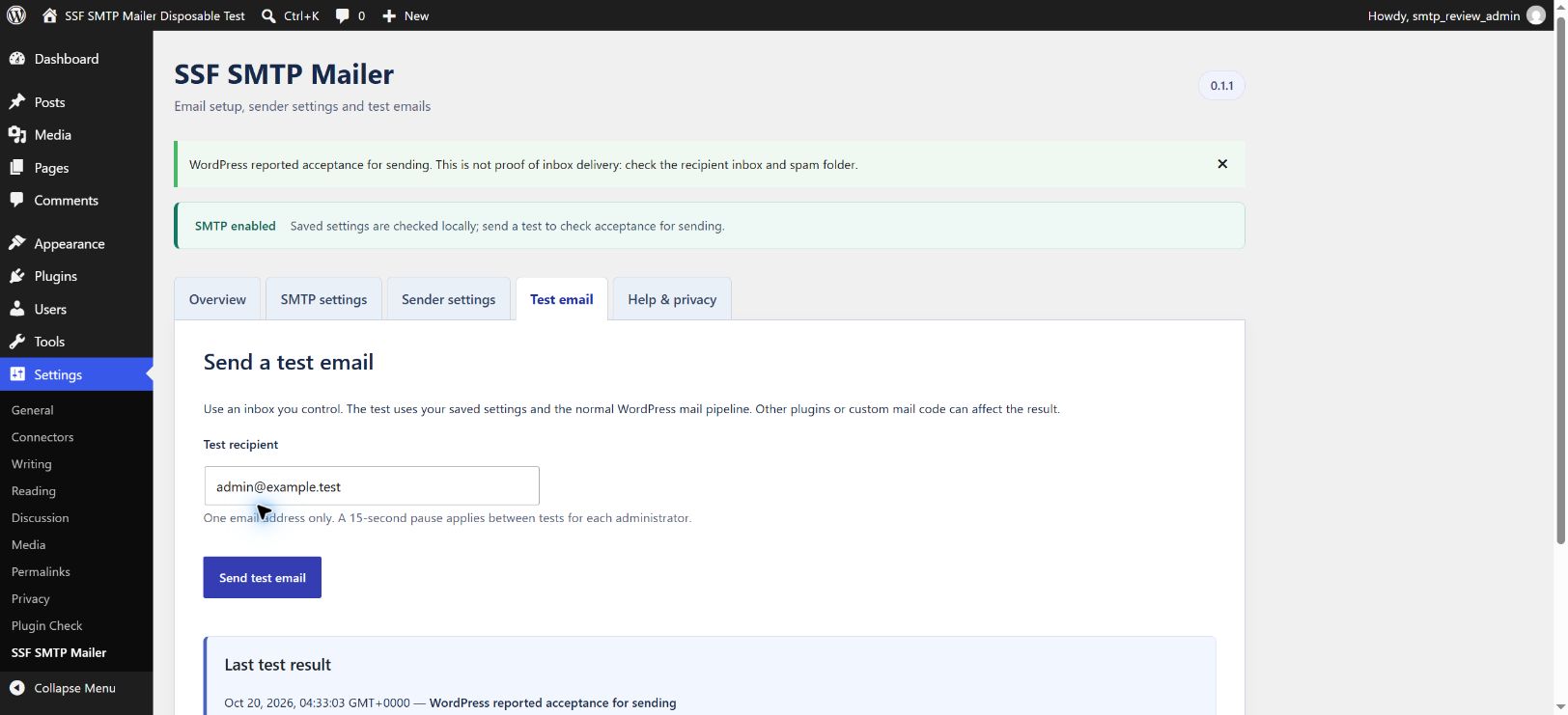
Test-email screen with a configuration-aware latest result.
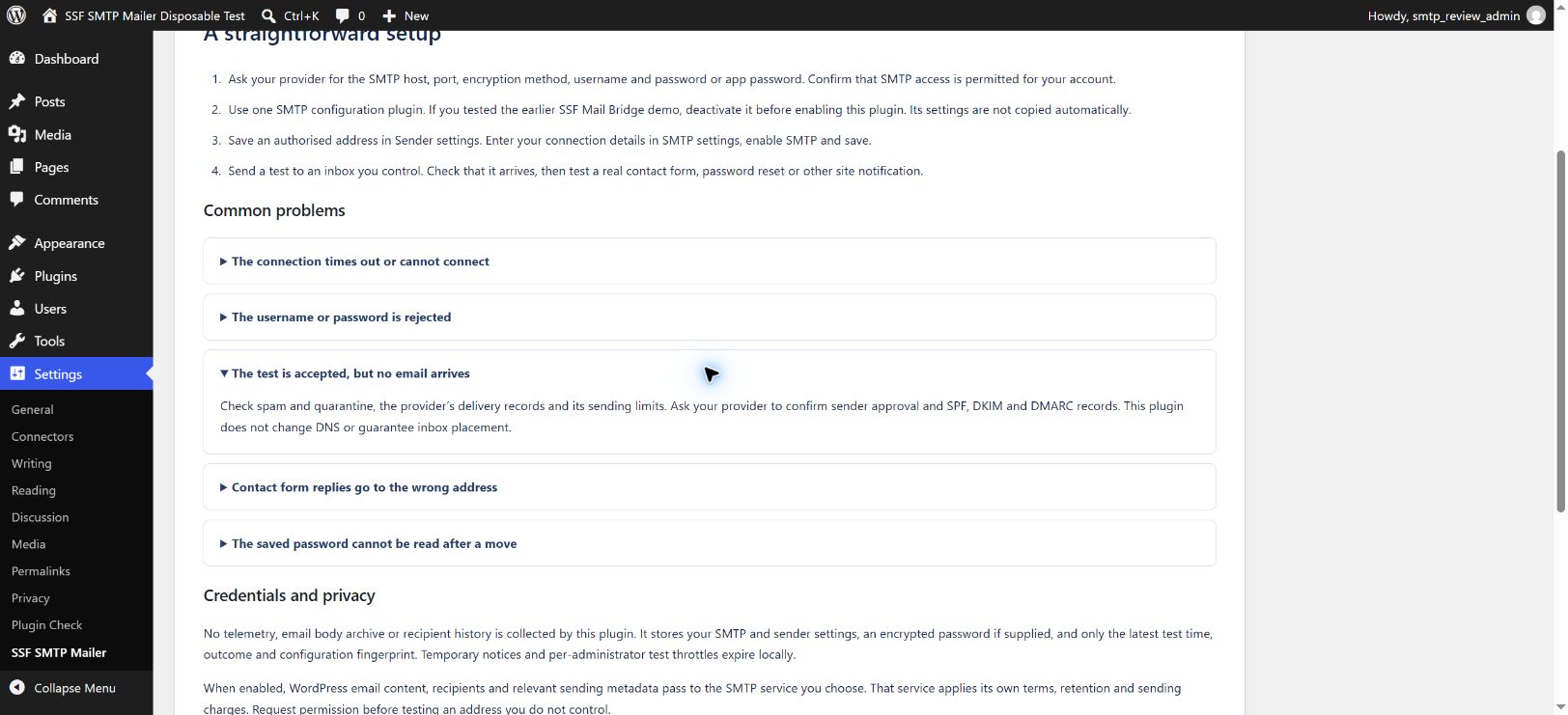
Built-in troubleshooting and privacy information.