
StateSwitch Wordpress Plugin - Rating, Reviews, Demo & Download
Plugin Description
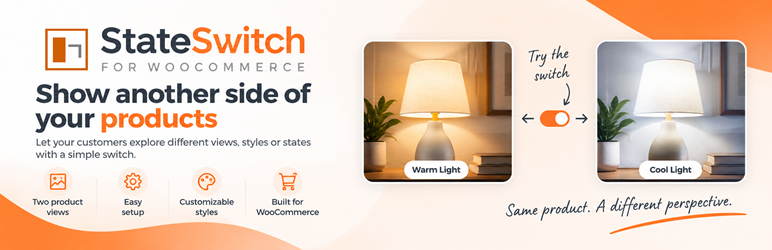
StateSwitch adds a simple two-state visual switch to compatible WooCommerce products.
Create an alternate product state and let visitors switch between the standard product view and a second merchant-defined visual state directly on the storefront.
StateSwitch can be used for many kinds of visual comparisons, including:
- Alternate product views
- Before and after presentations
- Open and closed states
- Day and night views
- Lighting changes
- Different product configurations
- Other two-state product presentations
StateSwitch is designed to work inside your existing WooCommerce store without sending product or visitor data to an external service.
Features include:
- Two merchant-defined visual states
- Alternate product image support
- Storefront state switch
- Configurable StateSwitch settings
- Optional visitor state memory
- WooCommerce integration
- No telemetry or analytics
- No remote API dependency
- No external fonts
StateSwitch requires WooCommerce.
Privacy
StateSwitch processes settings and product metadata only inside WordPress. It does not send data to external services.
When “Remember Visitor State” is enabled, StateSwitch stores the selected state (a or b) in the visitor’s browser local storage. This contains no personal data and is not transmitted to StateSwitch or any external service.
Screenshots

StateSwitch global settings for configuring the default state, visitor state memory, transition behaviour, and uninstall data preference.

StateSwitch toggle and placement settings, including custom State A and State B labels, toggle style, size, display mode, and automatic placement.

StateSwitch integration in the WooCommerce product editor, where StateSwitch can be enabled and an alternate State B image selected for an individual product.

StateSwitch in action, demonstrating how customers can switch between two merchant-defined product states on the storefront.


