Story Video Block Wordpress Plugin - Rating, Reviews, Demo & Download
Plugin Description
Story Video Block is a block-editor (Gutenberg) block that pairs a video with a heading, description, and attribution — built for testimonial and story-style page sections.
Features
- One field, auto-detected — paste a URL from YouTube, Vimeo, Dailymotion, Facebook, Twitch, Wistia, Loom, TikTok, VideoPress, or a self-hosted
.mp4/.webm/.ogg/.movfile. The provider and video ID are detected automatically. - Poster image — auto-pulled from YouTube, Dailymotion, and Loom, or upload your own for any provider.
- Click-to-load playback — no video player loads until the visitor clicks play, keeping the page fast.
- No React, no jQuery on the front end — the click-to-play interaction runs on WordPress’s native
@wordpress/interactivitymodule (a script module, not a classic script), not a framework. Nothing is shipped to visitors just to swap a poster image for a video embed. - Configurable play button — 4 built-in icon shapes x 3 color styles, and extendable via WordPress filters if you want to bring your own icon library.
- Testimonial mode — swap the heading/description for a quote, author name, author title, and avatar.
- Media position — video on the left or right of the content.
- Card style — standard, or an “overlapping media” look where the video pokes out above/below the card.
- Background color control, plus CSS custom properties for everything else (padding, gap, radius, shadow, play-button colors, and more) so a theme can restyle the block without editing plugin files.
- Transcript upload — attach a PDF/Word/text file for accessibility; renders as a labeled download link.
- Developer filters —
story_video_block_css_varsandstory_video_block_contentlet a theme or must-use plugin adjust the block’s frontend CSS/markup fromfunctions.php. - Accessible by default — labeled controls,
aria-labels on interactive elements, decorative images marked as such, and visible “opens in a new tab” hints for screen readers.
Screenshots
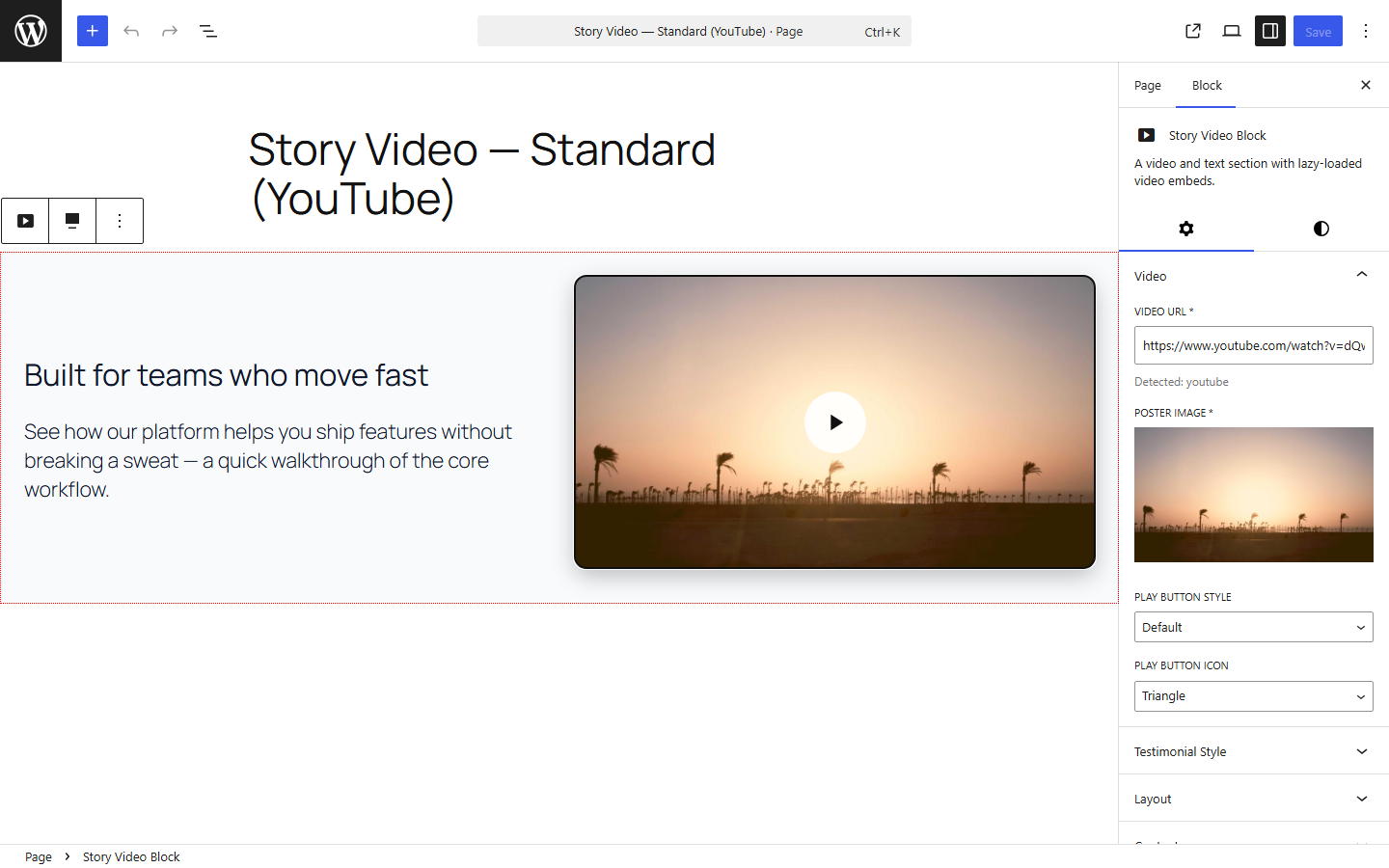
Editor — standard layout, with the Video, Layout, Testimonial, and Content settings in the sidebar and a dedicated Styles tab for background and text color.
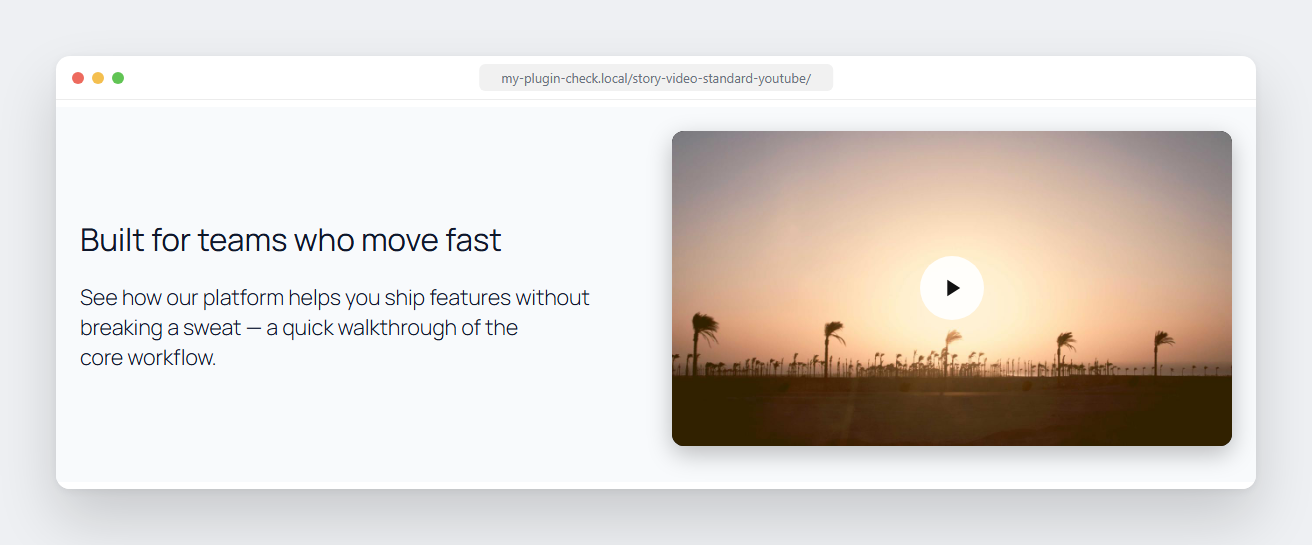
Frontend — standard layout with a YouTube video.
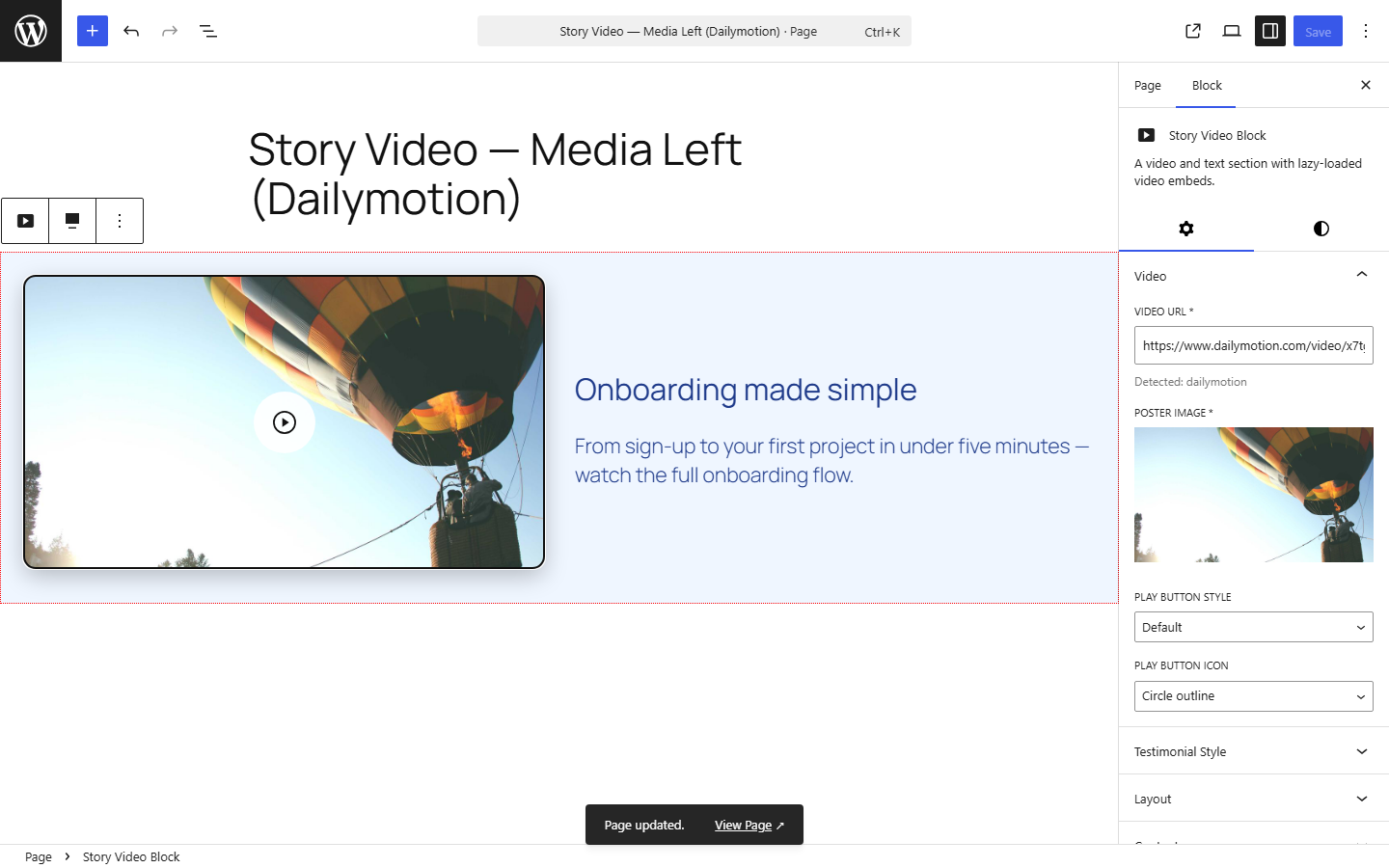
Editor — media-left layout with a Dailymotion video.
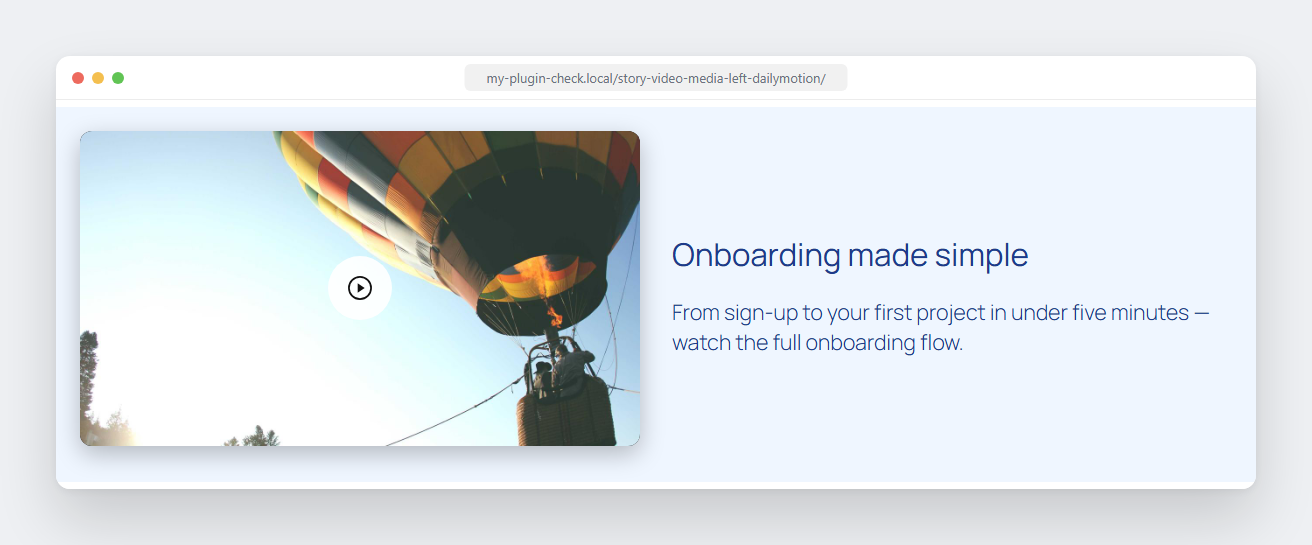
Frontend — media-left layout with a Dailymotion video.
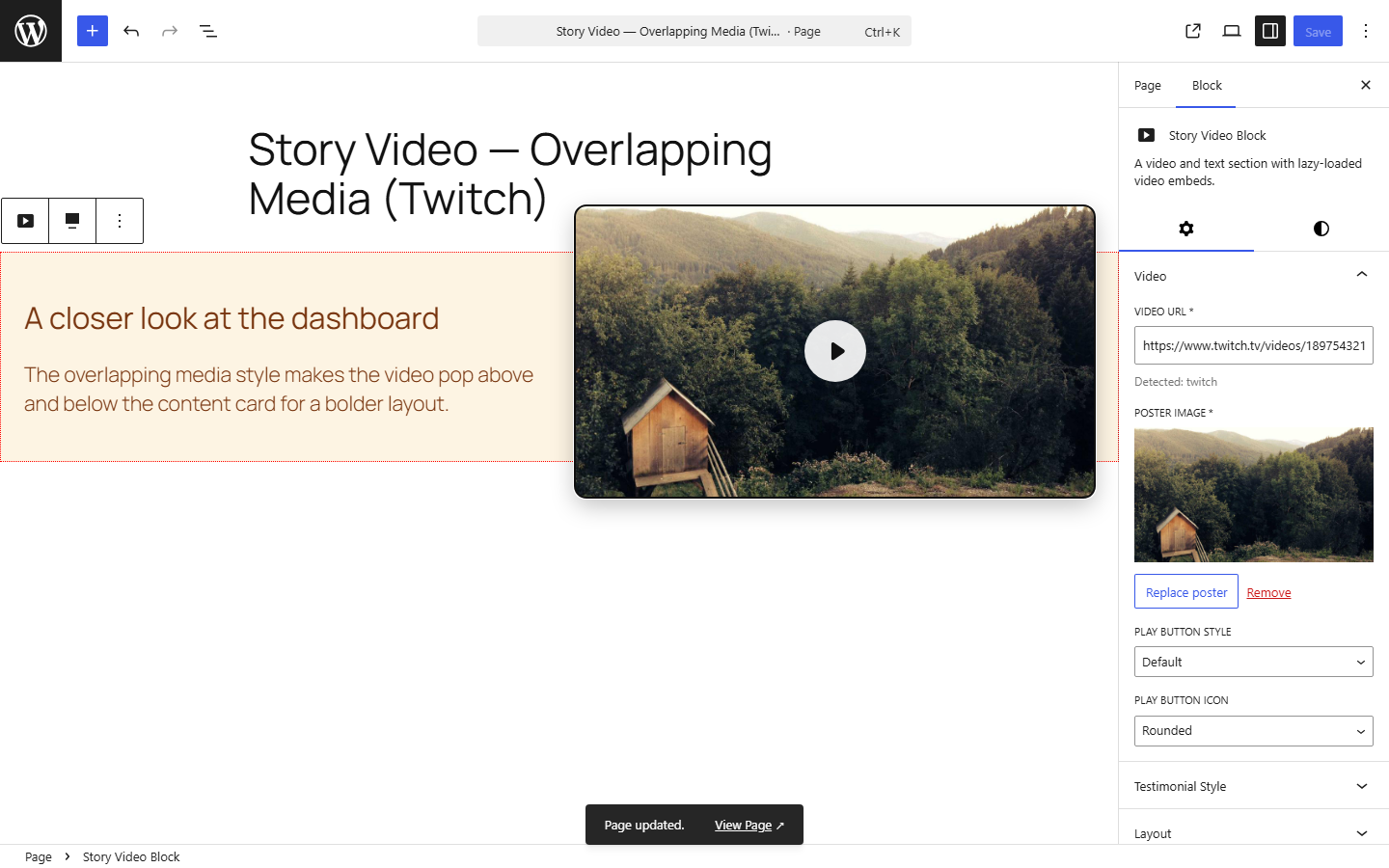
Editor — overlapping media card style with a Twitch video.
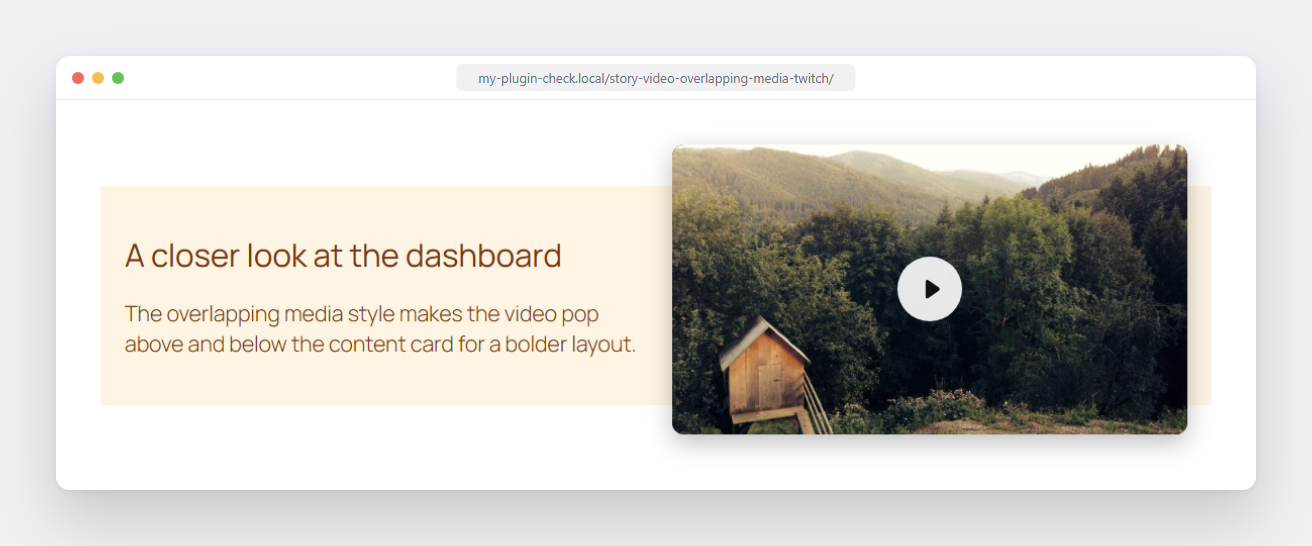
Frontend — overlapping media card style; the video pokes out above and below the card.
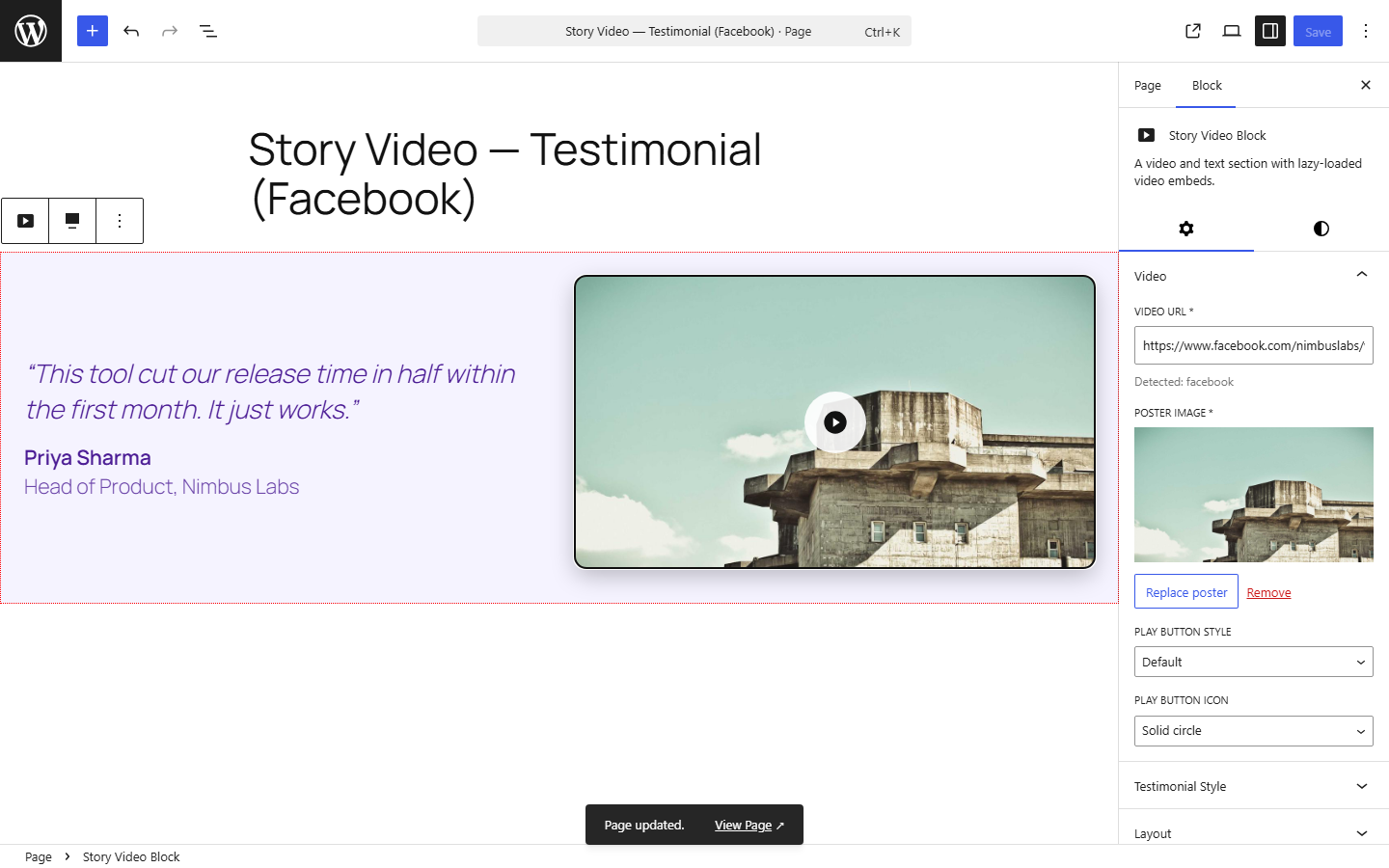
Editor — testimonial mode with a quote, author, and a Facebook video.
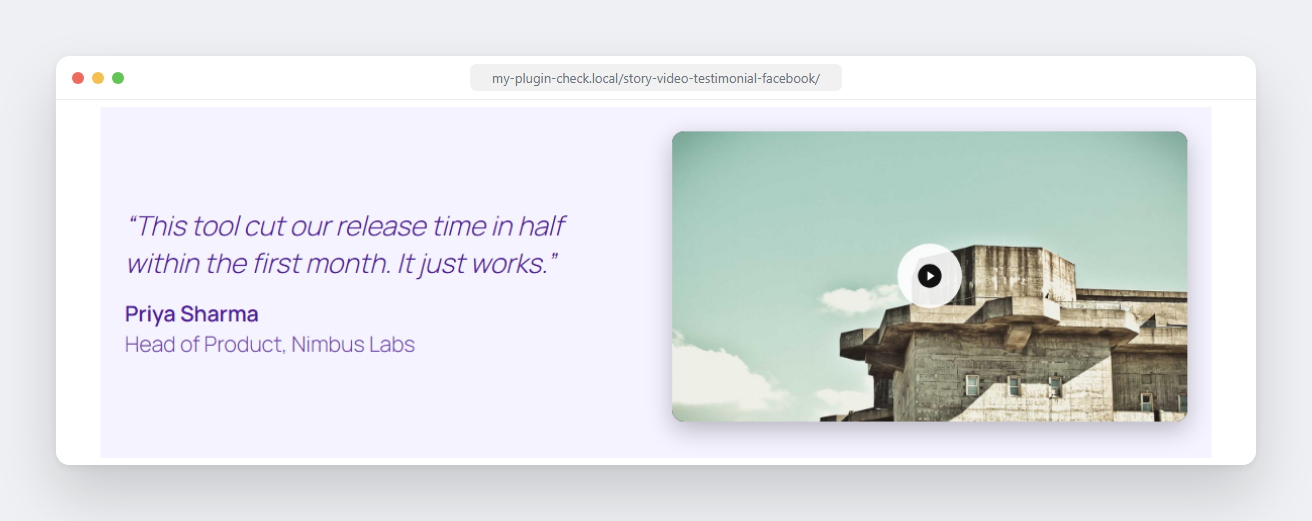
Frontend — testimonial mode with a quote, author, and a Facebook video.
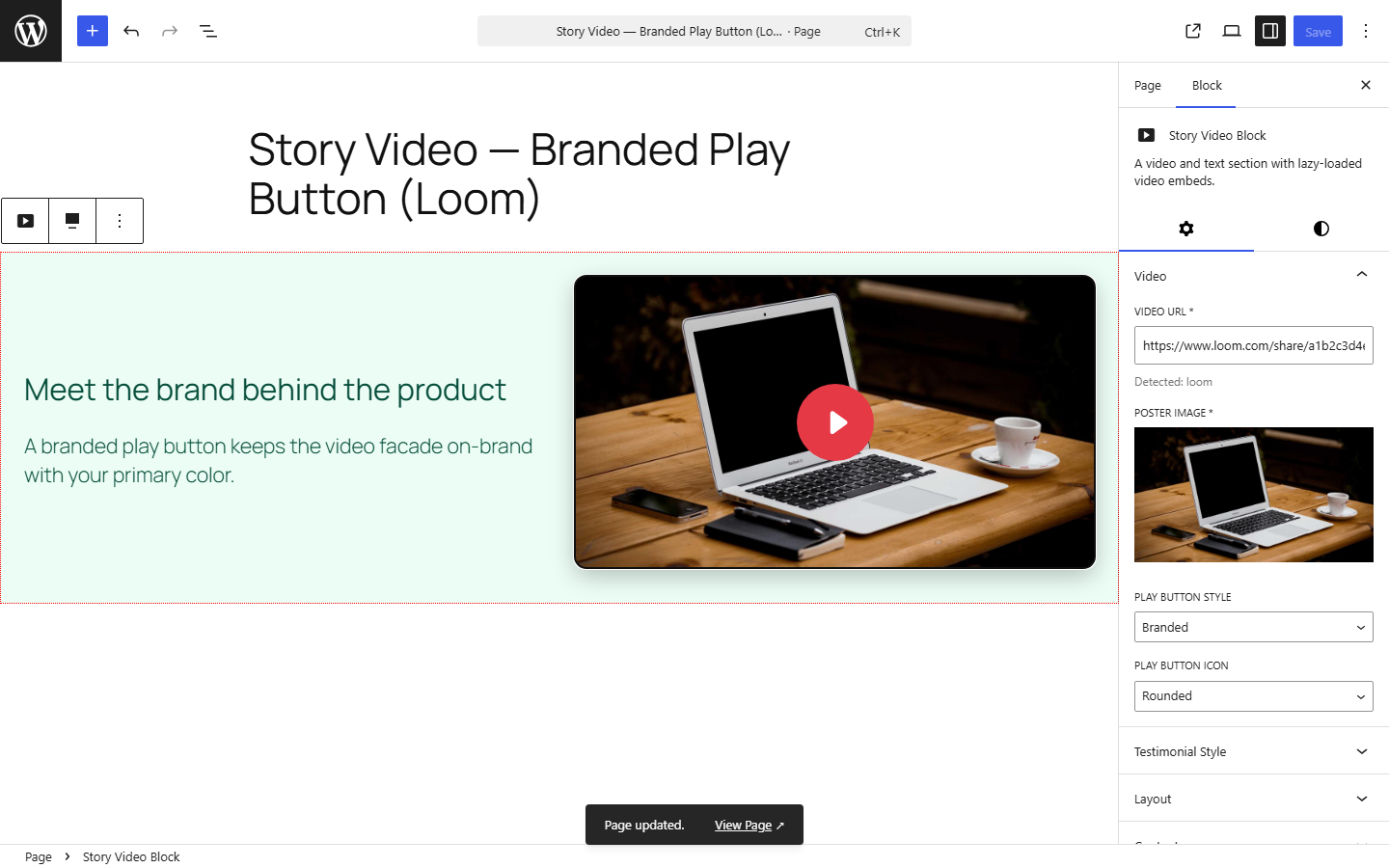
Editor — branded play button style with a Loom video.
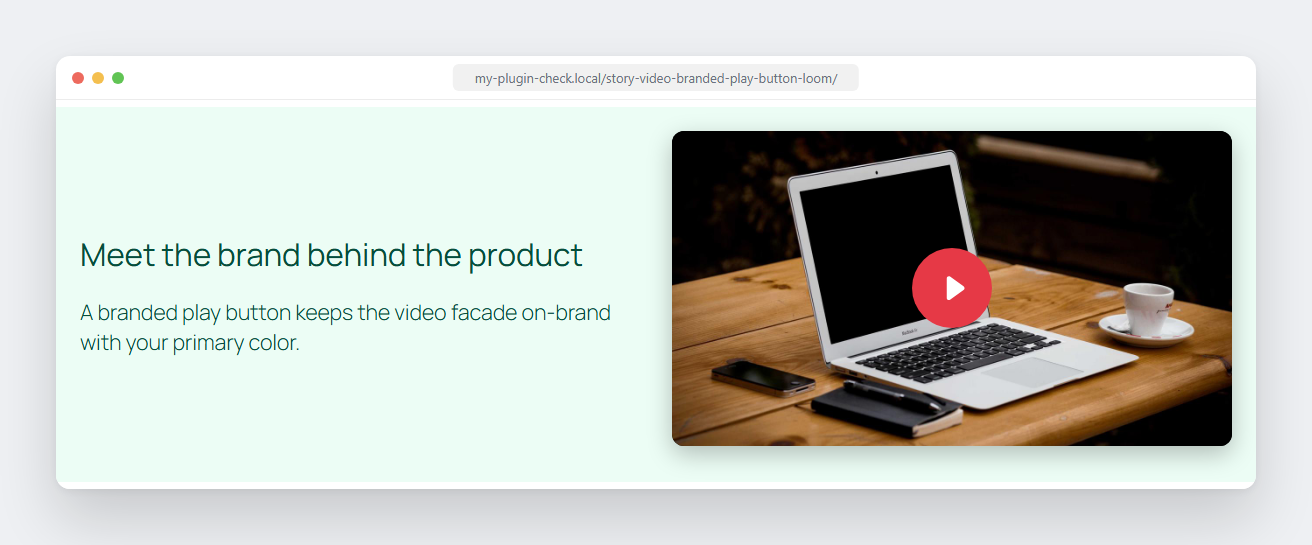
Frontend — branded play button style with a Loom video.