Subscriptions Payment Gateway For PayPal By WPPaymentPal Wordpress Plugin - Rating, Reviews, Demo & Download
Plugin Description
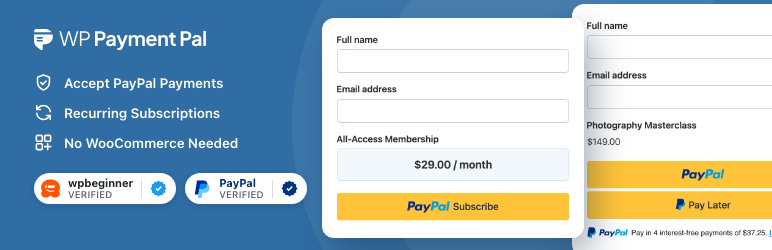
Accept PayPal payments and subscriptions on your WordPress site with beautiful, high-conversion payment forms. No WooCommerce required.
Accept PayPal Payments with Ease
WP Payment Pal is a standalone PayPal payments plugin for WordPress. Connect your PayPal account, build a simple payment form, and drop it into any page with a block or shortcode. No WooCommerce, no developer required.
There is a 3% per-transaction platform fee (plus PayPal’s own fees) while using WP Payment Pal Lite, the free version of the plugin. This 3% fee is removed by upgrading to WP Payment Pal Pro.
What this plugin does
- Accept one-time PayPal payments with a single configured amount.
- Accept subscription payments billed monthly.
- Build a payment form with text, dropdown, and number fields, plus a price display and an order summary.
- Embed the form anywhere with a Gutenberg block or the
[wppal_form]shortcode. - Switch between Sandbox and Live PayPal modes with one click for safe testing.
- Track transactions from a dashboard inside WordPress: list view, detail view, status filters, and a basic analytics dashboard (revenue / transactions overview).
- Manage subscriptions from a dedicated admin screen, with lifecycle emails for renewals, failed payments, cancellations, and expirations.
- Send a payment receipt to the customer and a notification to the site administrator with a global, configurable email template.
- Accept 25 currencies supported by PayPal — AUD, BRL, CAD, CHF, CNY, CZK, DKK, EUR, GBP, HKD, HUF, ILS, JPY, MXN, MYR, NOK, NZD, PHP, PLN, RUB, SEK, SGD, THB, TWD, USD.
Get help
WP Payment Pal is backed by dedicated technical support and documentation. If you need help getting set up or have questions about any feature, our support team is here to help.
More features in WP Payment Pal Pro
WP Payment Pal Pro extends this plugin with advanced features for higher-conversion checkout experiences:
- Multiple price options per form (pricing tiers, plans, products)
- Customer-defined (“name your price”) amounts for donations and tips
- Coupon and discount codes with usage limits and per-form restrictions
- Custom billing periods for subscriptions: daily, weekly, monthly, or yearly, with a configurable interval count (for example, every 2 weeks)
- Free trials, setup fees, and billing-cycle limits for subscriptions
- Customer subscription self-service portal
- Overlay/modal and dedicated payment-page display modes
- In-WordPress refunds (full and partial)
- Cart abandonment recovery emails
- Additional form fields: name, email, radio, checkbox, phone, date picker, hidden fields, HTML blocks, headings, and dividers
- Form scheduling and login/role restrictions
- Inventory tracking with configurable out-of-stock behavior and an optional remaining-count display, per form or per item, plus quantity selectors
- Custom branded confirmation emails per form
- Credit/Debit Card and Venmo on-site checkout via PayPal Advanced Card Processing
Learn more at wppaymentpal.com/lite-vs-pro/.
Third-Party Services
This plugin connects to the following external service. The entry below describes what the service is, what data the plugin sends, when it’s sent, and links to that service’s terms and privacy policy.
PayPal (payment processor)
The plugin connects to PayPal to create orders, capture payments, manage subscription plans, and verify merchant accounts.
- Service: https://www.paypal.com/
- Terms of Service: https://www.paypal.com/us/legalhub/useragreement-full
- Privacy Policy: https://www.paypal.com/us/legalhub/privacy-full
Data sent: payment amount, currency, item description, payer email (when supplied by PayPal), shipping address (when collected), subscription billing details. When: every time a customer initiates or completes a payment, or when the site loads the PayPal JavaScript SDK in checkout context. Required for processing any payment through the plugin.
Screenshots
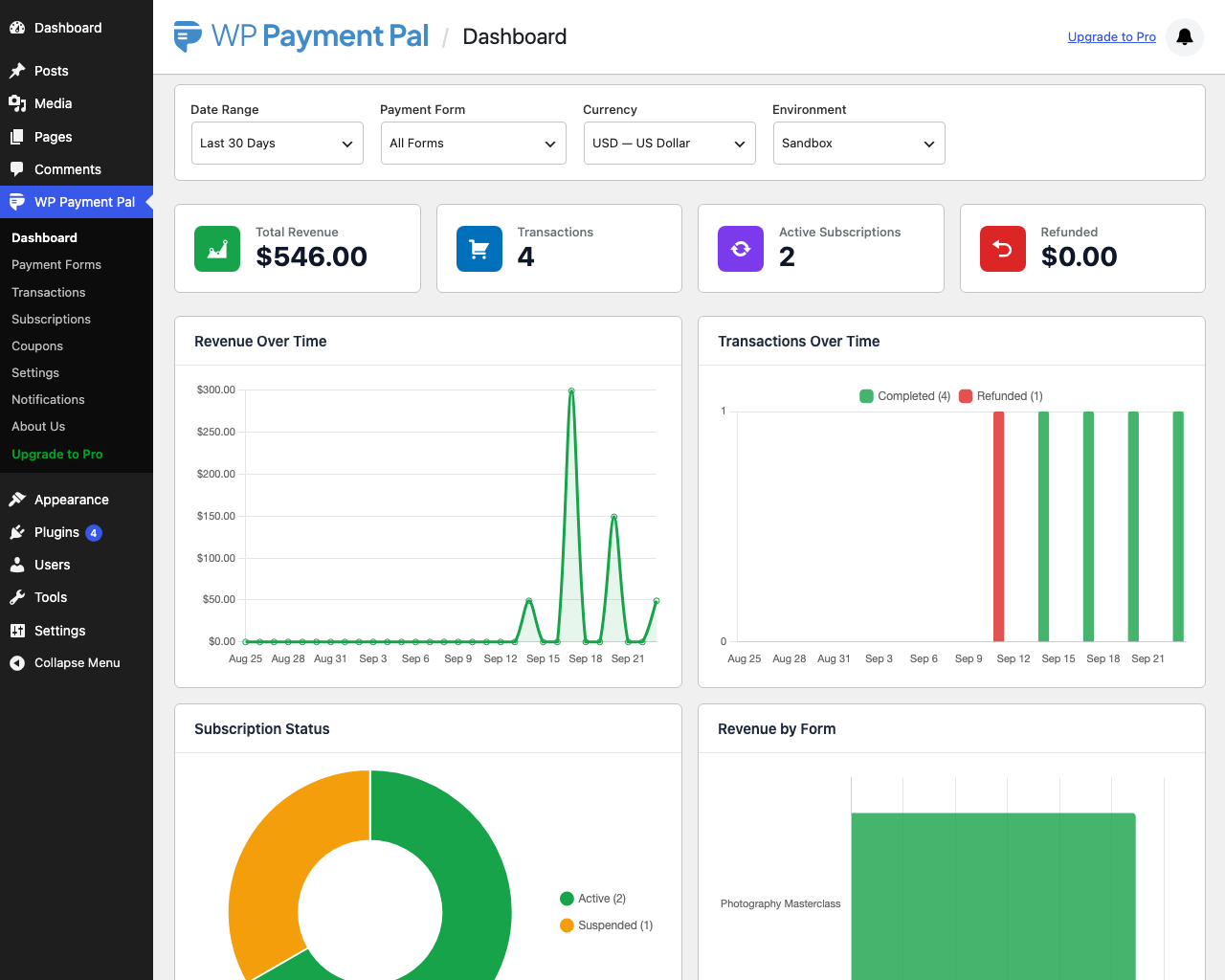
Analytics dashboard with revenue chart and KPIs
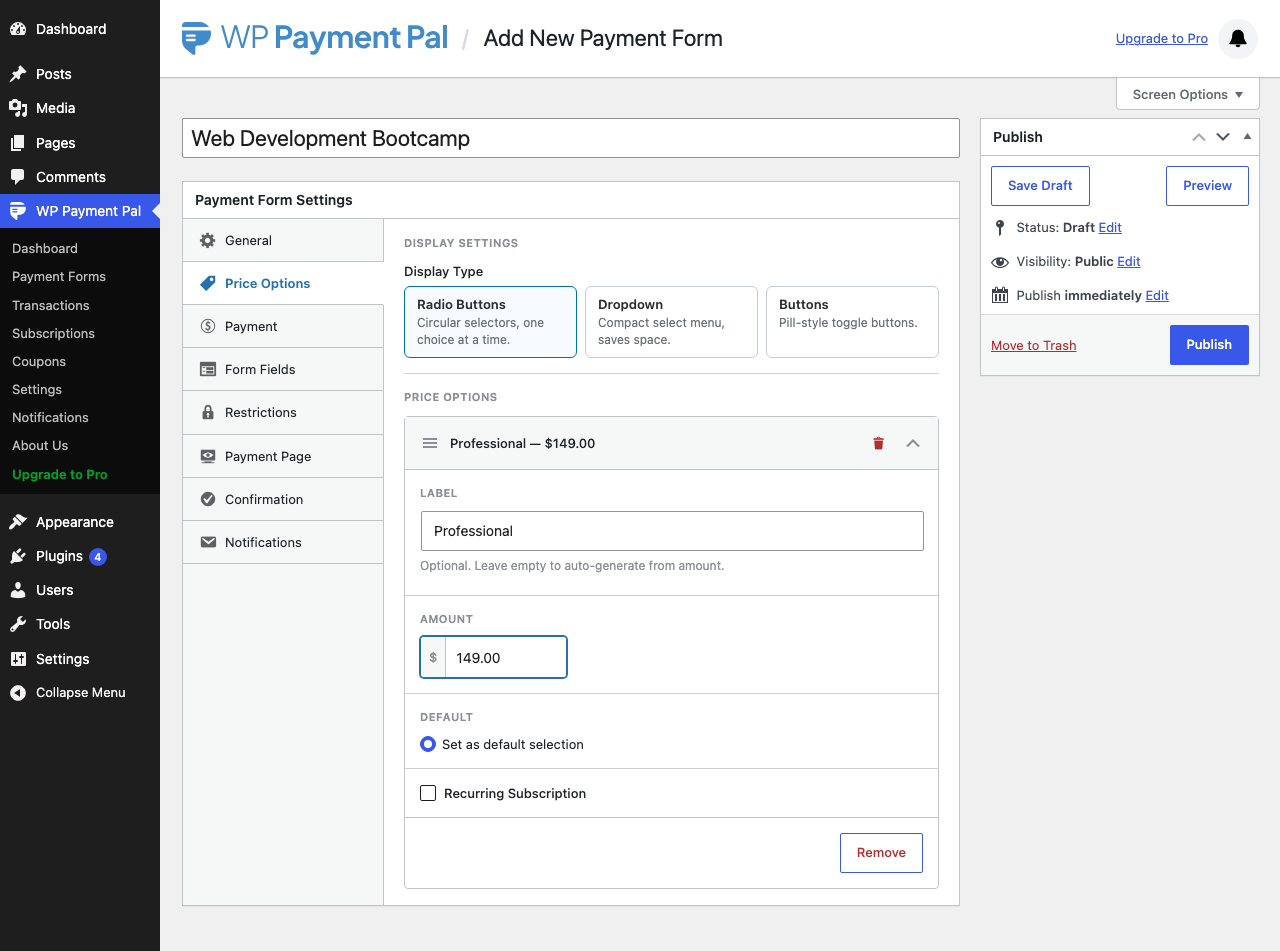
Payment form editor with a single price option
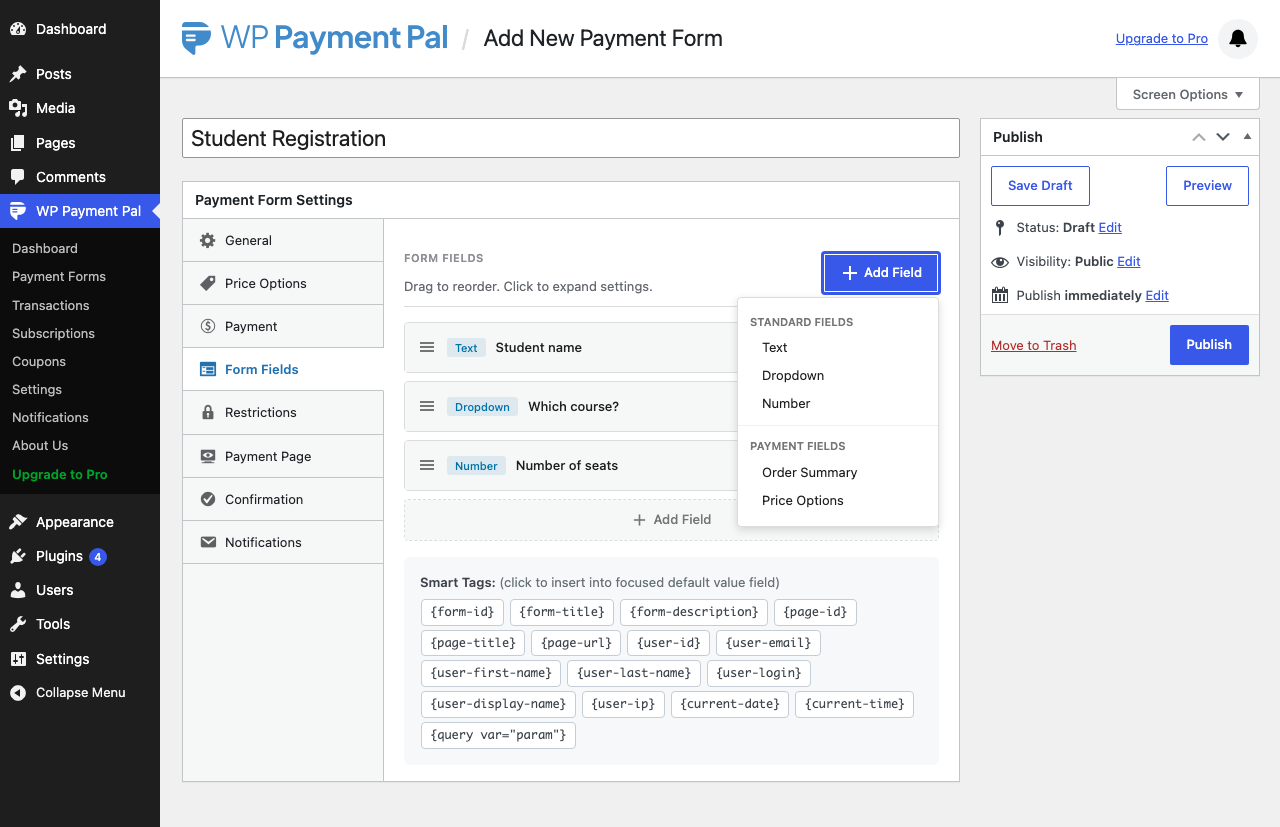
Form fields builder with text, dropdown, and number fields
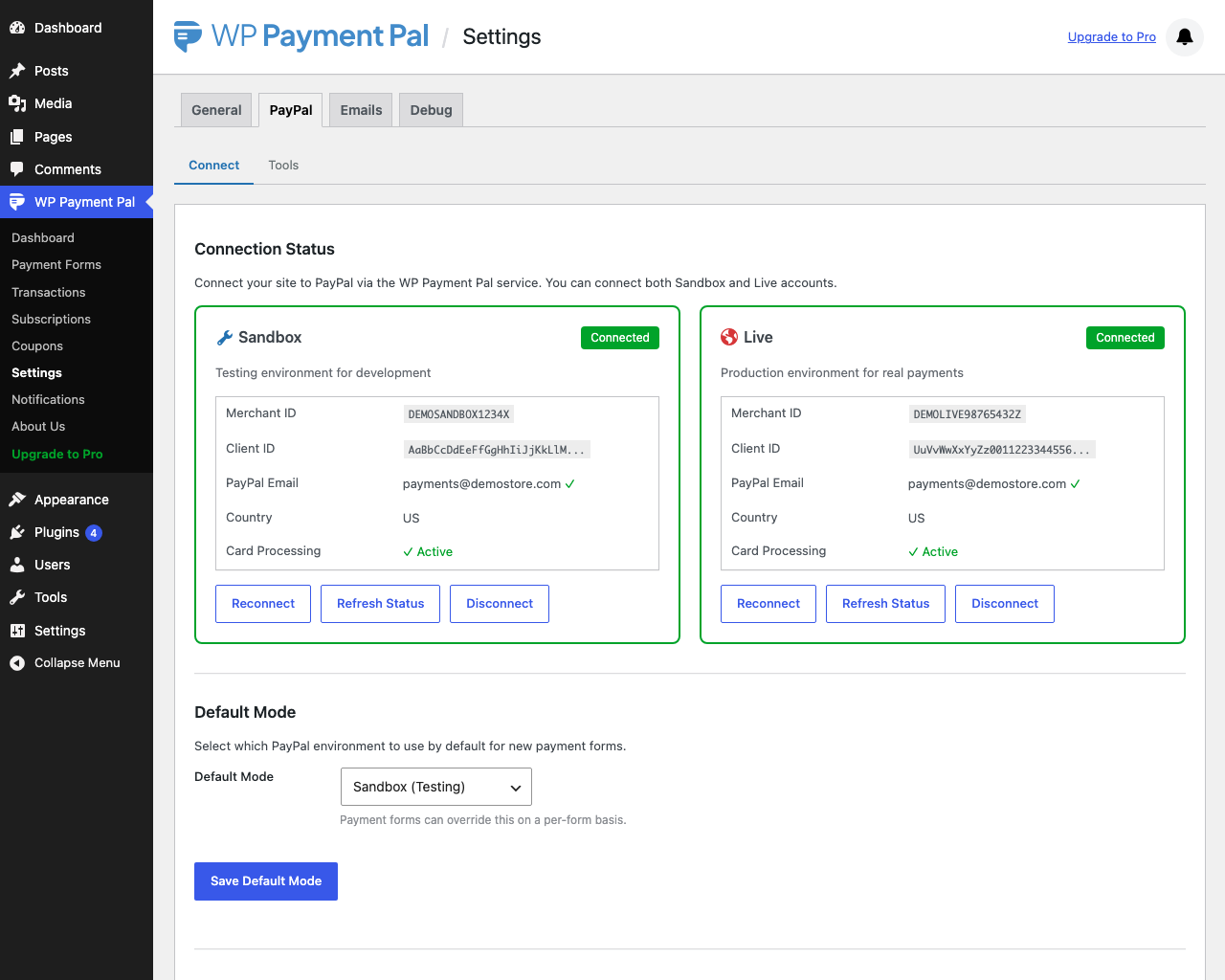
PayPal connection settings (Sandbox / Live mode)
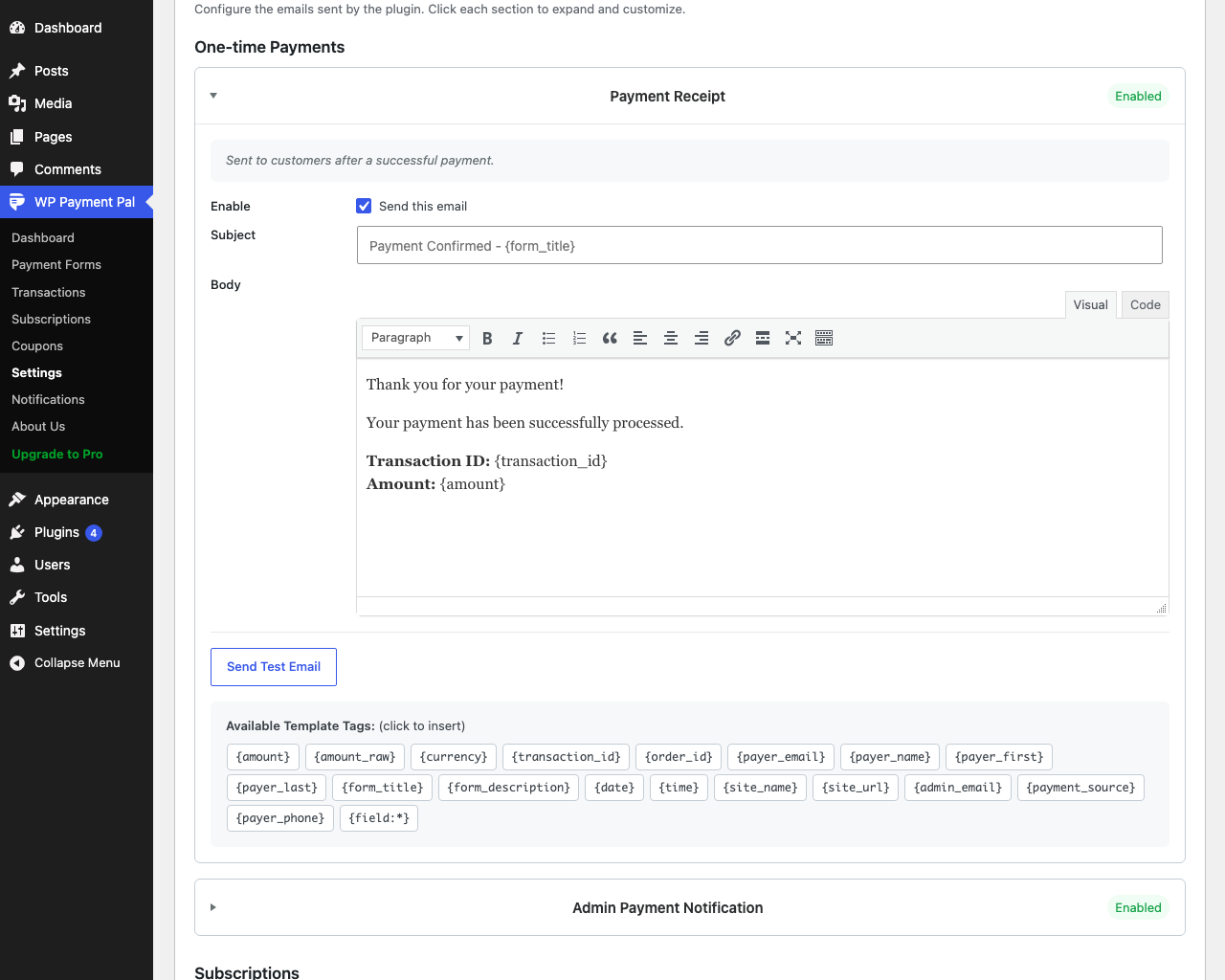
Email receipt and admin notification settings
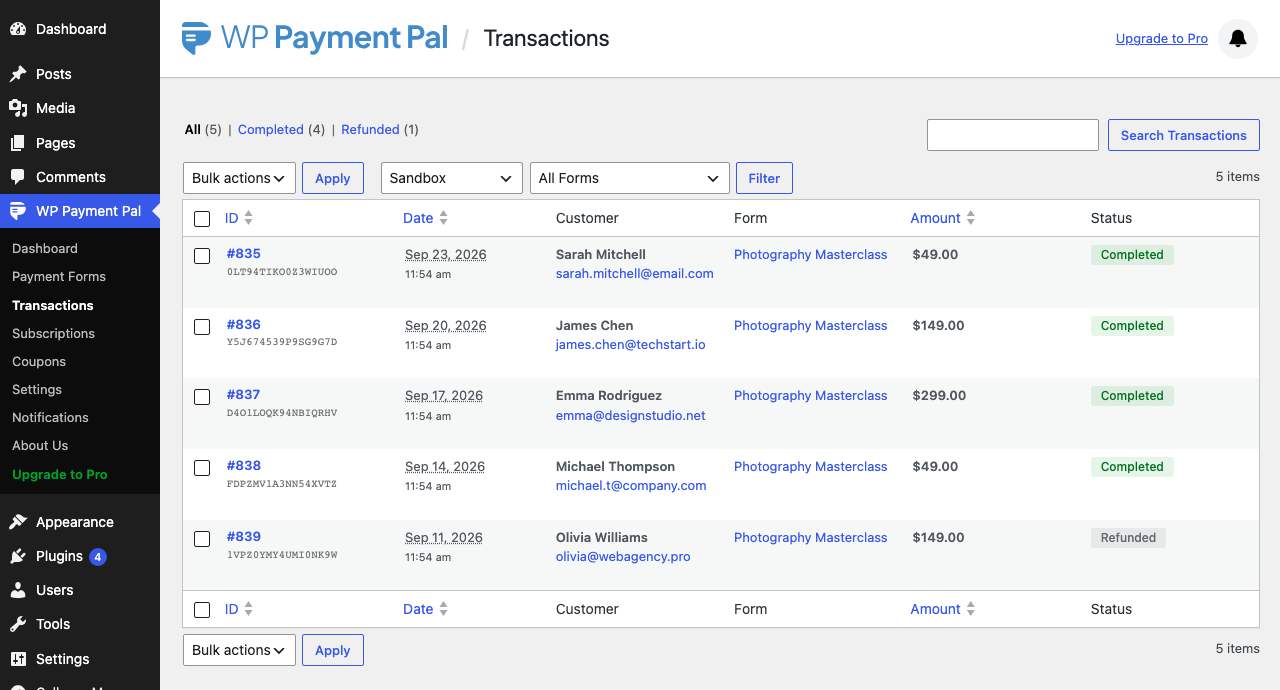
Transactions list with status filters
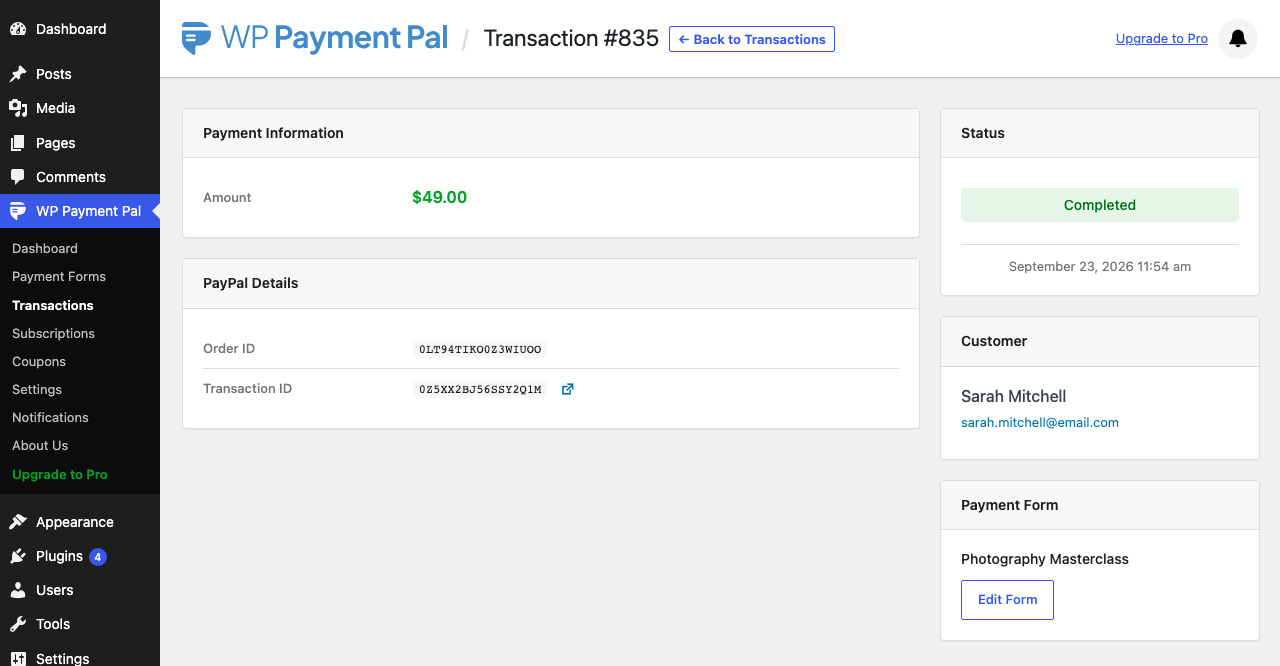
Transaction detail view
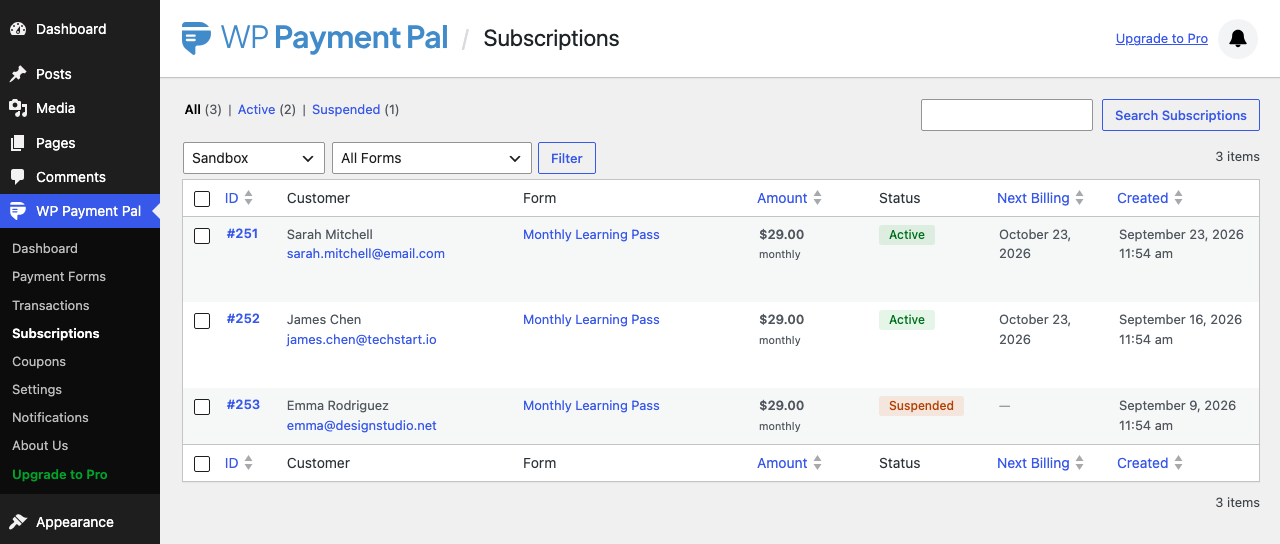
Subscriptions list view

Payment page with PayPal and Pay Later buttons
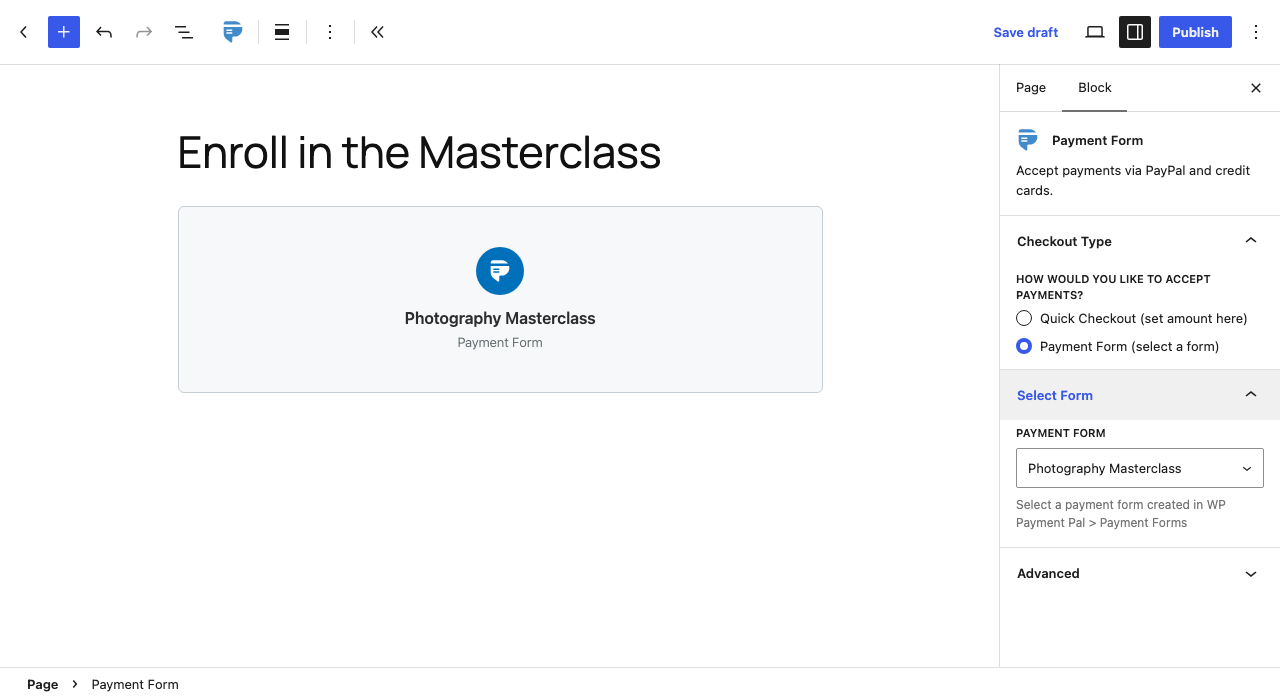
Form embedded via Gutenberg block