Swadhin AEO FAQ Generator For Blog Wordpress Plugin - Rating, Reviews, Demo & Download

Plugin Description
Swadhin AEO FAQ Generator for Blog helps bloggers, publishers, affiliate writers, tutorial sites, and knowledgebase owners turn saved article content into answer-ready FAQ sections.
The plugin reads local WordPress content only: content title, excerpt, body, headings, categories, tags, modified date, and supported SEO metadata. It then drafts grounded FAQ rows that admins can edit, remove, reorder, or publish as a visible accordion.
The same saved visible answers are used for FAQPage JSON-LD. That means visitors, search engines, and AI answer engines see the same source-backed Q&A content instead of disconnected hidden schema.
Features
- Works with public WordPress content types that use the admin editor, including posts, pages, and public custom post types.
- Generates FAQ drafts from article title, excerpt, content, headings, categories, tags, modified date, and supported SEO metadata.
- Skips unsupported topics instead of inventing answers.
- Lets admins edit, add, remove, and reorder FAQ rows.
- Shows a visible FAQ accordion on enabled public content types.
- Outputs FAQPage JSON-LD from the same saved visible answers.
- Includes a global FAQ library for reusable sitewide answers.
- Includes shortcode support with
[swadaefa_faq]. - Includes a dashboard with saved FAQ count, content with FAQs, shortcode, schema status, and plugin version.
- Has no built-in content-item, FAQ-row, or global-FAQ quota.
- Runs locally in WordPress with no external service calls.
How It Works
- Open any enabled public content item in the WordPress editor.
- Use the AEO FAQ Generator for Blog box to generate grounded FAQ drafts.
- Review, edit, add, remove, or reorder the FAQ rows.
- Enable the visible accordion and FAQPage JSON-LD checkboxes.
- Publish or update the content.
The visible FAQ block and JSON-LD schema stay synced because both are rendered from the same saved FAQ rows.
Shortcode
Use the shortcode when you want manual placement:
[swadaefa_faq]
Optional attributes:
id– content ID. Defaults to the current content item.title– visible FAQ heading.global–yesorno.schema–yesorno.
Example:
[swadaefa_faq id="123" title="Article FAQs" global="yes" schema="yes"]
External Services
This free plugin does not connect to external services.
All FAQ generation runs locally inside WordPress from saved content data. The plugin does not send article content, metadata, visitor data, or admin data to a third-party API.
Privacy
The free plugin stores FAQ rows and settings in your WordPress database. It does not track visitors and does not call remote services.
Screenshots
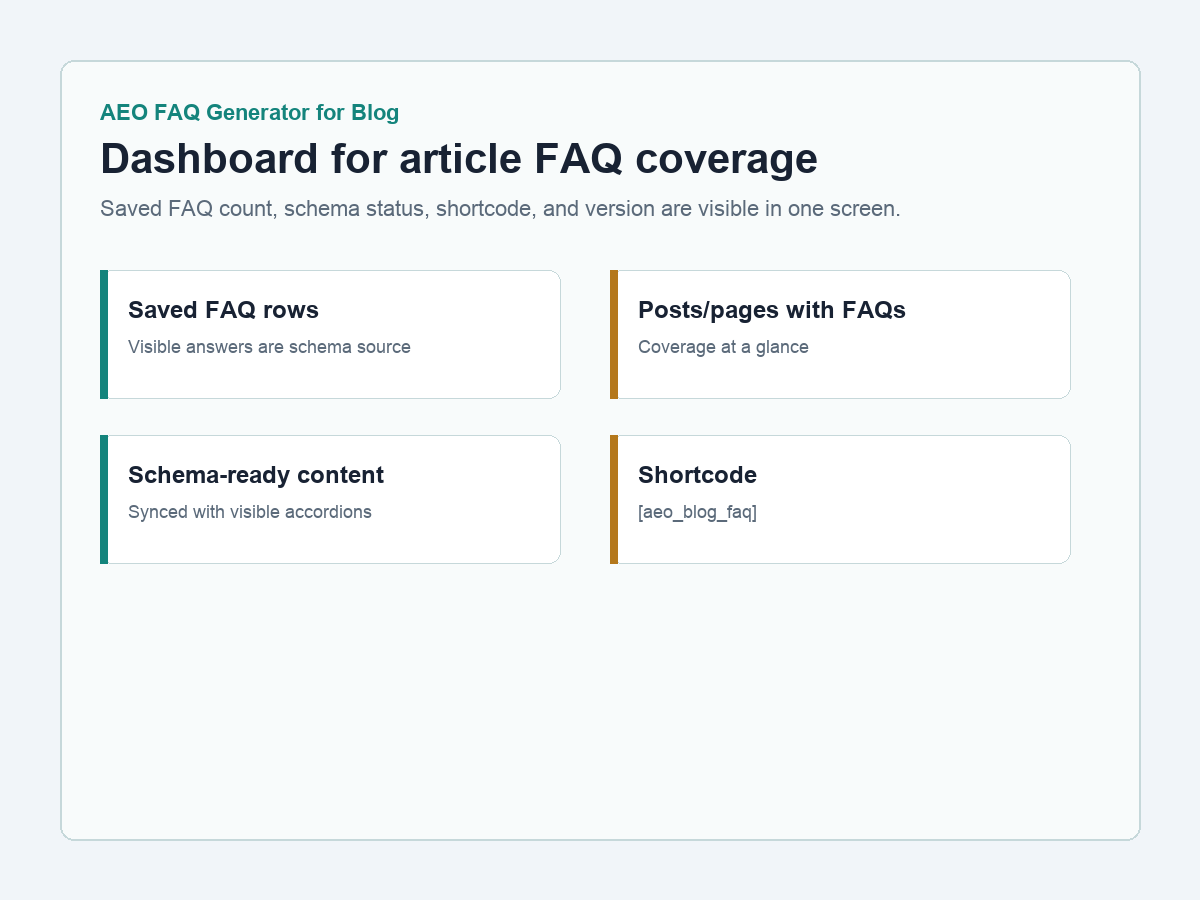
Dashboard with saved FAQ count, schema status, shortcode, and plugin version.
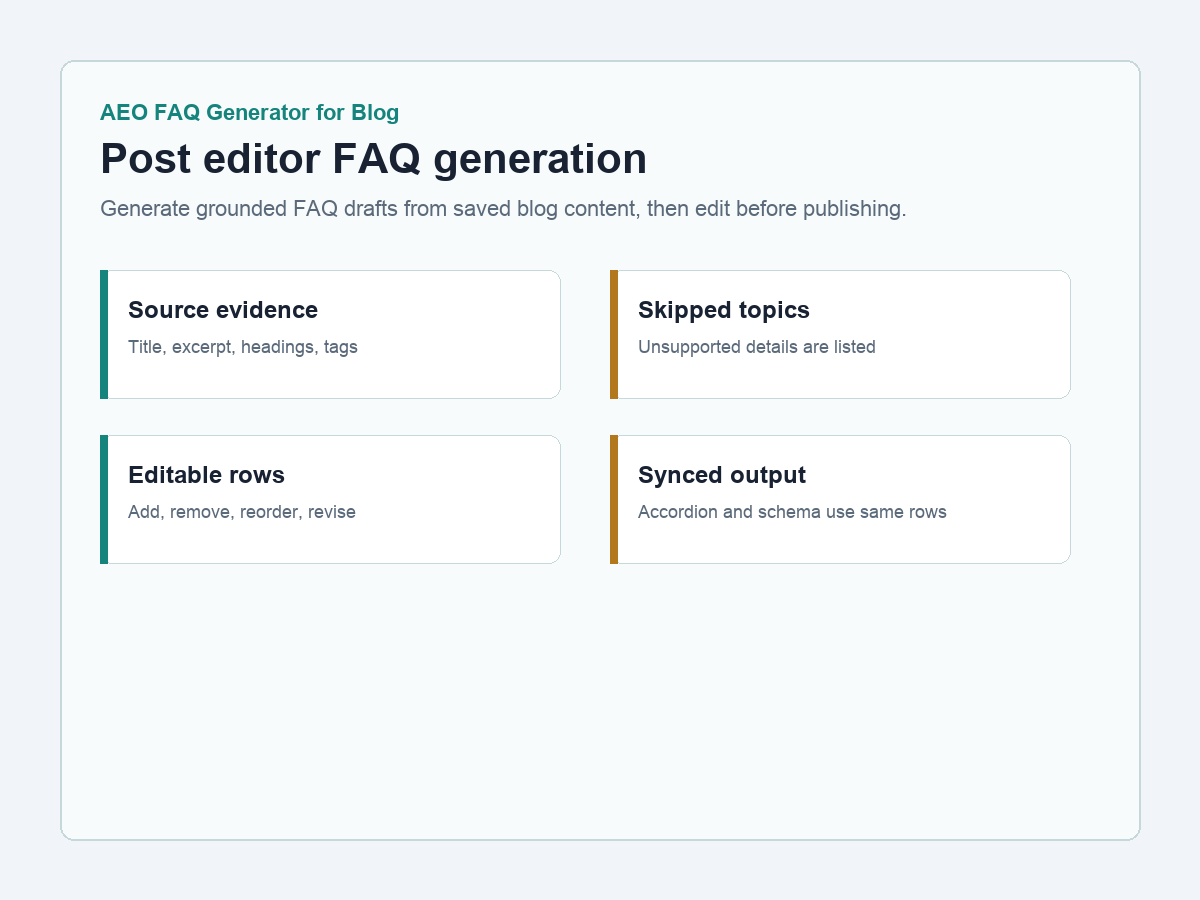
Post editor FAQ box with source evidence, generated FAQ rows, and skipped topics.
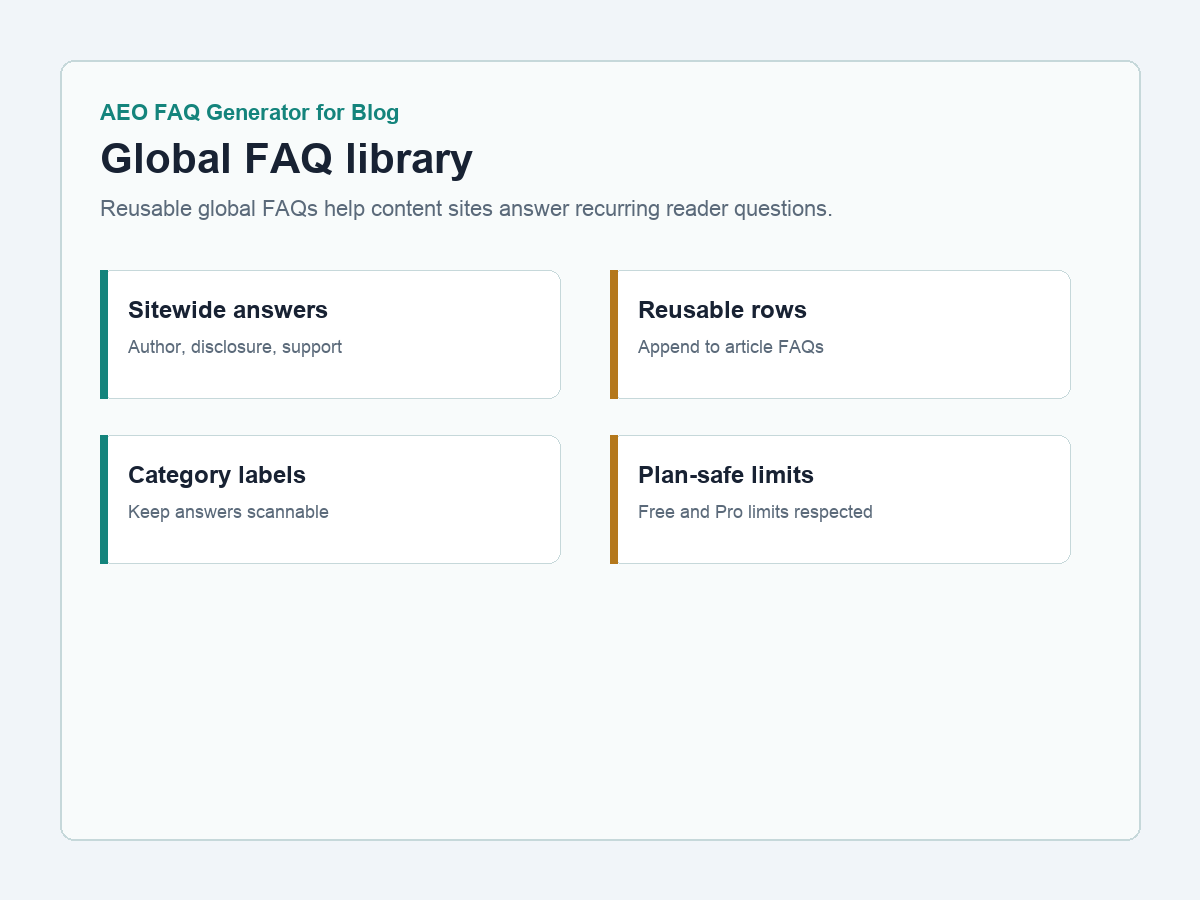
Global FAQ library for reusable sitewide answers.
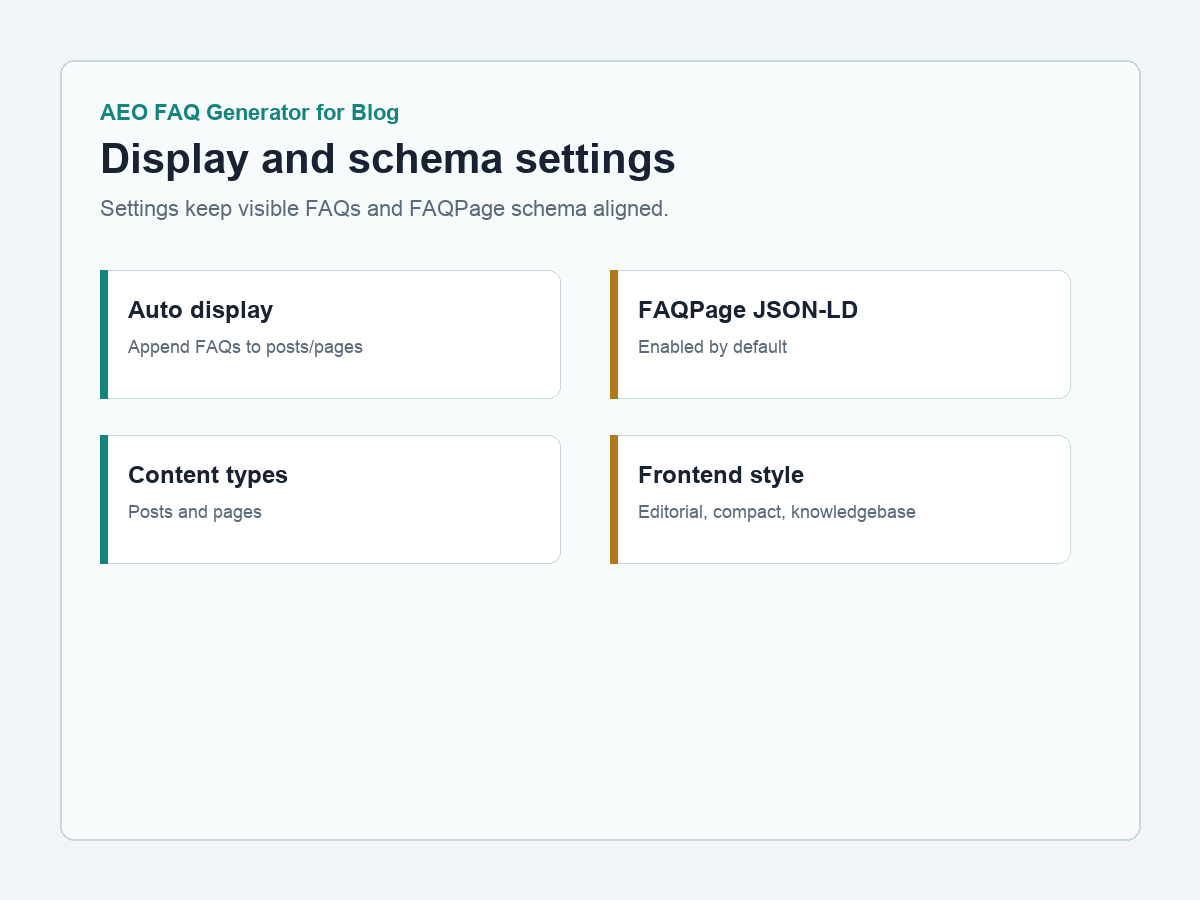
Settings screen for display, schema, global FAQs, content types, and frontend style.
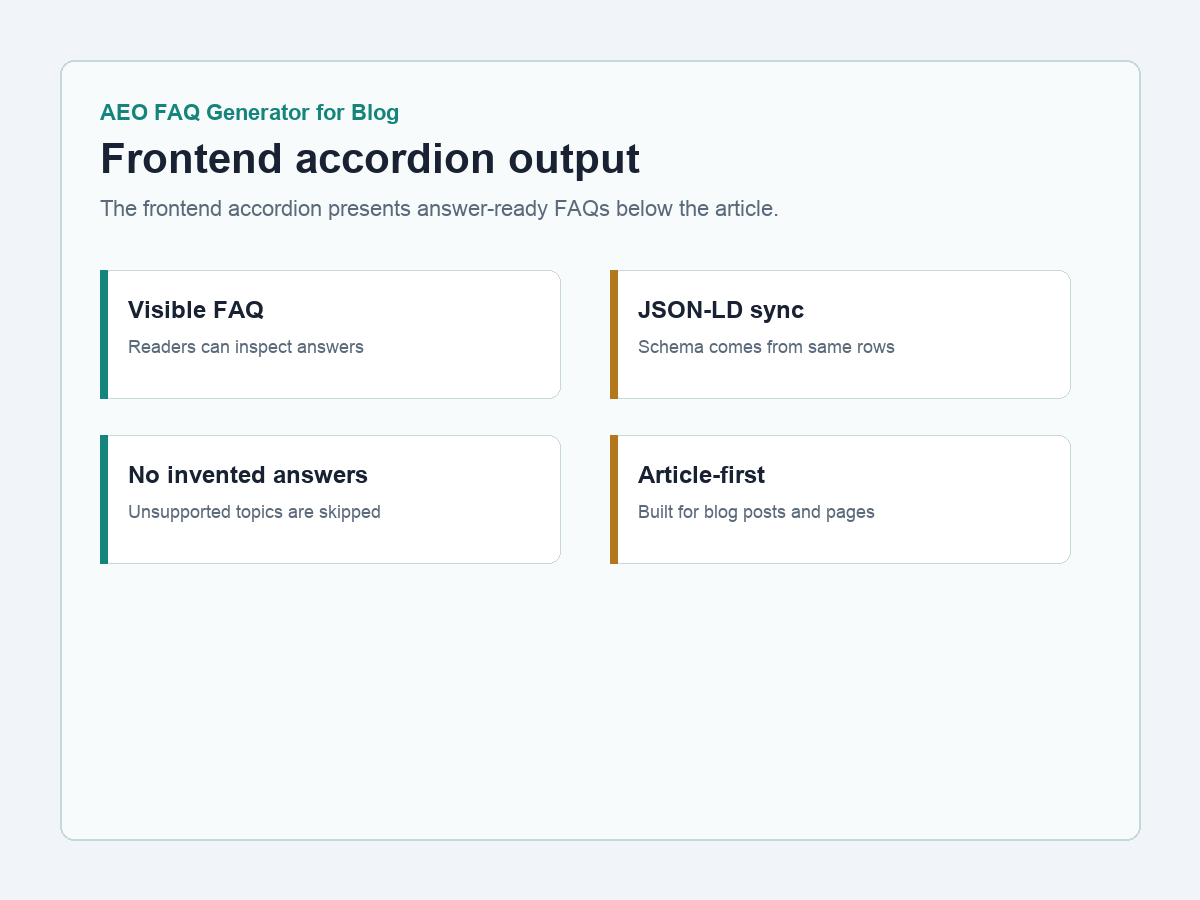
Frontend FAQ accordion with visible answers synced to FAQPage JSON-LD.