Tabora Product Tabs For WooCommerce Wordpress Plugin - Rating, Reviews, Demo & Download

Plugin Description
Tabora Product Tabs for WooCommerce by mahfuzar adds a flexible product-tab manager for WooCommerce with responsive mobile behavior.
Developer: mahfuzar
Features:
- Unlimited product-specific tabs.
- Reusable global tabs under Tabora Tabs > Reusable Tabs.
- Assign global tabs to all products, selected products, product categories, or product tags.
- Drag-and-drop ordering for product-specific tabs.
- Rich-text Visual/Text editor for product tab content.
- WordPress Media Library support for images, documents, and other media.
- Enable or disable individual product tabs.
- Responsive mobile accordion mode with configurable breakpoint.
- Open or close the first accordion item by default.
- Theme default, pill, and underline desktop styles.
- Hide Description, Additional information, or Reviews globally.
- Add icons before custom tab titles using the built-in icon gallery.
- Add custom CSS classes for advanced styling.
- Show tabs to everyone, logged-in users, or guests only.
- Supports safe HTML and WordPress shortcodes.
- Compatible with WooCommerce High-Performance Order Storage.
- Translation ready.
Screenshots
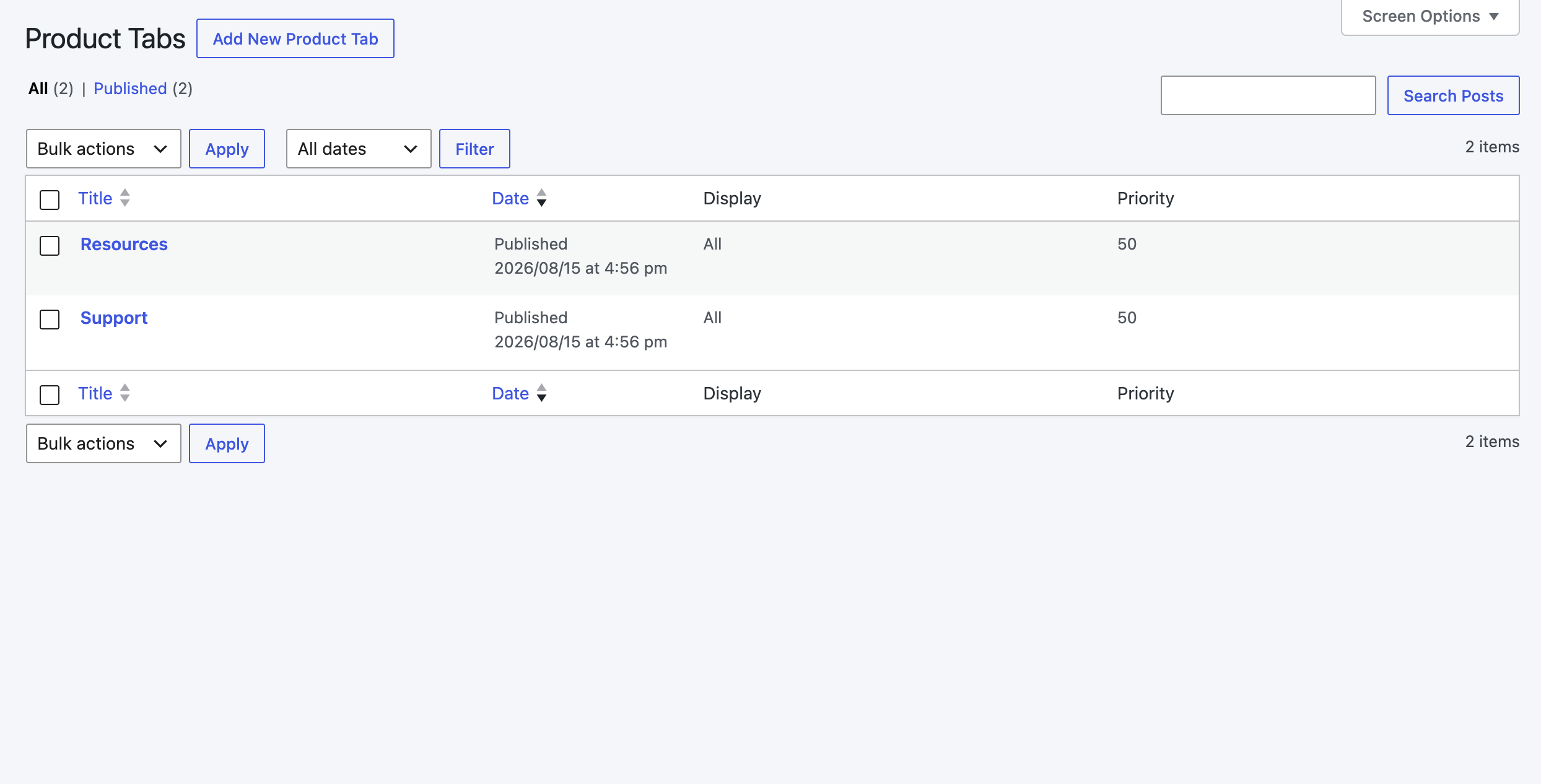
Reusable tabs management screen for creating global product tabs.
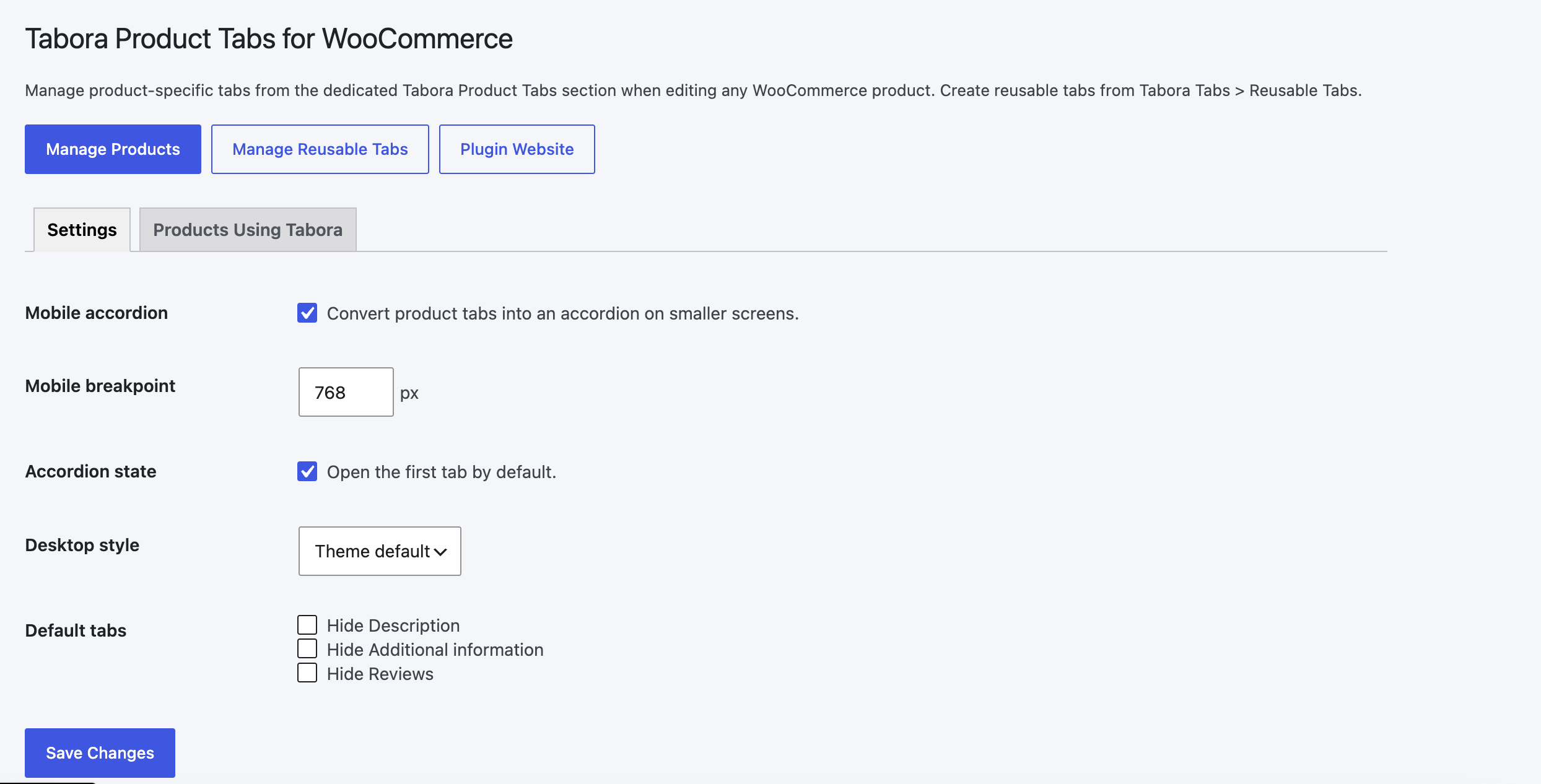
Tabora Product Tabs section in the WooCommerce product editor.
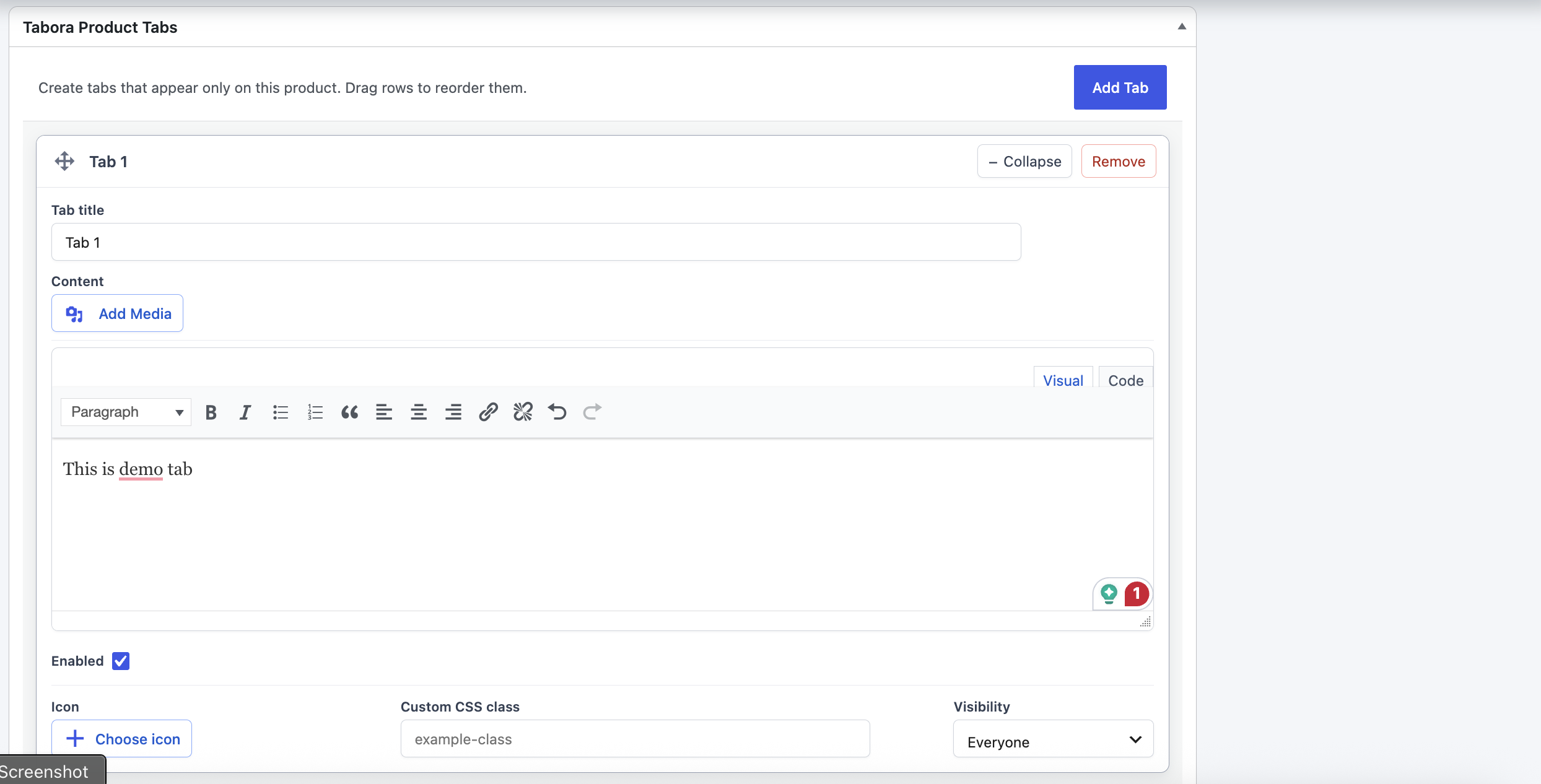
Creating product-specific tabs with the rich-text editor.
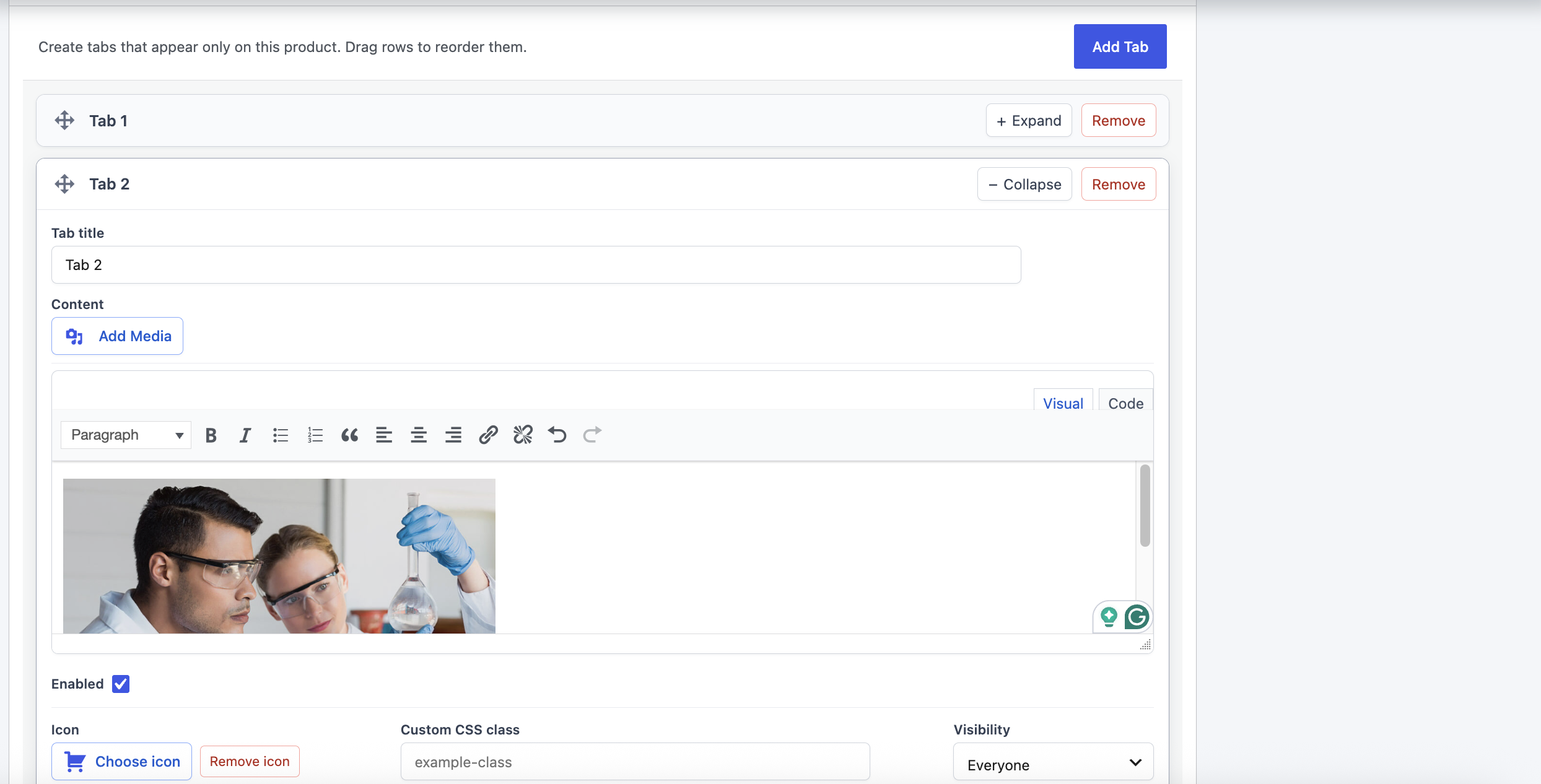
Arranging product-specific tabs with the rich-text editor with media support.
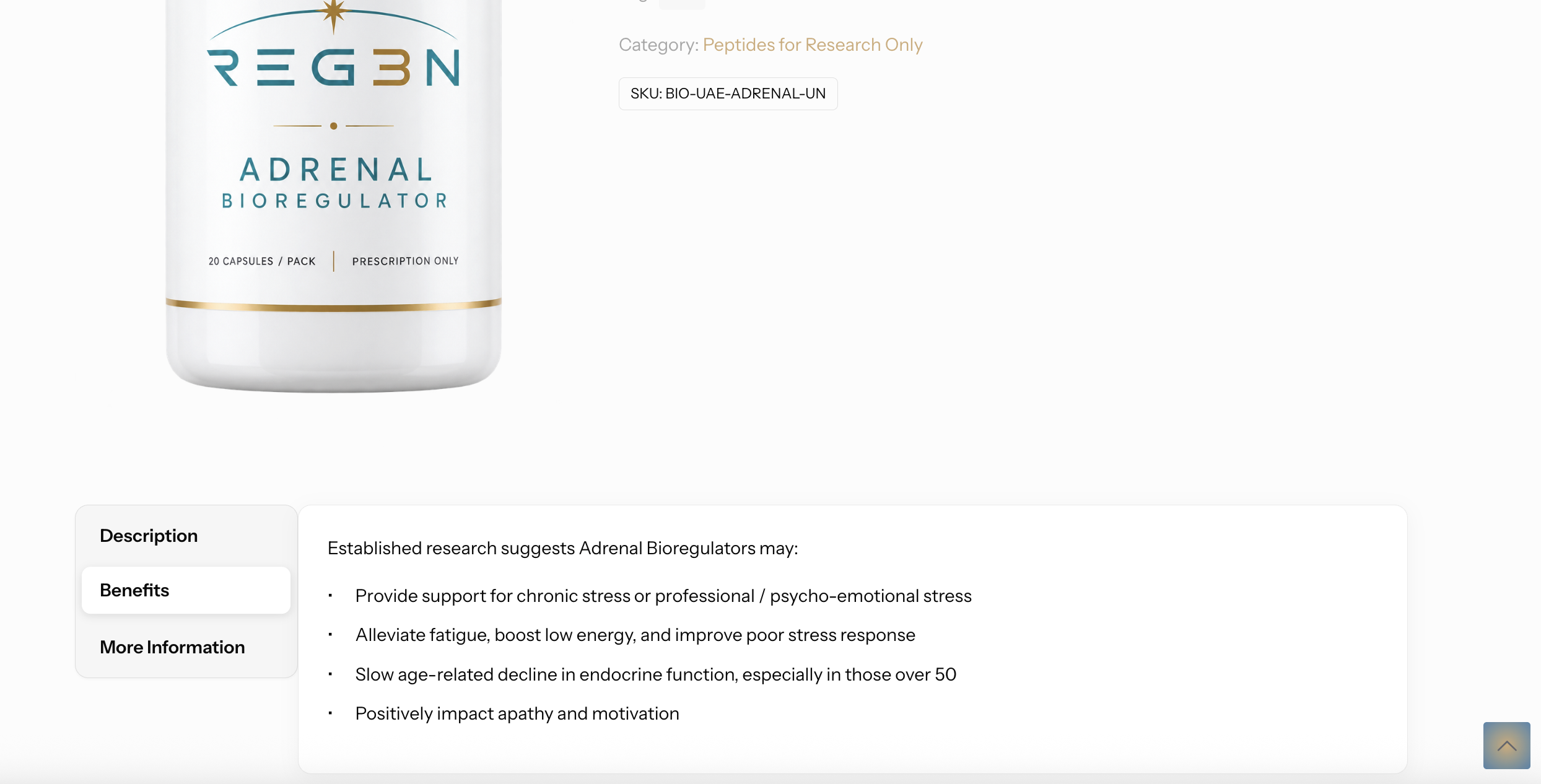
Responsive product tabs displayed as an accordion on the storefront.