
Tag Scout Wordpress Plugin - Rating, Reviews, Demo & Download
Plugin Description
Tracking scripts can hide in many places — plugins, themes, and custom code.
Tag Scout shows you exactly where each tracking code originates.
It scans any URL on your site and detects:
Google Analytics 4 (GA4)
Universal Analytics (legacy)
Google Tag Manager (GTM)
Meta Pixel
Hotjar
Microsoft Clarity
Tag Scout searches your WordPress installation for matching fragments in:
- wp_options (option values)
- wp_posts (post content across all post types, including Code Snippets CPT)
- wp_postmeta (meta values: page builders, ACF, etc.)
- Legacy Code Snippets table ({prefix}snippets), if present
- Key theme files: header.php, footer.php, functions.php in parent and child themes
Results are shown as clean cards with:
Provider name (GA4, UA, GTM, etc.)
ID (Measurement ID, UA property, GTM container, etc.)
Snippet preview
“Found in…” list (options, posts, postmeta, Code Snippets, theme files)
Tag Scout is read-only. It never changes your database or files — it just helps you find where to fix things.
Tag Scout does not connect to any third-party APIs or services. It only requests your own site’s URL using wp_remote_get() and scans that HTML for known tracking patterns.
Screenshots

Multiple tracking scripts detected
GA4, UA and GTM cards together, each with IDs, snippets, and source locations.
Single tracking script view
GA4 implementation with Measurement ID and matching Code Snippets entry.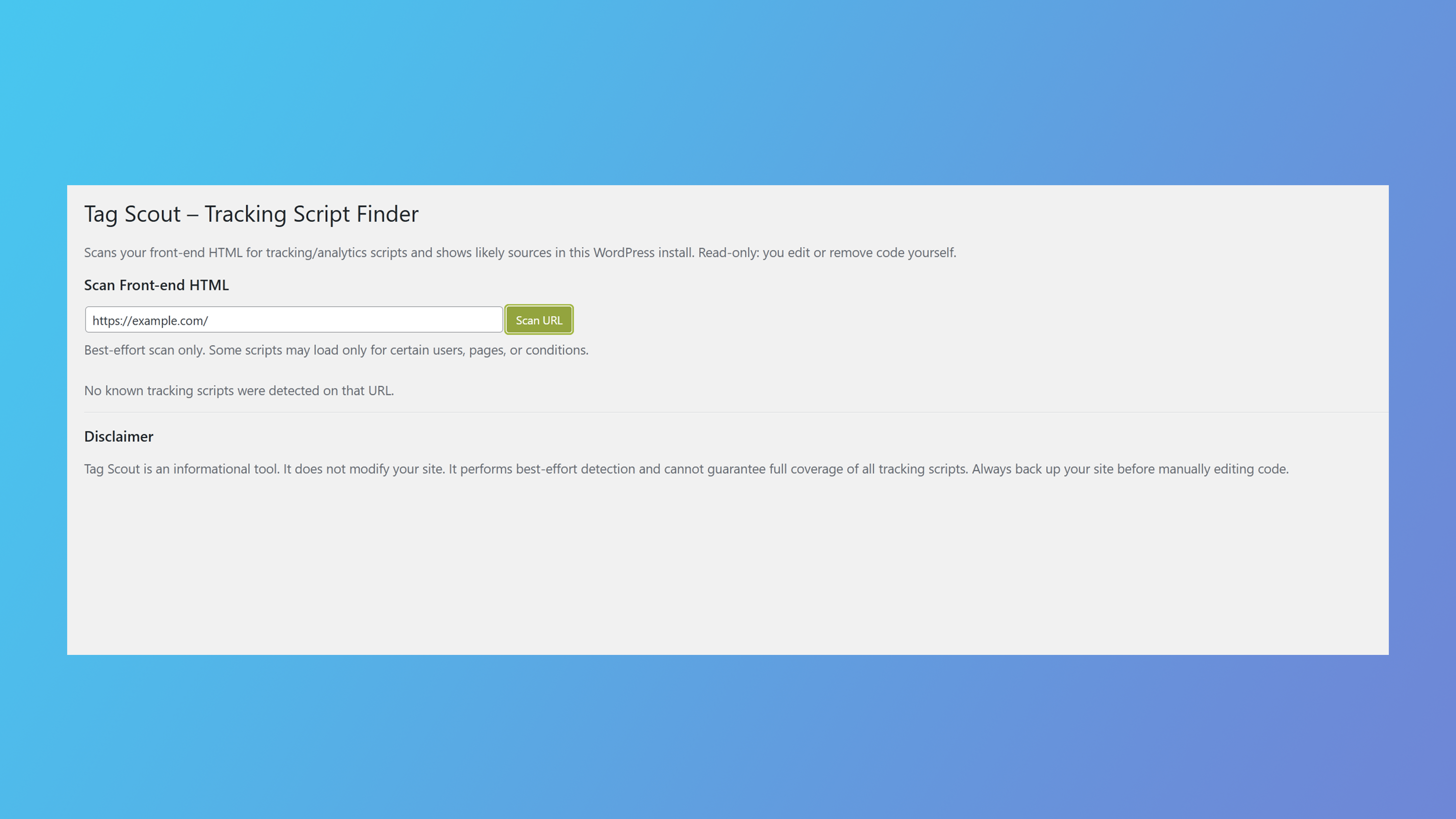
No tracking scripts detected
Clean “No known tracking scripts were detected on that URL” state.


