Tanvir Block Wordpress Plugin - Rating, Reviews, Demo & Download
Plugin Description
Tanvir Block adds three custom blocks to the WordPress block editor (Gutenberg) and Site Editor:
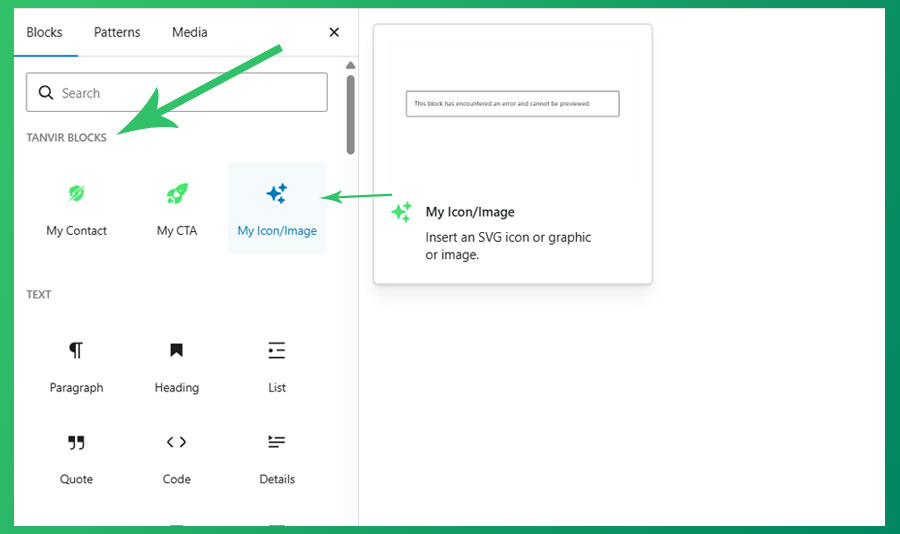
My Icon/Image Block
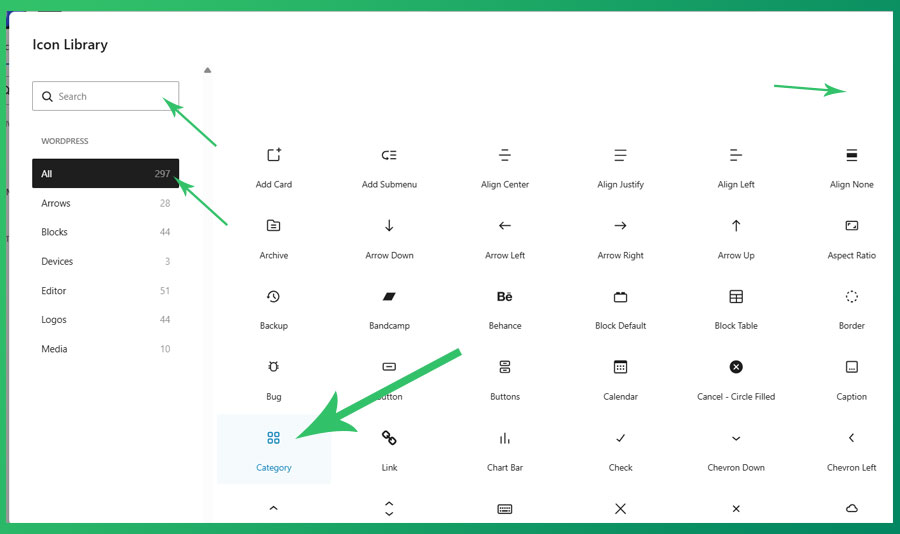
Insert any SVG icon or image into your content with full controls. Includes all 296+ native WordPress icons and social logos. Features include:
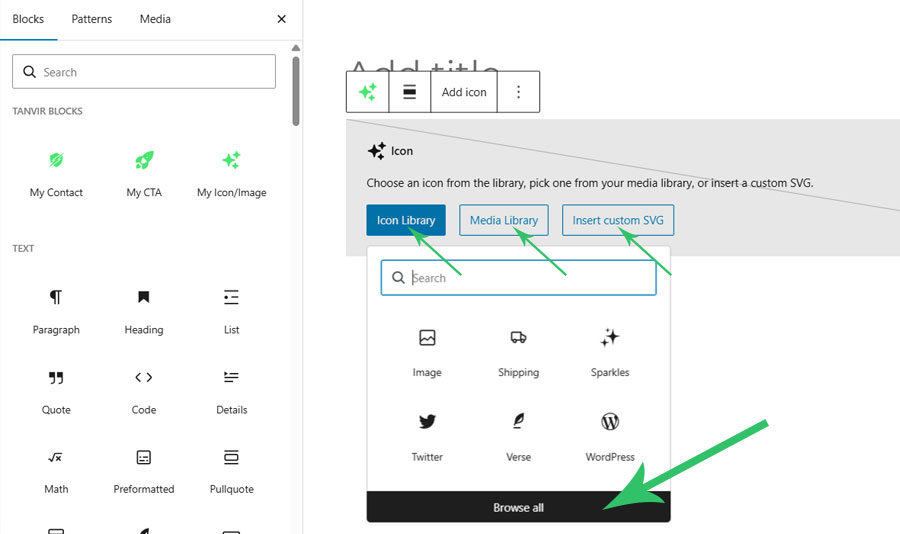
- 296+ built-in WordPress SVG icons, including social logos
- Use any custom SVG icon or graphic
- Insert images from the Media Library
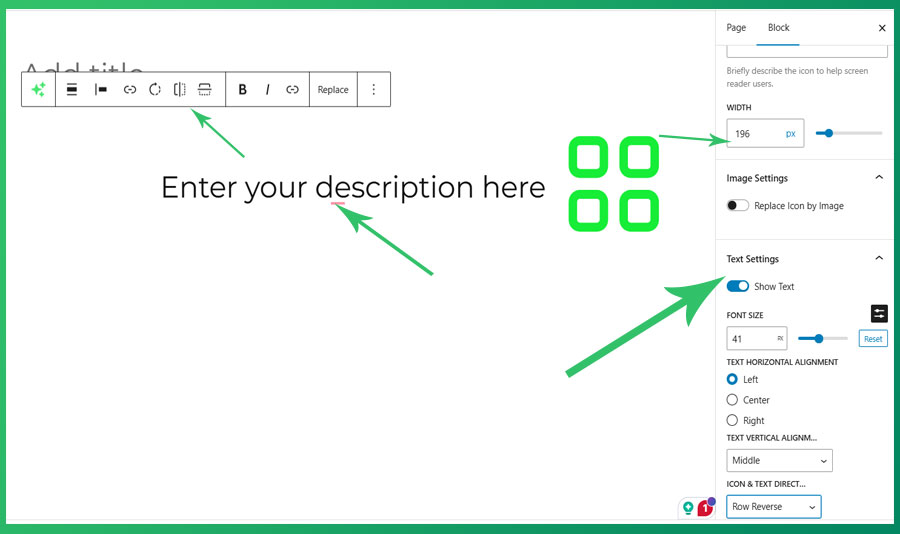
- Controls for size, link, rotate, flip, alignment, color, border, padding, and margin
- Display an optional text description alongside the icon
- Fully compatible with the Site Editor
- No external library required
My CTA (Call To Action) Block
A simple, customizable Call To Action block with a title, description, button text, and optional background image. All content is editable directly in the editor.
My Contact Block
A Contact block with a customizable title, description, and button. Ideal for use on contact pages or sidebars.
All three blocks are built using native WordPress components, support full color, spacing, and typography controls, and work seamlessly in both the post editor and the Site Editor.
No data is collected or sent to any external service. All block content is stored in your WordPress database only.
Screenshots
The My Icon/Image block in the editor, showing the icon picker and controls.
The My CTA block with editable title, description, and button.
The My Contact block on a contact page.