Technical Himanshu Payment Fees Wordpress Plugin - Rating, Reviews, Demo & Download
Plugin Description
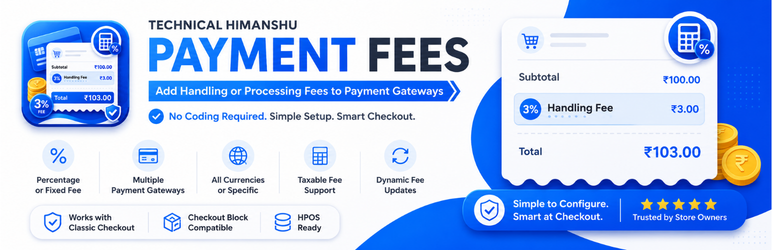
Technical Himanshu Payment Fees is a lightweight WooCommerce extension that allows store owners to add custom handling or processing fees based on the selected payment gateway. No coding required – configure everything from your WordPress admin.
Key Features
- Multiple Payment Gateway Fees – Assign unique fees to any active payment gateway (PhonePe, COD, Bank Transfer, PayPal, Stripe, and more).
- Flexible Fee Types – Choose between percentage or fixed fees.
- Custom Fee Name – Display a custom label on the checkout page (e.g., “Handling Fee”, “Processing Fee”, “COD Charge”).
- Currency Control – Apply fees to all currencies or restrict to a specific currency.
- Tax Support – Optionally make the fee taxable – WooCommerce automatically applies store taxes.
- Payment Gateway Switching – When customers switch payment methods, fees are updated dynamically – no duplicate fees.
- Zero Duplicate Fees – Fees are added once per cart calculation, even during AJAX updates.
- Classic Checkout Compatible – Works with the traditional WooCommerce checkout.
- Checkout Block Compatible – Fully integrated with the WooCommerce Checkout Block.
- HPOS Ready – Declared compatible with High‑Performance Order Storage.
- Currency‑Switcher Friendly – Detects the active checkout currency automatically.
- Lightweight & Performance‑Focused – No unnecessary assets, no bloat.
- Zero External Dependencies – No tracking, no telemetry, no external APIs – everything runs locally on your site.
How It Works
- Activate the plugin.
- Go to WooCommerce Payment Fees.
- Click Add Payment Fee.
- Select a gateway, enter a fee name, choose a fee type (percentage or fixed), set the amount, and select currency preferences.
- Save – done!
When a customer selects the configured gateway during checkout, the fee is automatically added to the cart total. If they switch to a different gateway, the fee updates or disappears accordingly – no manual intervention required.
Privacy
This plugin does not collect, store, or transmit any personal data. It works entirely locally on your WordPress site and does not interact with any external services.
Screenshots

Plugin Menu & Quick Access Button.

Settings Page and + Add Payment Fee Button.

Adding or editing a fee rule.

Help & Documentation Page.

The main settings page listing all fee rules.

The fee displayed on the checkout page.