
Toofan Stage-to-Live Sync Wordpress Plugin - Rating, Reviews, Demo & Download

Plugin Description
Toofan Stage-to-Live Sync solves a problem every WordPress developer and agency runs into: you build or edit a page on a local/staging copy of a site, but every existing staging/migration plugin only knows how to push or pull the entire site. That’s risky and often impossible once a store has live orders, live comments, or a client editing content directly on production.
Toofan Stage-to-Live Sync lets you pick exactly which post, page, or custom post type to send to your live site. Everything else on live — orders, customers, coupons, other pages, other content — is left completely untouched.
Core features:
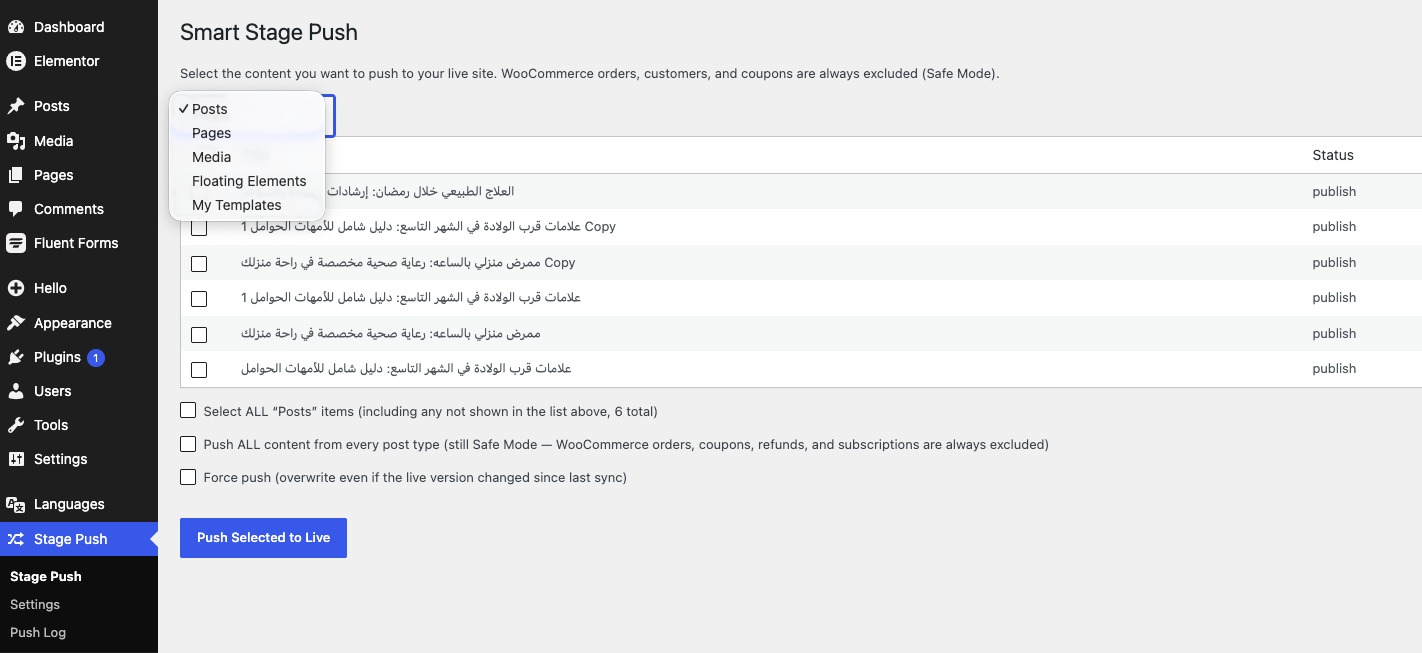
- Selective Content Push — a simple checkbox screen to choose exactly which posts/pages/custom post types to push, per post type.
- Smart Database Merge — pushes are merged field-by-field into the matching live post (matched by a persistent sync ID), never a full overwrite. Anything on live that wasn’t part of the push stays exactly as it was.
- WooCommerce Safe Mode — orders, refunds, coupons, and subscriptions are hard-excluded from every push at the code level. They are never touched, no matter what you select.
- Inline Media Sync — automatically finds every image/file referenced inside the page content (or Elementor’s data) using the real attachment ID whenever possible (not just URL-guessing), imports it into the live Media Library if it doesn’t already exist there (matched by file hash, so nothing is duplicated), preserves the original image size (so responsive
srcsetkeeps working instead of collapsing to one size), and rewrites the URLs to point at the live copy. - Placeholder fallback — if a specific file genuinely can’t be downloaded/imported (e.g. it was removed, or the source became unreachable mid-push), the page still shows a clean “image not synced” placeholder instead of a broken image icon, and the push log tells you exactly how many files used a placeholder so you can fix and re-push.
- Elementor-aware image remapping — if the page was built with Elementor, the plugin updates Elementor’s internal image ID/URL references after import and clears that page’s Elementor CSS cache so it renders correctly on the first load.
- Conflict detection — if someone edited the live version of a page after your last push, Toofan Stage-to-Live Sync flags a conflict instead of silently overwriting it. You choose to “force push” only when you’re sure.
- Push log — a full history of every push: what was pushed, when, and whether it succeeded, was skipped, or hit a conflict.
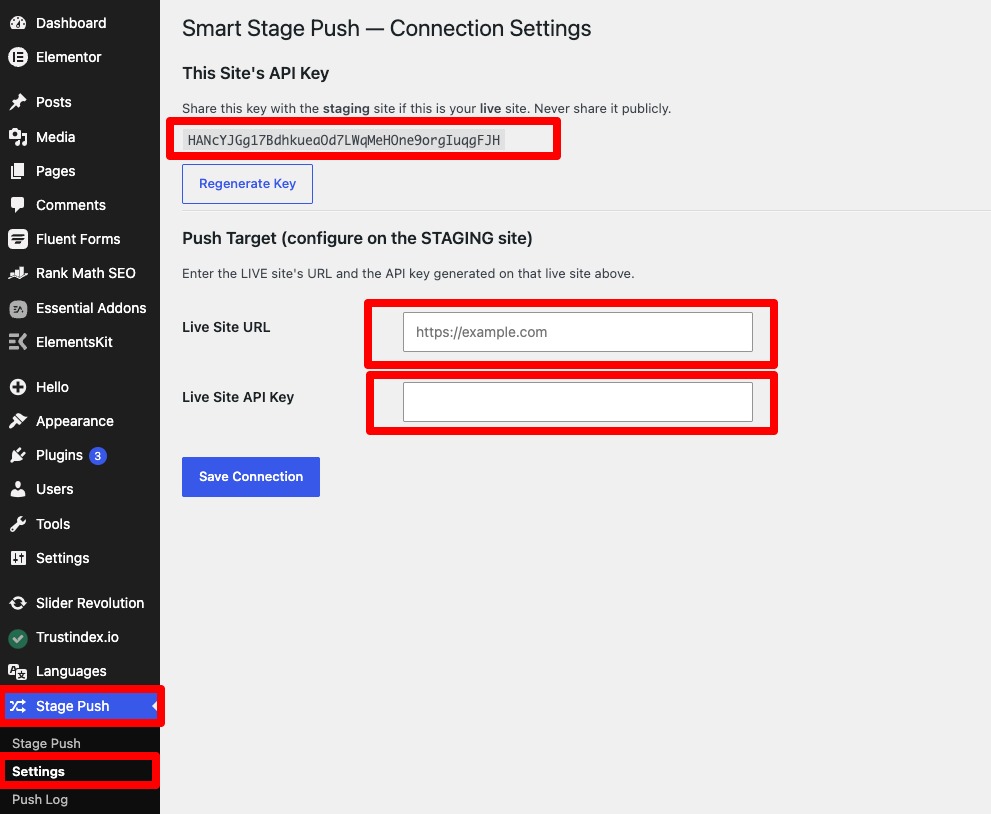
How it works: install the plugin on both sites (e.g., your local WordPress install and your live server). Generate a connection key on the live site, then enter the live site’s URL and that key in the settings on your local/staging site. From then on, use the Toofan Sync screen to select and push individual pieces of content whenever you’re ready — no full-site sync required.
This plugin communicates only with the URL you configure (your own live site), using WordPress’s built-in REST API over HTTPS with a private key you control. It does not send data to any third-party server.
Screenshots
The Toofan Sync screen — pick a post type and select exactly which items to push.
The Settings screen — connect your local/staging site to your live site with a URL and API key.
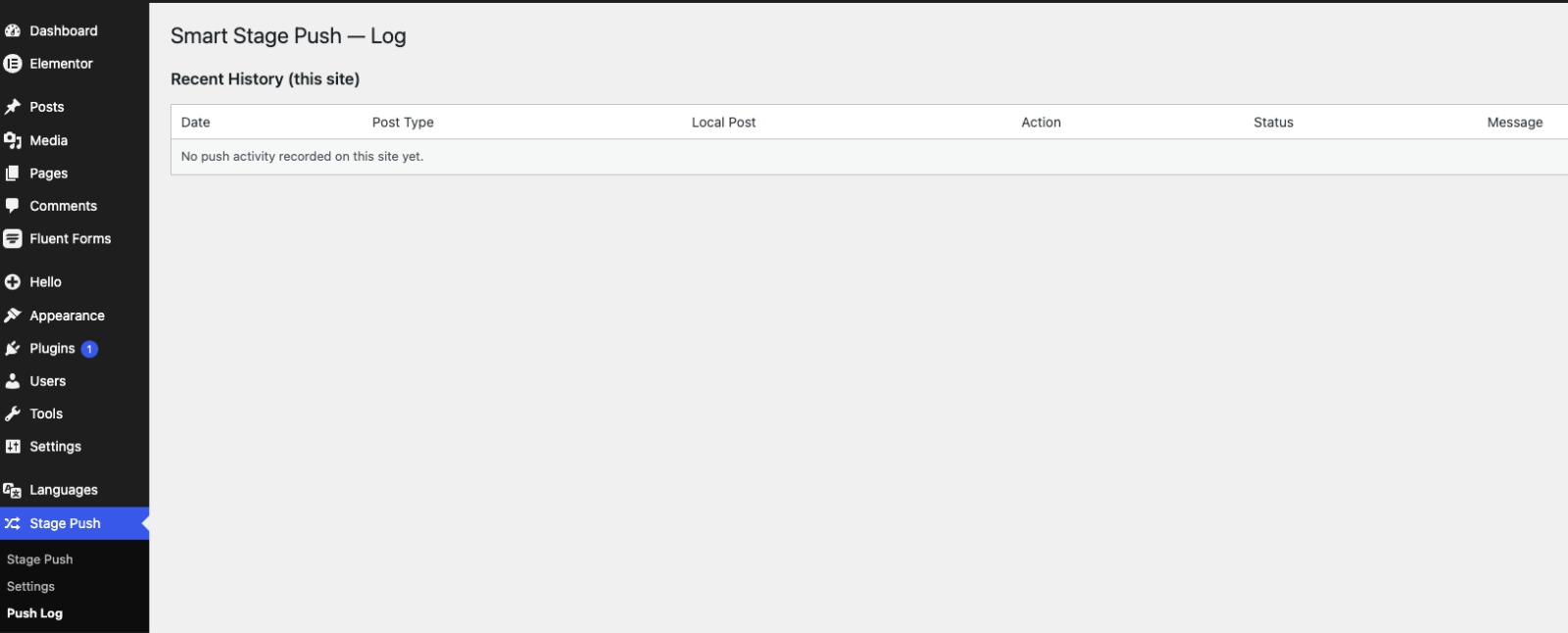
The Push Log screen — see the result of every push, including inline media imported.


