
Trivla Account Security Wordpress Plugin - Rating, Reviews, Demo & Download

Plugin Description
Trivla Account Security is a small security and housekeeping screen for WordPress and WooCommerce Store administrators.
- Login log records successful and failed sign-ins, with IP, country, browser, operating system, and device. Search by username, IP, country, or browser, filter by result, and move through pages of 50.
- Automatic log deletion removes login events, block notes, and cleanup notes older than the number of days you choose. The default is 90 days. You can also delete old events immediately, or clear the login log after ticking a confirmation box.
- Brute-force blocking blocks an IP after too many failed logins in a short window. Blocked addresses cannot sign up or sign in. You can unblock them from the settings screen.
- Geo-gate & review holds new registrations from countries that are not on your allowed list. Held accounts have no permissions until you approve them. Rejecting an account can also block its IP. This screen is its own tab.
- WooCommerce customer cleanup, when WooCommerce is active, lists customers who never ordered or never logged in, with search, paging, and bulk delete. A daily job can delete old matching accounts. That job is off on a new install.
Login is not held up by a country lookup. The plugin uses a Cloudflare country header when you enable it, a local cache, or a later scheduled task.
The login log stores IP addresses and user agents. Say so in your privacy policy, and keep the retention period as short as you need.
Customer tools need WooCommerce. The login log, IP block, and country review work on any WordPress site.
External services
This plugin can connect to ipwho.is (https://ipwho.is) to turn an IP address into a country code.
- When: only if “Look up countries online” is enabled, and the country is not already known from Cloudflare or the local cache.
- What is sent: the IP address. The request asks for
successandcountry_codeonly. - Signups: looked up during registration when the country gate is on, so the plugin can decide whether to hold the account.
- Logins: not looked up during sign-in. A scheduled task fills the login log later.
- Storage: a successful code is cached for 30 days. A failed lookup is remembered for 6 hours, then retried.
- Service terms: https://ipwhois.io/docs
Turn the lookup off on the Geo-gate & review tab to stop these requests. With the Cloudflare option enabled, the plugin can use the CF-IPCountry header instead.
Screenshots
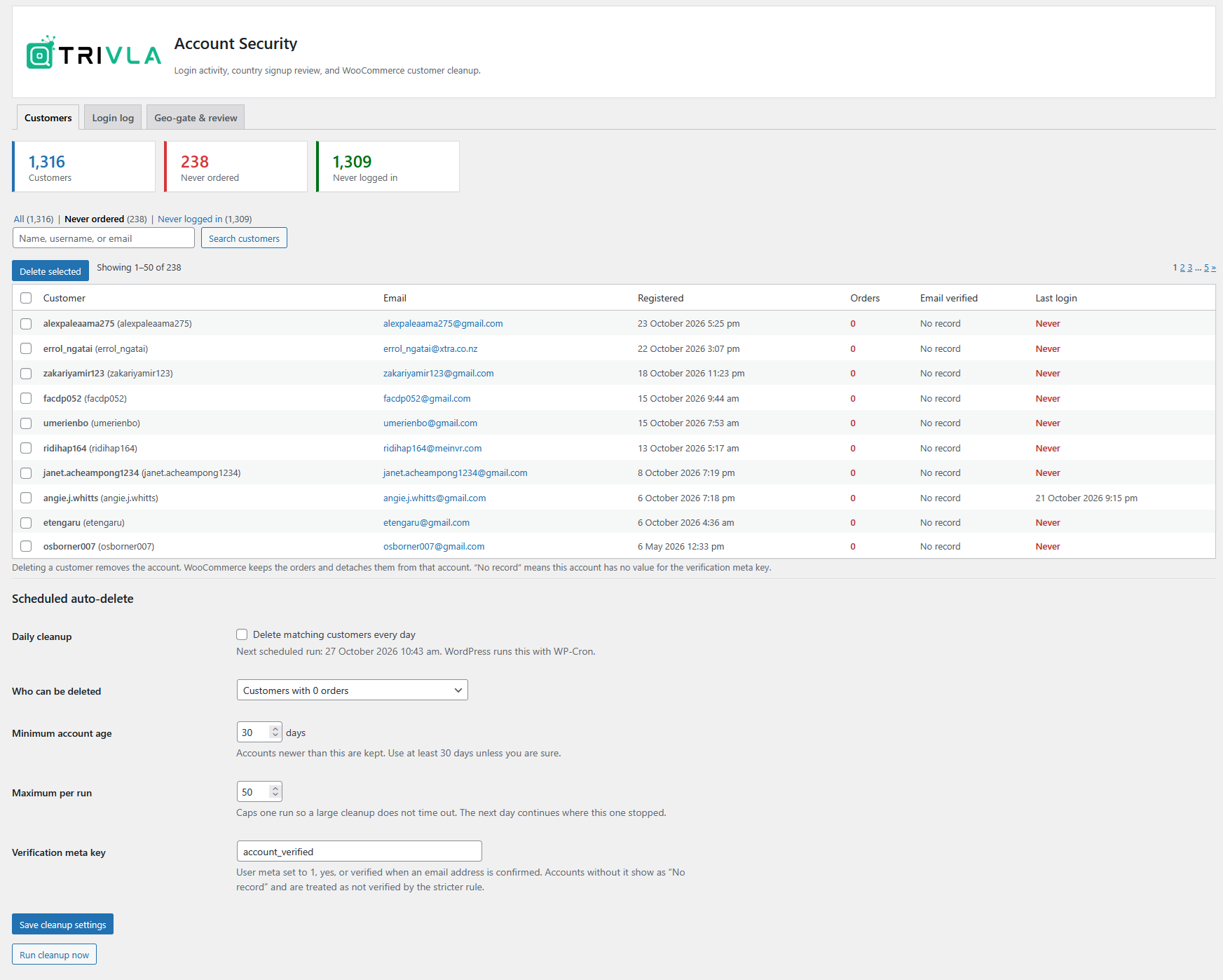
Customer list, with search and the scheduled cleanup settings.
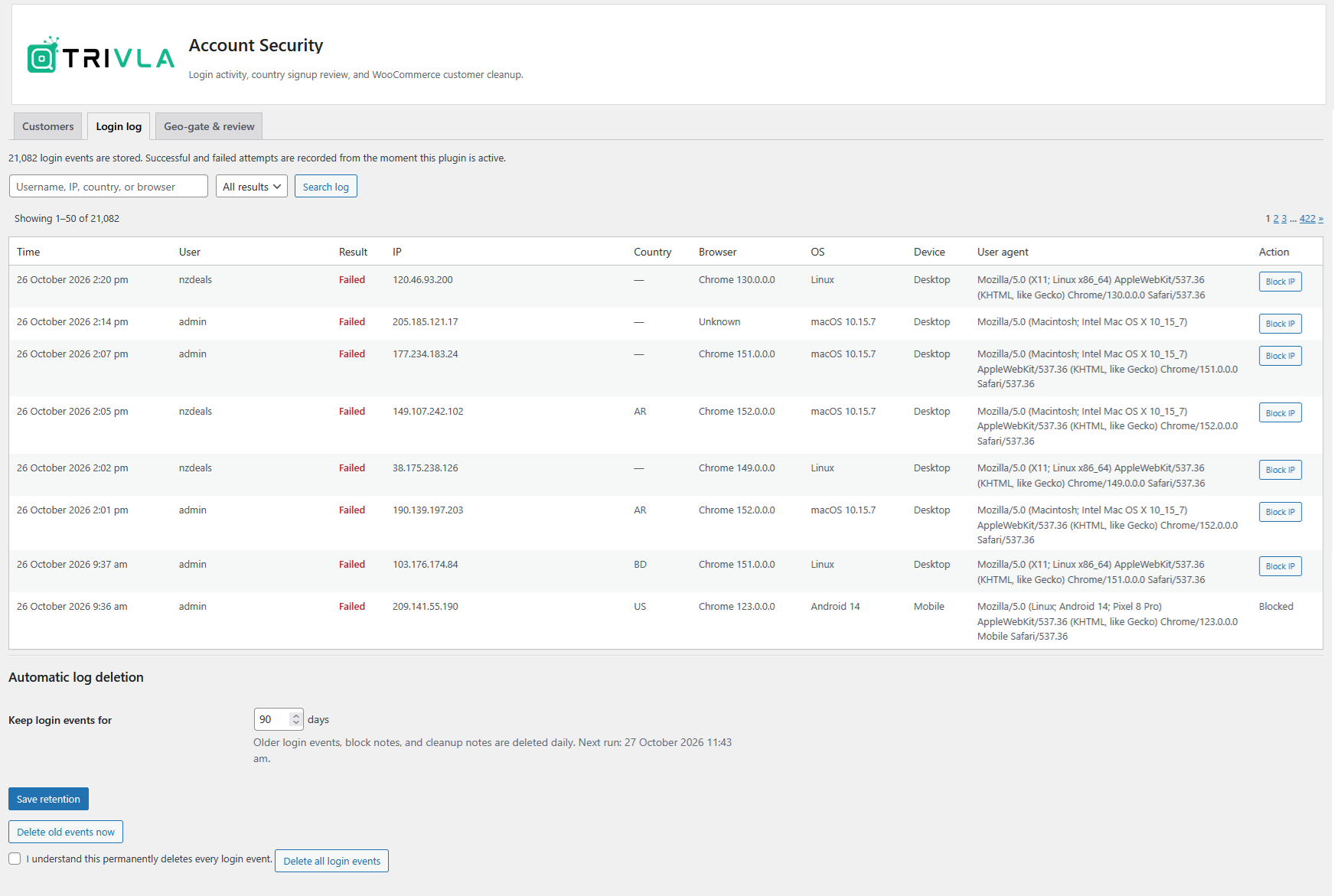
Login log, with search, result filter, and retention.
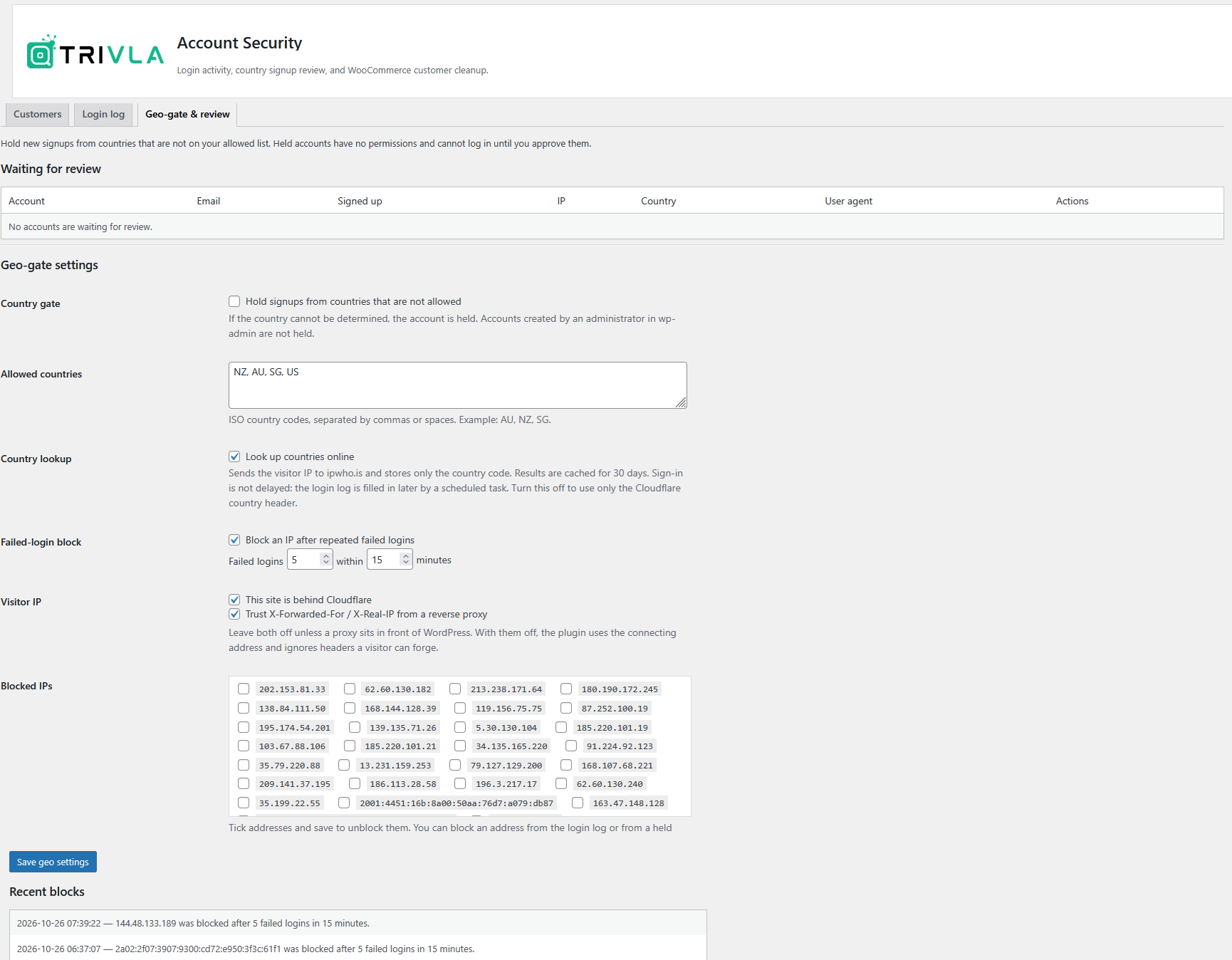
Geo-gate, country review queue, and blocked addresses.


