Varanasi Web Design AI Analyzer Buttons Wordpress Plugin - Rating, Reviews, Demo & Download
Plugin Description
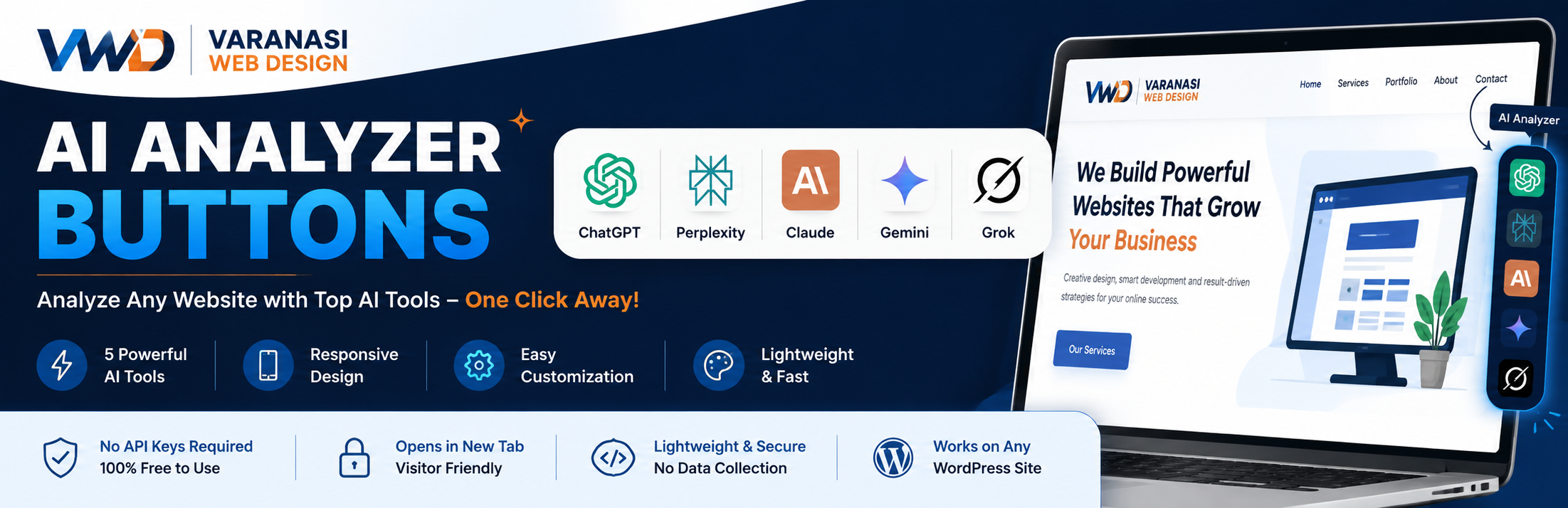
Varanasi Web Design AI Analyzer Buttons adds a compact floating button group to your WordPress site. Each button opens a popular AI tool with a ready-made prompt to analyze the current website.
The plugin is branded for Varanasi Web Design and works well for service websites, agencies, SEO audits, portfolio sites, and client demos.
Features
- ChatGPT, Perplexity, Claude, Gemini, and Grok buttons
- Responsive floating layout for desktop and mobile
- Admin settings page under Settings > VWD AI Buttons
- Show or hide each AI tool
- Custom tooltip text for each button
- Button size, spacing, and position controls
- Optional label and branding text
- Custom AI prompt with a {URL} placeholder
- No API keys required
External Services
This plugin creates buttons that open third-party AI services in a new browser tab when a visitor clicks a button. The plugin does not automatically contact these services on page load.
When a visitor clicks a button, the current WordPress site URL and the prepared prompt are sent to the selected third-party service as part of the destination URL.
Services used by this plugin:
- ChatGPT: https://chatgpt.com/ – Terms: https://openai.com/policies/terms-of-use/ – Privacy: https://openai.com/policies/privacy-policy/
- Perplexity: https://www.perplexity.ai/ – Terms: https://www.perplexity.ai/hub/legal/terms-of-service – Privacy: https://www.perplexity.ai/hub/legal/privacy-policy
- Claude: https://claude.ai/ – Terms: https://www.anthropic.com/legal/consumer-terms – Privacy: https://www.anthropic.com/legal/privacy
- Google Search / Gemini experience: https://www.google.com/ – Terms: https://policies.google.com/terms – Privacy: https://policies.google.com/privacy
- Grok on X: https://x.com/i/grok – Terms: https://x.com/en/tos – Privacy: https://x.com/en/privacy
Custom Prompt
By default, the plugin uses this type of prompt:
Analyze {URL}. Summarize the company, services, industries served, case studies, business strengths, and key offerings.
You can replace it from the Advanced tab. Use {URL} wherever the website URL should appear.
Screenshots
No screenshots provided