
Verifycate Wordpress Plugin - Rating, Reviews, Demo & Download

Plugin Description
Verifycate connects your WordPress LMS to the Verifycate credential platform, so
a verifiable certificate is queued and issued automatically when a learner
completes a course.
Supported course plugins:
- LearnDash
- Tutor LMS
- LearnPress
- LifterLMS
- Sensei
- A generic custom hook for course, membership, e-commerce and in-house plugins
Highlights:
- Automatic issuance on course completion, quiz passing or lesson completion,
with “Any” options so one mapping can cover a whole catalogue or a group of
items. - Optional minimum quiz scores, so a certificate is only issued after the learner
reaches the required result. - Map learner and course data to certificate attributes with tokens such as
{user_name}, {course_title}, {completion_date}, {user_meta:key} and
{course_meta:key}. - Control repeat completions: issue once per learner, or reissue onto the latest
published design for recertification. - A durable issuance queue with exponential backoff, visible failures and a
retry action, so a temporary API outage does not lose a completion. - A certificate wallet shortcode and block so learners can open what they have
earned, plus single-certificate and public-verification shortcodes. - Search, sorting, pagination and bulk actions for course mappings.
- A dedicated Configure screen for the workspace API key and environment
settings. - Translation-ready, with a bundled
languages/verifycate.pottemplate. - A connection test that explains bad keys, missing plans and permission
problems. - WP-CLI commands for status, mappings, direct issuance, queue processing,
retries and logs.
Designing the certificate itself happens in the Verifycate dashboard. This
plugin handles the connection and issuance.
External services
This plugin connects to the Verifycate API to create and issue digital
certificates.
- Service: Verifycate (https://verifycate.com)
- API endpoint: https://api.verifycate.com
- What is sent, and when: after an administrator connects the site with a
Verifycate workspace API key and configures at least one course mapping, the
plugin sends the learner’s name, email address, the course title, the
completion date, a score when the LMS provides one, and any mapped certificate
attributes to the Verifycate API so the certificate can be created, issued and
delivered. When a logged-in learner opens the certificate wallet, their
WordPress account email is sent to retrieve their certificates. Public
verification sends only the certificate’s public ID. No learner data is sent
by the issuance pipeline before the site is connected and a mapping is saved. - The connection uses the REST API over HTTPS with a workspace API key.
- Terms of Use: https://verifycate.com/terms
- Privacy Policy: https://verifycate.com/privacy
- Pricing: https://verifycate.com/pricing
A paid Verifycate workspace is required for the plugin to issue certificates.
Privacy
Verifycate stores workspace settings, certificate mappings, issuance queue
entries and activity logs in the WordPress database. Queue entries and logs can
include a learner’s name, email address, course, quiz or lesson identifiers,
certificate metadata and API responses needed to diagnose issuance. Logs can be
cleared from Verifycate > Logs. Uninstalling the plugin removes settings,
mappings, queue history and logs only when the administrator enables
“Delete settings, mappings, queue history and logs when the plugin is
uninstalled” on the Configure screen.
Certificate issuance sends learner data to Verifycate as described under
External services. The Verifycate privacy policy is available at
https://verifycate.com/privacy.
Screenshots
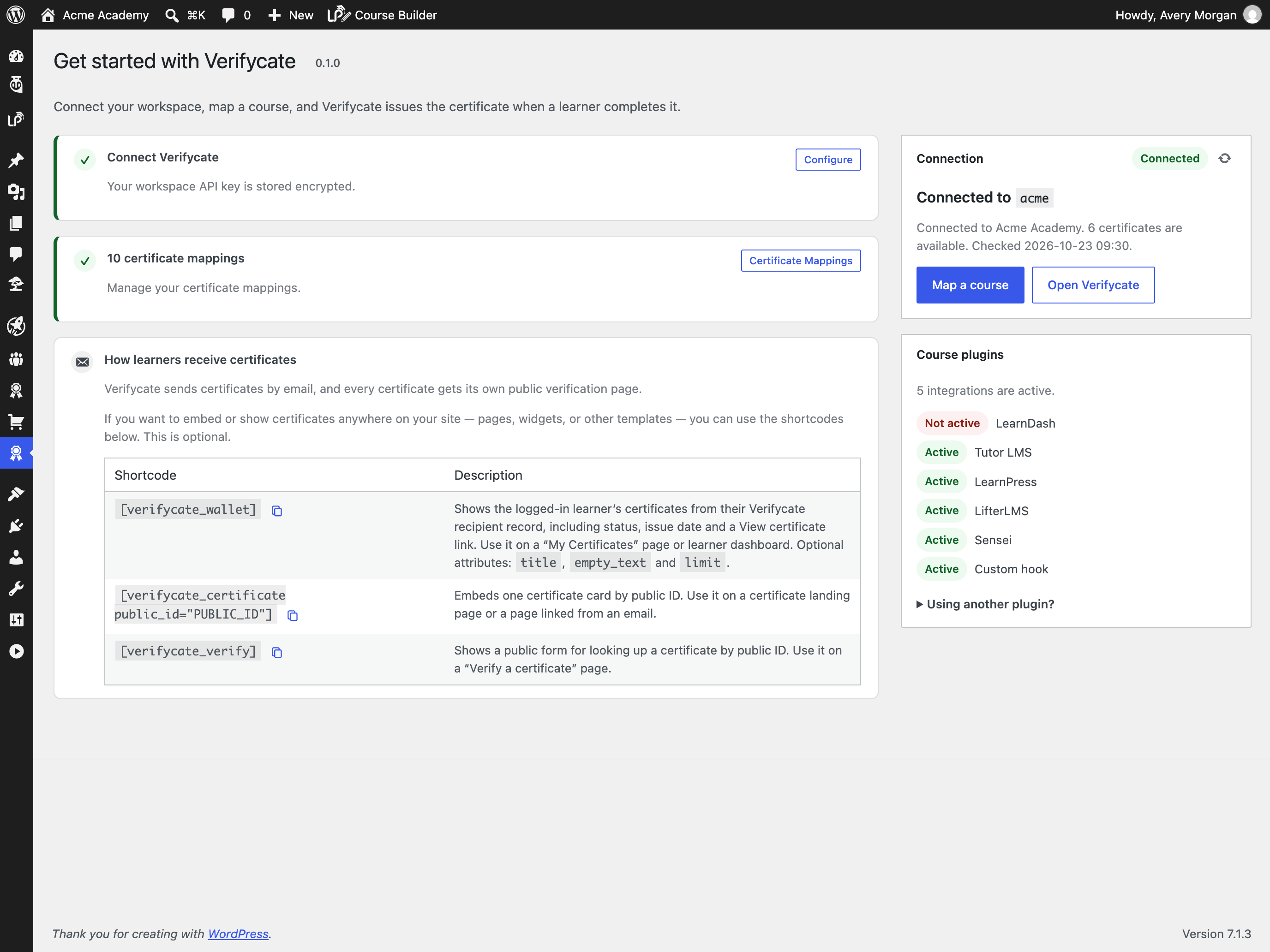
Connect your Verifycate workspace and see which LMS plugins are active.
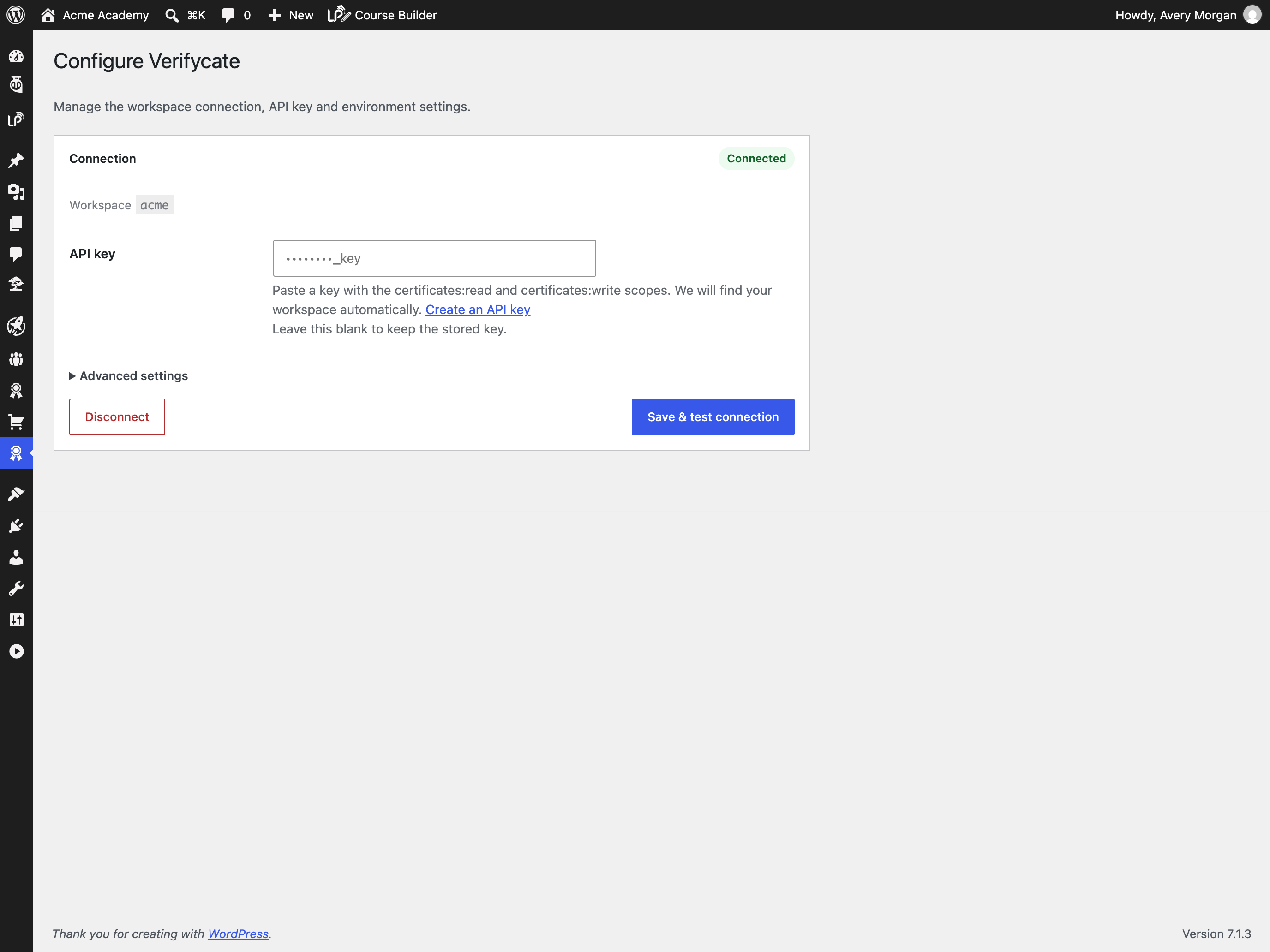
Store the workspace API key without exposing it in the admin.

Map any course, quiz or lesson to a Verifycate certificate.

Add a minimum score for quiz-based completions.
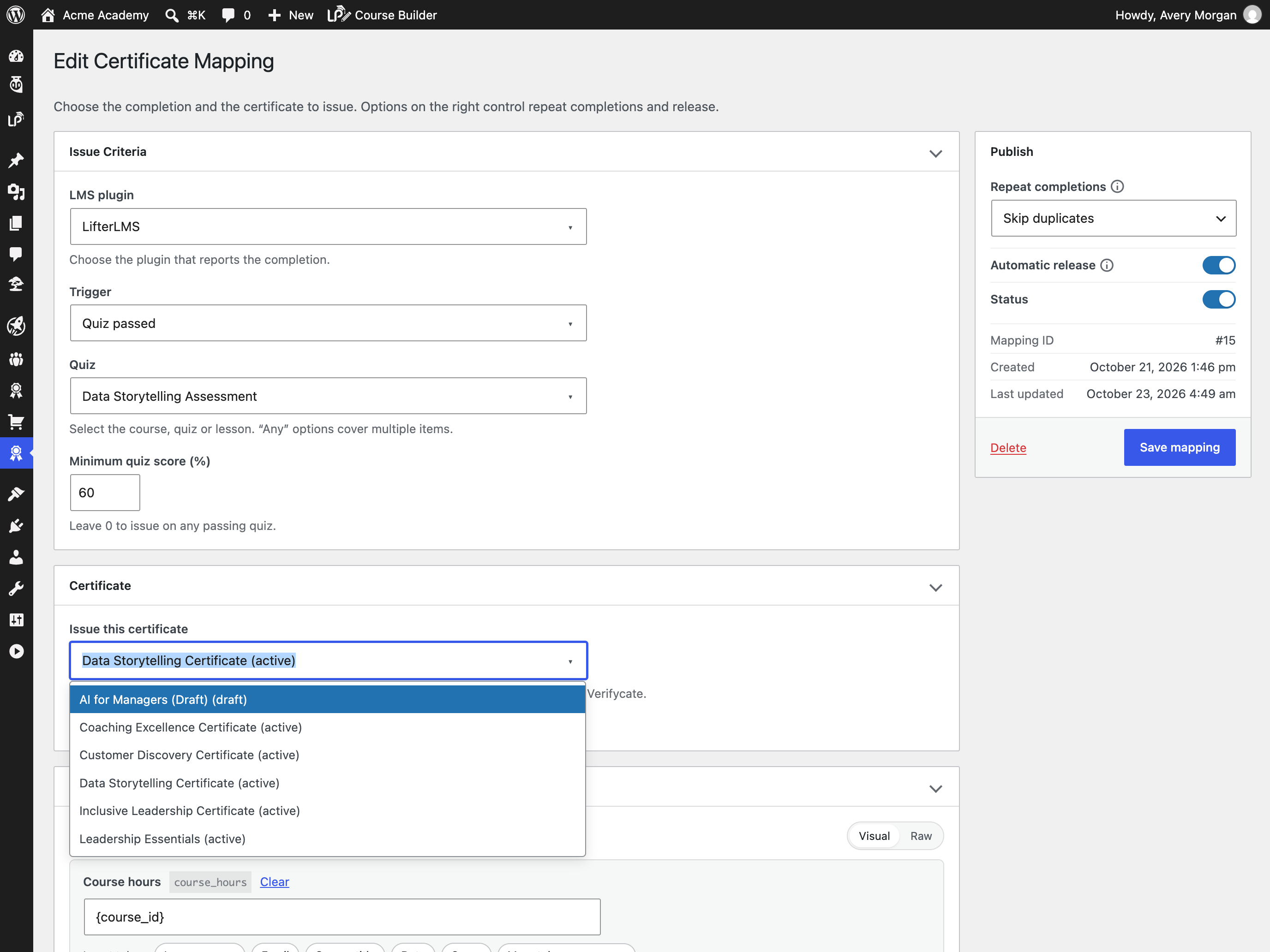
Pick certificates directly from the Verifycate catalogue.
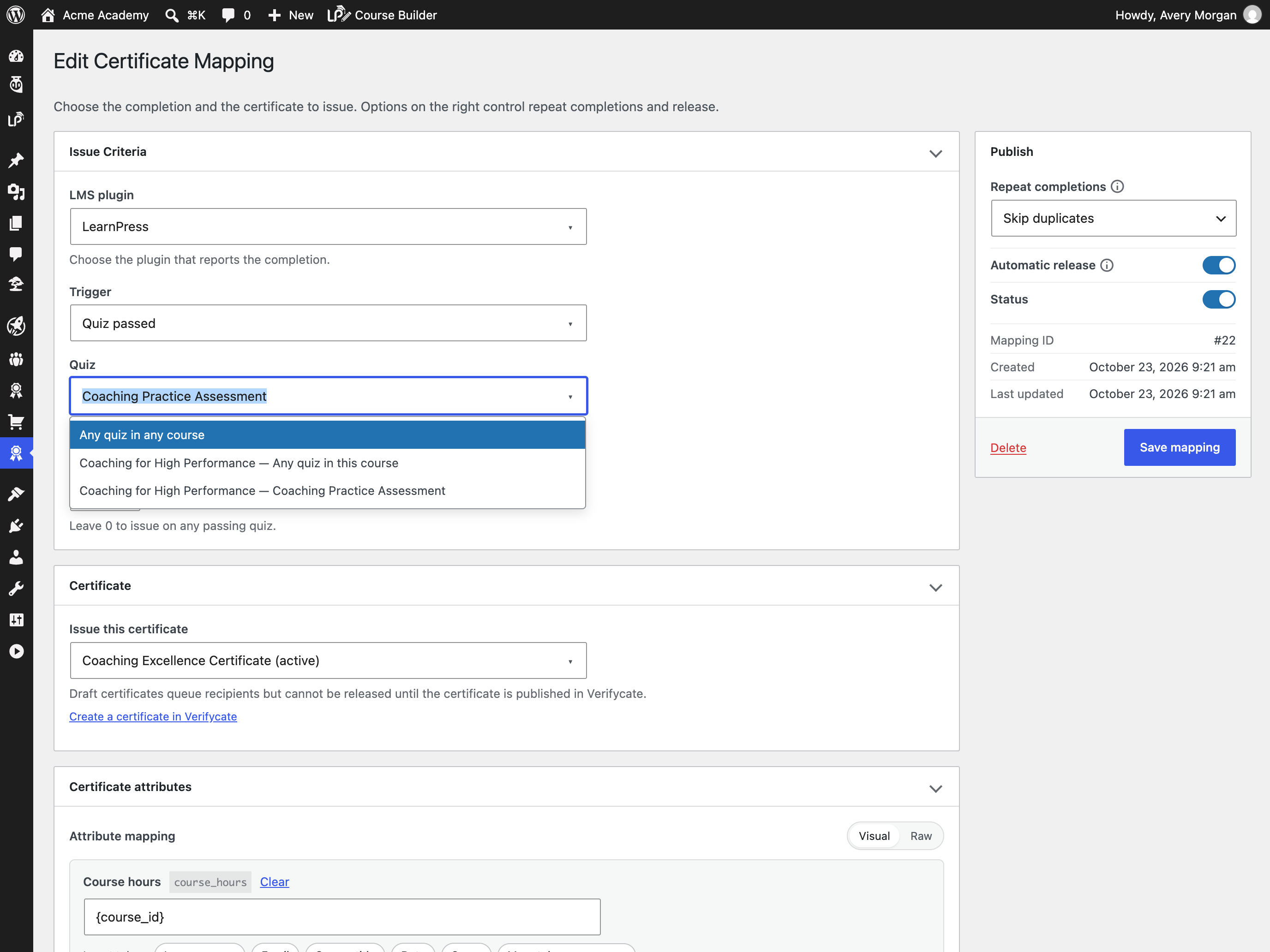
Search quiz and lesson options grouped by course.
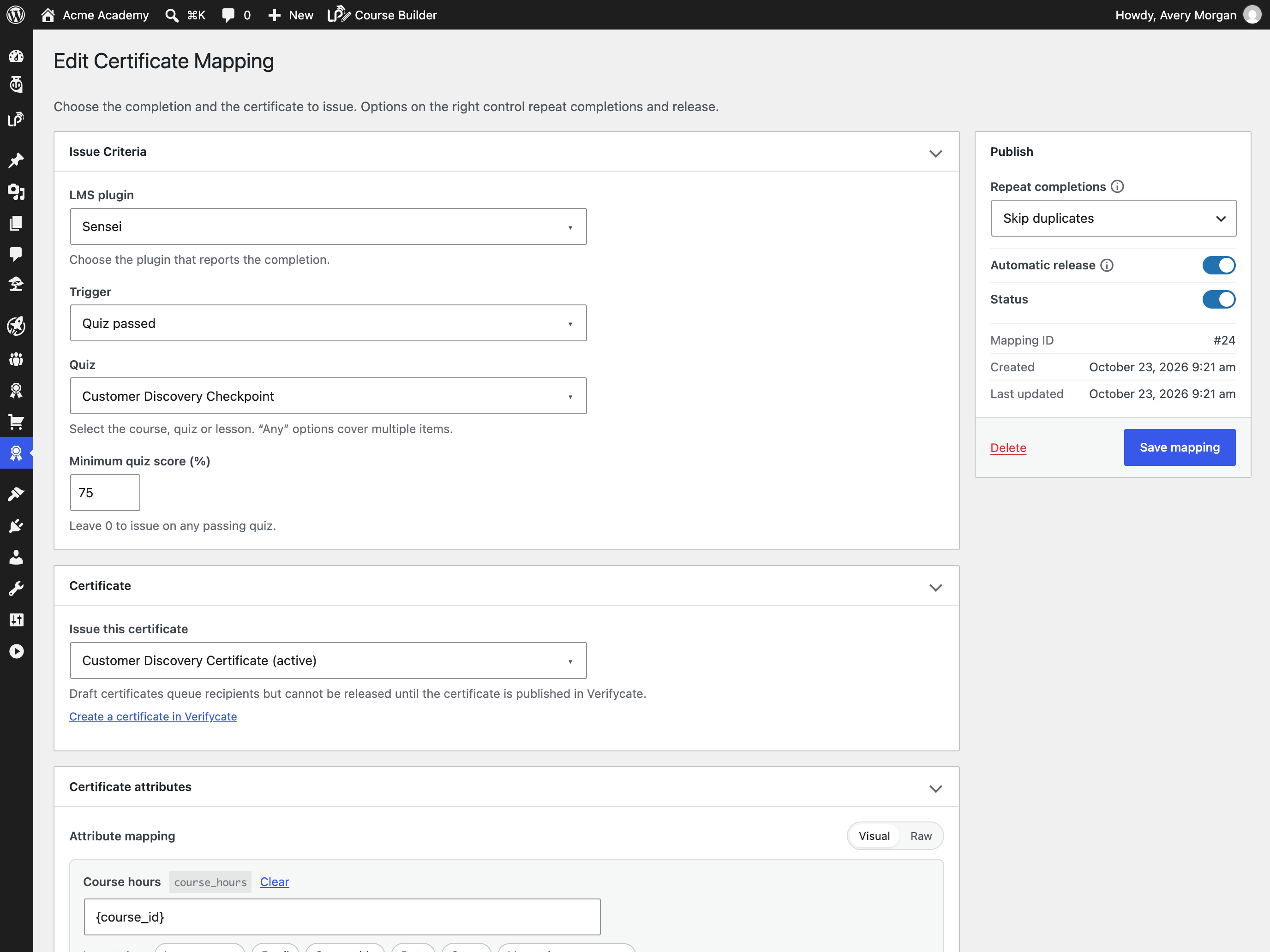
Use the same mapping flow for Sensei LMS.
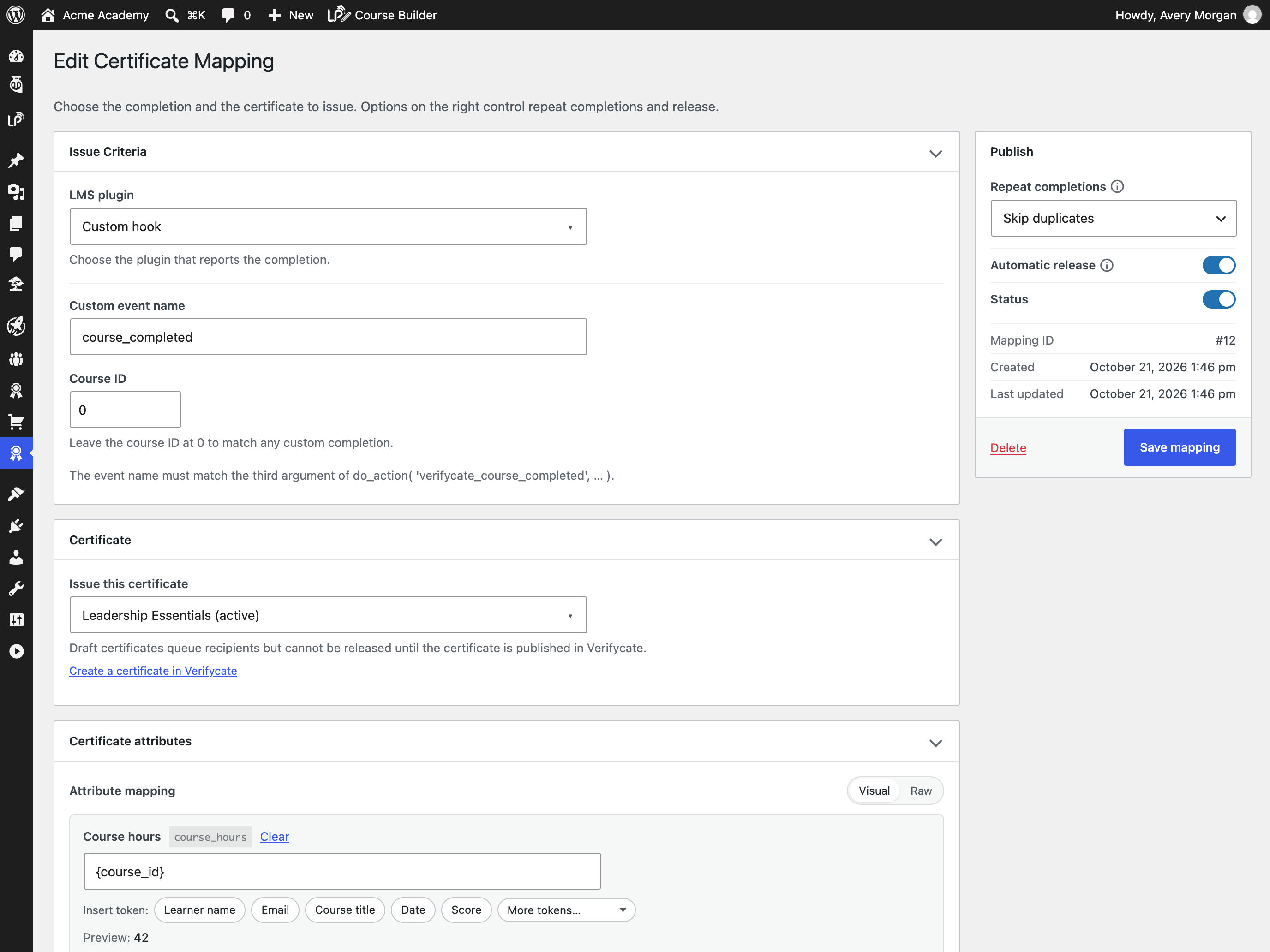
Map custom completion hooks when an LMS is not covered.

Monitor queued and issued certificates from the logs screen.
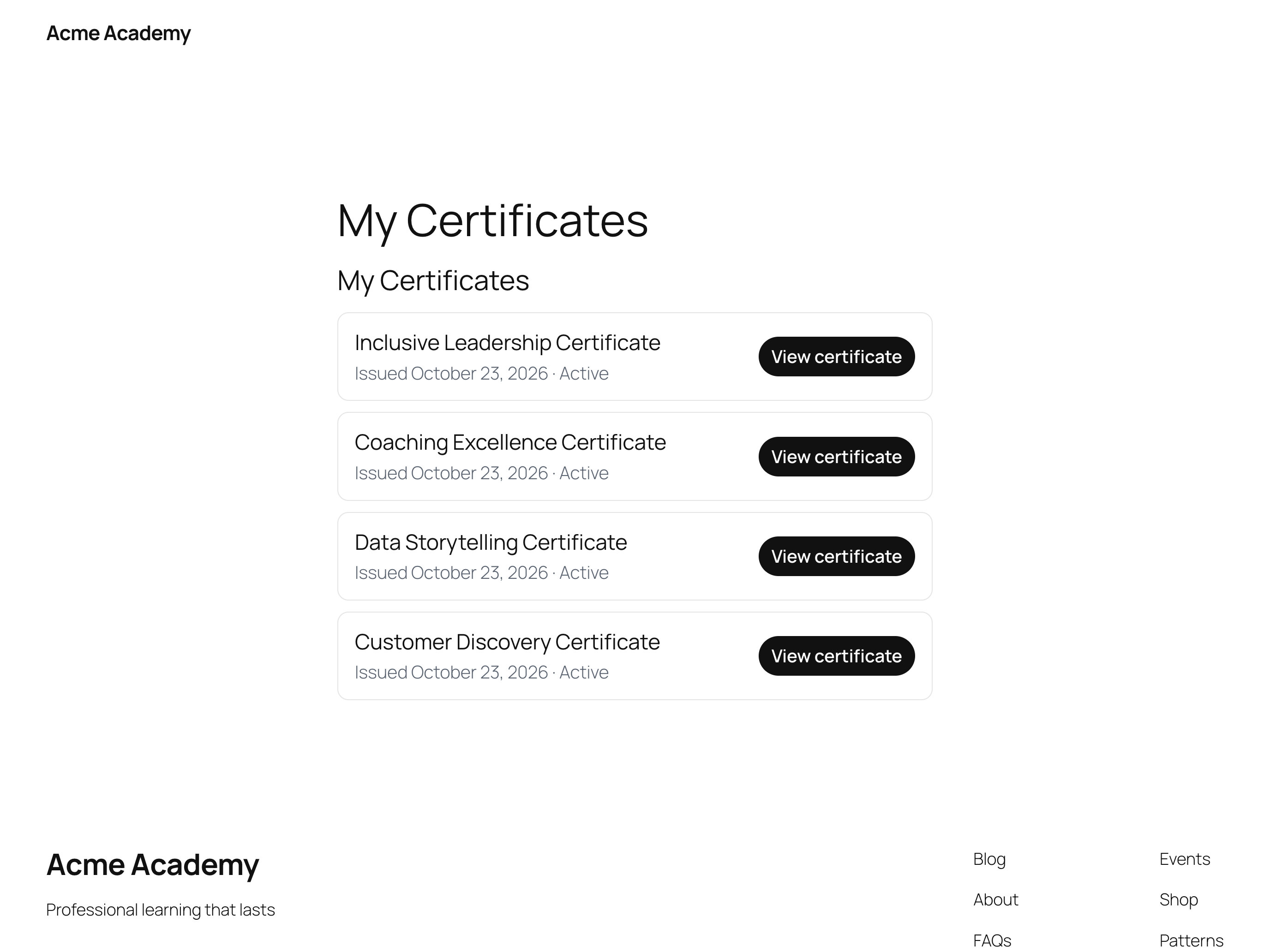
Give learners a wallet with every certificate they have earned.
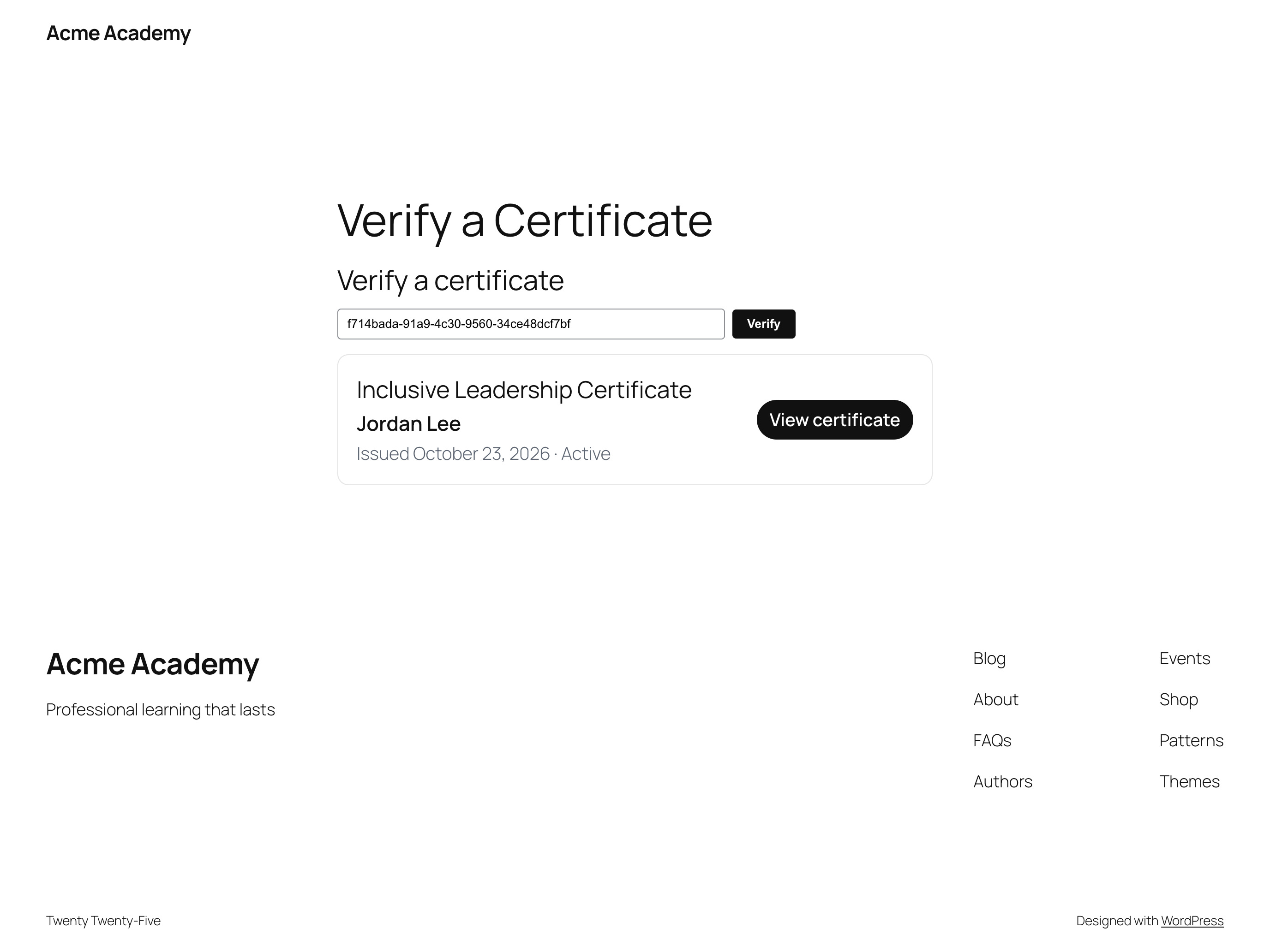
Let anyone verify a certificate with its public ID.
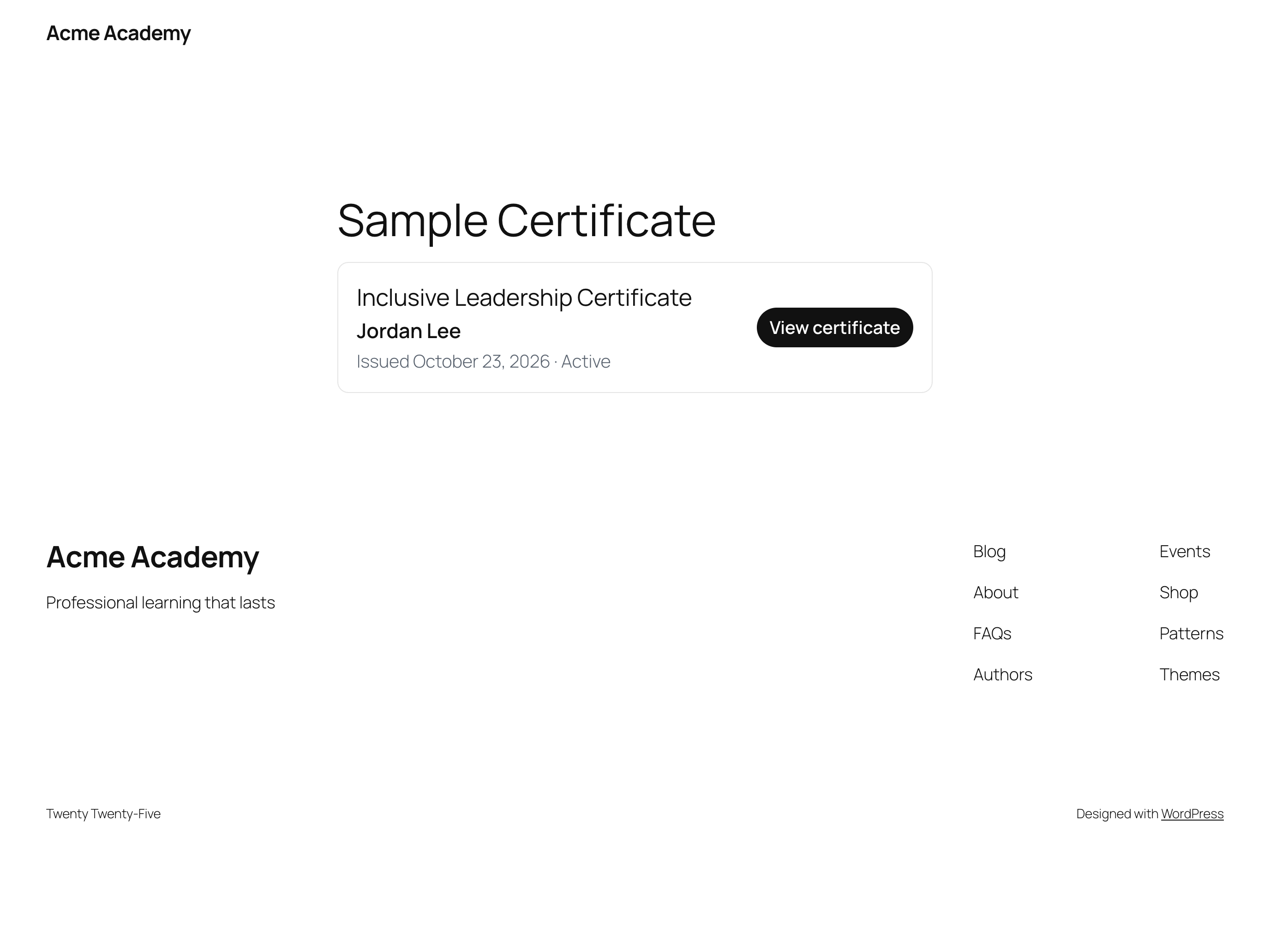
Embed a certificate card anywhere with a shortcode.


