VTC Management System Wordpress Plugin - Rating, Reviews, Demo & Download

Plugin Description
VTC Management System is a student and result management plugin built for vocational training colleges, trade institutes, academies, and skill-development centres. It lets you run the core administration of your institute directly from your WordPress dashboard — no external service or account required.
Everything in this plugin is free and fully functional. There are no locked features and no license key needed.
What you can do with it:
- Maintain a full student register (profiles, photos, registration numbers).
- Define courses and the subjects that belong to each course.
- Organise students into batches and academic sessions.
- Enter subject-wise marks and publish result cards with automatic grade, percentage and pass/fail calculation.
- Print clean, institute-branded result cards.
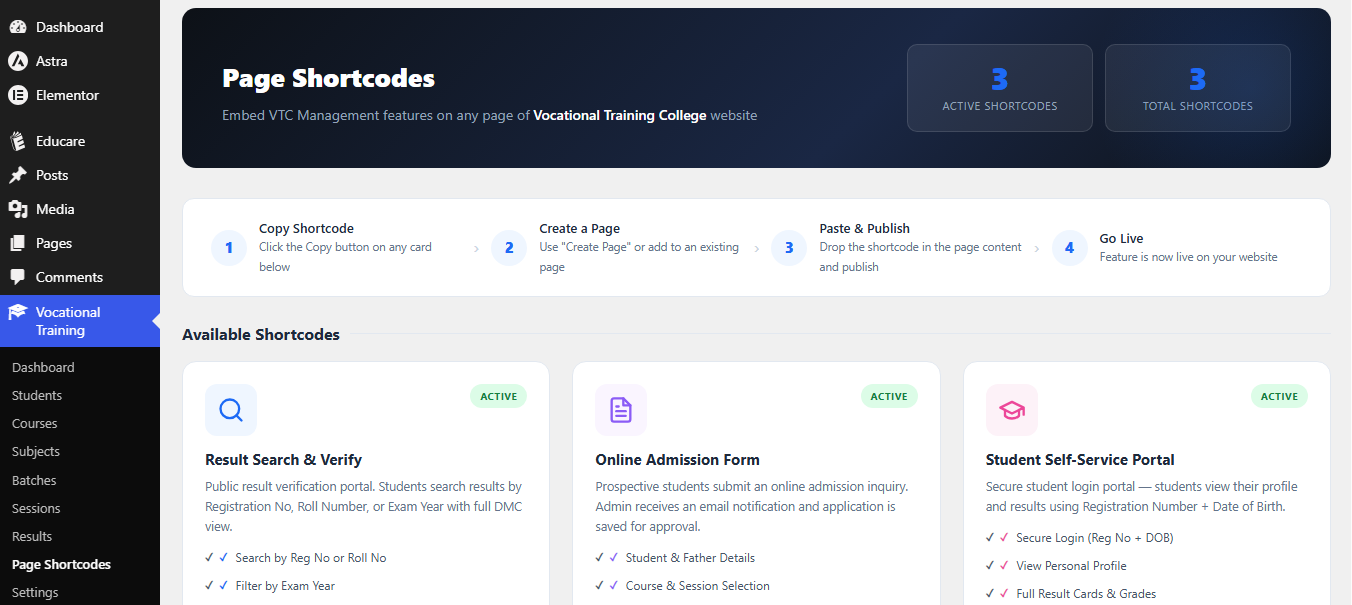
- Publish a public result-search page and a student self-service portal using shortcodes.
- Back up and restore all data as JSON.
Features
- Student Management — Add, edit, delete, search and filter students with auto-generated registration numbers.
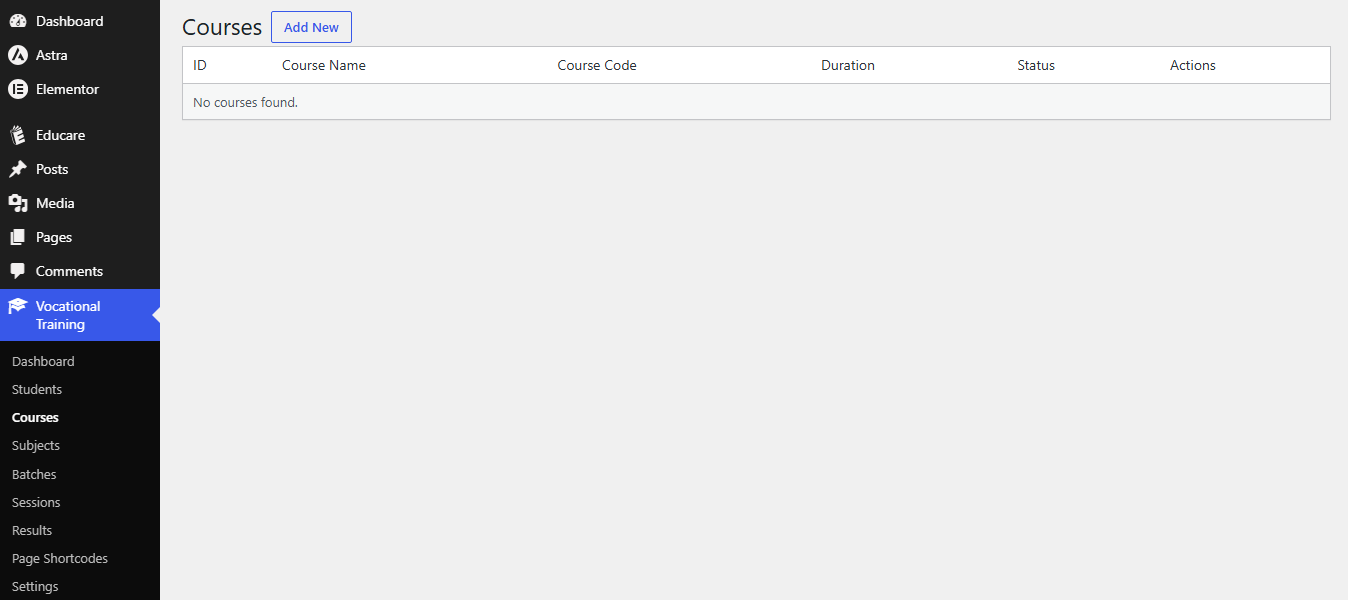
- Course Management — Define courses with codes, durations and descriptions.
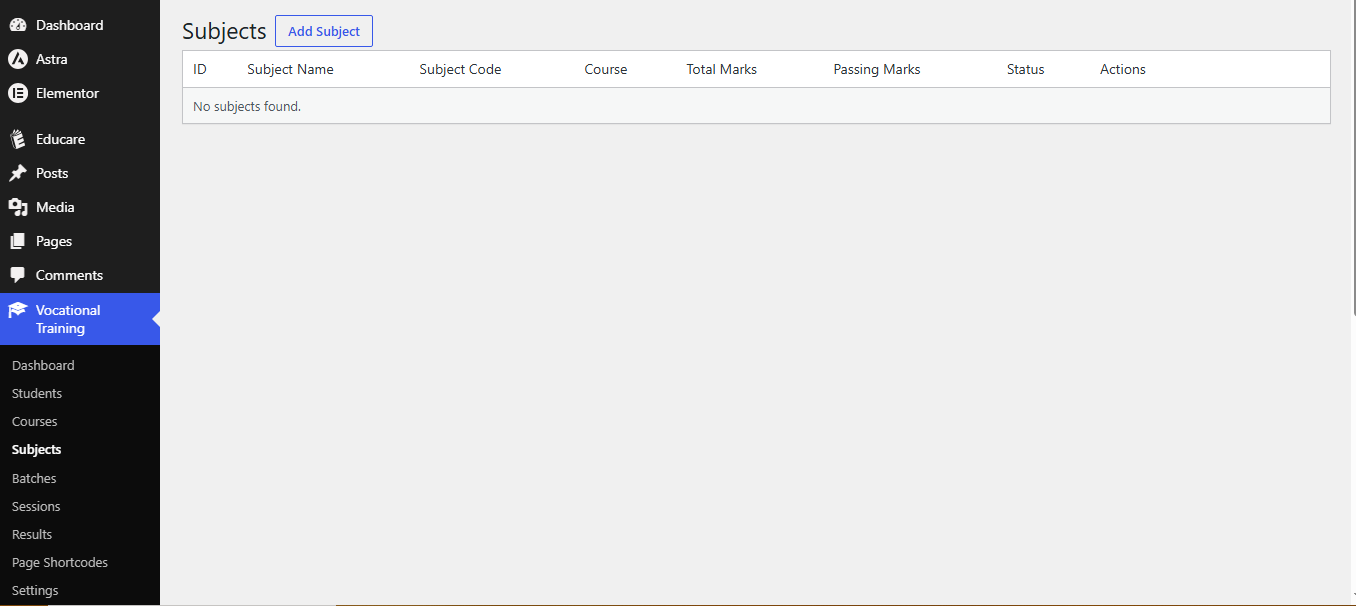
- Subject Management — Assign subjects (with total marks, passing marks and codes) to each course.
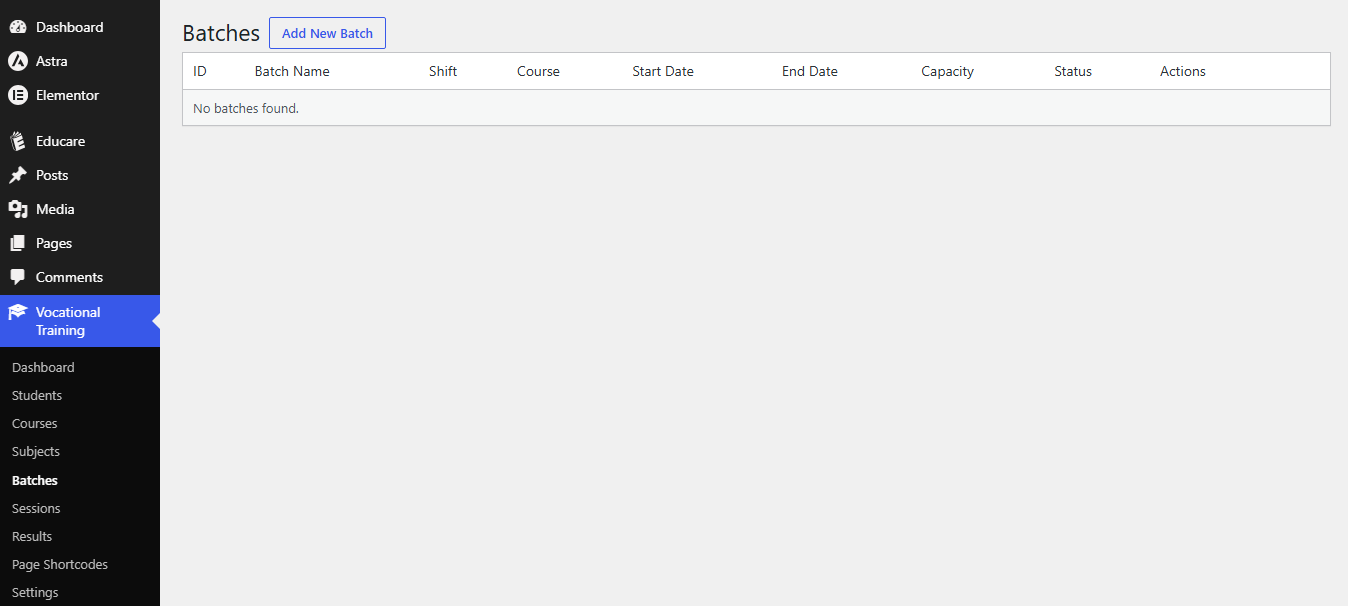
- Batch Management — Group students into batches with shift, capacity and dates.
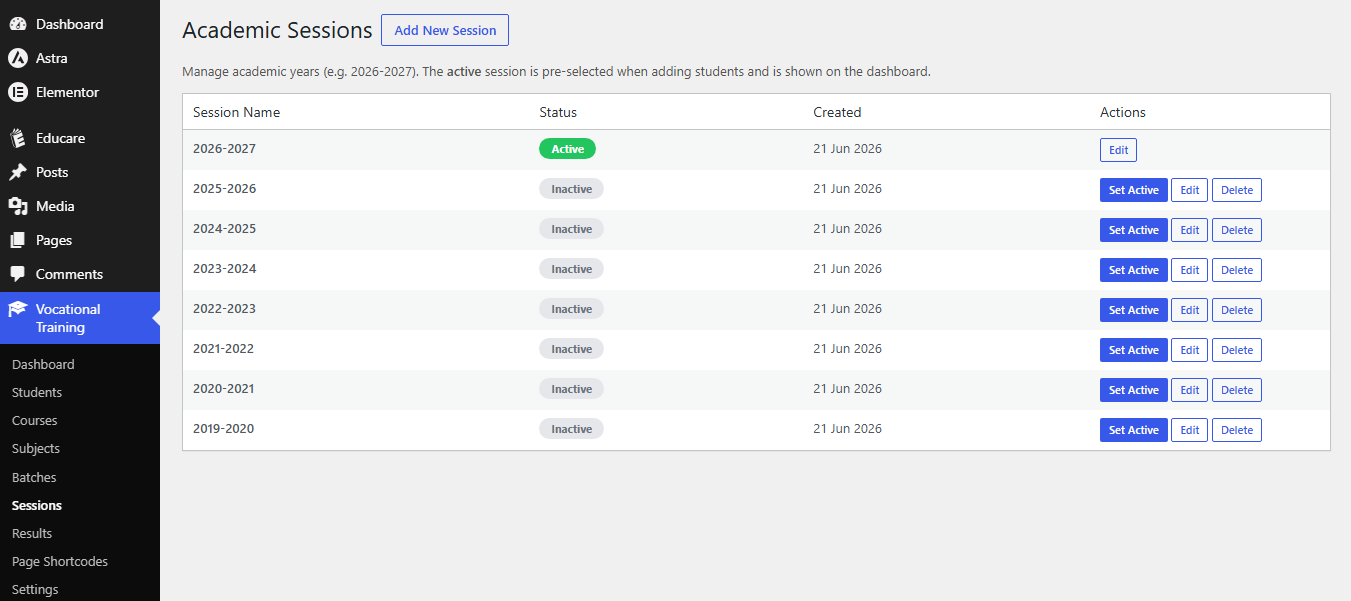
- Session Management — Create academic sessions (e.g. 2026-2027) and set the active one.
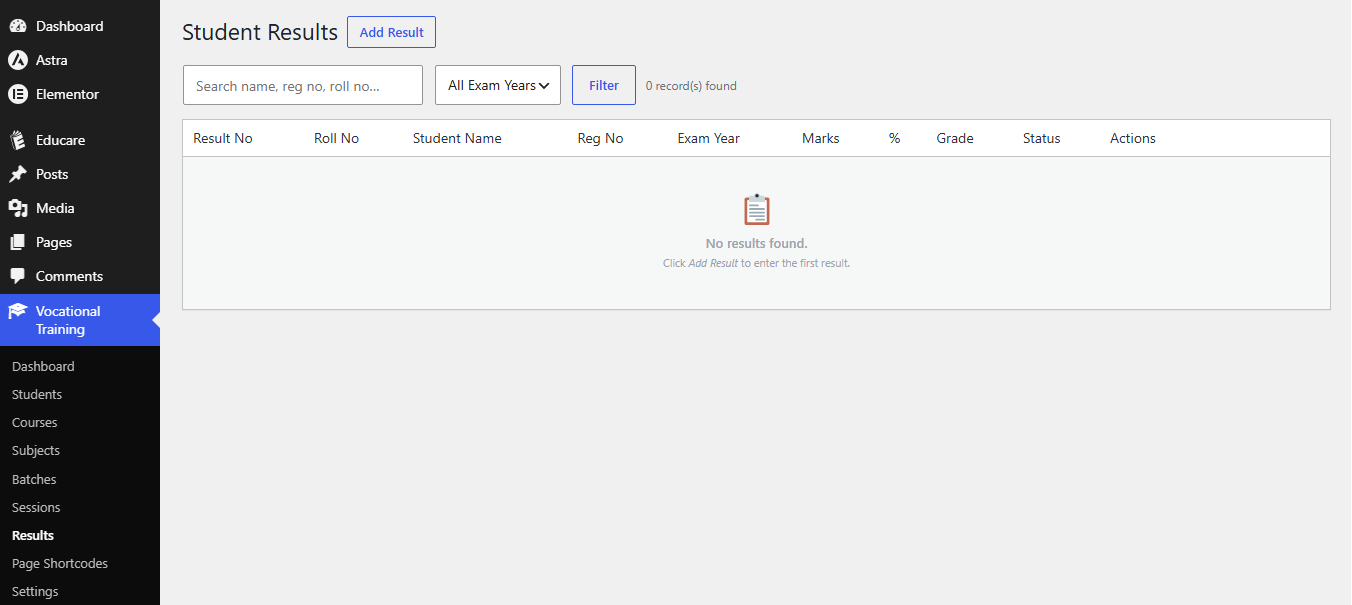
- Result Management — Enter subject-wise marks; the plugin auto-calculates totals, percentage, letter grade and pass/fail.
- Printable Result Cards — Clean, print-ready result cards with your institute name, logo and stamp.
- Result Search Shortcode —
[vtcms_result_search]for a public result-lookup page. - Student Portal Shortcode —
[vtcms_student_portal]for student self-service (login with Registration No + Date of Birth). - Admission Inquiry Shortcode —
[vtcms_admission_form]— a public inquiry form that emails the admin. - Page Shortcodes Manager — An admin panel that lists every available shortcode with a copy button and one-click page creation.
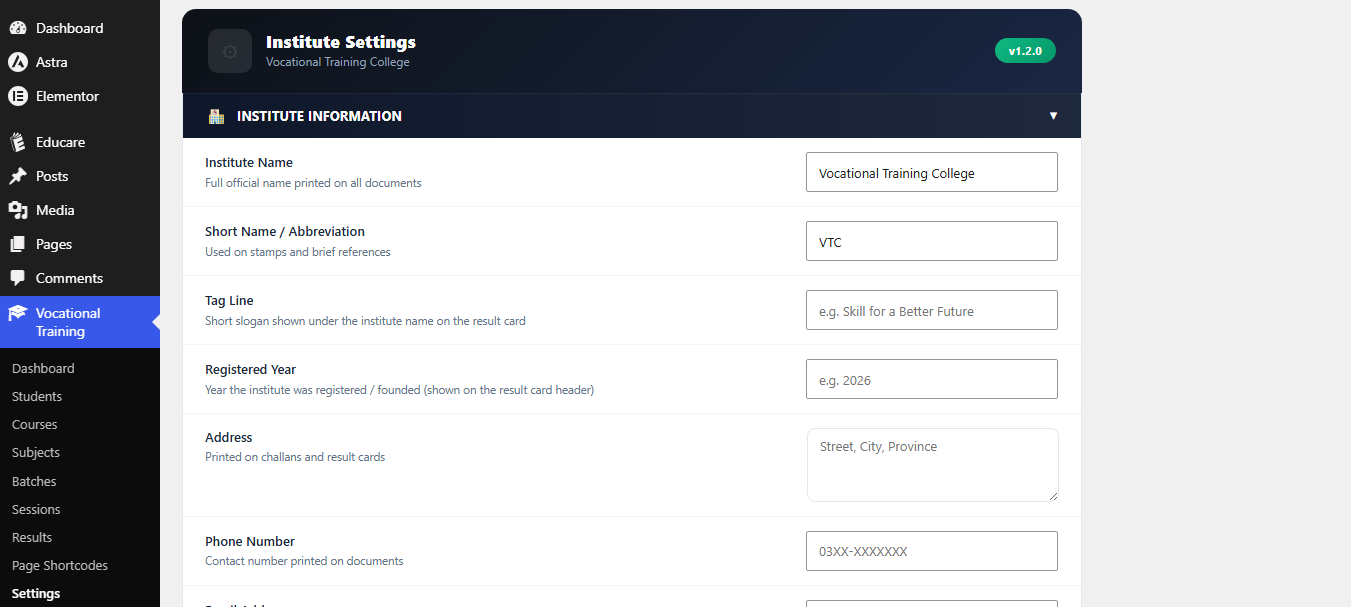
- Settings — Configure institute name, logo, stamp, signatures, brand colours, numbering prefixes and public-page field toggles.
- Import / Export — Full JSON backup and restore of all plugin data.
Shortcodes
Copy any of these into a WordPress page or post:
[vtcms_result_search]— Public result lookup. Visitors search by registration number and view / print the result card.[vtcms_student_portal]— Student self-service portal. Students log in with Registration Number + Date of Birth to view their profile and results.[vtcms_admission_form]— Public admission inquiry form. Submissions are emailed to the site administrator.
Public shortcode pages use inline, theme-independent styling and inherit the portal colours you set in Settings.
A more advanced version
A separate, paid VTC Management System Premium add-on is available from the author’s website (https://wpdeveloperhub.com). It is an independent plugin — this free plugin does not contain or unlock its code. The premium add-on adds certificate generation, fee/challan management, attendance tracking, an admissions workflow, advanced reports and an online quiz module. You never need it to use the features described above.
Screenshots
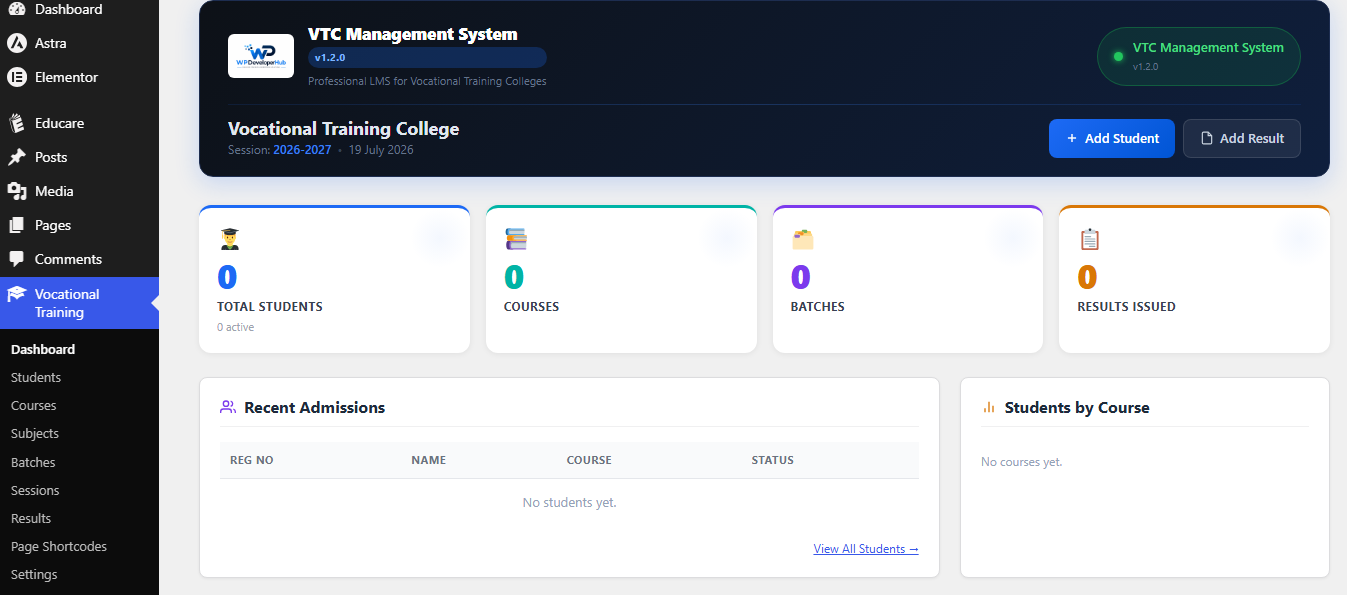
Dashboard — at-a-glance counts for students, courses, batches and results.
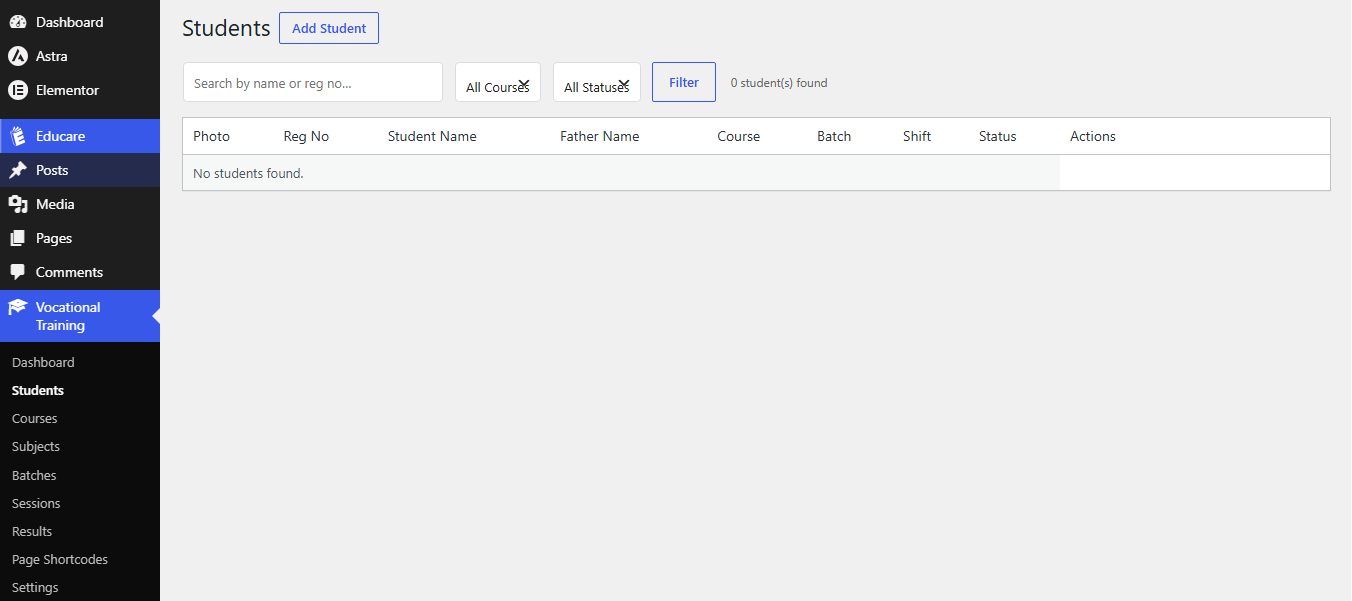
Students list — searchable, filterable table with quick actions.
Add / edit student — full profile form with photo upload.
Result entry — subject-wise marks form with automatic calculation.
Printable result card — clean, institute-branded layout.
Settings — institute branding, colours and prefixes.
Page Shortcodes — list of available shortcodes with copy buttons.