WDOnline Widget Manager Wordpress Plugin - Rating, Reviews, Demo & Download

Plugin Description
Plugin details and documentation
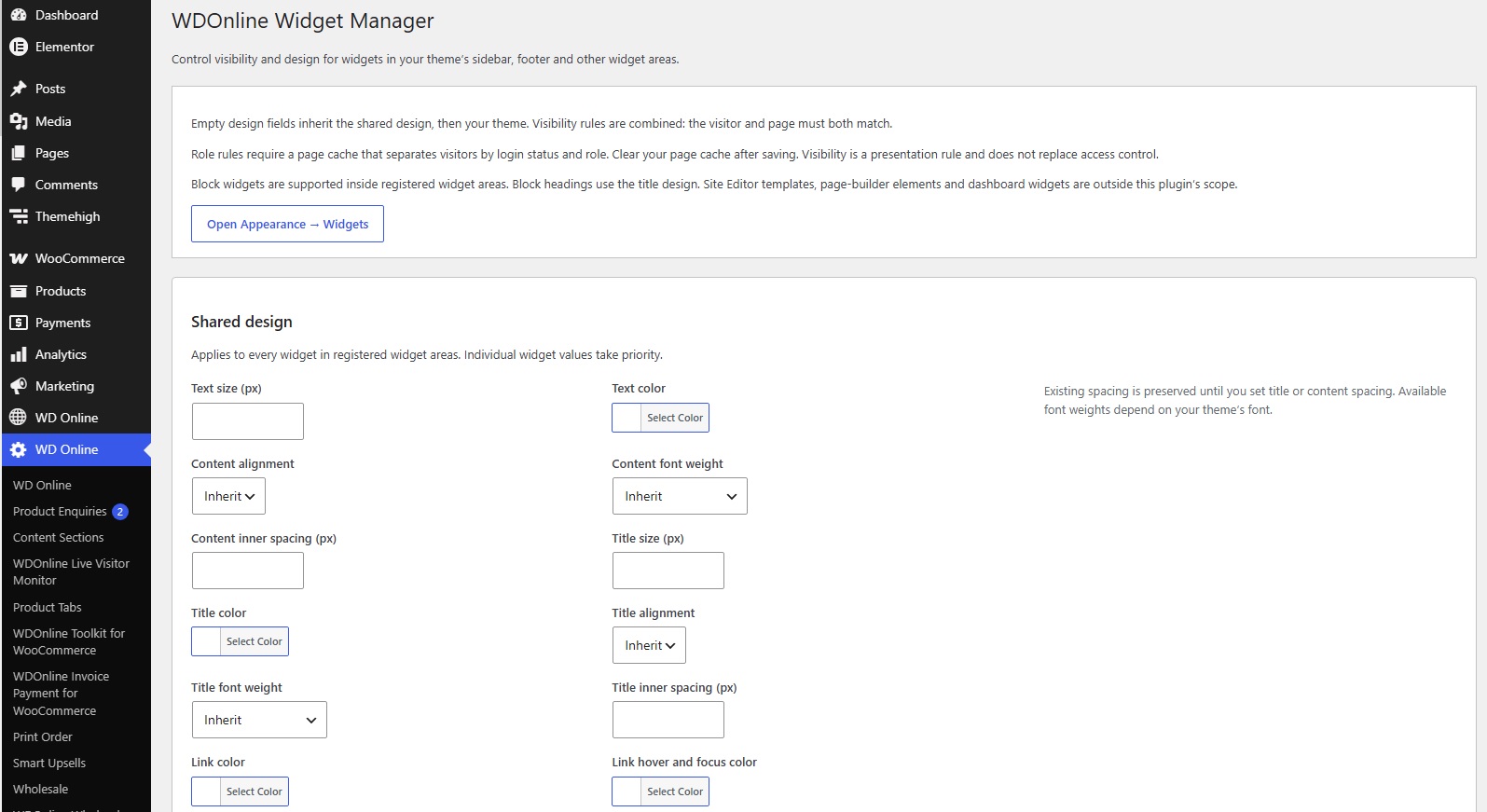
WDOnline Widget Manager manages existing widgets in registered theme widget areas, including sidebars and footers. It supports classic widgets and WordPress block widgets.
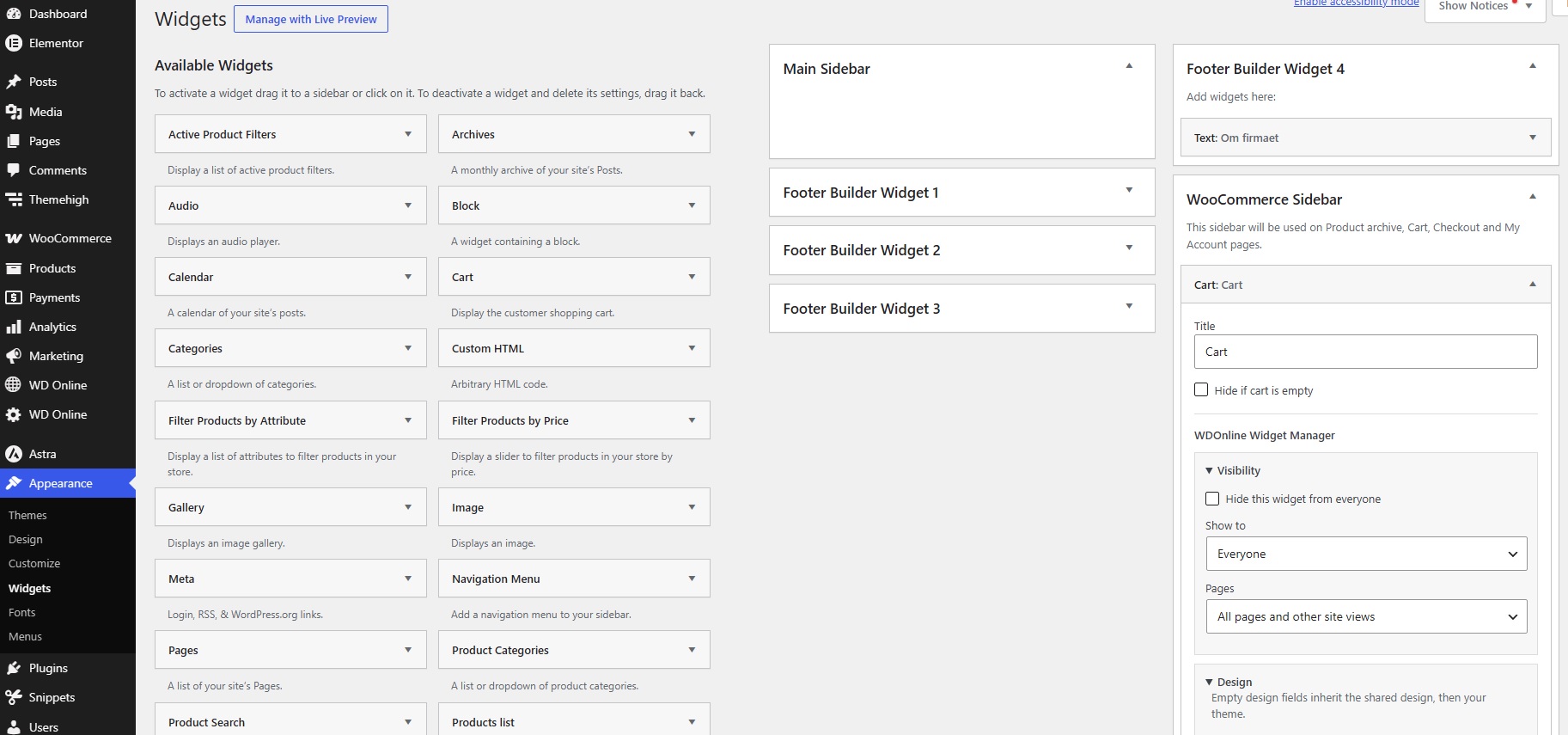
- Show widgets to everyone, guests, logged-in visitors or selected user roles.
- Hide an individual widget from everyone without deleting its content.
- Include or exclude selected WordPress pages.
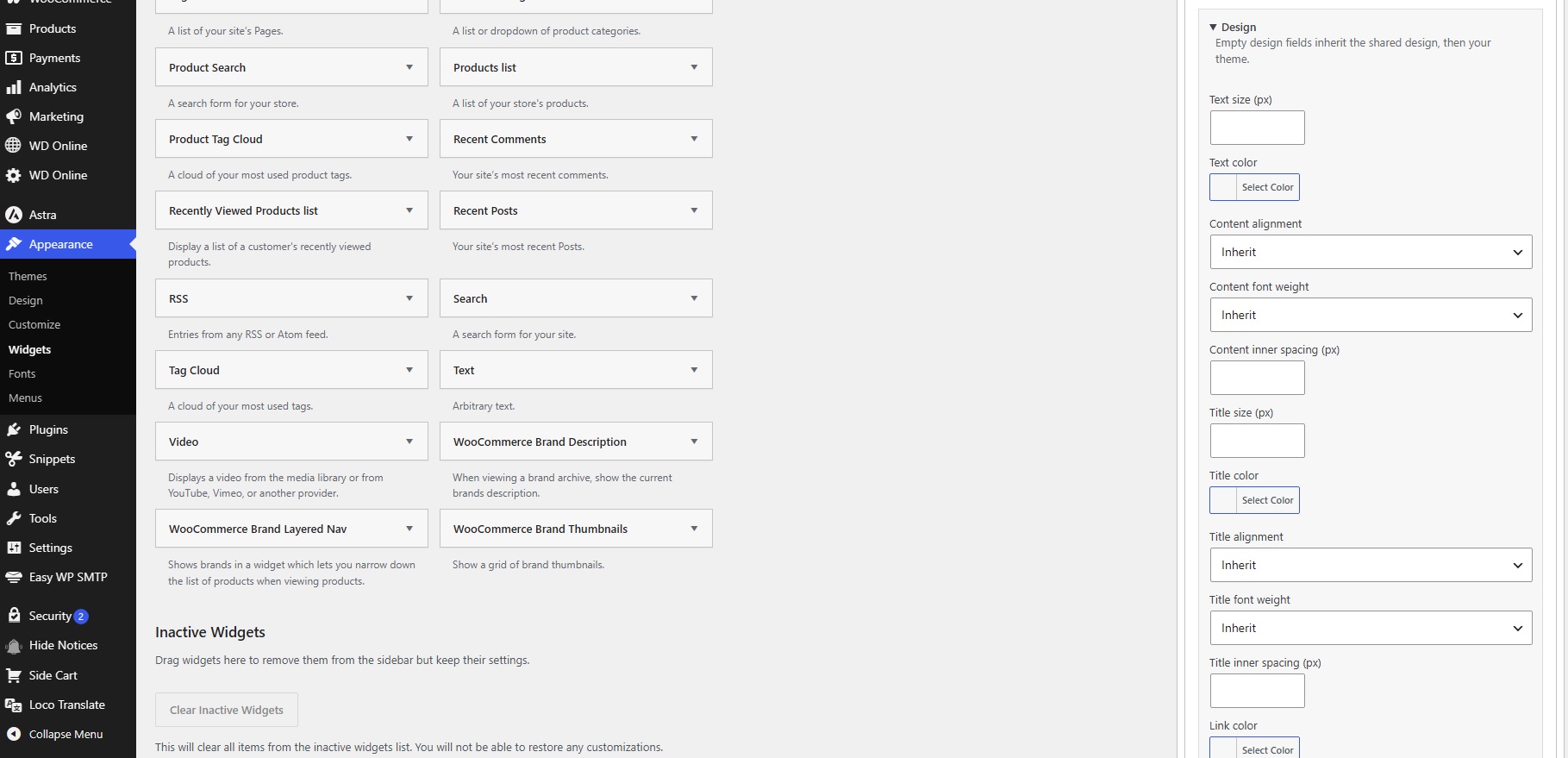
- Set text and title sizes, text and title colors, link and hover/focus colors.
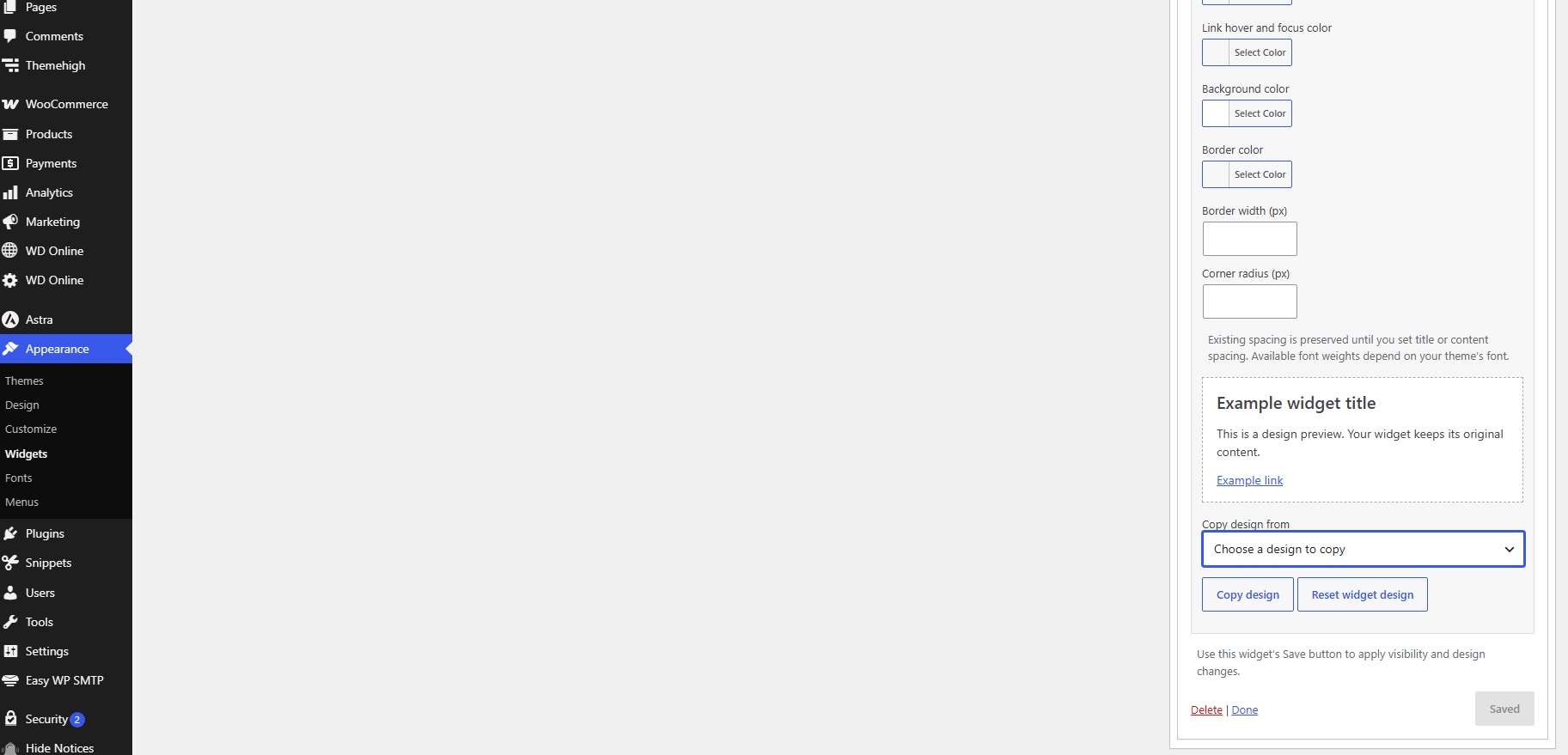
- Style background, border and corner radius, with separate title and content inner spacing.
- Align titles and content independently and choose font weights from 100 to 900.
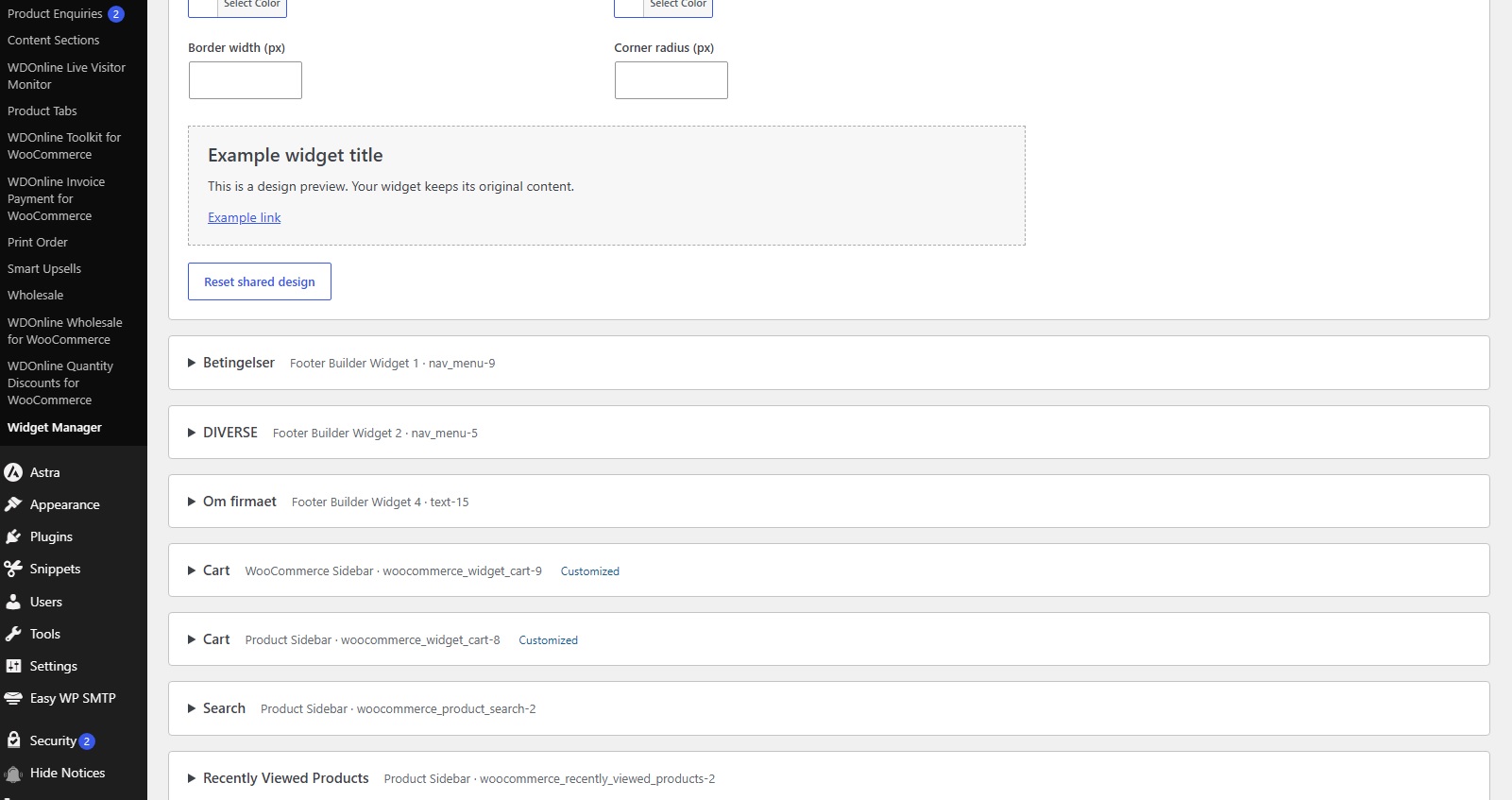
- Set a shared design and override individual fields per widget.
- Copy a design between widgets and reset individual or shared designs.
- Preview designs using sample content before saving.
- Access settings from WD Online > Widget Manager. The classic Appearance > Widgets screen includes Visibility and Design sections directly in each widget form.
No external services, tracking, remote requests or telemetry are used. Settings are retained when deactivated and deleted when the plugin is uninstalled. Widget content and assignments are never deleted by this plugin.
The shared WD Online menu reuses existing wdonline, wd-online or wdonline-menu parents. The plugin creates wdonline only when no shared parent exists. Its own submenu is wdonline-widget-manager; no shared core plugin is required.
The optional developer filter wdonline_wm_diagnostics supplies configuration counts, version and validity information. It works without a diagnostics plugin and excludes visitor and customer data. An integration adapter can call this filter; no unpublished third-party diagnostics interface is assumed.