
WeblyAgent Connect Wordpress Plugin - Rating, Reviews, Demo & Download
Plugin Description
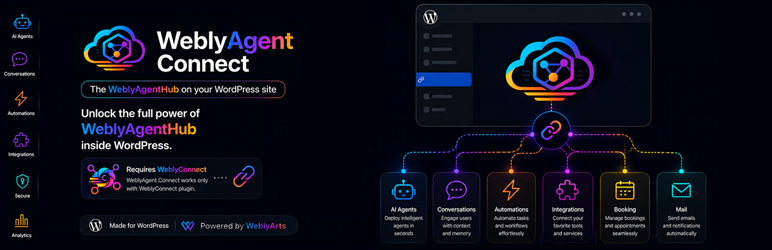
WeblyAgent Connect allows you to deploy an AI assistant on your WordPress website through an elegant visitor chat widget.
Instead of providing generic answers, the assistant can respond using your business knowledge, documentation, FAQs, products, services and website content managed through WeblySuite.
Whether you run a company website, an e-commerce store, a customer support portal or a documentation hub, WeblyAgent Connect helps visitors find information instantly, 24/7.
What you can do
- Answer visitor questions automatically
- Provide product and service information
- Assist customers before they contact support
- Reduce repetitive support requests
- Deliver answers based on your company knowledge
- Offer multilingual conversations
- Create a more engaging website experience
Powered by WeblySuite
WeblyAgent Connect works together with WeblySuite cloud services.
The plugin acts as the WordPress client while AI processing, knowledge retrieval and agent execution are handled by WeblySuite infrastructure.
A WeblySuite account is required.
Requirements
Before using WeblyAgent Connect you must install:
- WeblyConnect (required)
- An active WeblySuite account
WeblyConnect handles the secure connection between your WordPress site and your WeblySuite workspace.
WeblySuite ecosystem
WeblyAgent Connect is part of the WeblySuite ecosystem for WordPress.
Available plugins:
- WeblyConnect (required)
- WeblyAgent Connect
- WeblyMCP Connect (coming soon)
Together they allow WordPress sites to connect with AI agents, knowledge bases, automations and external business tools.
Learn more:
Product page:
https://suite.weblyarts.com/weblyagent-connect/
WeblySuite:
https://suite.weblyarts.com/
Terms of Service:
https://suite.weblyarts.com/terms-of-service/
Privacy Policy:
https://suite.weblyarts.com/privacy-policy/
Screenshots
No screenshots provided


