Wirt Images Checker Wordpress Plugin - Rating, Reviews, Demo & Download
Plugin Description
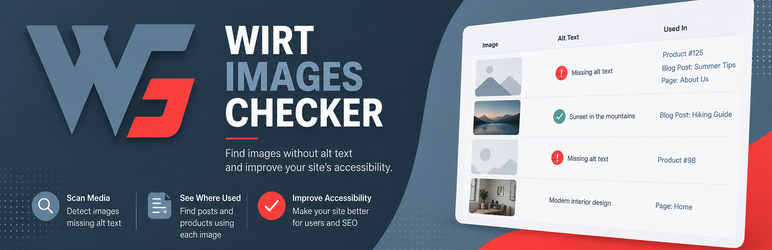
Wirt Images Checker helps you find images with missing alt text directly from the WordPress admin area.
The plugin scans your website content and lists images that are missing alternative text, helping you improve accessibility, image SEO, and content quality.
How to use
- Install and activate the plugin.
- Open Settings Wirt Images Checker.
- Select the post types where the Image Alt Scanner metabox should be displayed.
- Open a post in the WordPress editor and locate the Image Alt Scanner metabox in the right sidebar.
- Click Scan Post to analyze the post.
- Review the list of images without alt text and update them in the Media Library or the editor.
Features:
- Scan posts, pages, and custom post types.
- Scan all images directly from the post edit screen using a dedicated metabox.
- Detect missing alt text in Gutenberg content, featured images, and WooCommerce product galleries.
- Results displayed in a simple admin table.
- Filter scanned content by post type.
- Lightweight and easy to use.
- No external services or API required.
Screenshots
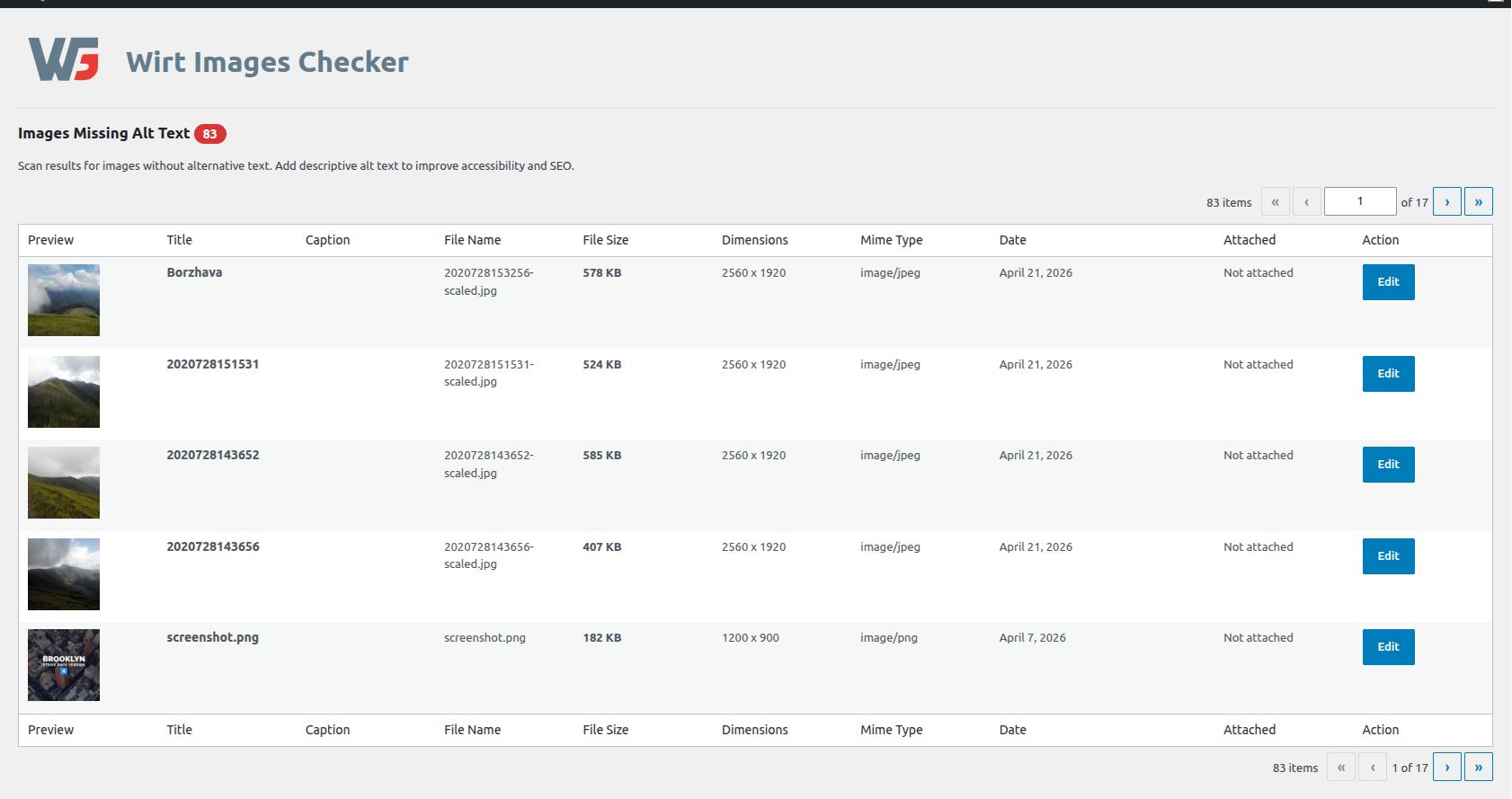
Images without alt text report
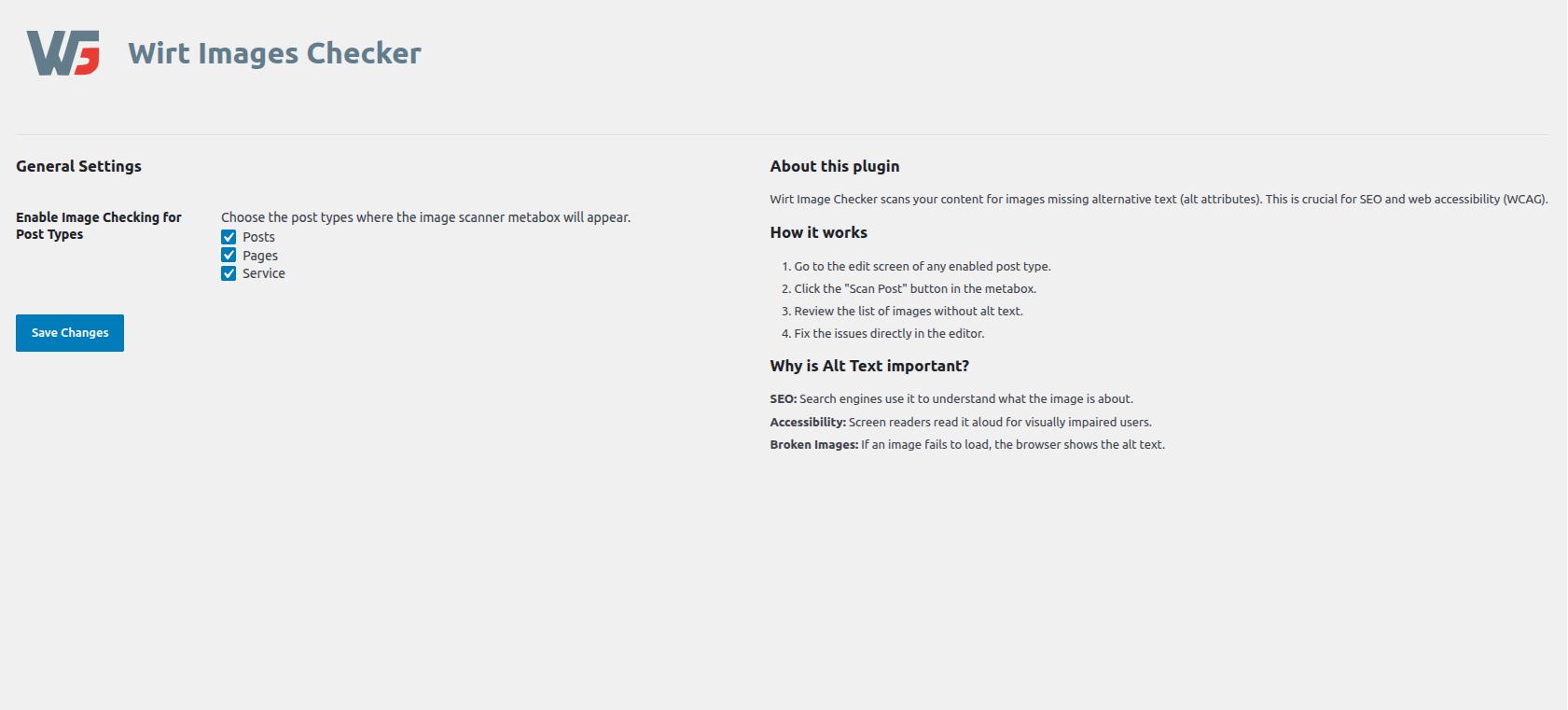
Plugin General Settings page
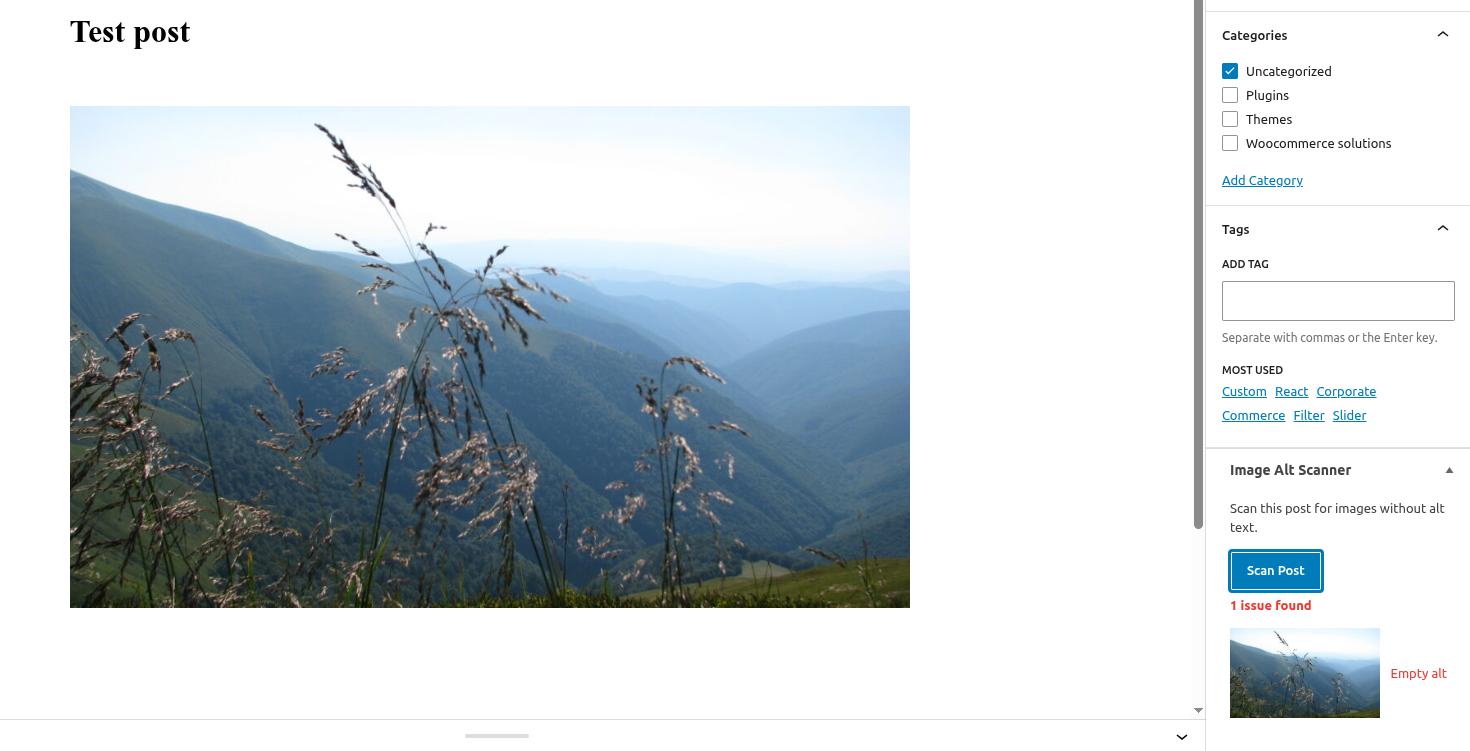
Editor metabox with scan results