Wizehawk Weekly Menu Manager Wordpress Plugin - Rating, Reviews, Demo & Download
Plugin Description
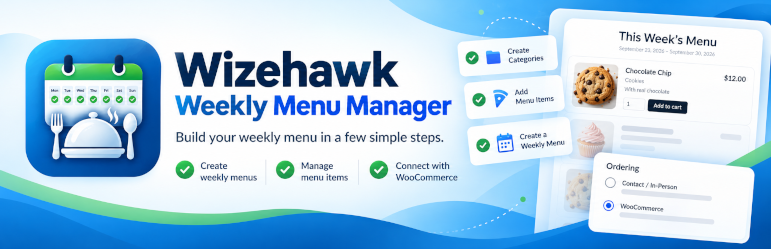
Wizehawk Weekly Menu Manager helps small food businesses publish a changing menu without rebuilding the same products every week.
Create menu items once, organize them into categories, build each weekly menu from the items you want to offer, and display the current menu anywhere on your site with the [wizehawk_weekly_menu] shortcode.
If WooCommerce is active, Wizehawk Weekly Menu Manager can connect menu items to WooCommerce products so customers can add items to cart and use your normal WooCommerce checkout. The plugin can also be used for contact or in-person ordering.
Free features
- Reusable menu items and categories.
- Weekly menus with start and end dates.
- Order deadlines and automatic rollover to the next available menu.
- Drag-and-drop menu item ordering.
- WooCommerce product creation and two-way product synchronization.
- Add-to-cart ordering through WooCommerce.
- Call, text, email, social-message, and in-person ordering options.
- Optional calling days and calling hours.
- Basic pickup date and time scheduling.
- Display controls for menu titles, dates, descriptions, categories, images, quantities, and layout.
- Automatic creation of a menu page with the
[wizehawk_weekly_menu]shortcode.
Optional Pro version
A separately distributed Pro add-on is available outside WordPress.org. It requires the free Wizehawk Weekly Menu Manager plugin to remain installed and active. The Pro add-on adds an active and completed Pickup Schedule dashboard, Ready / Picked Up workflow, clean pickup-order cancellation, Production Summary, printable production sheets, custom pickup-slot lengths, minimum-notice controls, booking-window controls, and per-slot capacity limits. Pro code is not included in the WordPress.org plugin.
The WordPress.org Free package does not include the Pro operational code.
Screenshots

Wizehawk Weekly Menu Manager dashboard showing the guided setup steps for categories, menu items, weekly menus, and the public menu page.

Ordering Settings with WooCommerce, contact ordering methods, payment setup, and pickup scheduling.

A weekly menu displayed on the public site with item details, quantity selection, and Add to cart.

Display Settings for controlling menu information and layout.