
ZepBlocks Wordpress Plugin - Rating, Reviews, Demo & Download

Plugin Description
ZepBlocks is a lightweight yet powerful Gutenberg block plugin designed for everyone — whether you’re a complete beginner or an experienced developer. It extends the WordPress block editor with a carefully crafted set of blocks that help you build beautiful, professional websites without touching a single line of code.
Every block is built with performance and flexibility in mind. No bloat, no unnecessary dependencies — just clean, fast blocks that work seamlessly with any WordPress theme.
🧱 Included Blocks
- Zepblock Slider – A smooth, fully customizable image slider to showcase your content beautifully
- Zepblock Timeline – Present events, milestones, or processes in a stunning vertical or horizontal timeline
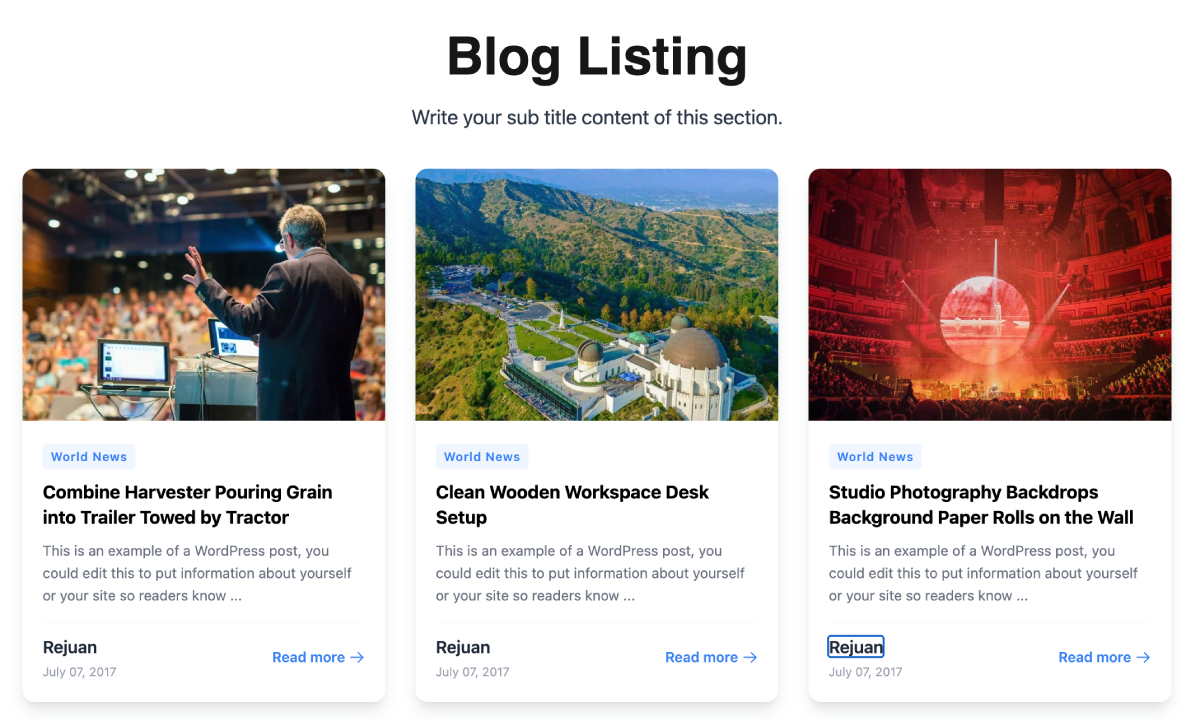
- Card Block – Display content in clean, stylish card layouts — great for services, features, or blog highlights
- Feature Block – Highlight your key features or services with icons, titles, and descriptions
- Hero Video – Capture attention instantly with a full-width hero section powered by background video
- Image Compare – Let visitors interactively compare two images with a drag-to-reveal slider
- Photo Gallery – Create beautiful, responsive photo galleries with lightbox support
- Post Block – Display your latest posts or custom post types in a customizable grid or list layout
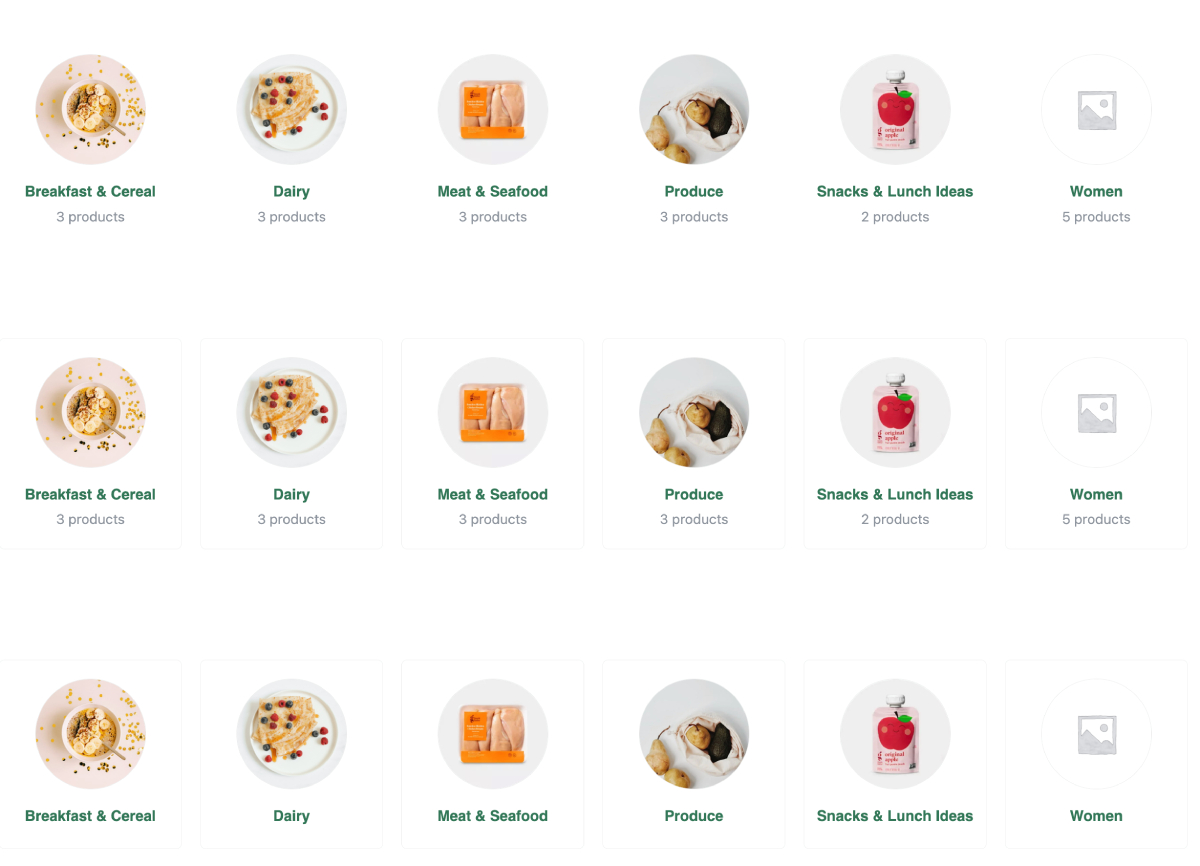
- WooCommerce Category Grid – Showcase your WooCommerce product categories in an elegant grid
- WooCommerce Product List – Display WooCommerce products in a flexible, filterable list or grid
✨ Why ZepBlocks?
- Beginner-friendly – Drag, drop, and customize without any coding knowledge
- Developer-friendly – Clean, well-structured code that’s easy to extend
- WooCommerce ready – Built-in blocks for WooCommerce category and product display
- Lightweight – Only loads assets for blocks that are actually used on the page
- Theme compatible – Works with any WordPress theme, including Full Site Editing (FSE) themes
- Regularly updated – New blocks added frequently based on user feedback
- 100% Free – No upsells, no pro version, no limitations
🚀 Getting Started
- Install and activate ZepBlocks
- Open any post or page in the WordPress block editor
- Click the + icon to add a new block
- Search for any ZepBlocks block by name
- Customize using the block settings panel on the right
🛠️ For Developers
ZepBlocks is built using the @wordpress/scripts toolchain with React and modern JavaScript. All blocks follow WordPress coding standards and are fully compatible with the block editor’s extensibility APIs.
Found a bug or want to contribute? Visit our GitHub repository.
Screenshots
ZepBlocks full block library inside the Gutenberg editor
Zepblock Slider block with customization options

Hero Video block displayed on the frontend
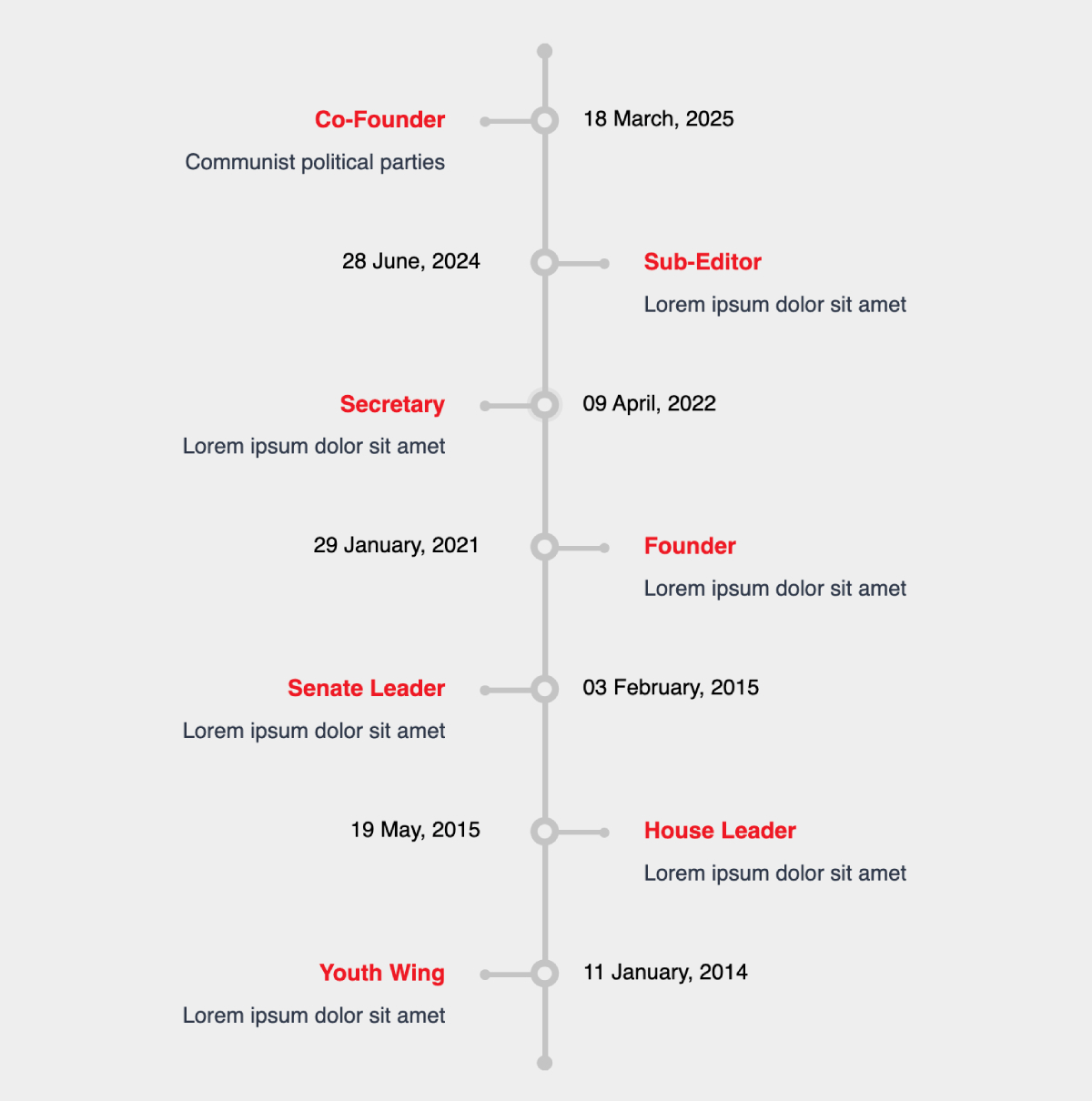
Image Compare block with drag-to-reveal interaction


