Adminight – Dark Mode For The Dashboard Wordpress Plugin - Rating, Reviews, Demo & Download

Plugin Description
Adminight gives the WordPress dashboard a dark theme that is easy on the eyes late at night. It changes only the admin screens: your site’s front end stays exactly as it is.
- Each user chooses. Light, Dark, or Auto. Auto follows the device’s setting and switches by itself when the device does.
- One click from the toolbar. A small sun, moon or half-moon icon next to “Howdy” switches modes right away, without reloading the page. The same choice is in Users Profile.
- A default for the whole site. In Settings General, pick the mode for everyone who has not chosen one yet. The login screen follows it too.
- No white flash. The mode is set before the page is drawn, so a dark screen stays dark while it loads.
- Designed, not inverted. Every screen is styled with real colours, not a filter that flips them, so images, media thumbnails and colour pickers look right.
- Covers what you use most. Dashboard widgets, posts and pages, the block editor’s panels and toolbars, the classic editor (writing area included), media library, comments, plugins, themes, users, settings, Site Health, menus, the Customizer, and the common WooCommerce screens (products, orders, settings).
- Light. Plain CSS and a few lines of script, loaded only in the admin and on the login screen. No settings page of its own, no database tables.
Why another dark mode plugin?
Because a dark dashboard should not need an account, a trial, or a paid tier.
- Everything is free. There is no Pro version, no locked feature and no upgrade notice.
- It stays out of your way. Adminight adds no menu item, no notices and no dashboard widget. It adds one icon to the toolbar and one setting each to your profile and to Settings General.
- It respects the front end. Visitors never see a change. It touches wp-admin and the login screen only.
In the block editor
The editor’s panels, toolbars, sidebars and dialogs are dark. The writing area itself keeps your theme’s own editor styles, so you still see your content in the colours it will have on the site.
Accessibility
The colours were chosen for WCAG AA: text, links and placeholders keep a contrast ratio of at least 4.5:1 against their background. Focus outlines remain visible, and the toolbar switch has a text label for screen readers.
External services
Adminight contacts no external service and loads nothing from other sites.
Privacy
Adminight stores each user’s chosen mode in their user profile and the site default in the site’s options. It collects nothing about you or your visitors and sends nothing anywhere.
Screenshots
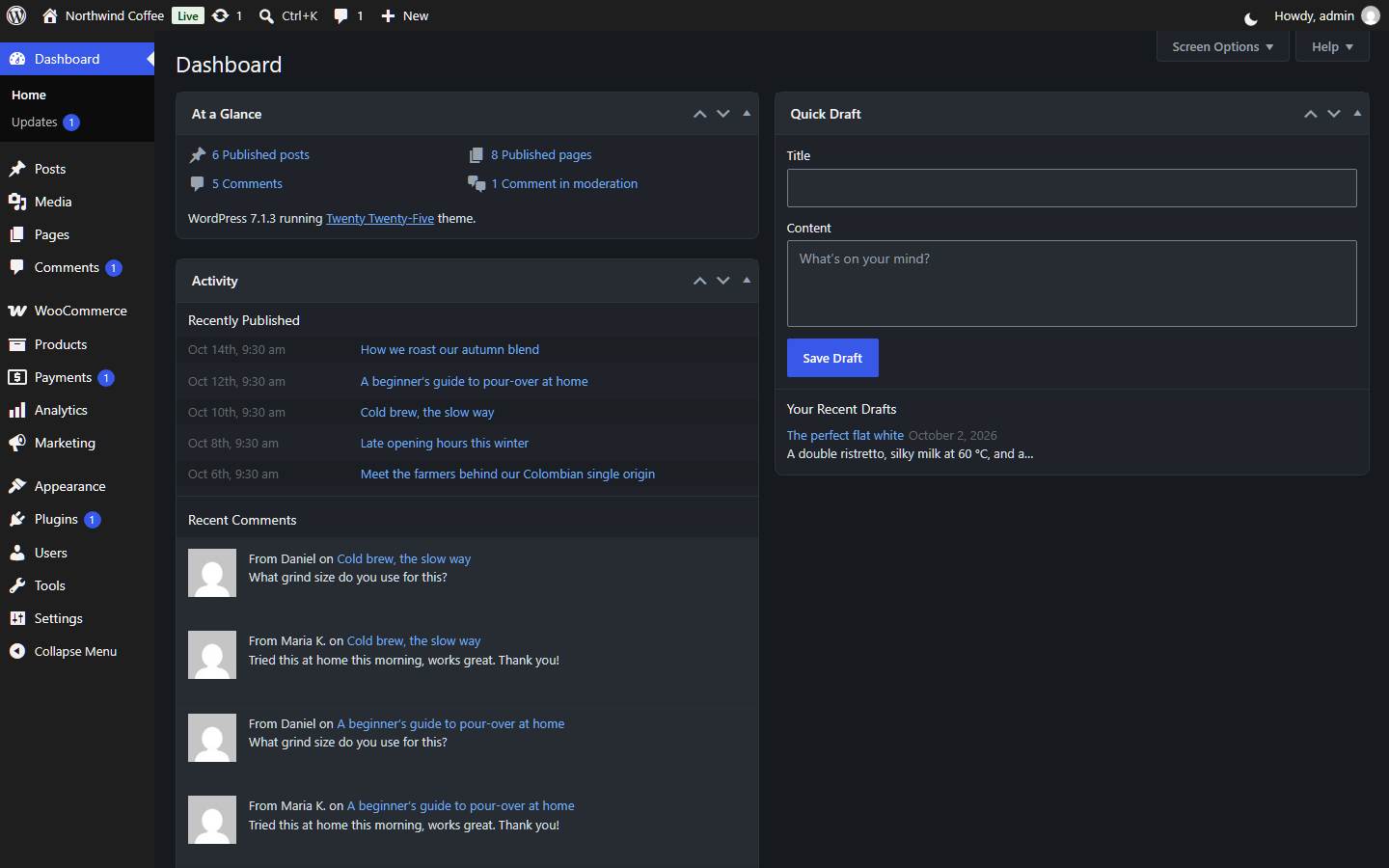
The dashboard in dark mode.
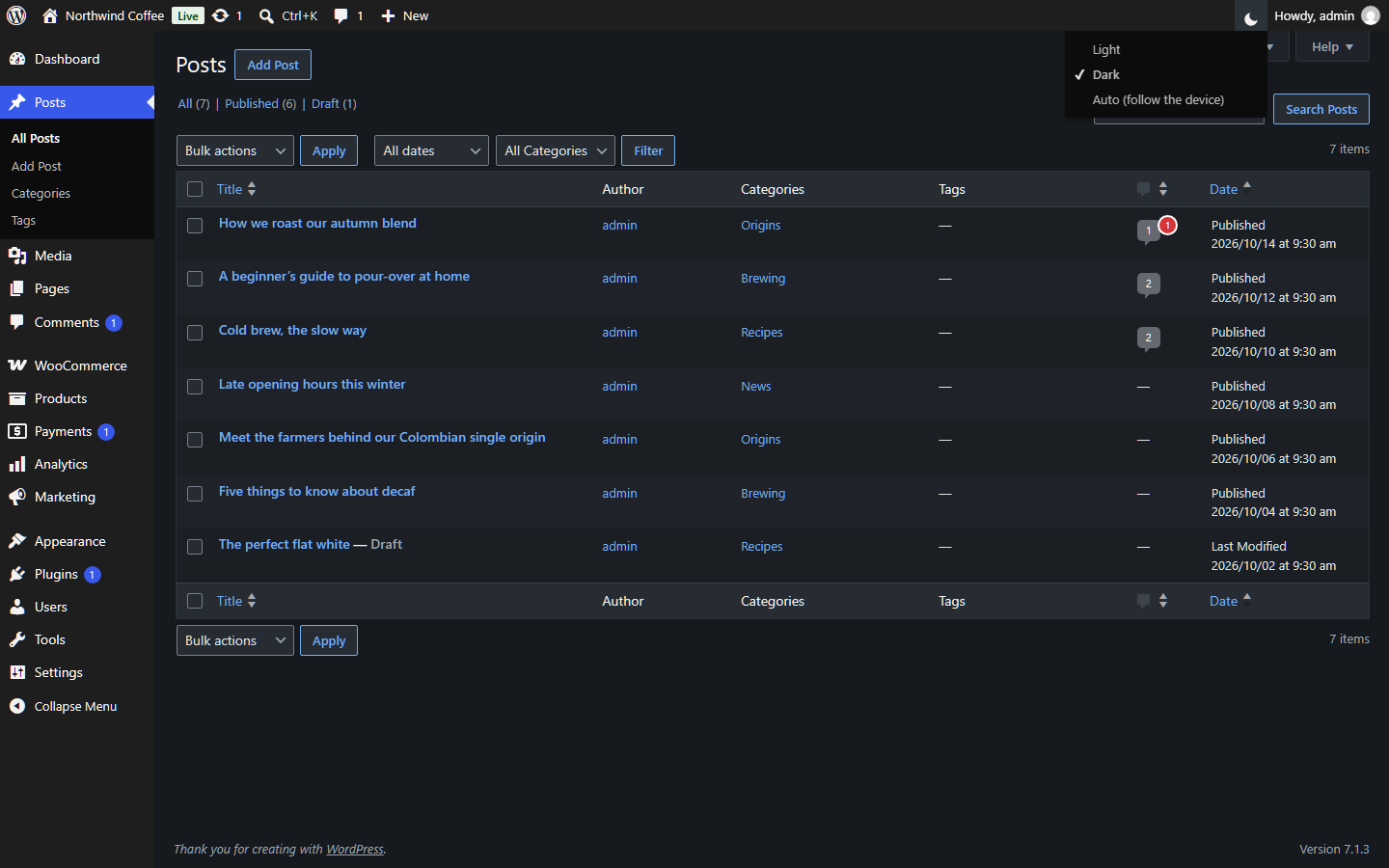
The posts list, with the toolbar switch open.
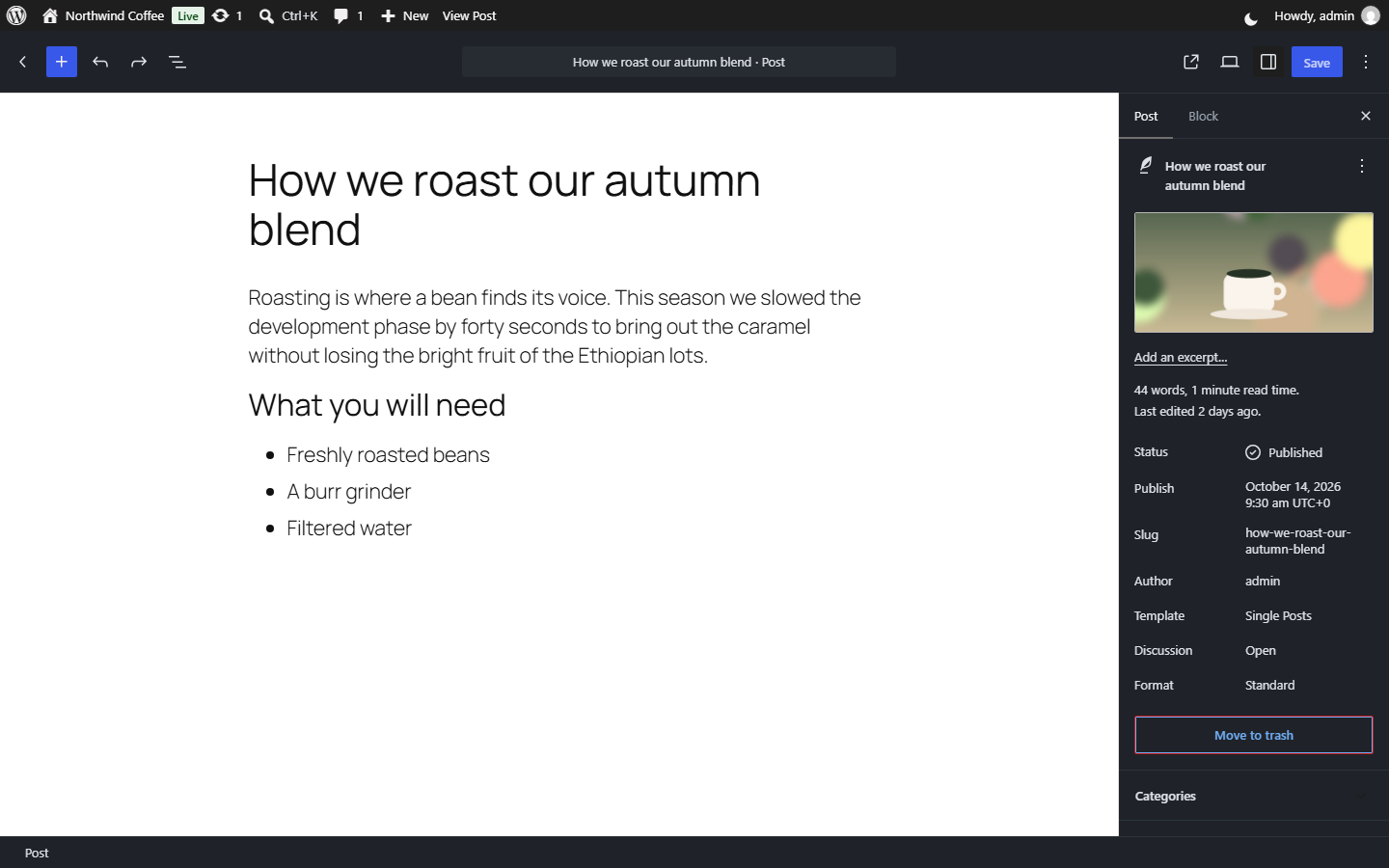
The block editor: dark panels and toolbars, and the writing area in the theme’s colours.
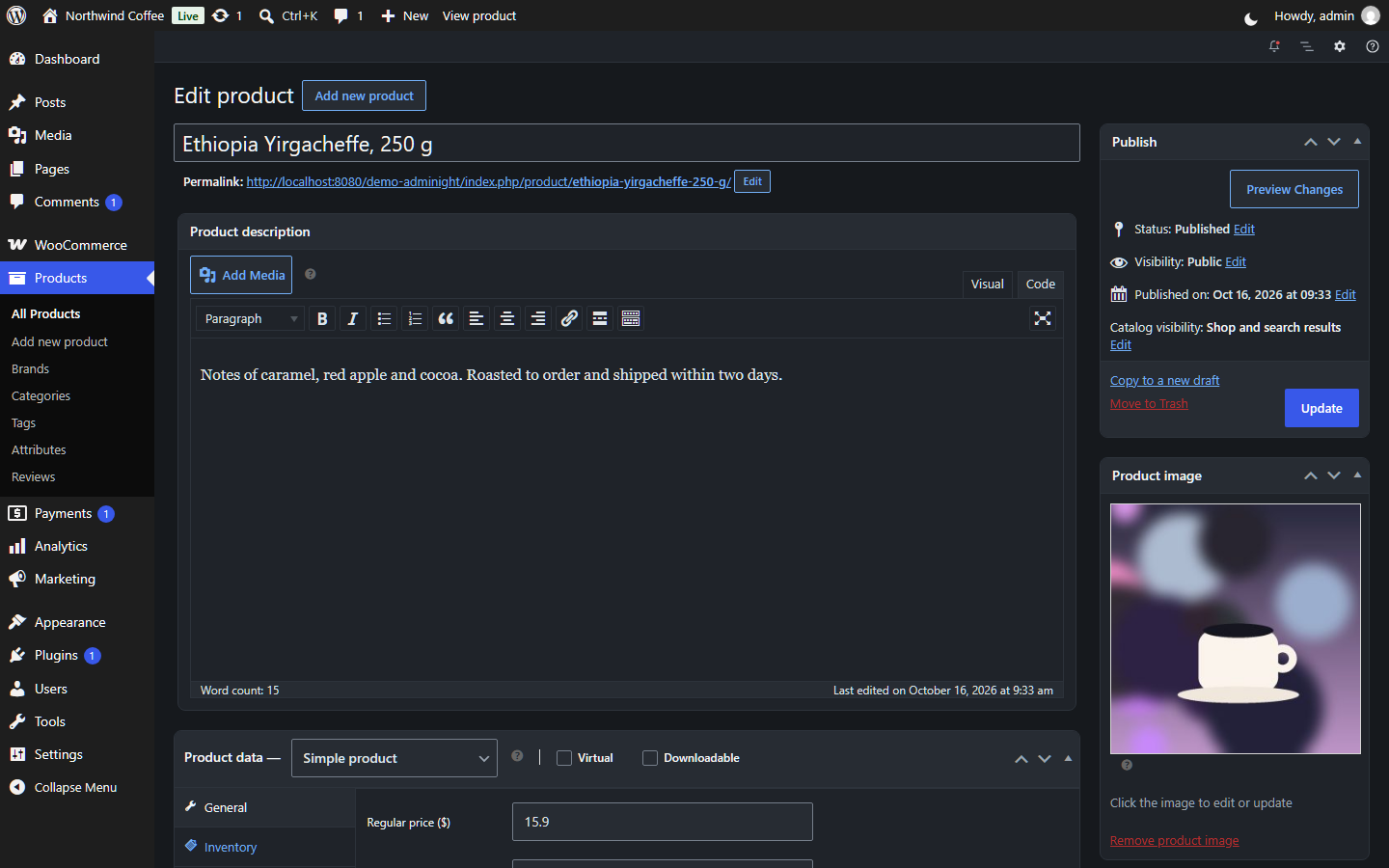
A WooCommerce product in the classic editor, with its writing area dark too.

The site default on Settings → General.
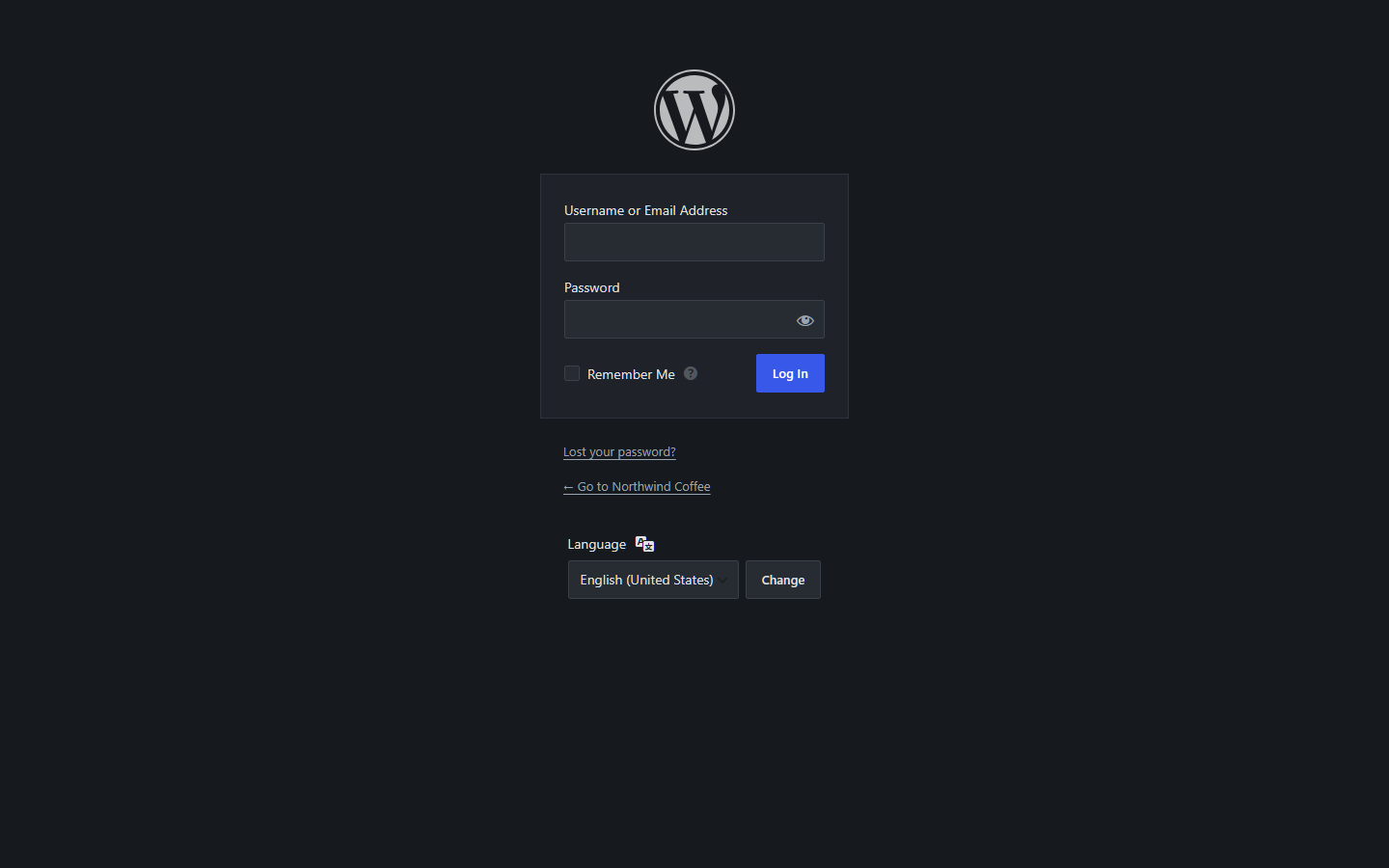
The login screen follows the site default.
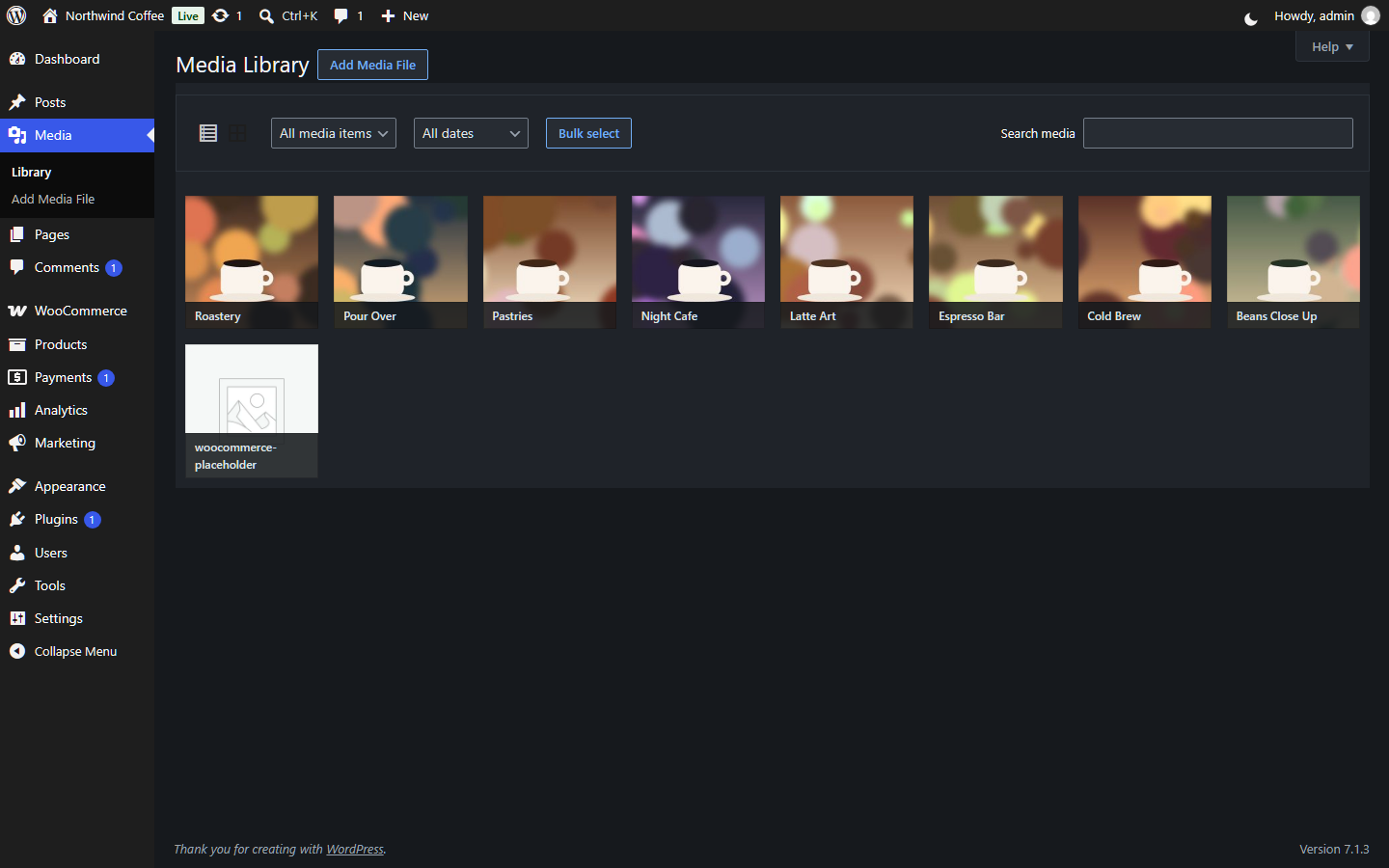
The media library.