Afojet Currency Converter Wordpress Plugin - Rating, Reviews, Demo & Download
Plugin Description
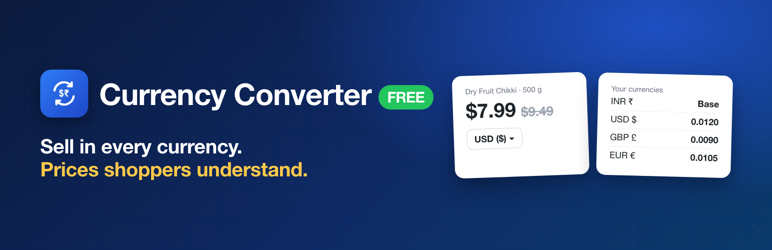
Afojet Currency Converter shows your WooCommerce prices in the currencies you choose, using exchange rates you set.
- Offer as many currencies as you like next to your base currency (for example INR + USD, GBP, EUR, AED).
- Set the exchange rate for each currency yourself.
- Currency switcher: shortcode, widget, floating switcher and product page switcher.
- Converts product and variation prices, shipping, coupons and free-shipping minimums.
- The WooCommerce price filter (classic widget and product filter blocks) follows the selected currency.
- Decimals per currency.
- Checkout currency: let shoppers pay in their currency, or show converted prices but take payment in your base currency.
- Orders keep the base currency, exchange rate and base-currency total. Refunds use the order currency.
- Works with the classic checkout and the Cart and Checkout blocks. HPOS compatible.
- Makes no calls to outside services.
Payment gateways
Not every payment method accepts every currency: your gateway account, country and settlement settings decide that. For example, Razorpay needs International Payments enabled, and Braintree needs a merchant account per currency. If you are unsure, choose “take payment in the base currency” on the Checkout tab. Test a real payment in every currency before going live.
Pro
Currency Converter Pro adds automatic exchange rates from ExchangeRate-API, Frankfurter, Open Exchange Rates and CurrencyAPI with a backup provider, payment methods per currency (PayPal, Stripe, Razorpay, Braintree, Worldpay, 2Checkout and more), rate markup, currency by country, fixed product prices per currency, smart checkout fallback and price rounding.
Screenshots

Shop prices in the shopper’s currency, with the currency switcher and a price filter that follows the selected currency.

Add currencies and set your own exchange rate and decimals for each.

Currency switcher: dropdown or links, floating, on product pages, shortcode and widget.

Checkout currency: let shoppers pay in their currency, or take payment in your base currency.