
Briskgrid Class Timetables Wordpress Plugin - Rating, Reviews, Demo & Download
Plugin Description
Briskgrid Class Timetables is a visual, drag-and-drop grid builder for gym and studio class timetables. Build your schedule by dragging classes onto a real calendar grid — every column stays perfectly aligned automatically, and the front-end grid is fully responsive, collapsing into a clean list on mobile.
Free features
- Unlimited timetables
- Visual drag-and-drop grid builder — click to add, drag to move, drag the edge to resize
- Two style presets (Modern, Minimal)
- Shortcode
[briskgrid_timetable id="123"]and a native Gutenberg block - Fully responsive: automatic mobile accordion view
- CSV import for bulk-adding classes from a spreadsheet
- Per-timetable settings: days shown, hours shown, accent color, time format
- Fully translation-ready: admin and front-end strings use the
briskgrid-class-timetablestext domain and ship with a.potfile (languages/briskgrid-class-timetables.pot) for translation tools such as Poedit or Loco Translate - RTL layout support (Arabic, Hebrew, etc.) — swaps in automatically on RTL sites
- WPML compatible out of the box (
wpml-config.xmlincluded) — timetable content is translated per language while display settings can remain shared - Polylang compatible — assign a language to each timetable, create linked language versions from the Timetables list or builder, edit each language independently, and use one shortcode/block across translated pages
Briskgrid Class Timetables Pro (sold separately) adds instructor photos and bios, a front-end filter bar (by day / instructor / category), multiple color-coded categories, extra style presets, multi-location grouping, and custom CSS.
Screenshots
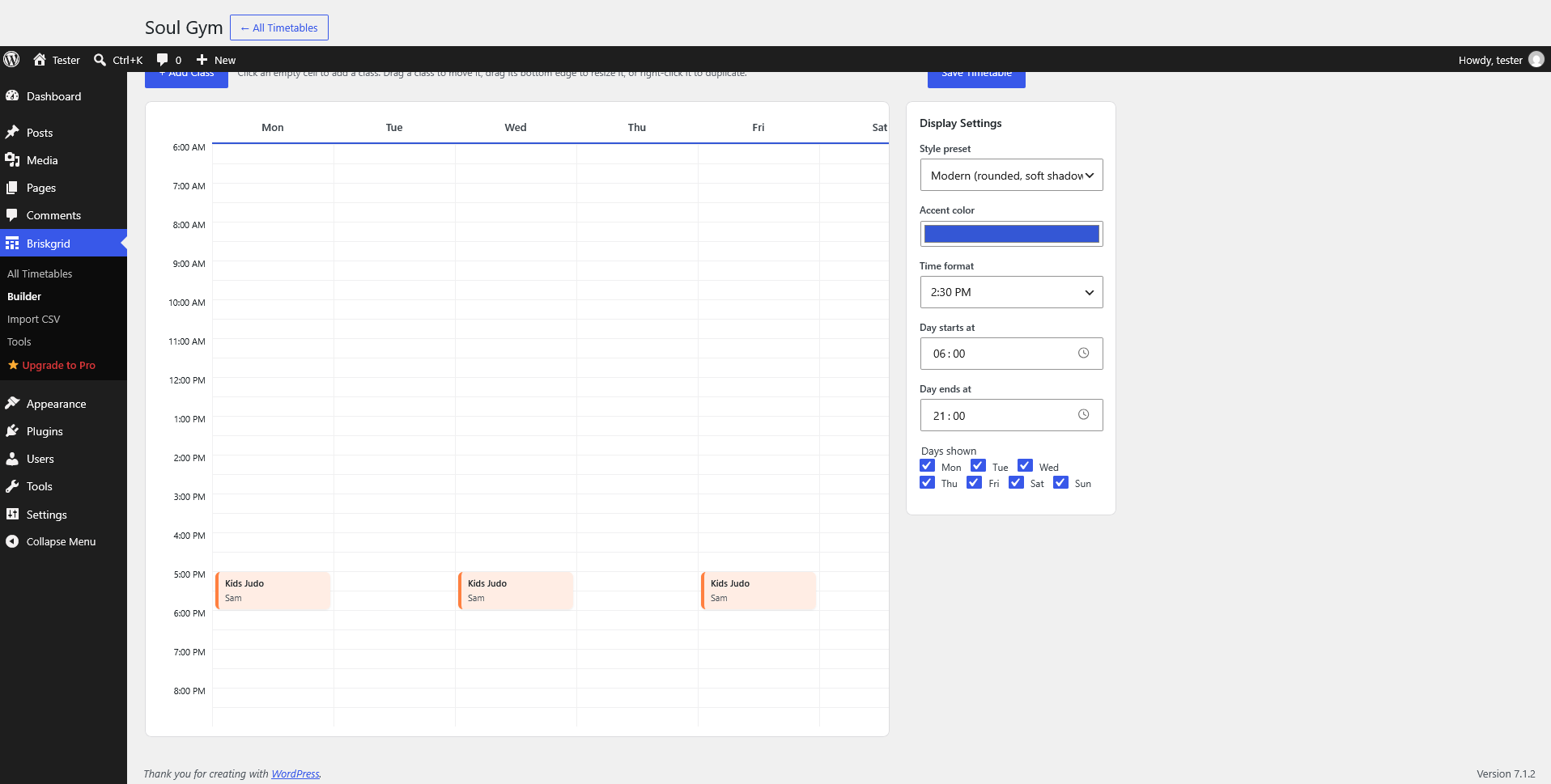
The visual drag-and-drop builder with classes placed on the weekly grid.
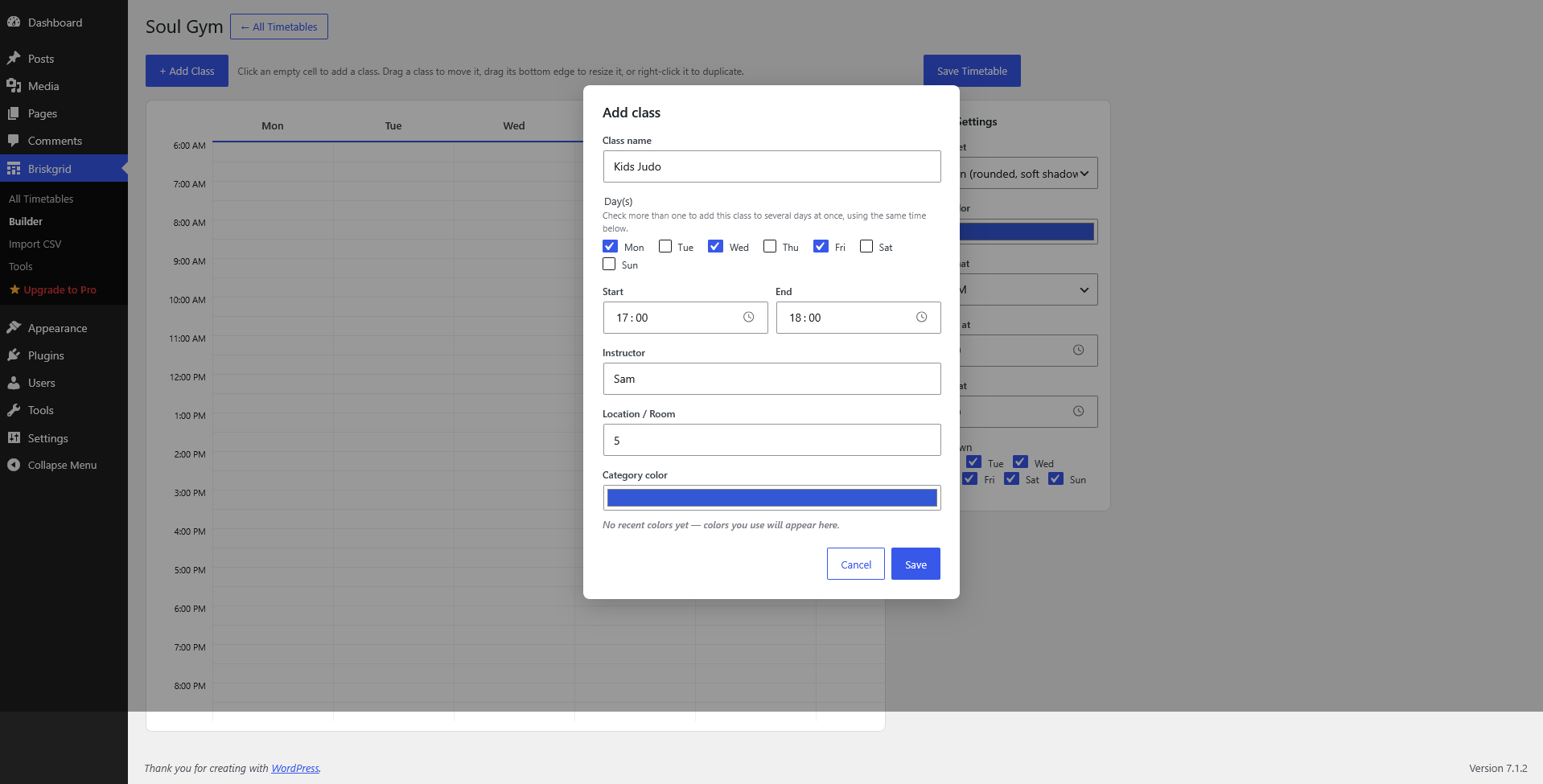
Adding a class: pick the day(s), time, instructor, location and color.
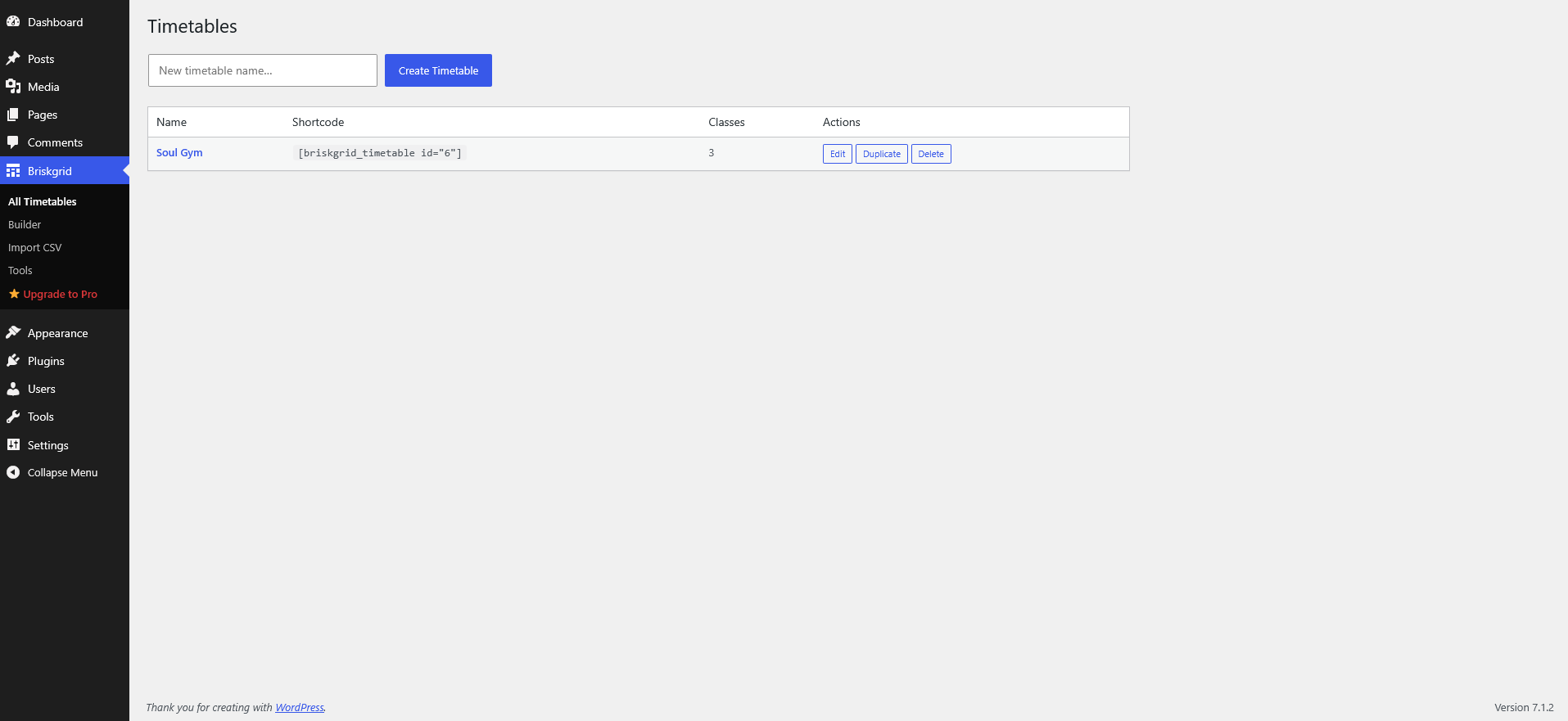
The All Timetables list, showing the shortcode to paste for each timetable.
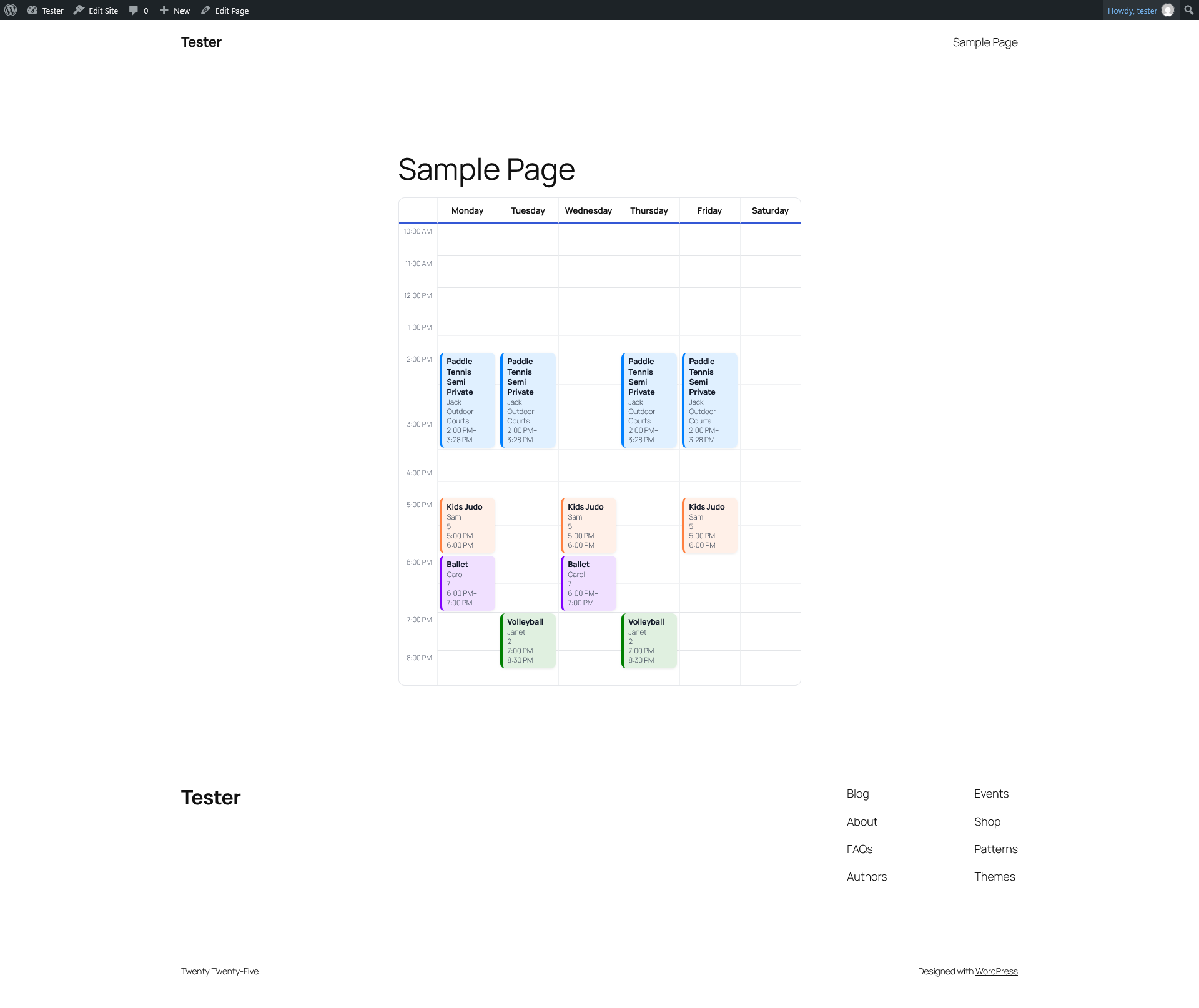
A timetable rendered on the live front end of a site.
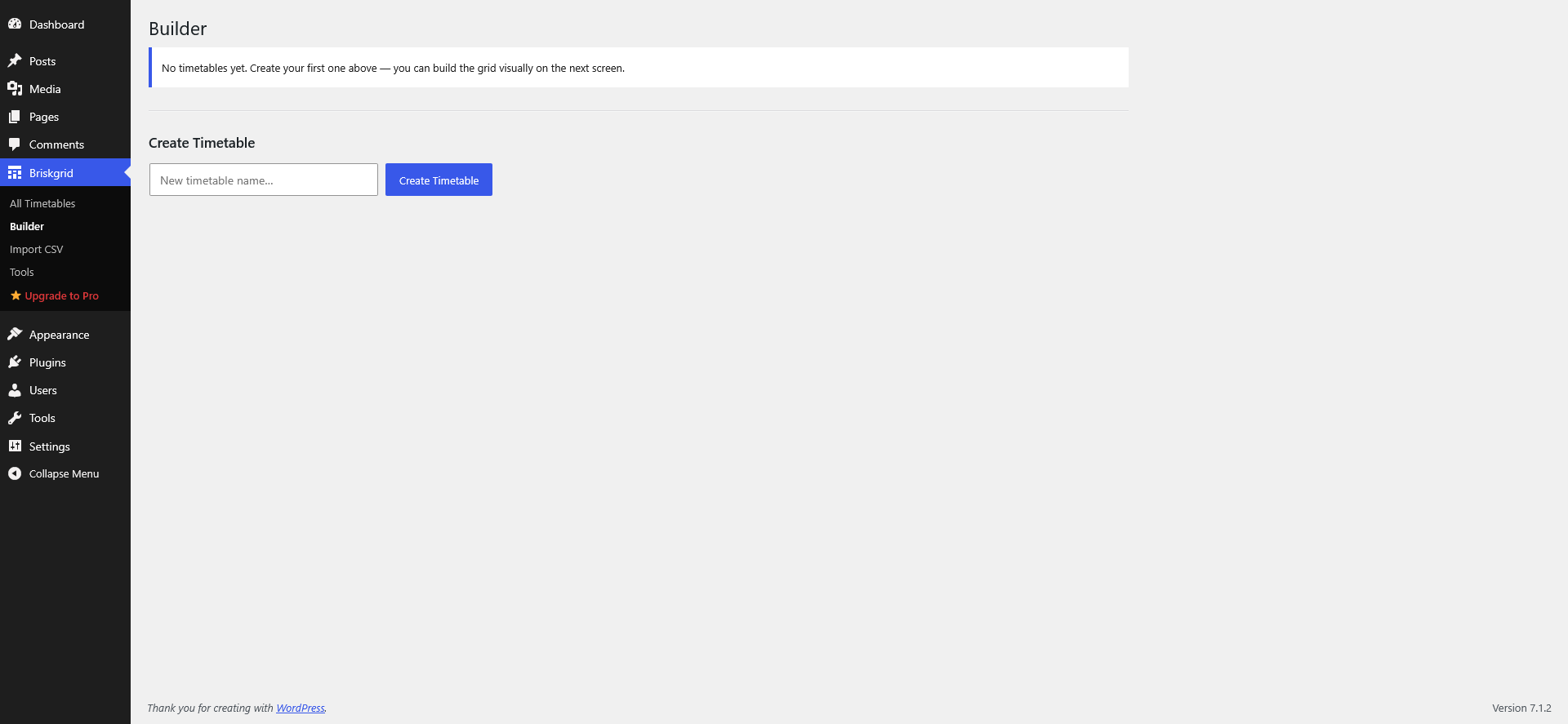
The builder’s empty state — ready to add your first class.
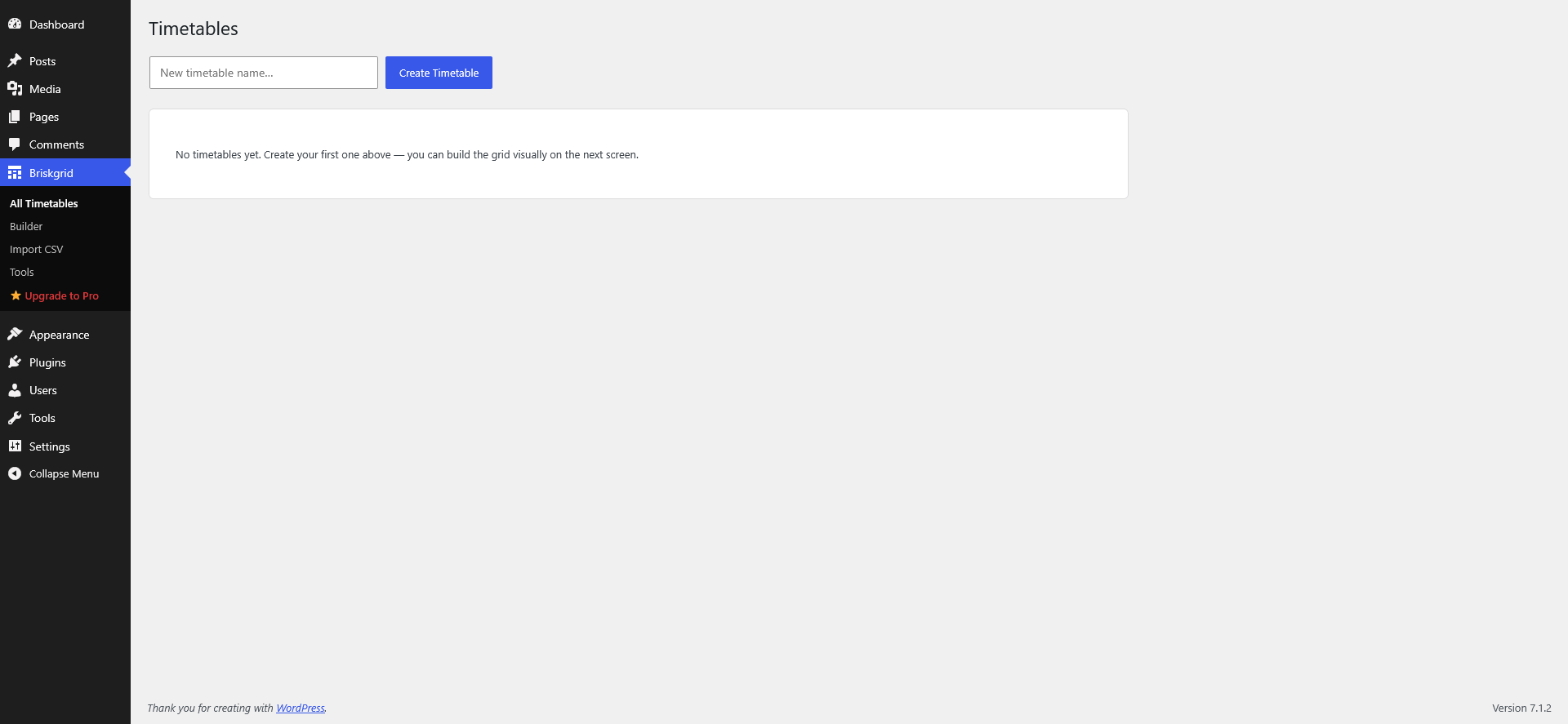
The All Timetables list before any timetable has been created.
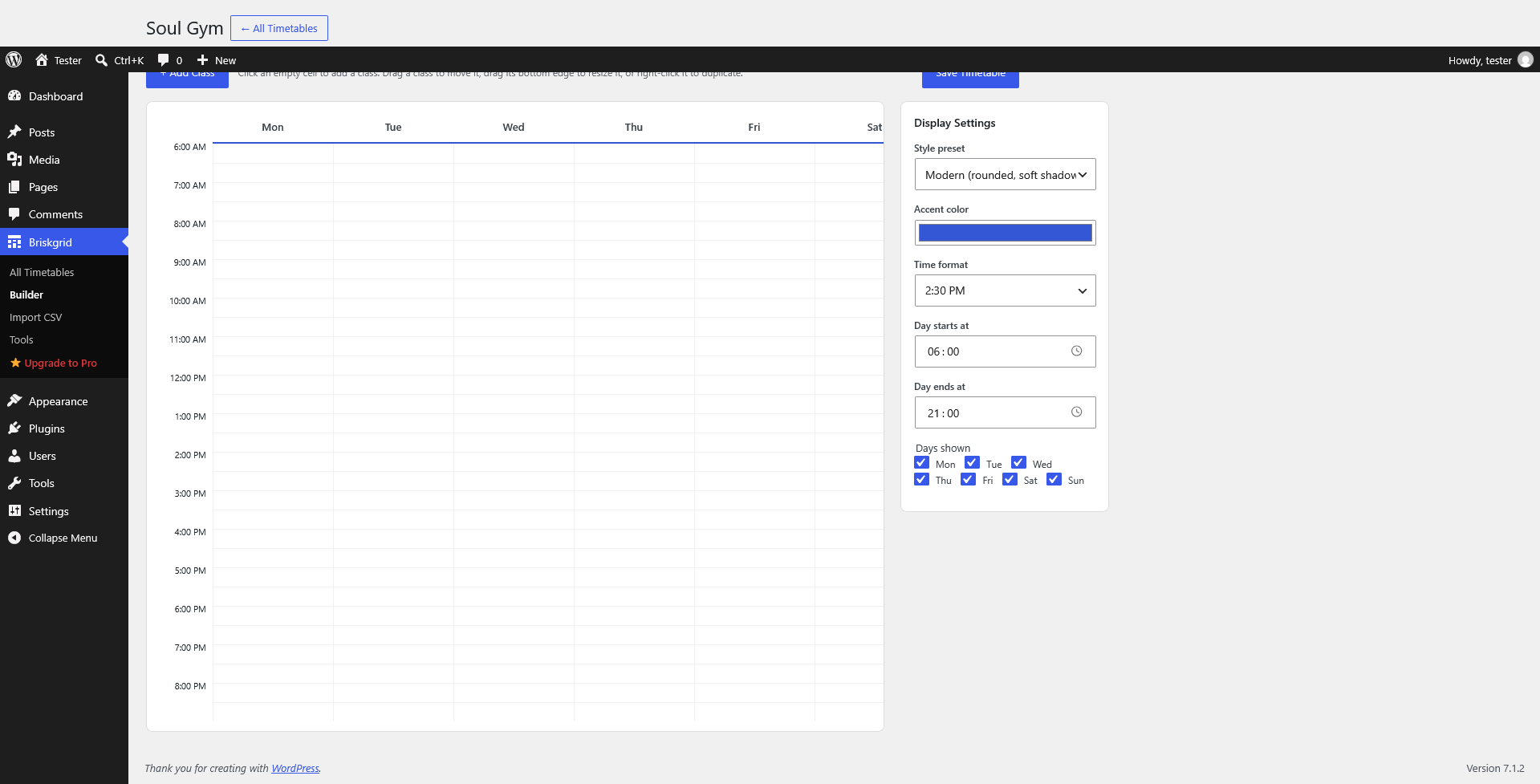
Builder display settings: control how the timetable looks on the front end.
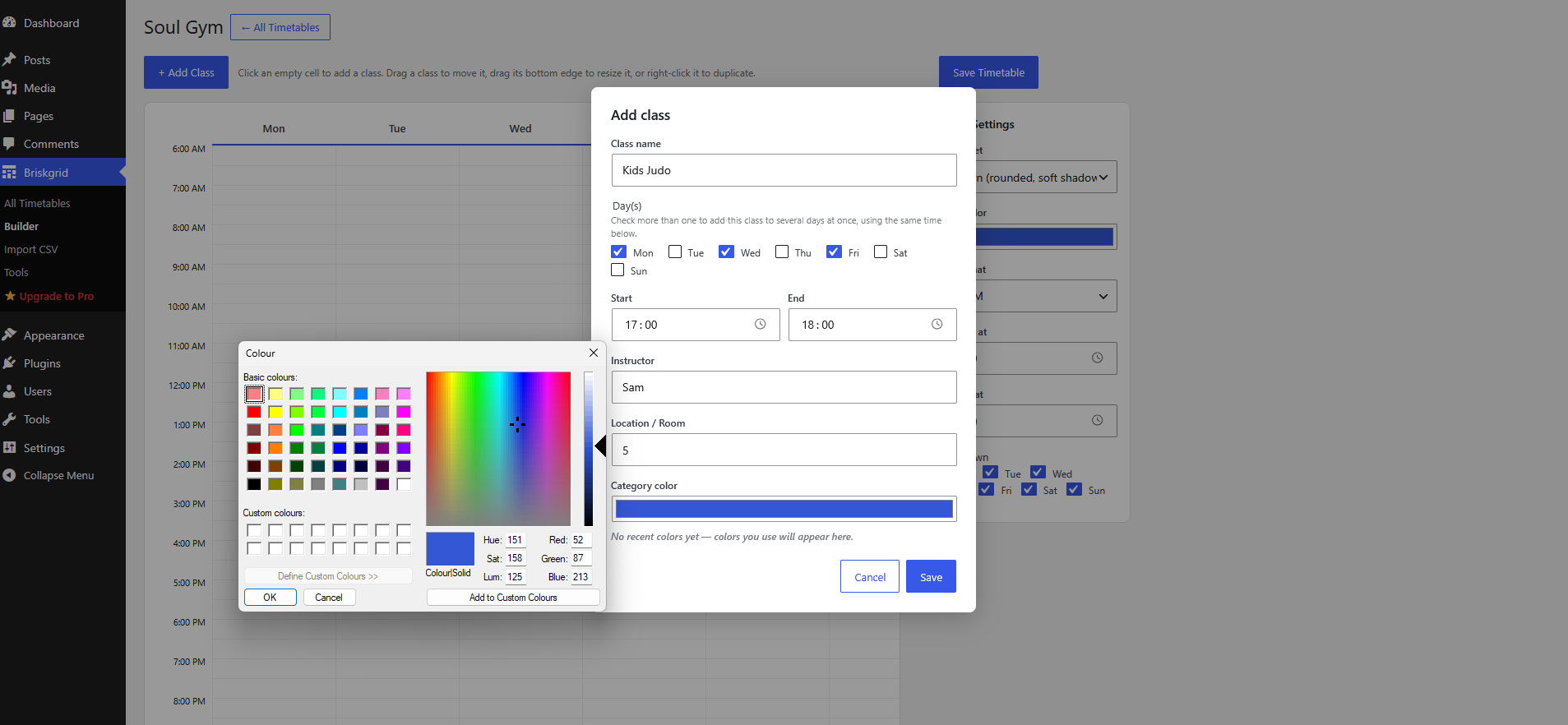
Picking a category color from the built-in color picker.
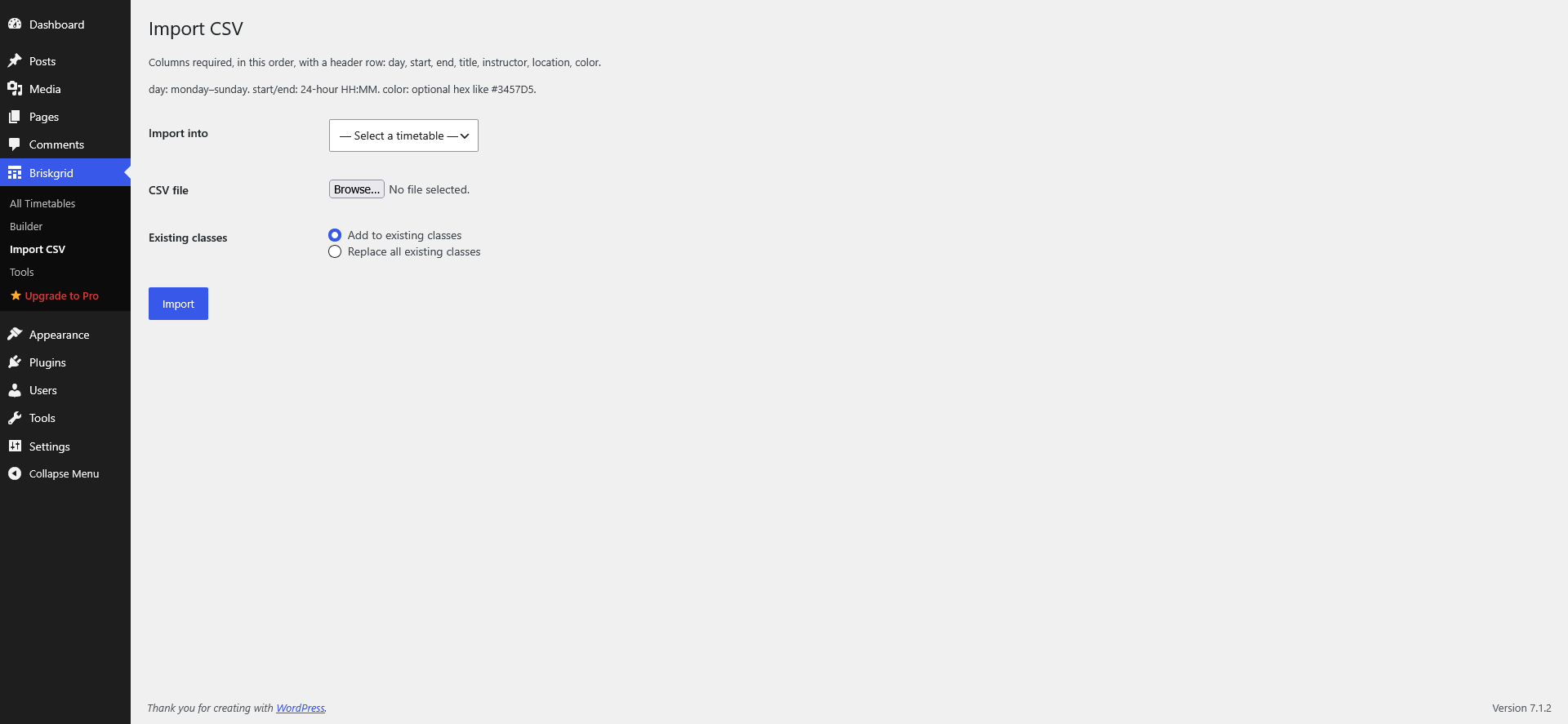
Importing classes in bulk from a CSV file.
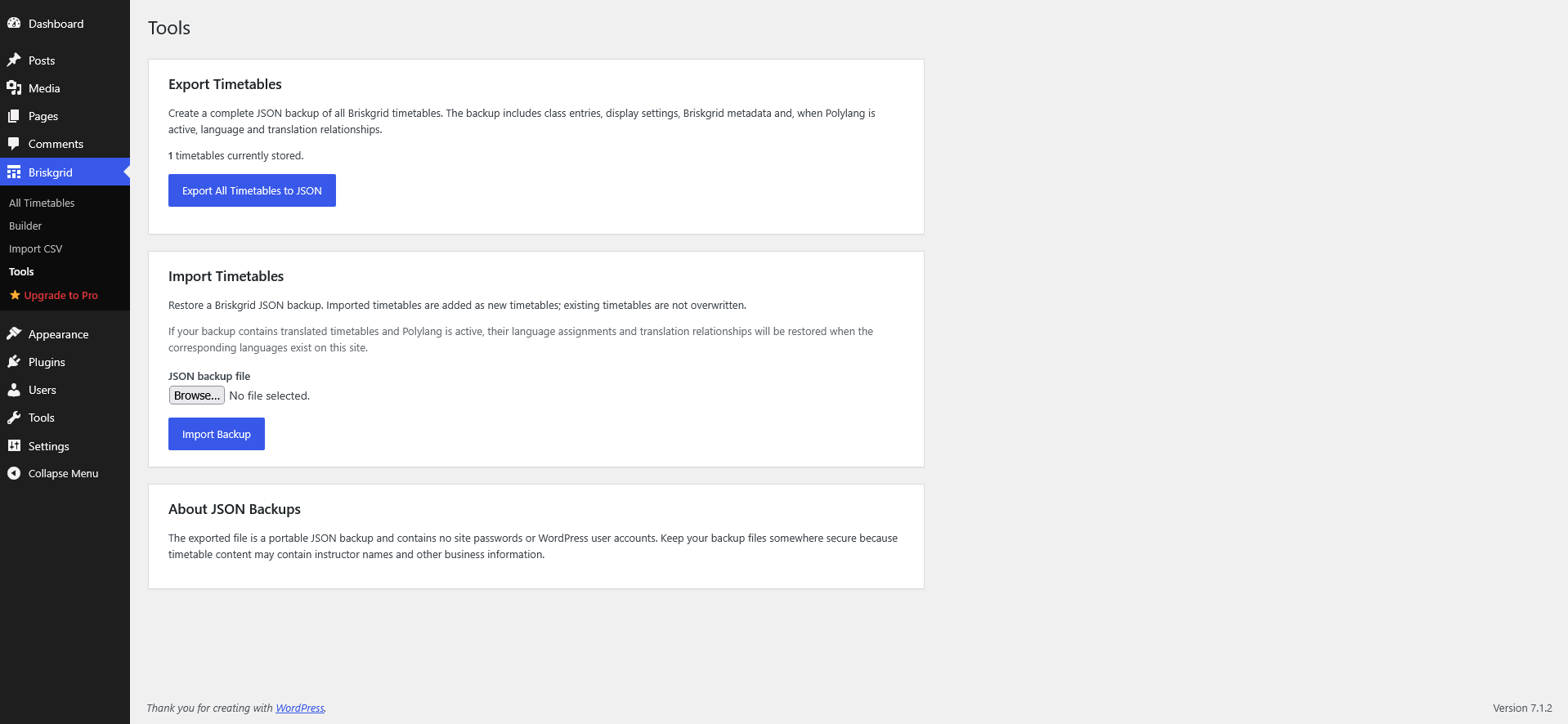
The Tools screen: export and import a full JSON backup of your timetables.
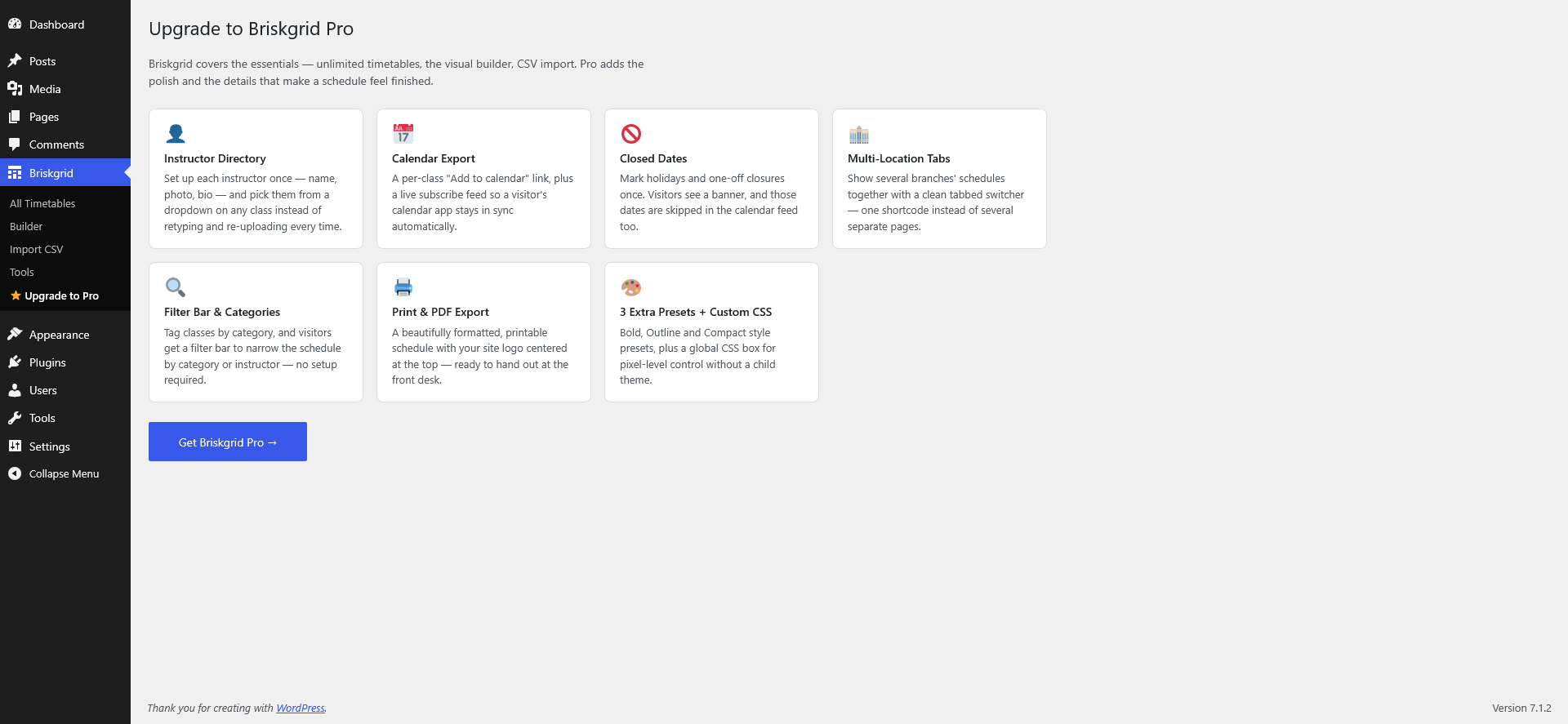
The upgrade page, comparing the free plugin with Briskgrid Class Timetables Pro.


