Codeavour Smart Backup & Restore Wordpress Plugin - Rating, Reviews, Demo & Download

Plugin Description
Codeavour Smart Backup & Restore provides a complete solution for WordPress site backup, migration, and restore. It is designed for performance and reliability, using streaming-based processing to reduce memory pressure during backup and restore operations.
Key features include:
– One-click backup and restore
– Automated scheduling (Daily, Weekly, Monthly)
– Email notifications for scheduled backup results
– Site migration and import/export support
– Streaming-based processing to support larger backup and restore operations
– Resumable backup and restore process
– Lightweight and performance optimized
Scheduled Backups
Codeavour Smart Backup & Restore includes built-in scheduled backups powered by WordPress WP-Cron. Site administrators can enable automatic backups from the Codeavour Smart Backup & Restore Settings page and choose a Daily, Weekly, or Monthly schedule.
Scheduled backup options include:
– Enable or disable automatic backups
– Choose the backup frequency
– Select the backup time using the site’s WordPress timezone
– Choose the weekly day or monthly date when needed
– Send email notifications after scheduled backup runs
The scheduled backup event runs through the plugin’s background backup engine, so it uses the same backup process as manual backups. Backup archives are stored in the Codeavour Smart Backup & Restore backup directory and appear in the dashboard backup list.
WP-Cron depends on site traffic. If no one visits the site near the scheduled time, WordPress may run the backup later when the next request reaches the site. For production sites that need exact timing, configure a real server cron to call WordPress cron regularly.
Screenshots
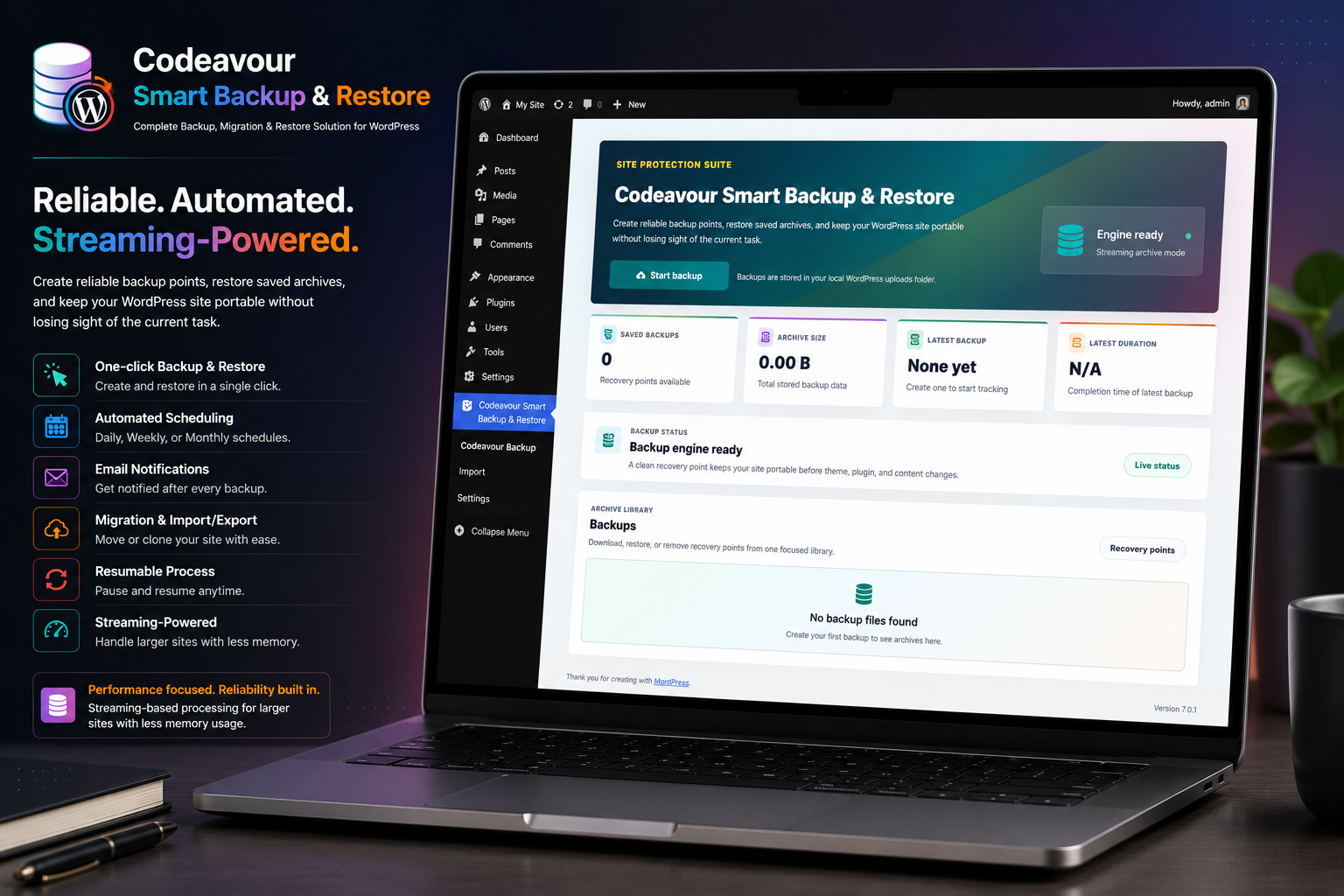
Backup Dashboard: Create one-click backups, monitor backup status, view archive statistics, and manage recovery points from a single dashboard.
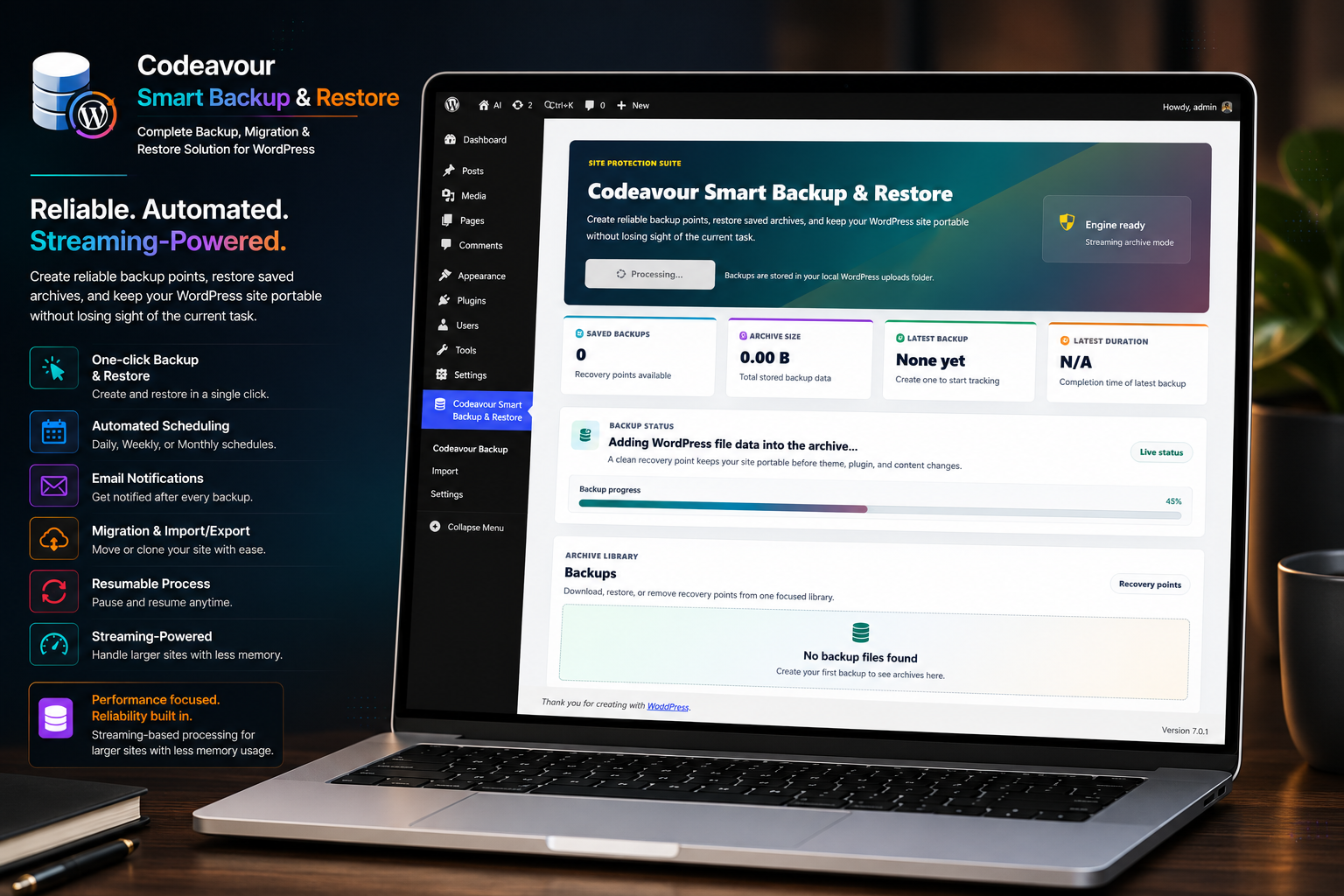
Backup in Progress: Monitor live backup progress with streaming-based processing designed to handle large WordPress sites efficiently.
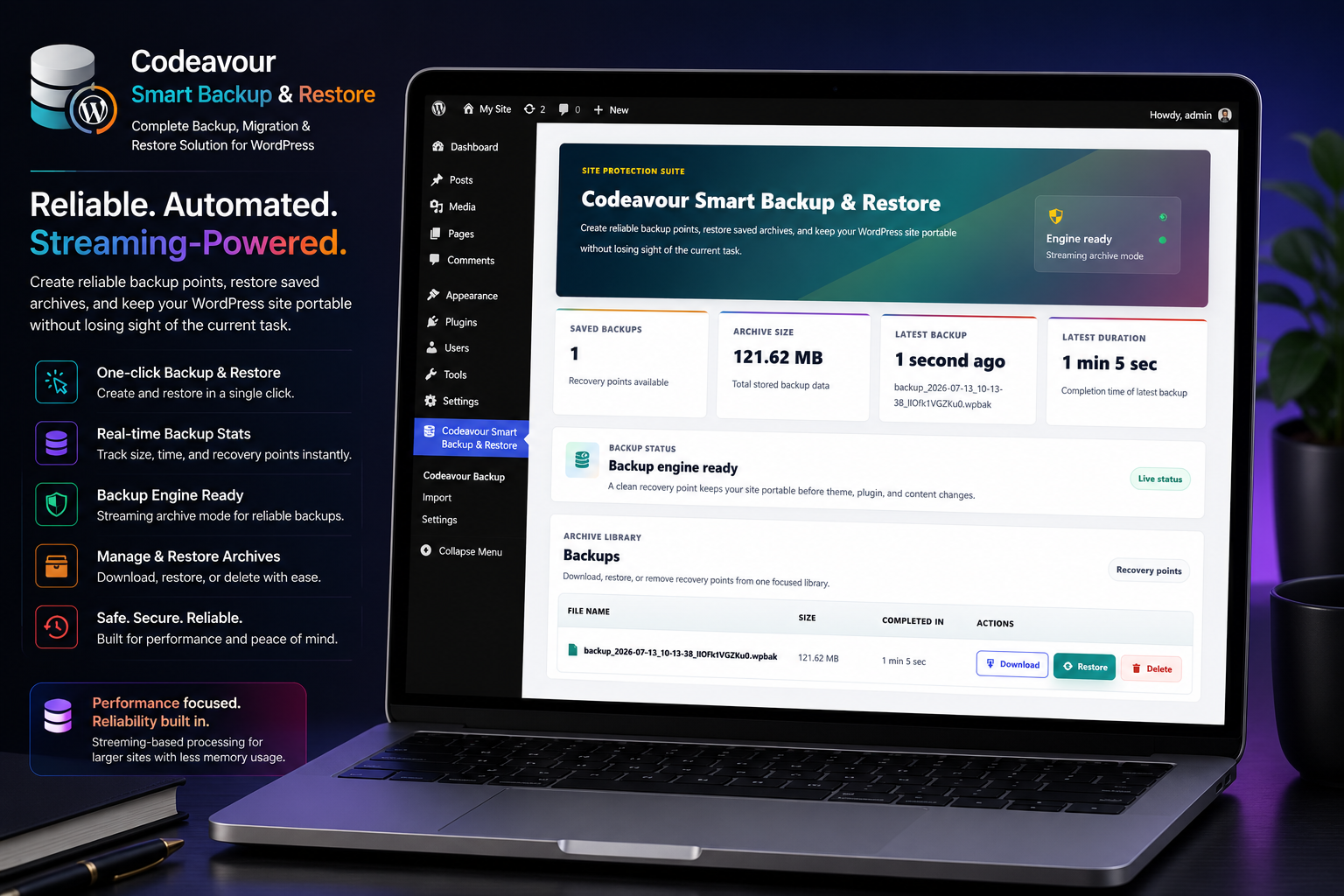
Backup Library: Browse, download, restore, or delete backup archives while keeping all recovery points organized in one place.
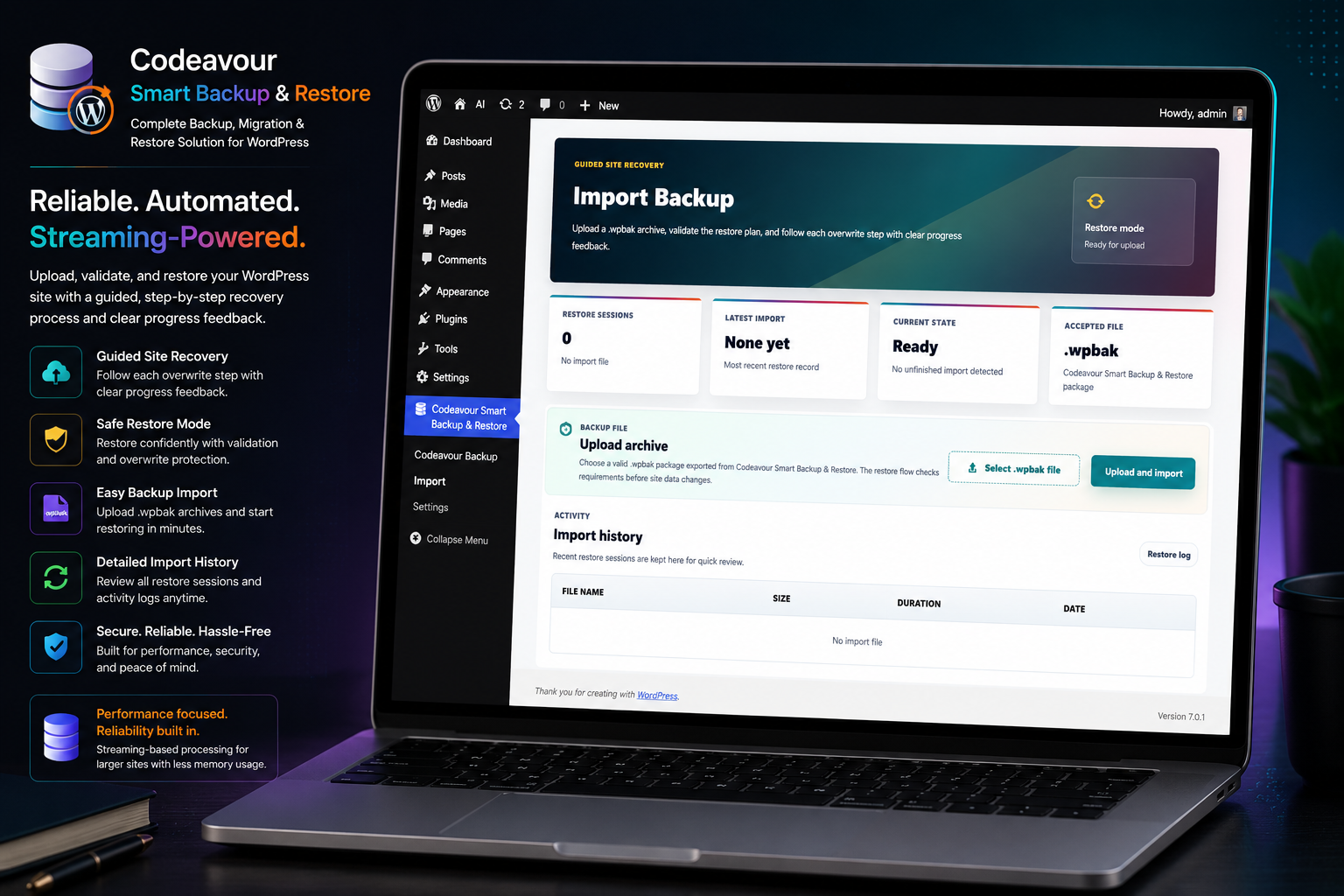
Import & Restore: Upload backup archives and restore your WordPress site using the guided import and recovery workflow.
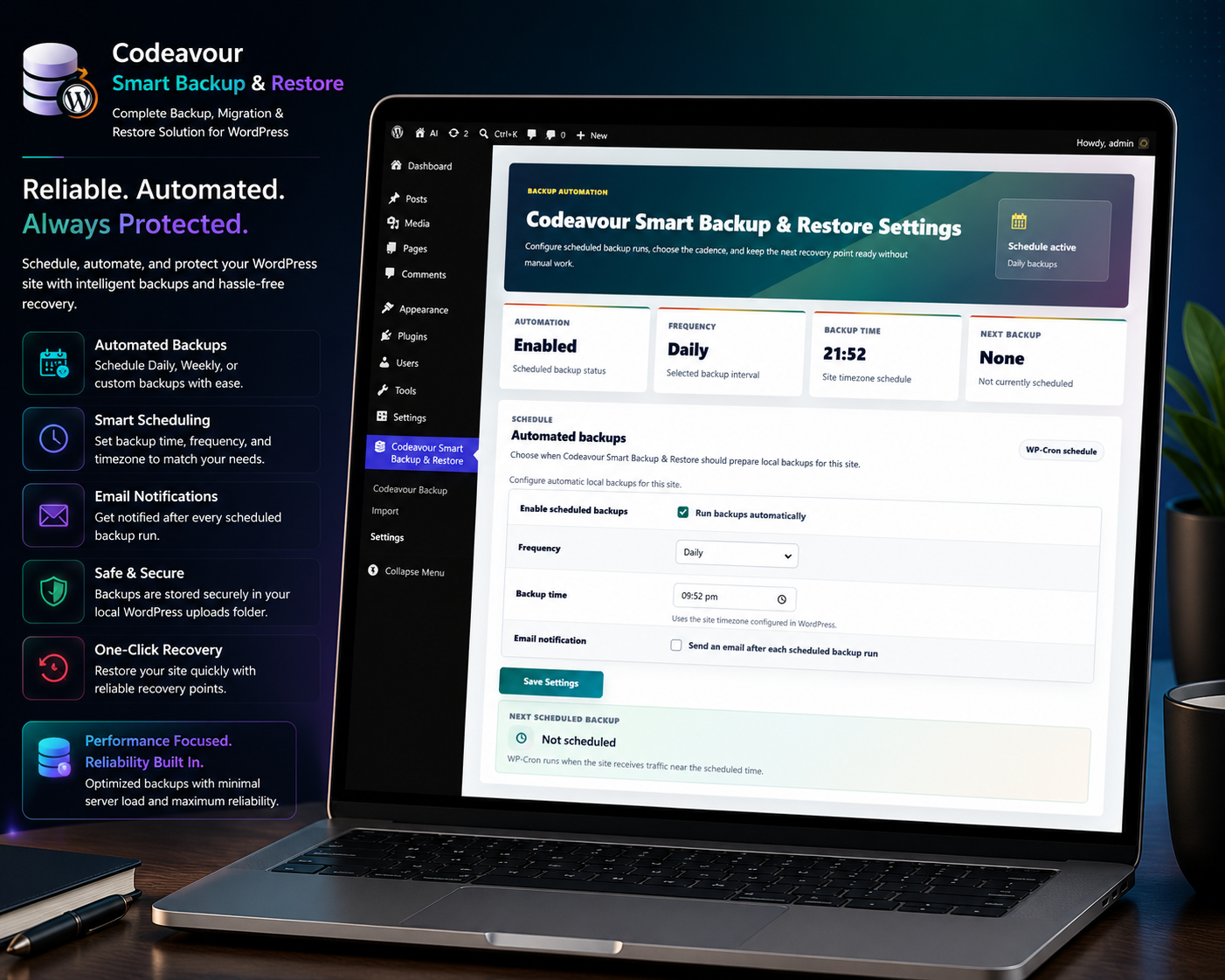
Scheduled Backups: Configure automatic Daily, Weekly, or Monthly backups with custom schedules and optional email notifications.