Content Mood Analyzer Wordpress Plugin - Rating, Reviews, Demo & Download
Plugin Description
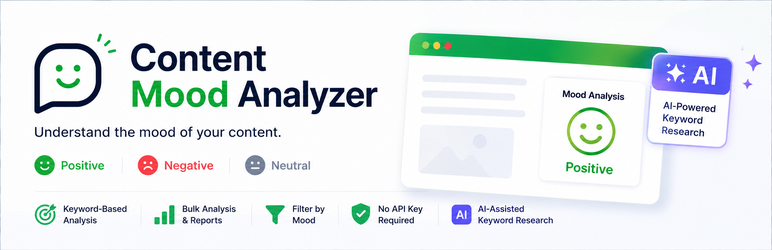
Content Mood Analyzer scores your published content as positive, negative, or neutral by counting your own keyword lists against the title and content. Sentiment analysis is always this free, instant keyword count – AI is never used to classify your content directly.
Optionally, AI (Google Gemini) can help you research those keyword lists: describe a category (e.g. “Customer & Product Reviews”) and it generates a starting list of keywords for you to review and edit. This works out of the box with no setup and no API key of your own required – the plugin includes a shared, rate-limited AI helper, capped at a fair daily number of requests per site so it stays free for everyone.
Features:
– Analyze individual posts, or run a background bulk analysis across every existing post without timing out, even on large sites – with a live progress bar and the option to cancel a run in progress
– Choose which content types get analyzed (Posts, Pages, and other public post types), not just Posts
– Mood badges shown automatically on single posts and on archive/blog/category/search excerpts
– [contmoan-sentiment-filter] shortcode to let visitors browse content by mood on the front end
– Fully customizable keyword lists for each mood, with optional AI-assisted research to help build them
– One-click cache clearing if sentiment counts look stale after editing keywords or posts directly
– REST API for reading sentiment data and integrating with other tools
– React-powered admin dashboard: an overview, a sentiment-distribution chart with a 30/90-day trend, a searchable/paginated post browser, and settings
External services
This plugin uses the Google Gemini API only for the optional “Generate Keywords” and “Test AI Connection” features on the Settings page, to research a keyword list from a short category description you provide – it is never used to read or analyze your posts.
What is sent, and when: when you click “Generate Keywords” or “Test AI Connection”, the plain-text category description you typed (e.g. “Customer & Product Reviews”) is sent – nothing is sent automatically or in the background. This request is relayed through a proxy service the plugin author operates (a Cloudflare Worker) so that no API key needs to be configured on your site; the request is then forwarded to Google’s Gemini API, which generates and returns the keyword suggestions.
This service is provided by Google LLC:
– Terms of Service: https://ai.google.dev/gemini-api/terms
– Privacy Policy: https://policies.google.com/privacy
Screenshots
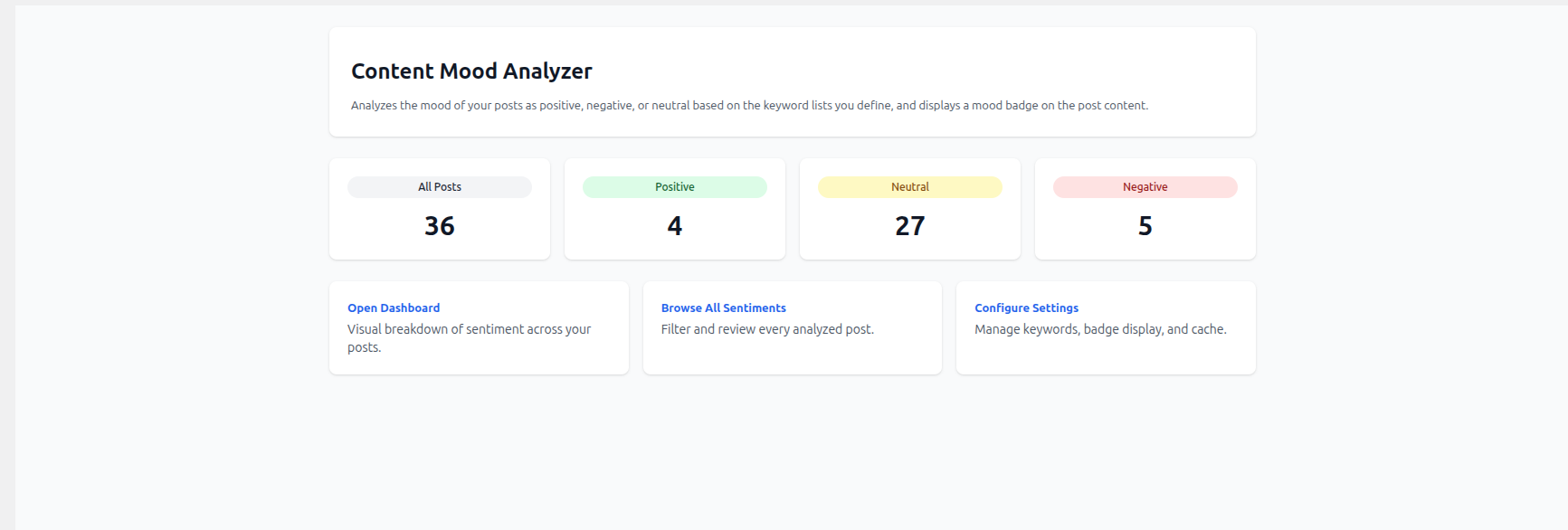
Overview – at-a-glance sentiment counts across your site, with quick links to the other screens.
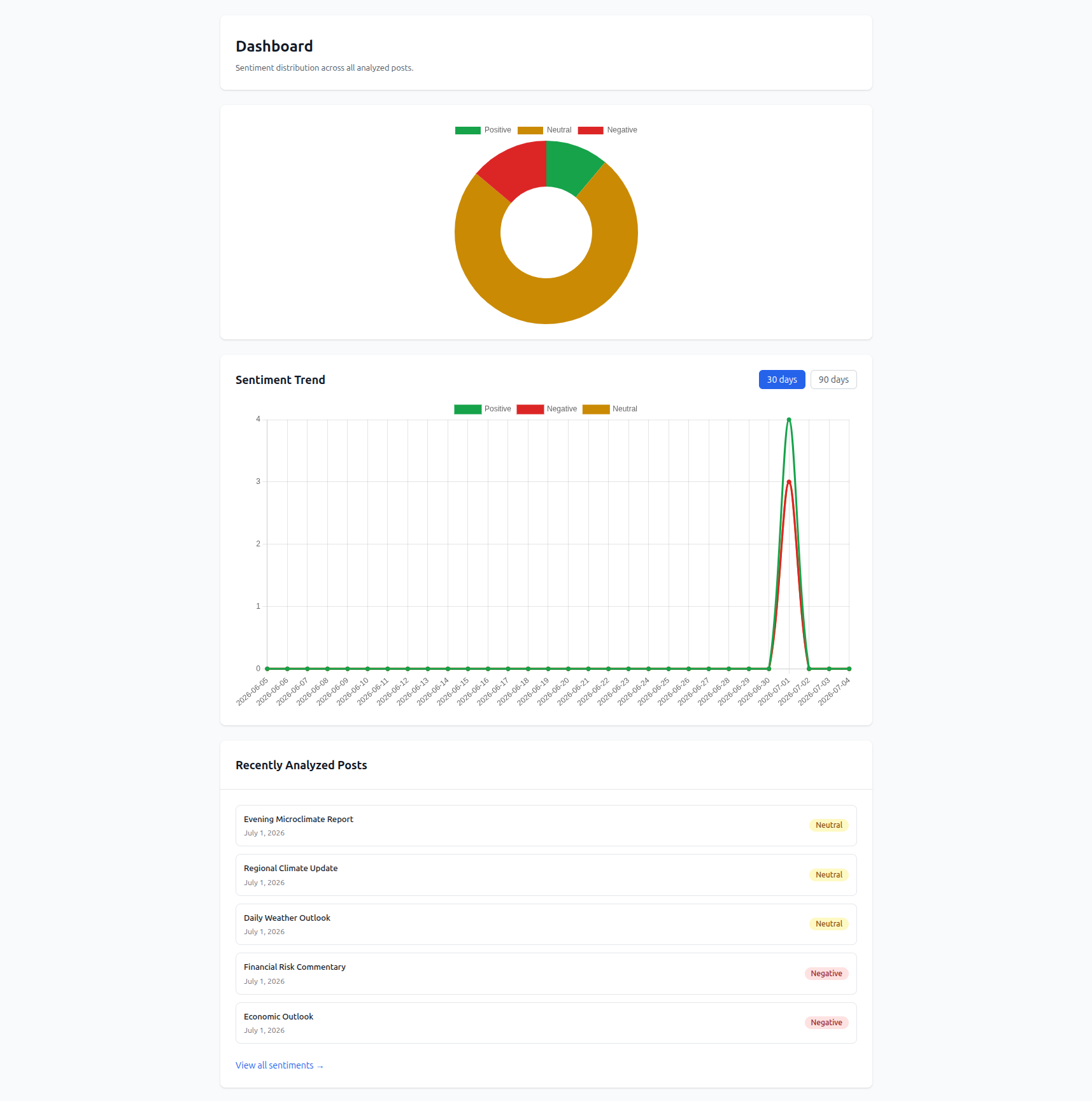
Dashboard – sentiment distribution chart, a 30/90-day trend line, and recently analyzed posts.
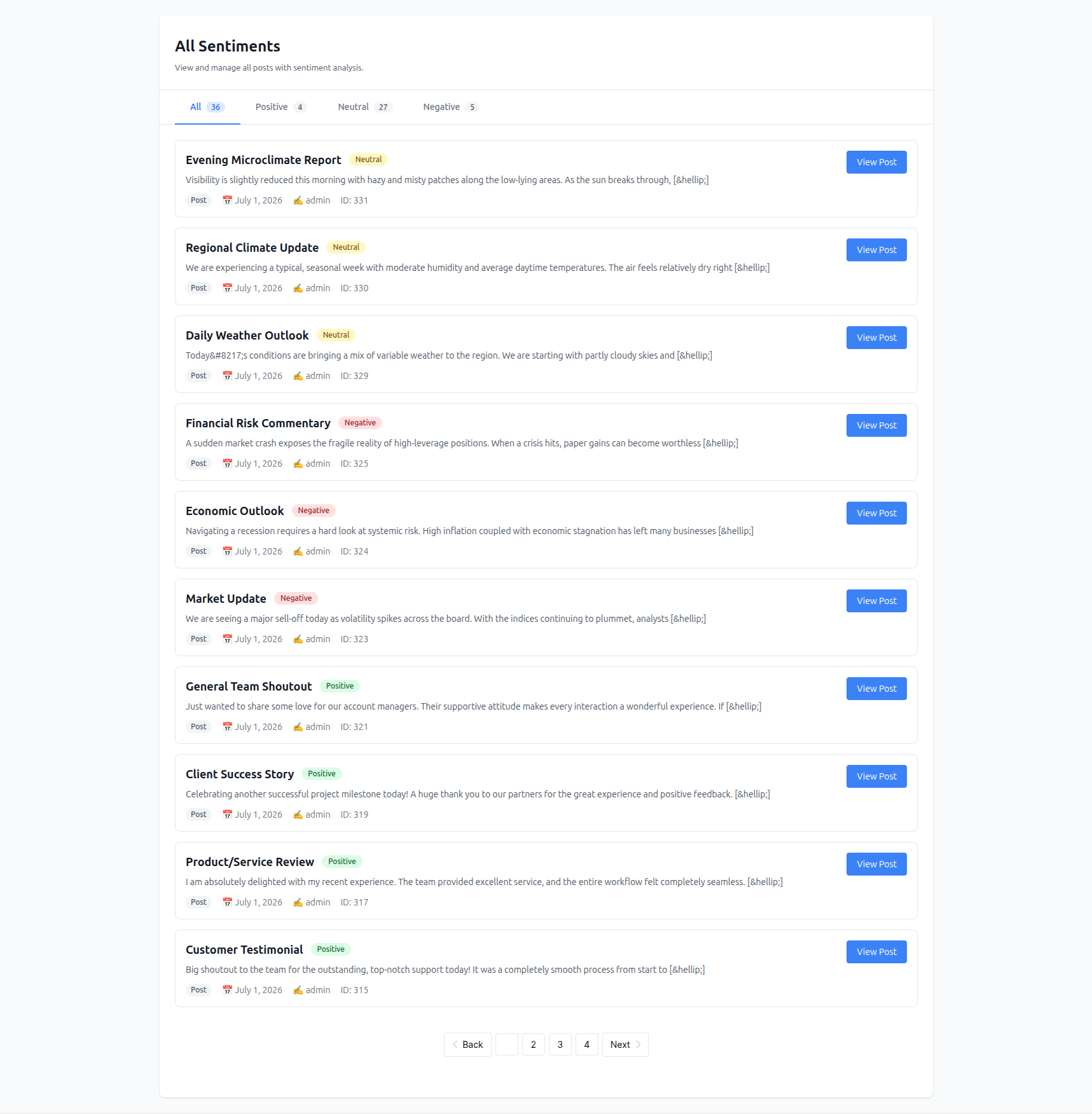
All Sentiments – browse and filter every analyzed post by mood, with pagination.
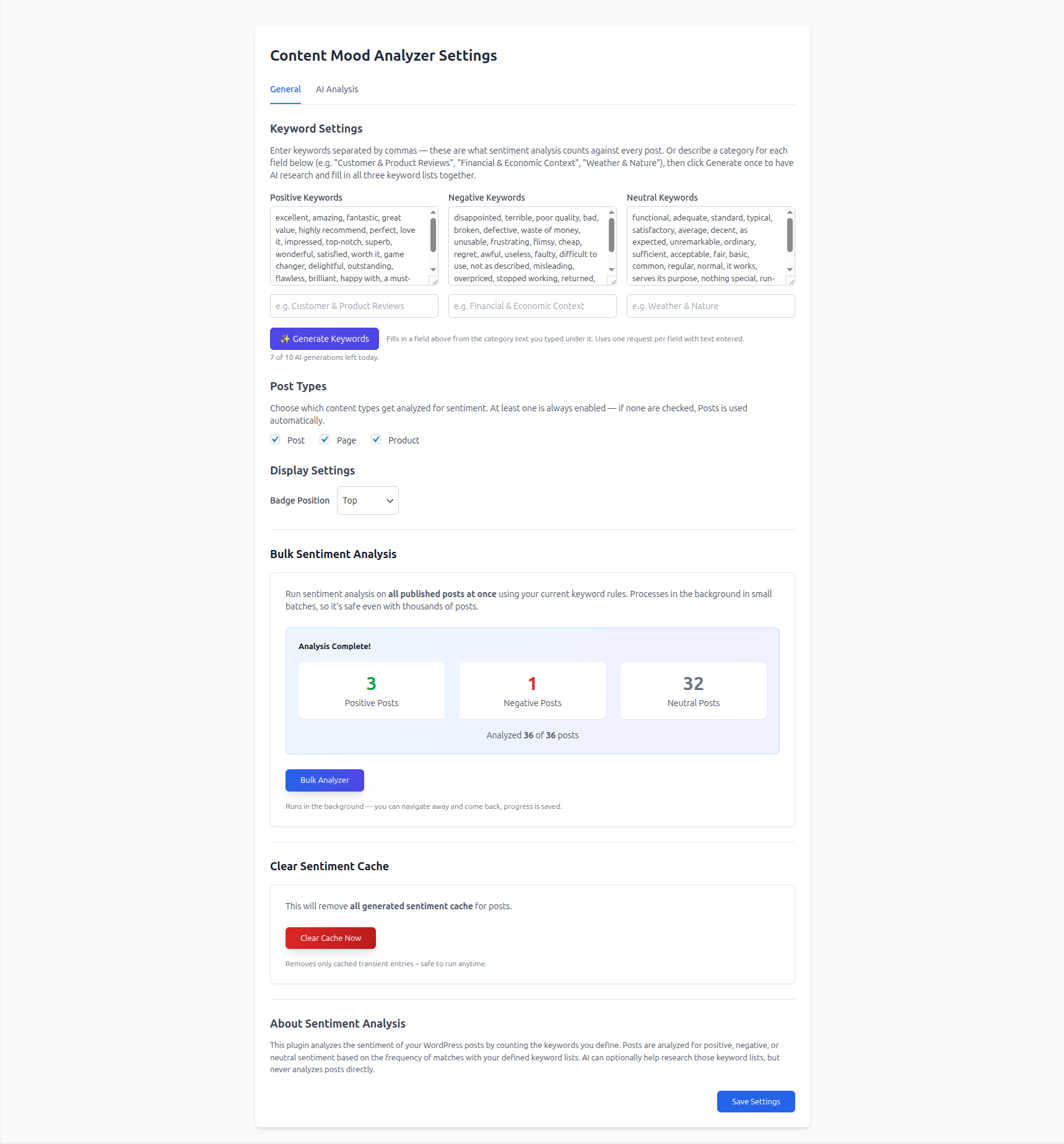
Settings (General) – keyword lists with AI-assisted research, post type selection, badge display, bulk analysis, and cache controls.
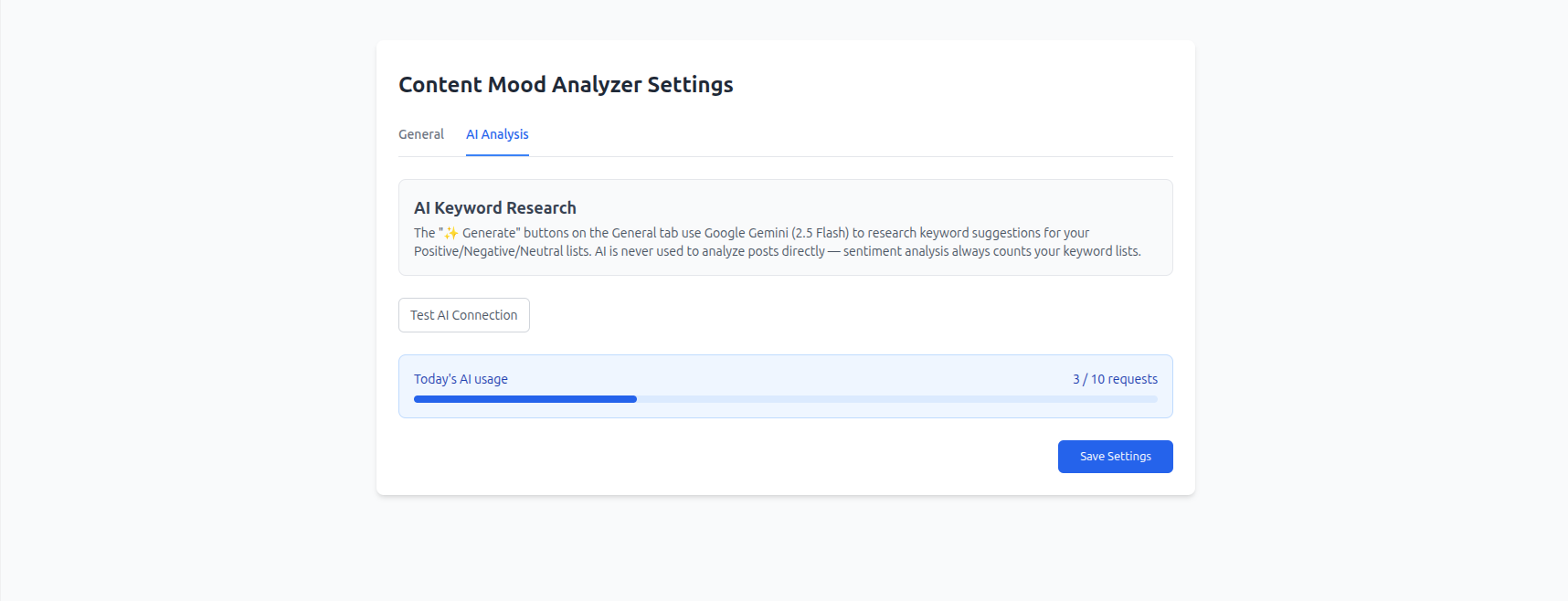
Settings (AI Analysis) – AI keyword research status, connection test, and daily usage.
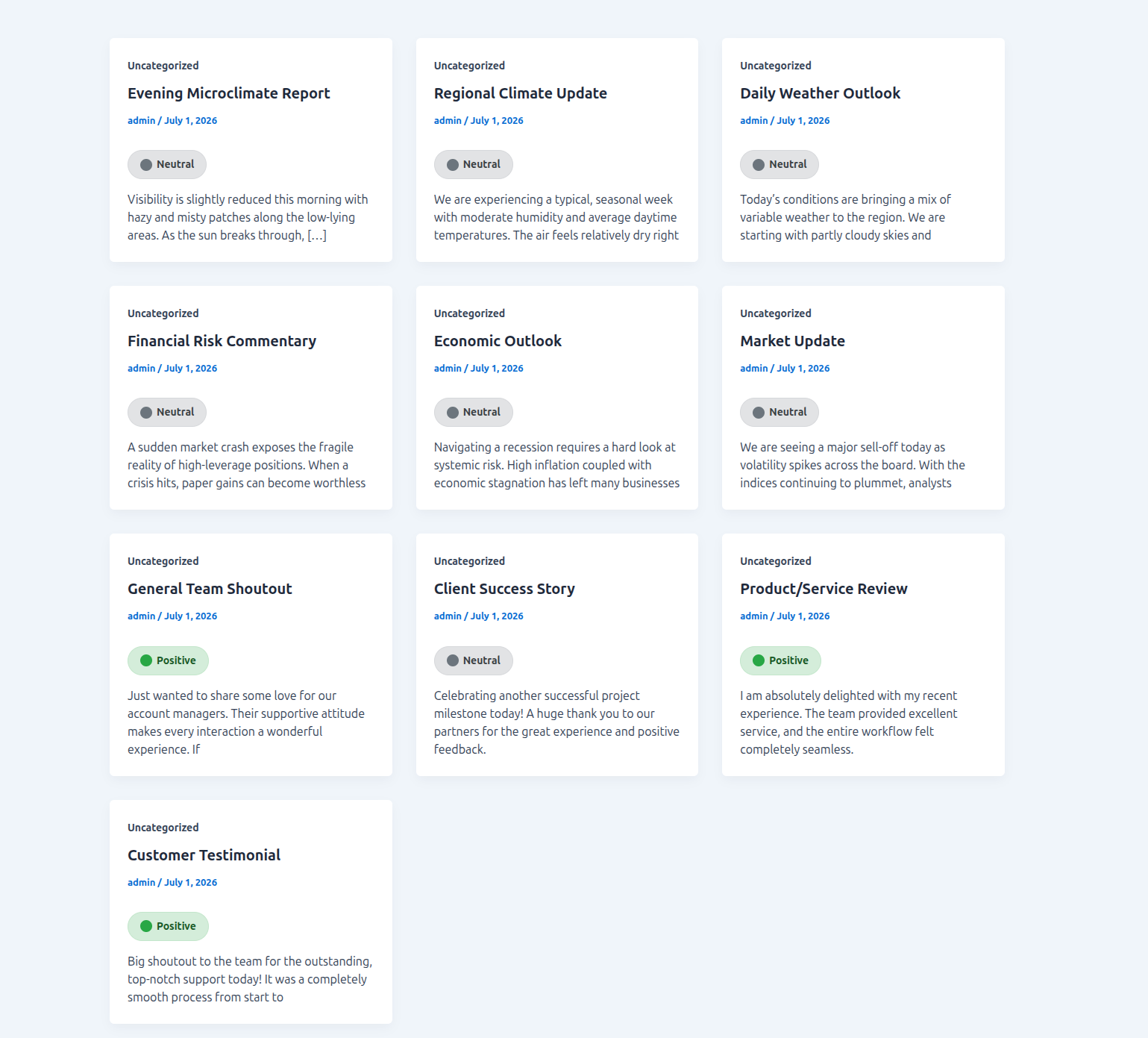
Mood badges shown automatically on archive/blog excerpt cards.
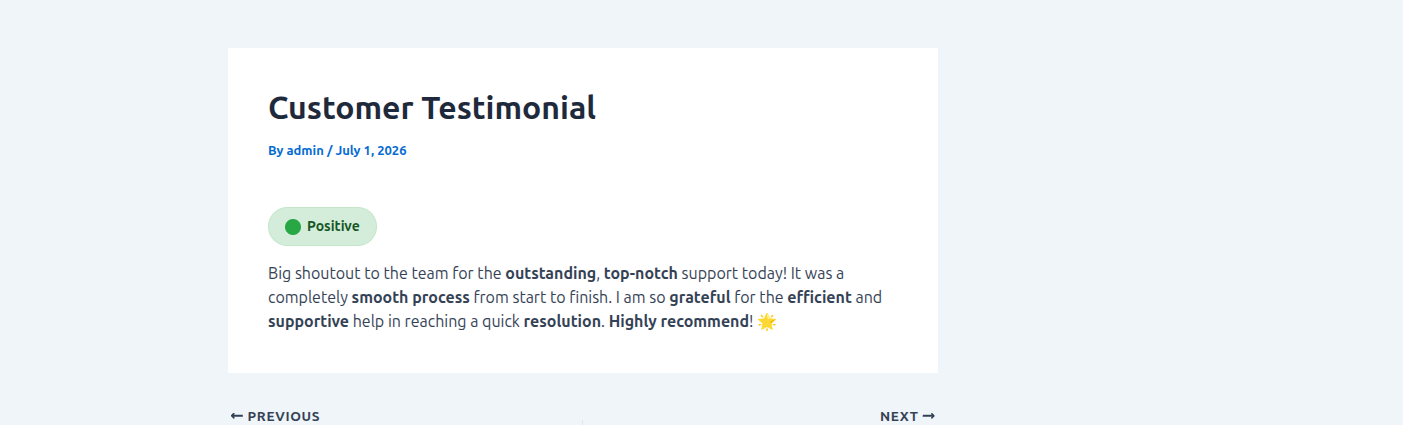
Mood badge shown on a single post.