Cryptoway Payment Wordpress Plugin - Rating, Reviews, Demo & Download

Plugin Description
Let people pay you in crypto from any page of your WordPress site: a consultation, a donation, a tip or an article.
Put one button on a page, set a price or let the visitor choose, and get paid in USDT, USDC, Bitcoin, Ethereum, Solana and other coins. Handy when your clients live abroad: no card or bank transfer needed.
Who it is for
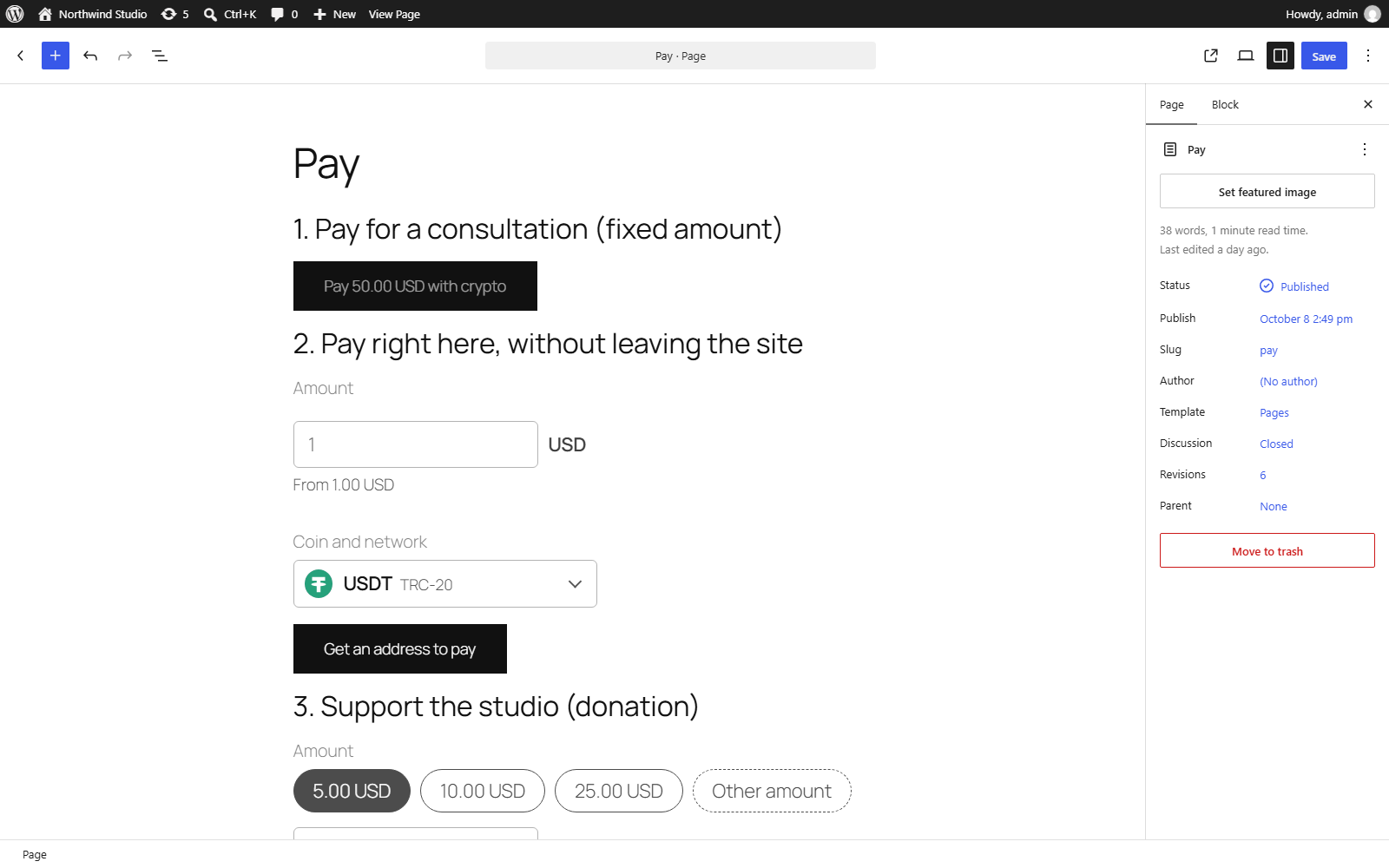
- Consultants and coaches: a “Pay 50.00 USD with crypto” button under your session details.
- Freelancers: a deposit or a finished job, at the price you agreed.
- Writers and creators: an article, a video or a download link that opens after payment.
- Bloggers and streamers: tips, with your suggested amounts or any amount.
- Charities and communities: donations, with amounts in USD, EUR or 13 other currencies.
- Small online services: a one-off fee, or an invite link to a private group.
How your visitor pays
- They pick or type the amount, if you let them, and press the button.
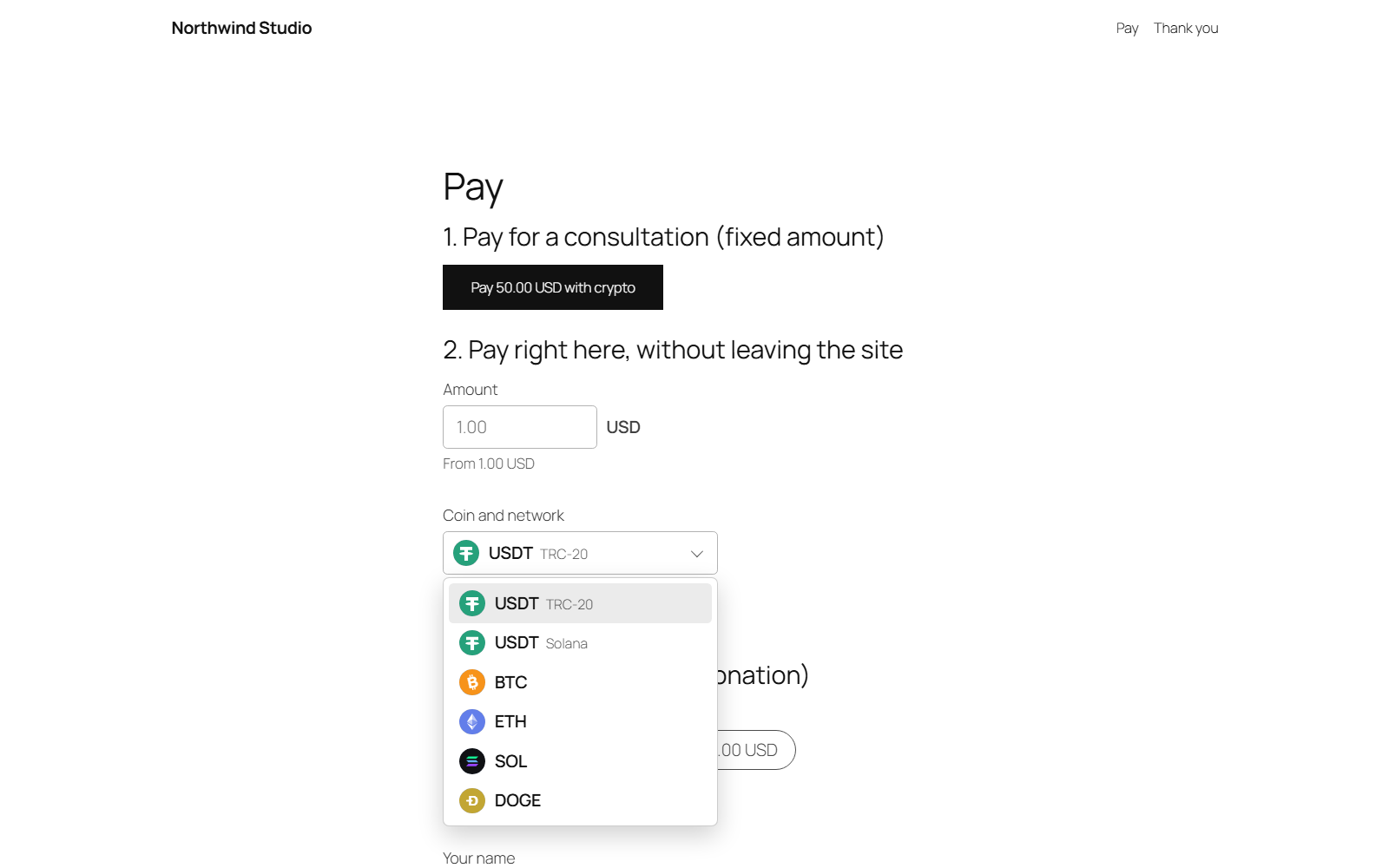
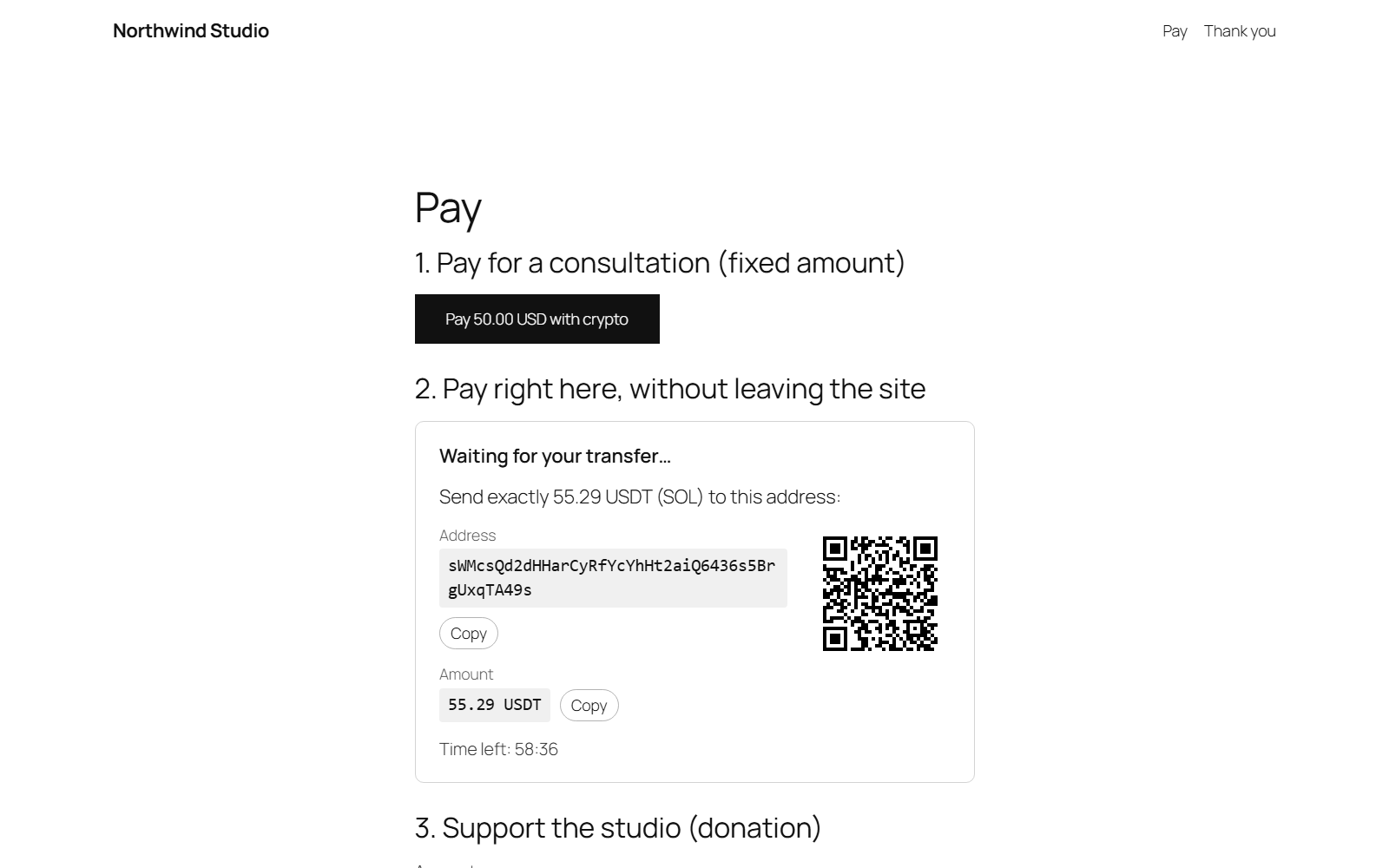
- They choose a coin and pay from their wallet: right on your page, with a QR code, Copy buttons and a timer, or on the Cryptoway payment page, which can show your logo. You decide which.
- When Cryptoway confirms the payment, they see your thank-you message, your thank-you page or the content they paid for.
Peace of mind for you
- Paid means the money has arrived. A payment is marked paid only after Cryptoway confirms the full amount. One that is too small or too late waits for your review.
- Where the money goes. Payments go to your Cryptoway account, and you withdraw them to your own wallet.
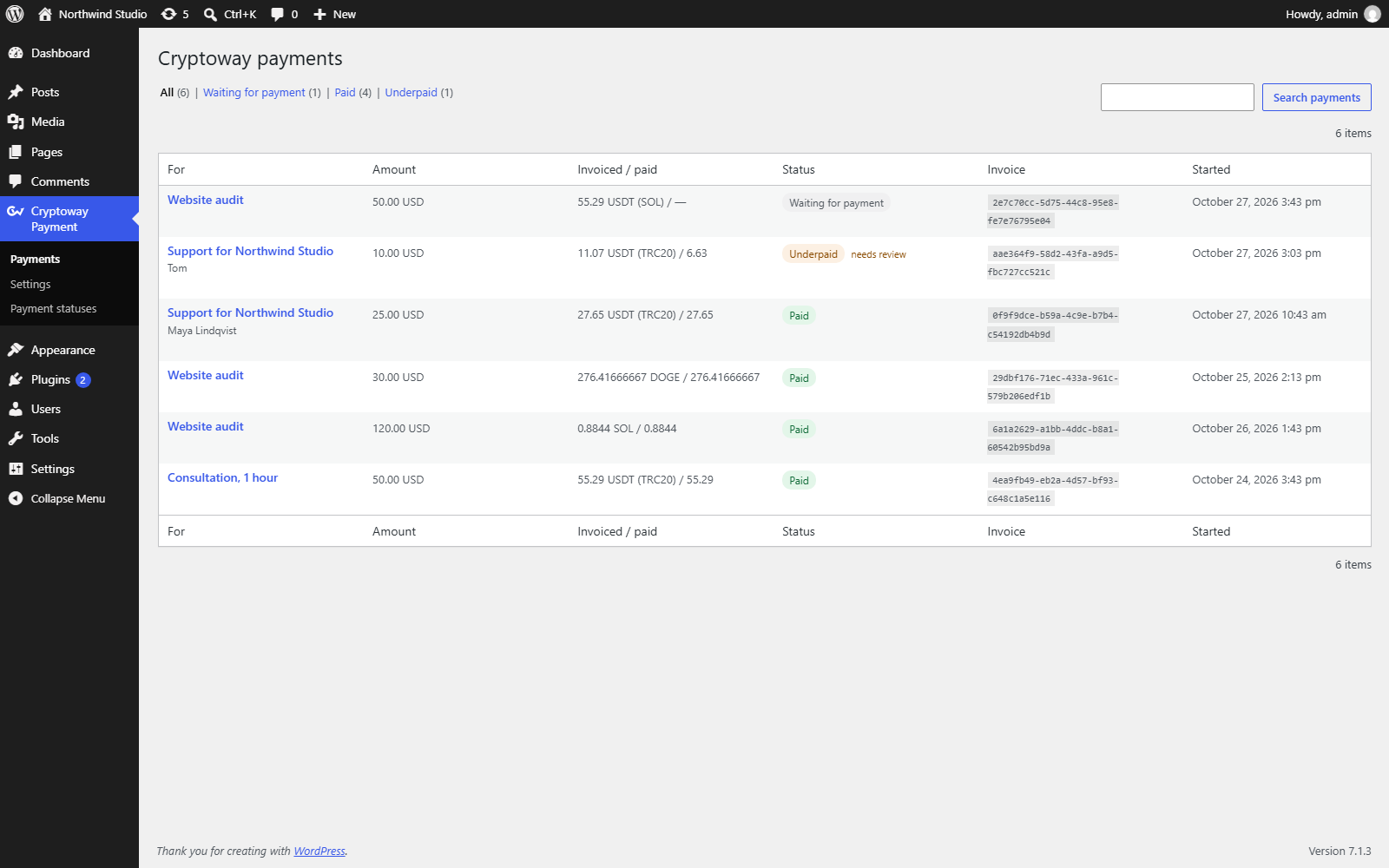
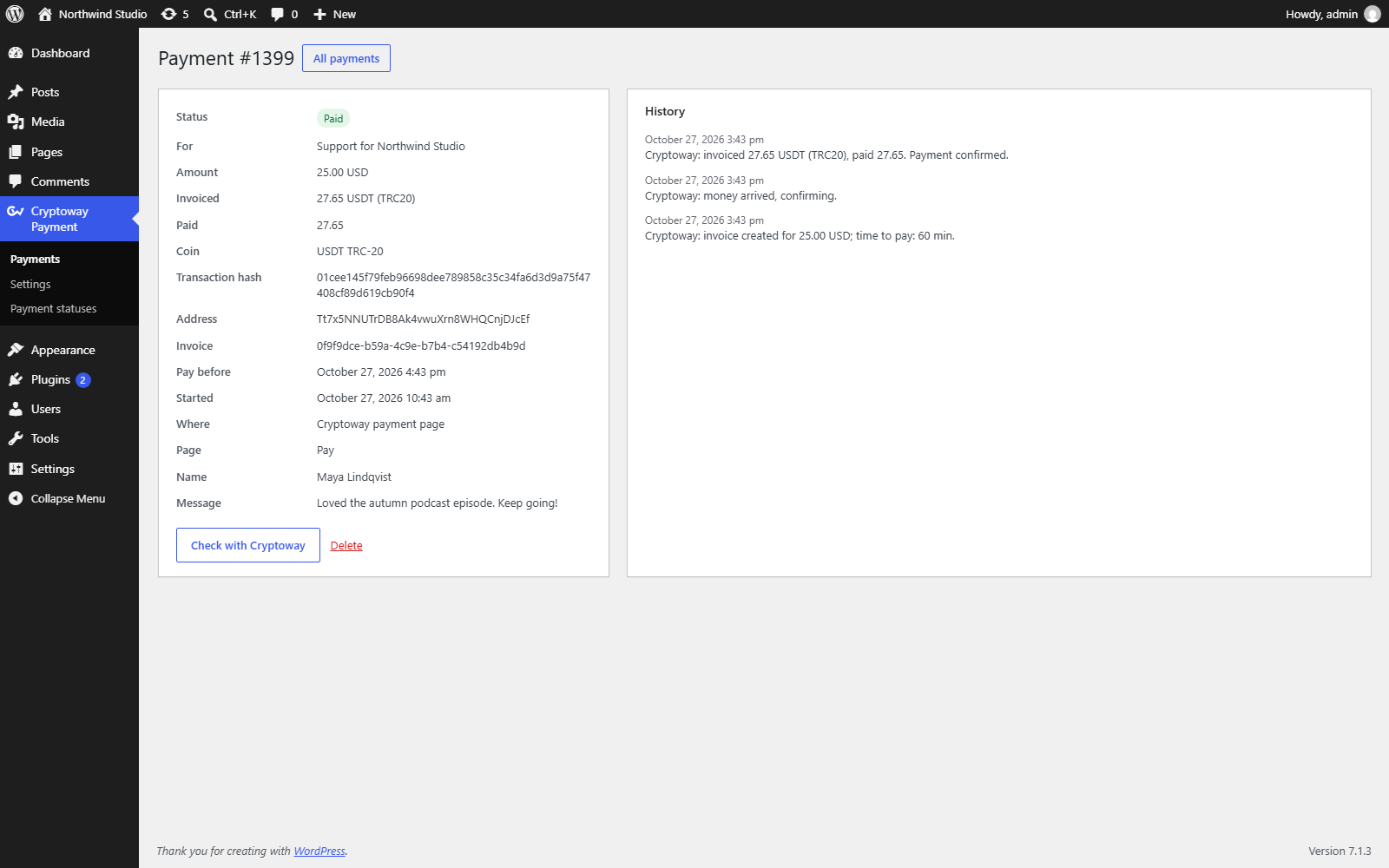
- All payments in one place. Your WordPress admin shows what each payment was for, what was asked, what arrived and where it stands.
- You hear about it. Optional e-mails when a payment comes through or needs your attention.
- Paid content without memberships. No accounts or passwords: buyers get an e-mail link that opens it on any device, and “Already paid?” sends it again.
- Fits your site. The button follows your theme or your colours, and you can change its texts and the payment status messages.
What it costs
- The plugin is free, with no ads.
- Cryptoway takes a fee only on successful payments, with no setup fee and no monthly minimum. Rates are on the pricing page.
- You decide who pays that fee: you, your visitor, or both.
- The visitor’s wallet adds the usual network fee; withdrawing from Cryptoway costs a fixed network fee.
Start in 3 steps
- Create a Cryptoway account and add your site as a project. Cryptoway reviews new projects; payments work once yours is approved. Your site must be live on the internet.
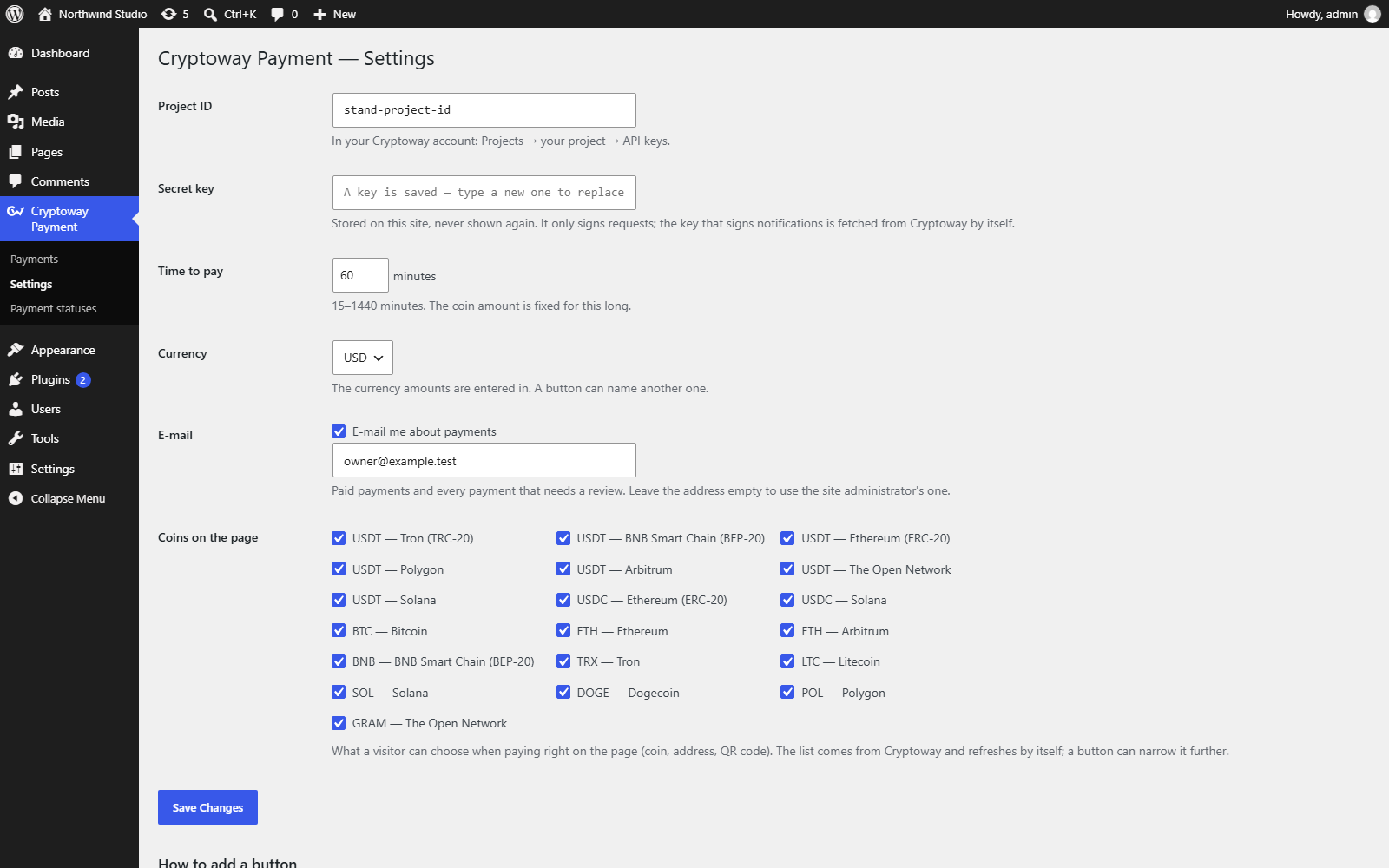
- Install the plugin and paste your Project ID and Secret key into Cryptoway Payment Settings.
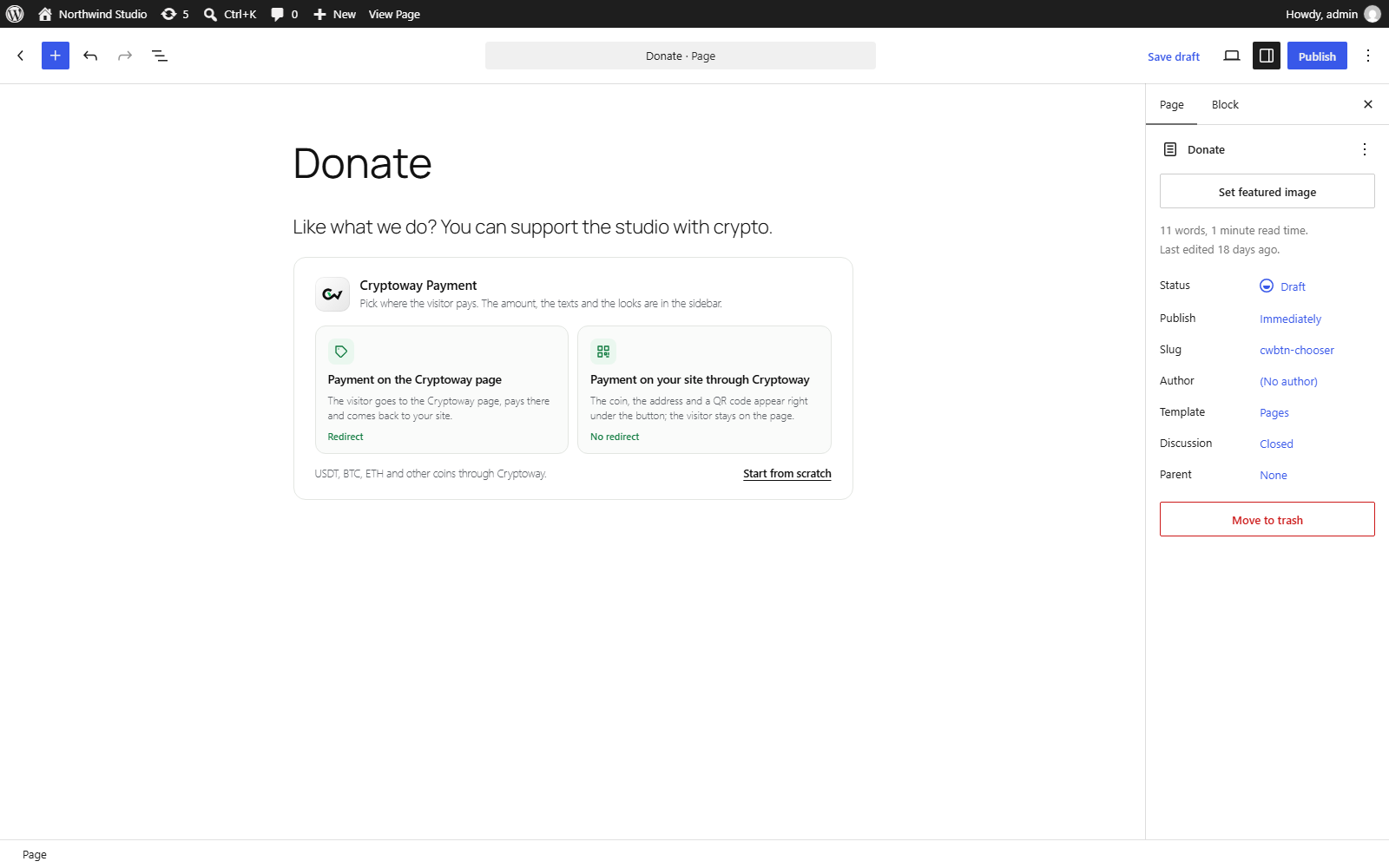
- Add the Cryptoway Payment block to a page and publish. There is no test mode, so make one small real payment yourself and watch it turn Paid.
Made and supported by Cryptoway: support@cryptoway.com, the chat on cryptoway.com and the documentation.