
DayQuanta Date Difference For Forminator Wordpress Plugin - Rating, Reviews, Demo & Download

Plugin Description
DayQuanta Date Difference for Forminator adds reliable date difference calculations to Forminator forms. Connect two existing Datepicker fields to a Number or Hidden field, then calculate nights or calendar days for bookings, rentals, appointments, parking, service periods, and quotes.
Visitors see the result update as they choose dates. On every submission, the plugin performs the calculation again on the server, so a value changed in the browser is never trusted. The calculated result can also be used by Forminator Calculation fields.
Create one Date Difference rule for each Forminator form. Choose Nights, Calendar Days, or Calendar Days including the end date, and set a clear message when the end date is before the start date.
The plugin does not edit WordPress or Forminator files. Create the fields in Forminator, then connect them in Forminator > Date Difference.
DayQuanta Date Difference for Forminator is an independent extension for Forminator and is not affiliated with or endorsed by WPMU DEV.
Screenshots
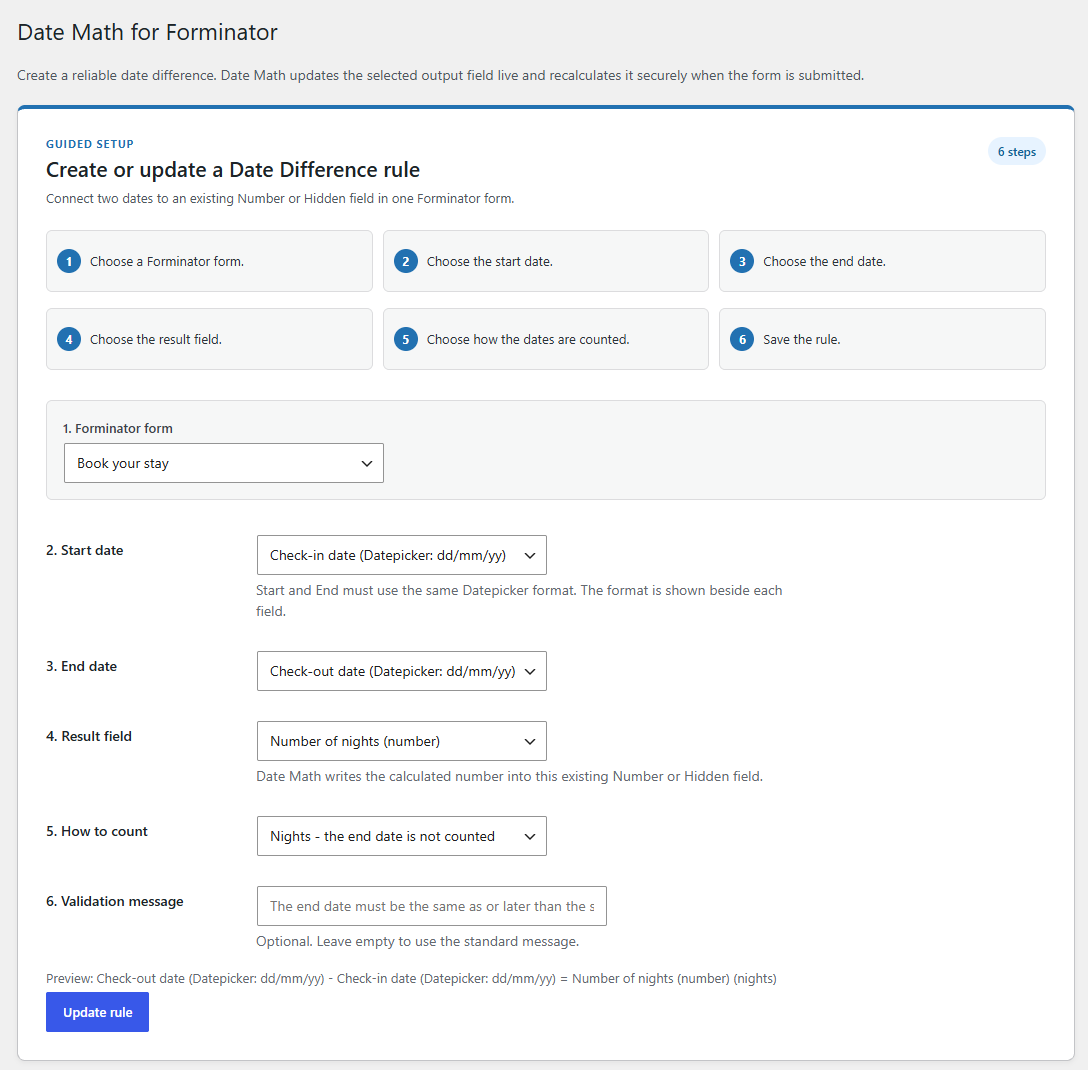
Configure a Date Difference rule by selecting a Forminator form, two Datepicker fields, and the result field.
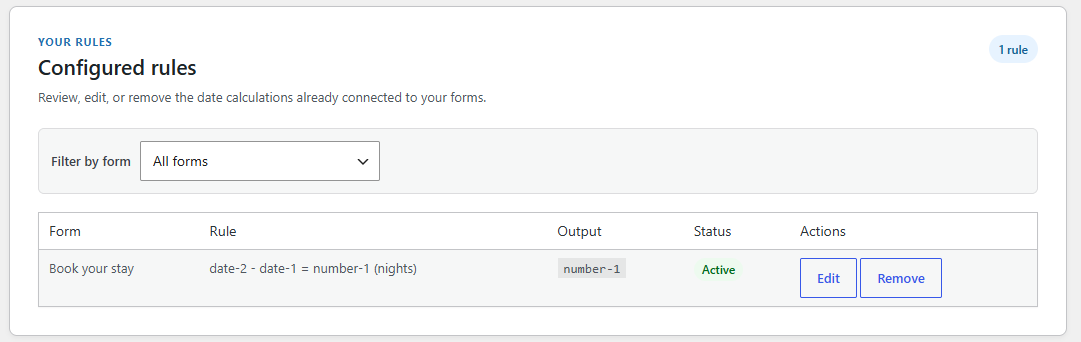
Review configured Date Difference rules and see their current status.

Visitors select a check-in and check-out date and immediately see the calculated number of nights.

